Zidithemes Text Image
| 开发者 | Zidithemes |
|---|---|
| 更新时间 | 2020年1月2日 14:30 |
| 捐献地址: | 去捐款 |
| PHP版本: | 5.2 及以上 |
| WordPress版本: | 4.9 |
| 版权: | GPLv2 or later |
| 版权网址: | 版权信息 |
详情介绍:
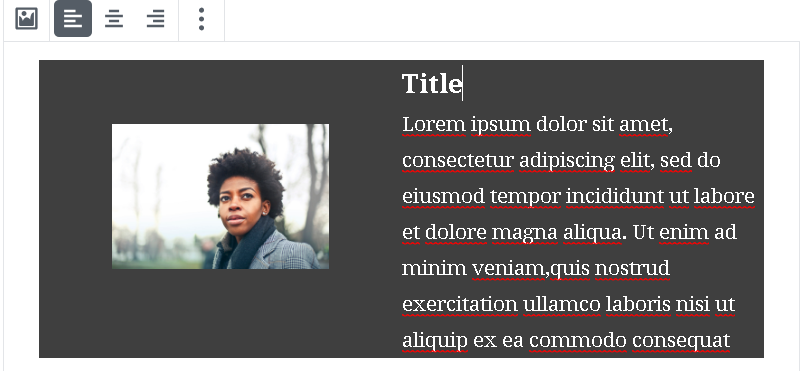
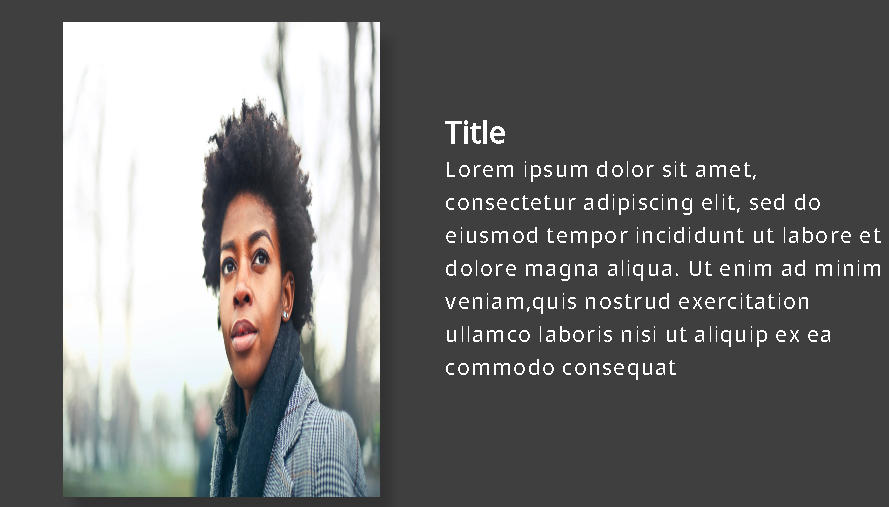
Zidithemes Text Image is designed to improve the layout of client text images, team, profile and works with the Gutenberg editor. This custom block is designed to display text images. It has options to add an image, title and description. The Zidithemes text image is a superb solution for creating text images.
安装:
Note: This plugin requires the Gutenberg plugin active.
- Upload 'Zidithemes text image' to the '/wp-content/plugins/' directory.
- Activate the plugin through the 'Plugins' menu in WordPress.
- Within a post or page, select the '+' symbol to add a new block.
- From the 'Blocks' tab, select the 'zidithemes text image' block.
- Add image, title, description.
- Within the 'Zidithemes text image Color' section on the right, adjust the color.
- Within the 'Zidithemes text image Settings' section on the right, adjust the text margin and image position.
屏幕截图:
常见问题:
Q: Does this plugin require the Gutenberg plugin?
A: Yes, the Gutenberg plugin must be installed and active in order to use this block.
Q: Can I use the zidithemes text image Block with themes other than Zidithemes Themes?
A: Yes, the block will work and transfer between themes.
更新日志:
0.0.3
- Released: October 10, 2018 Fix URI issues
- Released: September 22, 2018 Fix header css issues
- Released: September 17, 2018 Initial release