
Zipchat AI Chatbot, Live Chat & Sales Agent for WooCommerce
| 开发者 | zipchat |
|---|---|
| 更新时间 | 2026年7月23日 00:59 |
| PHP版本: | 7.4 及以上 |
| WordPress版本: | 7.0 |
| 版权: | GPLv2 or later |
| 版权网址: | 版权信息 |
详情介绍:
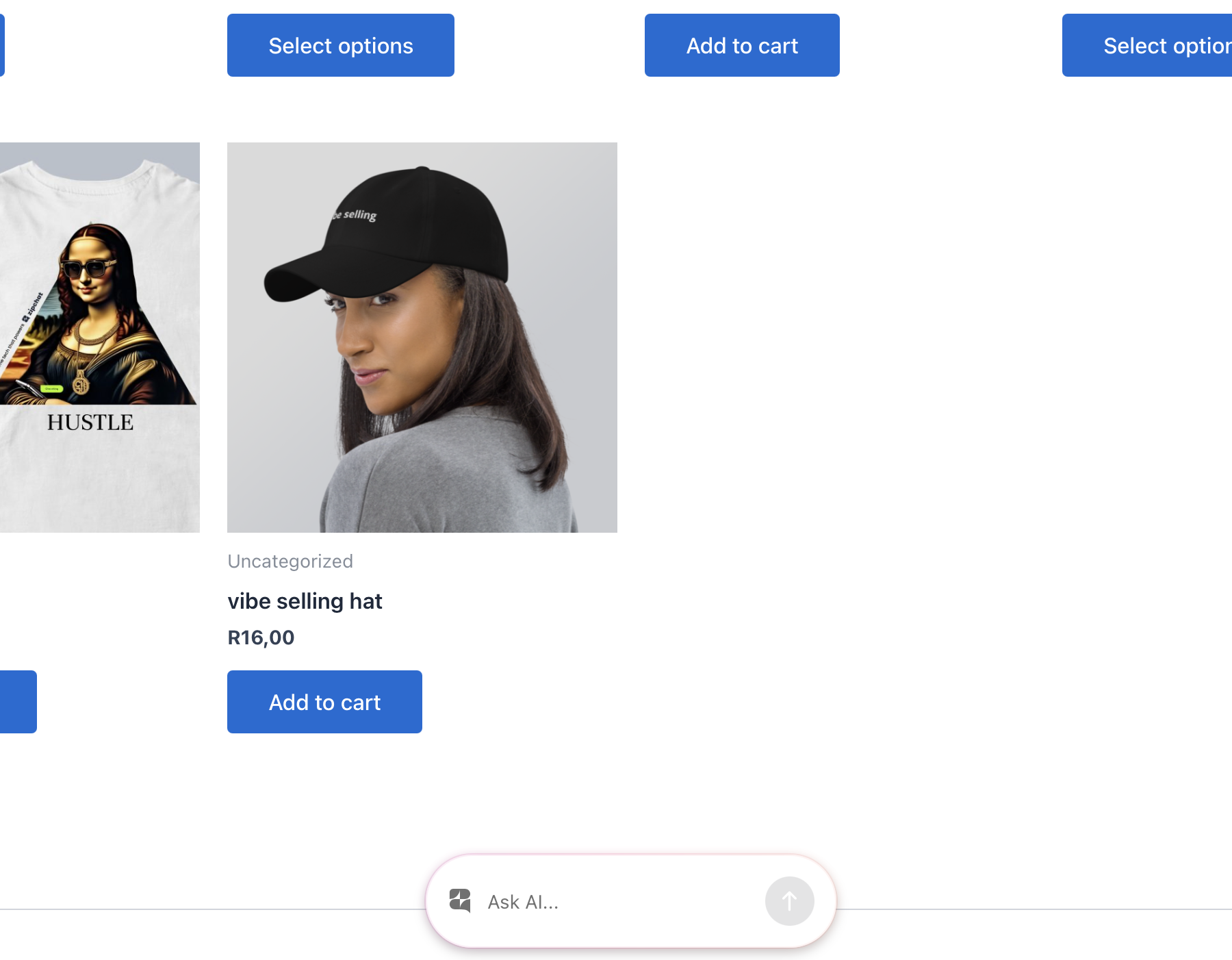
- Adds the AI chat bubble to the front end of your WordPress or WooCommerce store, with no code and no theme edits.
- Tracks WooCommerce sales by firing the Zipchat conversion pixel when an order completes, so conversations are attributed to revenue.
- Identifies logged-in customers with a signed JSON Web Token (JWT), so the agent can greet returning shoppers and use their account context. The signing key is encrypted at rest.
- Turn store visitors into buyers with an AI sales agent that knows your catalog.
- Answer product questions instantly, day and night.
- Recover abandoned carts and recommend products inside the conversation.
- Resolve support questions automatically and escalate to a human when needed.
- Greet logged-in customers by name and use their order history for context.
- Attribute revenue to chat so you can measure what the AI earns.
- Support shoppers in 95+ languages from one agent.
安装:
- Install and activate the plugin (from the Plugins screen, or by uploading the ZIP).
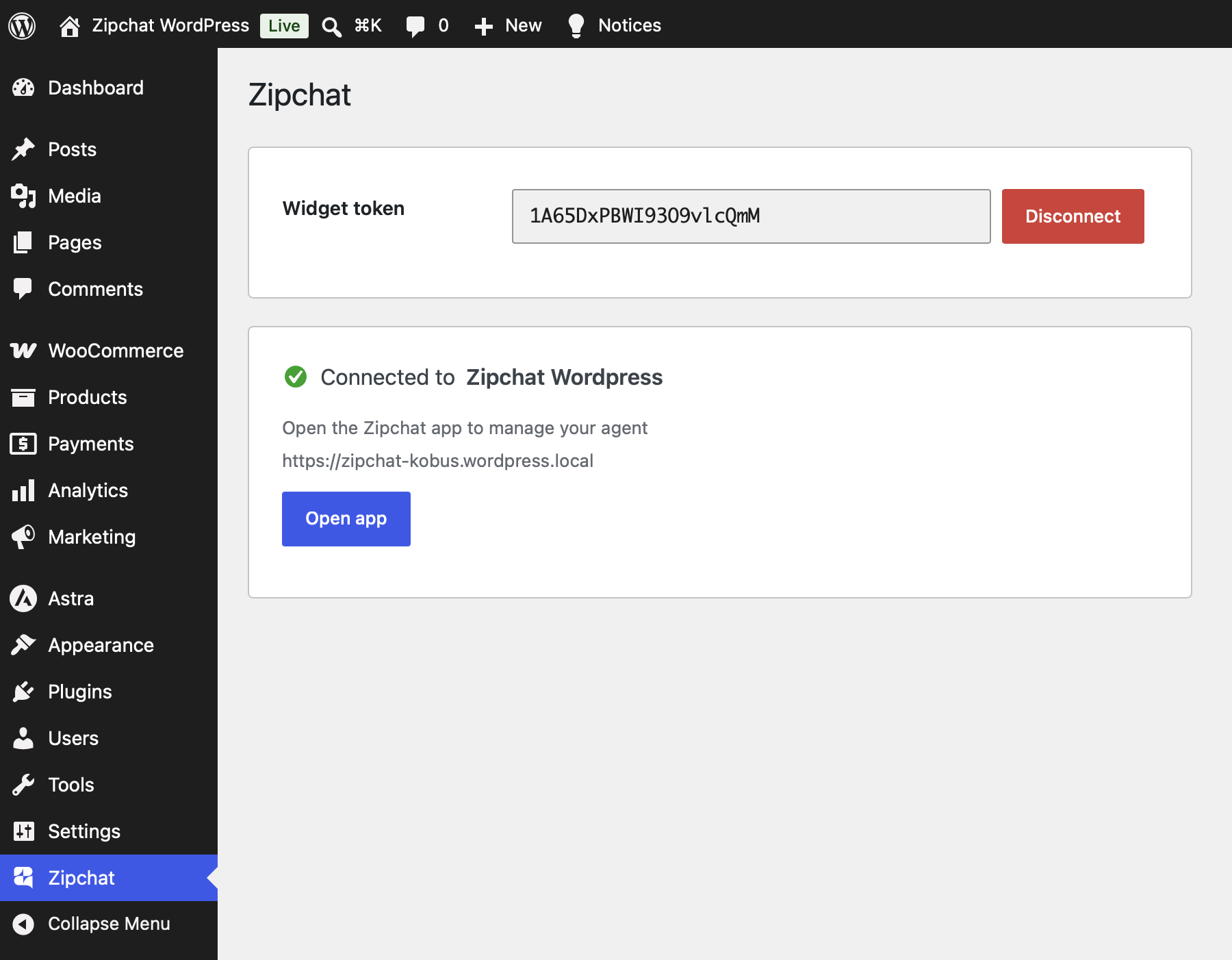
- Open Zipchat in the WordPress admin menu.
- Paste the widget token from your Zipchat dashboard and click Connect.
屏幕截图:
常见问题:
What is Zipchat?
Zipchat is an AI sales and support agent for online stores. This plugin connects your WordPress or WooCommerce site to Zipchat and adds the AI chat bubble to your storefront. The AI answers shopper questions, recommends products, recovers carts, and hands off to your team when a person is needed.
Is Zipchat an AI chatbot for WooCommerce?
Yes. Zipchat is an AI chatbot and live chat tool that works with WooCommerce. It reads your product catalog, answers buyer questions, and tracks completed orders so you can attribute revenue to chat conversations.
Does Zipchat work without WooCommerce?
Yes. On any WordPress site you get the AI chat bubble and customer identification. WooCommerce adds sales tracking and revenue attribution. Without WooCommerce, the sales pixel stays dormant and everything else works normally.
What can the AI chatbot do?
It answers product and support questions, recommends products, guides shoppers to checkout, works to recover abandoned carts, and resolves common questions like order status and returns. When a conversation needs a human, your team joins the same thread.
Do I need a Zipchat account?
Yes. Create one at zipchat.ai. The widget token you paste during setup comes from your dashboard.
What languages does Zipchat support?
The AI detects the shopper's language and replies in it automatically, across 95+ languages. One agent covers customers in every market you sell to.
Will it work with my theme and page builder?
Yes. The chat bubble loads on the front end with no theme edits or template changes. It works with any WordPress theme and common page builders.
Where does the customer-identification token come from?
The plugin signs a JWT with a private key it generates and stores encrypted in your database. The key never leaves your site in plain text and is not autoloaded.
Can I customize how the AI behaves?
Yes. You train the AI, set its tone, and manage its behavior from the Zipchat dashboard. The plugin keeps the connection, the sales pixel, and customer identification running on your site.
更新日志:
- Customer identification now includes the shopper's WooCommerce billing phone number (normalized to international format) so conversations can be bridged across channels like WhatsApp.
- Initial release: AI chat-bubble injection, WooCommerce sales-tracking pixel, and signed customer identification, all configured from one settings screen.