ZMP AI Assistant
| 开发者 | zuestmedia |
|---|---|
| 更新时间 | 2026年9月16日 22:06 |
| PHP版本: | 7.0 及以上 |
| WordPress版本: | 7.1 |
| 版权: | GPLv2 or later |
| 版权网址: | 版权信息 |
详情介绍:
AI Assistant brings OpenAI text and image models into the WordPress post and page editor. Draft articles, improve existing text, create summaries and FAQs, translate content, or generate images from a description.
AI Assistant is an extension of ZMPlugin. ZMPlugin must be installed and active; AI Assistant does not work as a standalone plugin. You also need your own OpenAI API key and access to the models you want to use. API requests use your configured OpenAI account.
Using the assistant
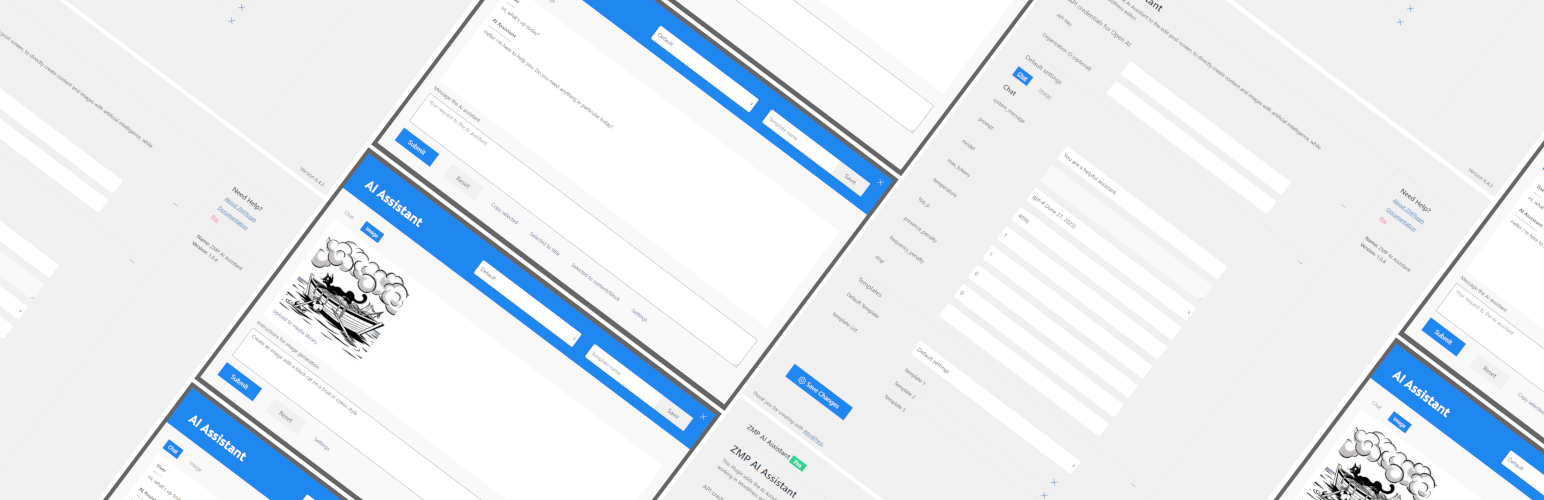
Open AI Assistant from the Classic Editor or Gutenberg editor. The same chat window handles text, attachments and generated images. It is available to logged-in users who can edit posts, including authors; file and image actions additionally require permission to upload files.
Type your request and press Enter or click Send. Use Shift+Enter for a new line. Responses appear above the input field, with text streamed when supported by the server. You can copy selected response text or insert it into the post title or content. Results are not published automatically.
Open the chat settings to choose a model:
- Chat models write and discuss text. Compatible models can also use attached images or PDFs as input.
- Image models create or edit images. Select an image model and send your image request. Use Edit this image on a result to reuse it for editing, or explicitly save a generated image to the media library.
[[title]]- the post title.[[content]]- the post content.[[excerpt]]- the post excerpt, when available.[[tax_XXX]]- names of terms assigned to a taxonomy. Replace XXX with its slug, for example[[tax_category]]or[[tax_post_tag]].[[postmeta_XXX]]- a permitted custom field value. Replace XXX with the meta key, for example[[postmeta_product_name]]. Protected fields are excluded by default; array or multiple-value fields are not supported by the standard template handler.
常见问题:
How to install AI Assistant?
To install AI Assistant, go to Dashboard >> Plugins >> Add new. Then enter "AI Assistant" in the search field, click on install and activate.
Does the AI Assistant work as standalone?
No. Our basic plugin ZMPlugin is required so that the AI Assistant can be used. The AI Assistant plugin is an extension of ZMPlugin.
Is the AI Assistant plugin free of charge?
Yes AI Assistant is completly free and open source, but an API key from Open AI is required to use the AI Assistant WordPress plugin.
更新日志:
3.0.3
- Update: Translations de_DE
- New: Add a shared template editor in the post editor and plugin settings, with name, raw prompt, clickable variables and model settings.
- New: Allow creators to update, rename and delete their templates while keeping templates shared for use. Assign older templates to the site's administrator with the lowest user ID.
- Update: Protect template changes with ownership checks, revision conflict detection and bounded storage in the existing WordPress option.
- Fix: Keep template editing inside the existing chat modal to avoid competing focus handlers; preserve the current chat when saving or cancelling.
- Update: Display templates in a table on the settings page, with editing actions for owned templates and read-only viewing for others.
- Fix: Rename the default template choice to "No Template" and disable editing when no template is selected, including after reset or a chat request.
- Update: Make additional PHP and JavaScript interface labels, status messages and errors translatable through WordPress; update the translation catalog and include JavaScript translation files.
- Update: Use consistent translated image size and quality labels across chat, template and admin settings.
- Update: Clarify the readme's usage instructions, template variables, privacy information and required ZMPlugin dependency.
- Update: Extend automated checks for template ownership, editing, modal focus and disabled actions.
- Update: tested up to 7.1
- Update: Keep chat history and image/PDF attachments only in browser page memory; discard on reset or navigation.
- Fix: Validate browser context and signed generated images without server preview storage.
- Update: Default to GPT-5.6 Luna and Automatic image size/quality across settings and API adapters.
- Fix: Protect post-meta placeholders and serialize active requests without durable request/media markers.
- Fix: Check fileinfo before image generation; preserve omitted defaults when saving settings.
- Update: Reduce both forms to model/reasoning or model/image size/quality.
- Update: Group chat and current GPT Image models in one selector; route image creation and editing directly to the Image API.
- Fix: Match visible settings to the selected model in both forms; remove the separate action switch.
- Update: Rename the custom chat controller to chat.js.
- New: Shared text/image composer with private image/PDF attachments and inline image results.
- New: Follow-up image editing, explicit media import and bounded browser attachment memory.
- Update: Documented PHP/JS classes and functions, consistent formatting and offline DOM tests.
- Update: See docs/multimodal-chat.md for usage, architecture and staging acceptance checks.
- Update: Default to Automatic output tokens (empty); allow custom limits without hardcoded per-model ceilings.
- Fix: Enable settings according to model and endpoint support; omit neutral or unsupported API parameters.
- Update: Include current GPT-5.4, GPT-5.5, GPT-5.6 and GPT-6 chat model families in capability filtering.
- New: Responses API and POST REST streaming with Stop and partial-response states.
- Fix: Endpoint-specific token parameters, decimal validation and explicit model capabilities.
- Update: User-scoped conversation expiry, request deduplication and capability checks.
- Update: GPT Image PNG generation and token-based media import replace DALL-E 3.
- Update: See docs/modernization.md for contracts, migration notes and pending staging checks.
- Fix: Load ErrorMenu if ZMPlugin is not installed or not up to date (because fo new actions)
- Update: Default Modell is gpt-4.1
- Update: tested up to 6.8
- Update: readme.txt
- Fix: action loading order: _load_textdomain_just_in_time; initialising later!
- Update: tested up to 6.7
- Fix: Undefined variable $models_filtered
- Update: .pot file added
- Update: translations
- Update: Tested up to WP 6.6
- Update: Readme Text
- Fix: Errorpage displayname
- Update: Tested up to WP 6.5
- Fix: sanitization and nonce issues solved
- Fix: Style & Design small fixes
- New: System Message Setting
- Update: Save conversations temporary to send complete messages array to api and conversation view
- Update: Split view into messages prompt and chat conversation area
- Update: Order & Style of AIForm
- Update: Models filtered
- Fix: Version to wp_enqueue_script
- Fix: Form reset fixes
- Fix: Sanitizing & validating post data
- Fix: Nonce form inputs are defined in js (ajax calls)
- Update: added nonce to ajax post calls
- Update: restriction to load functions only in admin panel
- Update: added license info into main plugin-file
- Update: Ready for release on wordrpess.org
- Update: Readme text
- Update: Replaced legacy completions API with actual chat completions API
- Update: Default model settings change to gpt-4
- Update: Image API now with gpt-image
- Remove: Legacy edit API
- Fix: Style Error in Form
- Update: escaping & translations added
- Update: CI/CD Routines
- Fix: Minor bug fixes
- Update: AIForm finished
- New: PrepareTemplate to filter and prepare form inputs and variables
- New: Copy and paste selection to title or editor
- New: Upload generated images to media library
- Fix: Settings Form finished
- Update: All checks integrated, next step -> prepare settings array eg prompt with varialbes like title or postmeta usw...
- Initial release of ZMP AI Assistant
- Fix: credential check was wrong...
- Update: Form and APIS are fully functional, still needs some error checks and animations to finish
- Update: Form is functional and has all needed settings except "stop"
- New: Connected to GPT-3 API
- Initial beta release of ZMP AI Assistant