
Zodan One-time Login Link
| 开发者 |
martenmoolenaar
zodannl |
|---|---|
| 更新时间 | 2026年9月26日 09:59 |
| 捐献地址: | 去捐款 |
| PHP版本: | 5.5 及以上 |
| WordPress版本: | 7.1 |
| 版权: | GPLv2 or later |
| 版权网址: | 版权信息 |
详情介绍:
🔗 Create secure, self-expiring, automatic login links for existing WordPress users. Login works just by opening the link.
Using the One-time Login Link, users can login without username or password.
You can customize when the login expires and which roles cannot use the One-time Login Link.
Why?
In projects, we sometimes encounter (groups of) users struggling with the sheer number of passwords they have to manage.
Naturally, we prefer good password management, combined with other, additional security layers. However, we'd like to accommodate this group.
This plugin allows you to log in securely without a password.
What does it do?
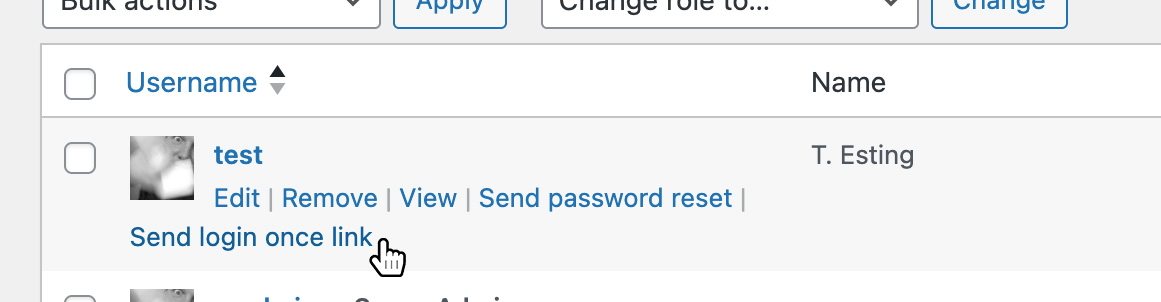
- In the user list, the plugin creates a ‘Send login once link’ for each user.
- The link creates a personal key linked to the user that can be used to log in temporarily (maximum 15 minutes).
- The link will be sent to the user via email.
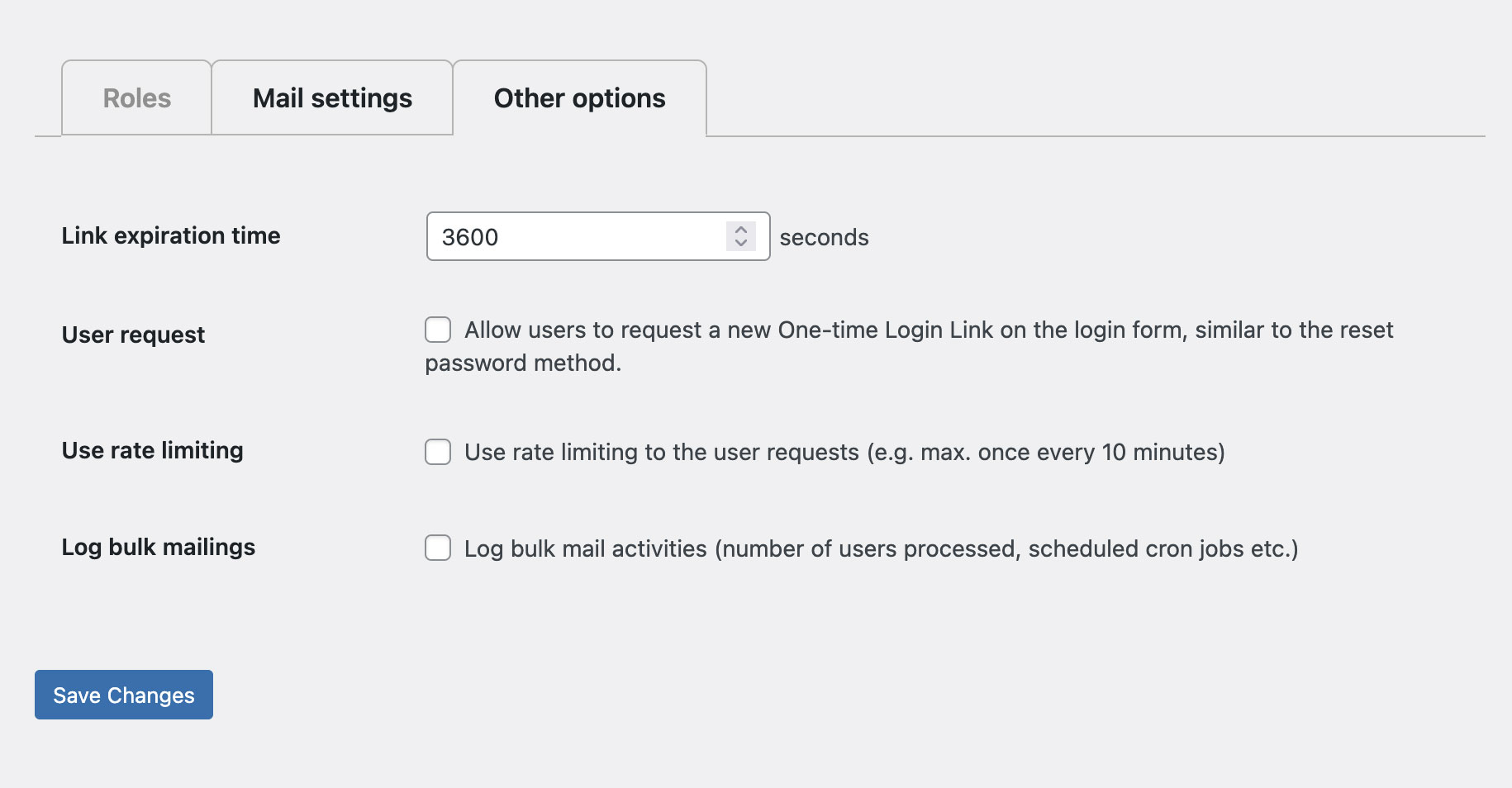
- The link expiration time
- Whether or not users can request a link themselves and if,
- If rate limiting is needed (e.g. no more than once every 5 minutes) This plugin is under active development. Any feature requests are welcome at plugins@zodan.nl!
安装:
Install the One-time Login Link from within WordPress
- Visit the plugins page within your dashboard and select ‘Add New’;
- Search for ‘Zodan One-time Login Link’;
- Activate the plugin from your Plugins page;
- Go to ‘after activation’ below.
- Unzip the One-time Login Link zip file
- Upload the unzipped folder to the /wp-content/plugins/ directory;
- Activate the plugin through the ‘Plugins’ menu in WordPress;
- Go to ‘after activation’ below.
- On the Plugins page in WordPress you will see a 'settings' link below the plugin name;
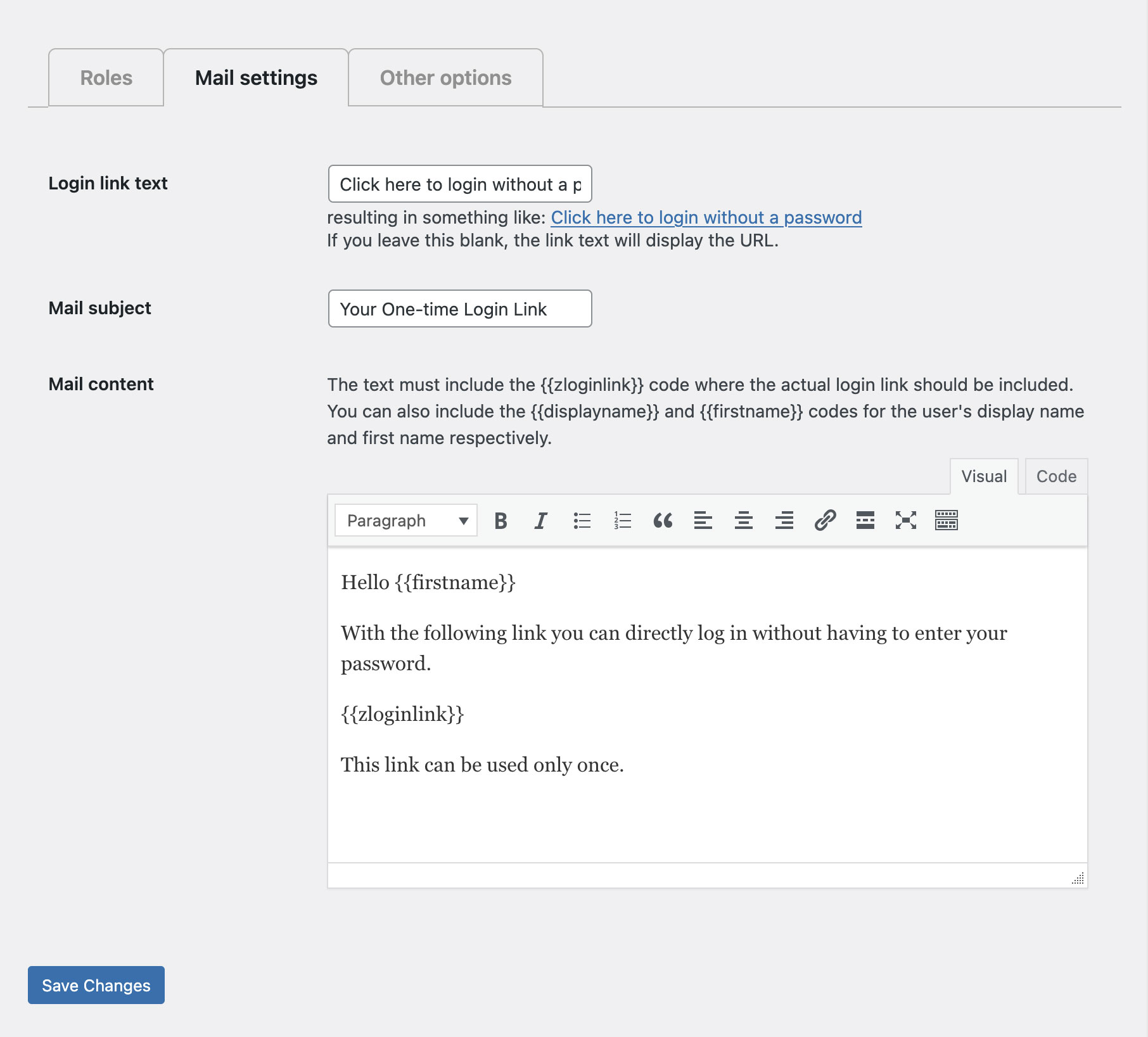
- On the One-time Login Link settings page: ** Select which user roles to exclude ** Set the mail settings for the mail with the link users receive ** Optionally, take a look at the other settings
- Save your settings and you’re done!
屏幕截图:
常见问题:
Does it work in a multisite environment?
Yep. It does.
Do you have plans to improve the plugin?
We currently have on our roadmap:
- Improve speed (using a separate -indexed- table)
- Improve logging
- Improve UX (e.g. adding a progress bar)
- Adding translations If you have a feature suggestion, send us an email at plugins@zodan.nl.
更新日志:
0.0.10
- Fixed use of wp_set_auth_cookie()
- Small code optimizations
- Fix bug with fingerprint mismatch due to not cleaning up old hashes
- Small code optimizations
- Changed the way the request link was added to the login page
- Name change to satisfy the WP plugin check
- Cleaned up the settings page
- Optimized logging functions for bulk mailing
- Added a link in the admin panel to send an email with a One-time Login Link to all users at once
- Solved verify issue with possible multiple users
- Added settings for customization of link expiration time and rate limiting.
- Added possibility to request a login link (on the login screen).
- Very first version of this plugin.