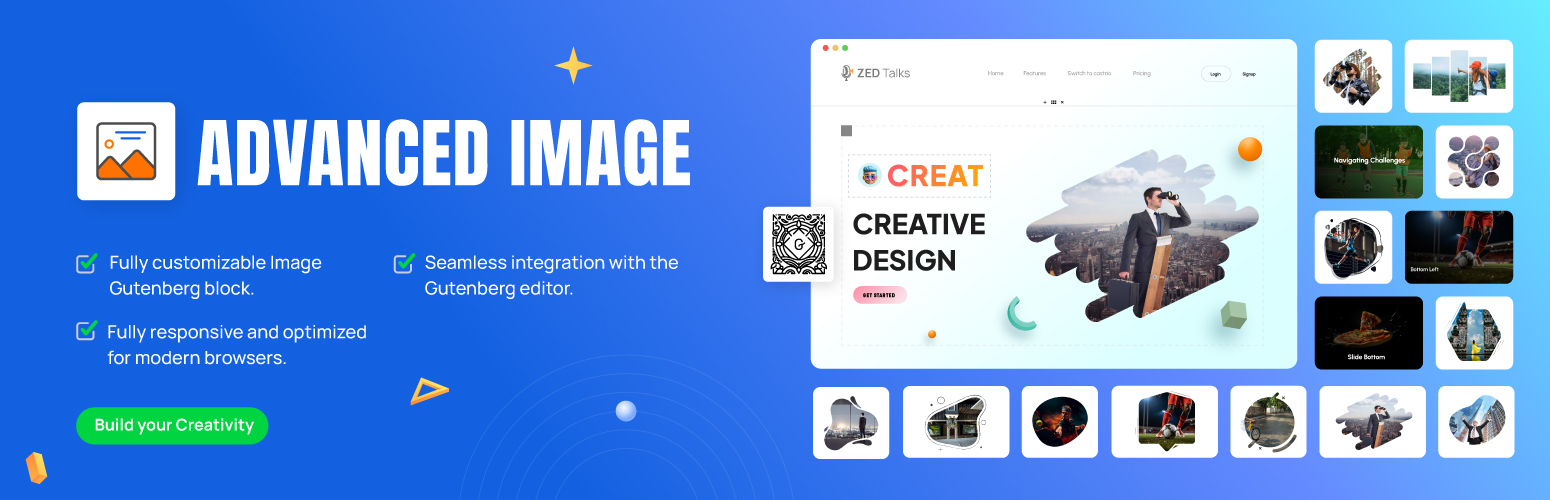
Advanced Image for Gutenberg Block Editor
| 开发者 |
shamim496
selimmw bdthemes |
|---|---|
| 更新时间 | 2026年5月21日 17:13 |
| 捐献地址: | 去捐款 |
| PHP版本: | 7.4 及以上 |
| WordPress版本: | 7.0 |
| 版权: | GPLv2 or later |
| 版权网址: | 版权信息 |
详情介绍:
- Limited styling options
- Basic hover effects or none at all
- Minimal control over responsiveness
- No advanced caption styling
- Basic border and shadow controls
- Complete control over image dimensions with width and height settings
- Border customization with style, color, width, and radius options]
- Professional box-shadow effects with color, position, blur, and spread controls
- Overlay options with color selection and opacity settings
- Margin and padding controls for perfect image placement
- Custom URL linking with same tab or new tab options
- Rel attribute control for improved SEO and security
- Nofollow option for external links
- Custom link text color and hover color selection
- Multiple hover animation effects including zoom, fade, slide, and rotate
- Transition speed control for perfect hover timing
- Scale effect with precise percentage control
- Opacity changes on hover for sophisticated visual effects
- Device-specific visibility settings (hide/show on desktop, tablet, or mobile)
- Responsive size adjustments for different screen sizes
- Responsive alignment options (left, center, right, or custom for each device)
- Maintain aspect ratio option for consistent image proportions
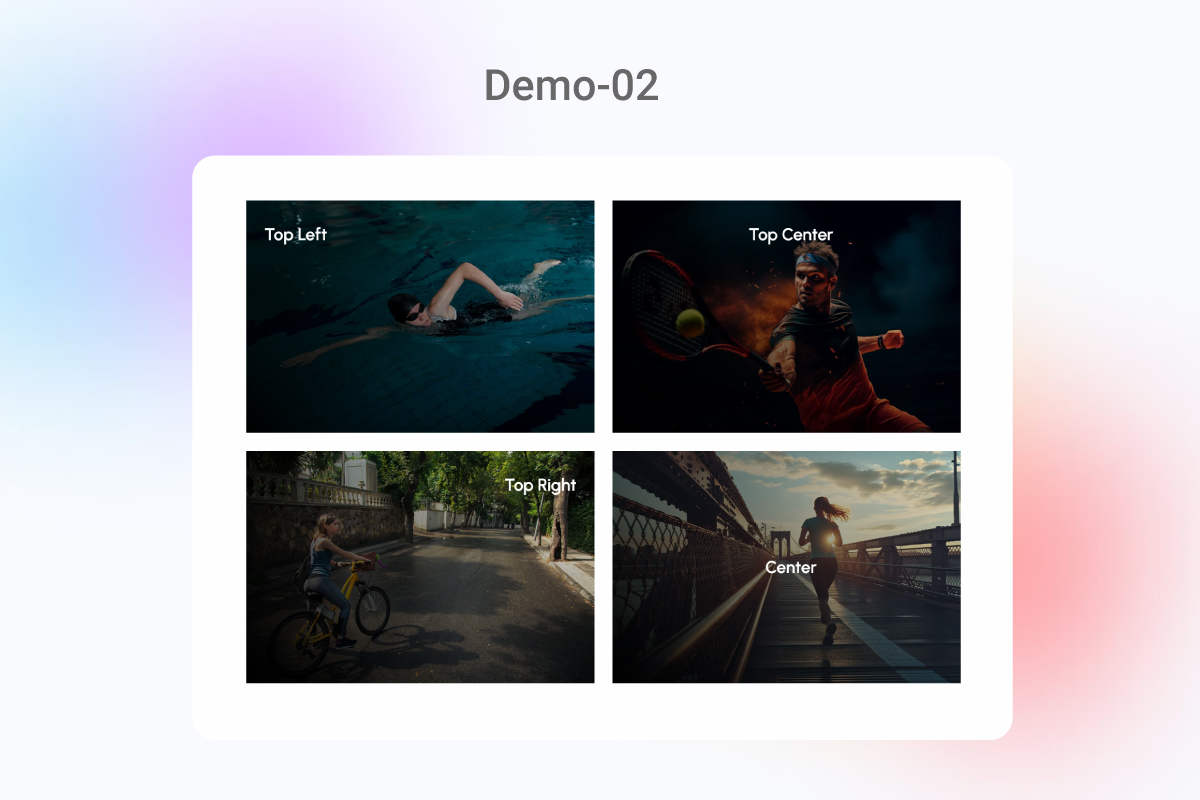
- Caption position options (overlay, below, above)
- Typography controls including font family, size, weight, and spacing
- Caption background color and opacity settings
- Caption margin and padding for perfect positioning
- Improved page loading performance with lazy loading
- Custom loading animation options
- Skip lazy loading for above-the-fold images
- Compatible with major caching plugins
- Alt text field with guidelines for improved accessibility
- ARIA label support for screen readers
- Keyboard navigation support
- Compliance with WCAG guidelines
- Grayscale filter with intensity control
- Sepia effect for vintage appearance
- Blur effect with radius control
- Brightness and contrast adjustments
- Saturation control for vibrant or muted images
- Lightweight code for minimal impact on page loading
- Code is minified for faster execution
- Conditional loading of resources only when needed
- Compatible with popular caching plugins for maximum performance
- Intuitive Interface: All controls are logically organized within the block editor sidebar
- Visual Preview: See changes in real-time as you adjust settings
- Responsive Preview: Check how your images appear on different devices directly in the editor
- Preset Styles: Choose from ready-made styling combinations for quick implementation
- Advanced Mode: Dive deeper with precise control over every aspect of your images
- Proper Alt Text Implementation: Dedicated alt text field with character count and best practice guidelines
- Image Compression Options: Reduce file size without sacrificing quality
- Lazy Loading Support: Improve page loading speed, a critical ranking factor
- Mobile Optimization: Ensure your images look perfect on all devices, improving mobile SEO
- Schema Markup Support: Add structured data to your images for enhanced search engine understanding
- Full Block Editor Integration: Works natively within the Gutenberg editor
- Theme Compatibility: Functions perfectly with any WordPress theme
- Plugin Compatibility: Designed to work alongside popular WordPress plugins
- Multi-site Support: Use across WordPress multi-site installations
- Regular Updates: Maintained to ensure compatibility with WordPress core updates
- Minimal Resource Usage: Lightweight code that loads only when needed
- Efficient Asset Loading: CSS and JavaScript are minified and optimized
- Caching Friendly: Compatible with all major caching plugins
- CDN Compatible: Works with Content Delivery Networks for even faster loading
- WordPress Versions: Fully compatible with WordPress 6.1 and above
- Browsers: Works perfectly in Chrome, Firefox, Safari, Edge, and Opera
- Mobile Devices: Responsive on iOS and Android devices
- Page Builders: While designed for Gutenberg, it's compatible with major page builders
- Gallery Layout Options: Create advanced galleries with your styled images
- Animation Timeline Control: Set up sequential animations for image elements
- Advanced Filtering Effects: More creative filters and combinations
- AI-Enhanced Image Processing: Smart cropping and focus point detection
- Social Media Optimization: Tools to perfect images for social sharing
- Share your creative implementations
- Request new features
- Get help with implementation
- Connect with other web creators
- Plugin Type: Gutenberg Block
- File Size: Approximately 45KB
- Dependencies: None (works with core WordPress)
- Data Storage: No external data storage required
- API Usage: No external API calls
- Responsive image settings
- Custom image width and height
- Custom image link (open in same/new tab)
- Image hover effects
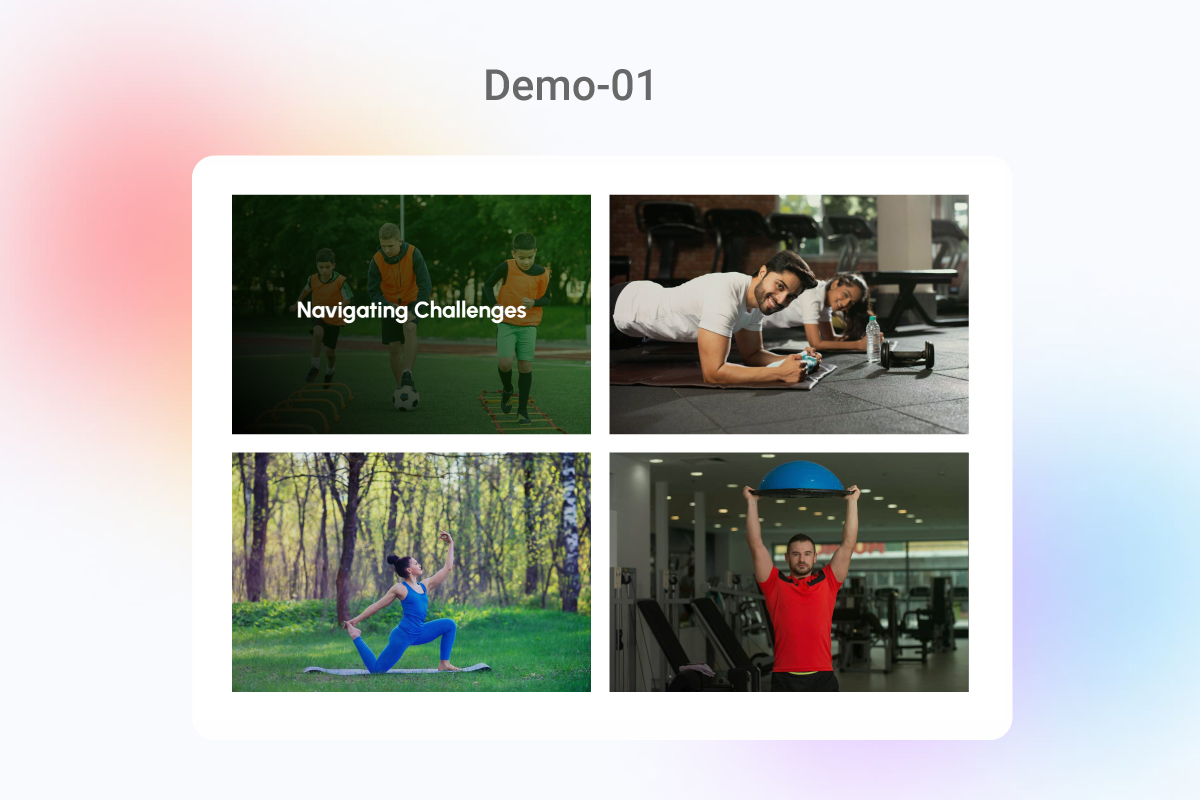
- Caption with alignment and typography control
- Border, radius, box-shadow, and overlay
- Hover animation effects
- Lazy load image support
- Full responsive controls for desktop, tablet, and mobile
安装:
- Go to the WordPress dashboard
- Got to the Plugins > Add New
- Type "Advanced Image" in the search box
- Click on "Install" Image
- After install the plugin Activate the plugin
- Download Advanced Image block plugin zip file from WordPress
- Go to site Dashboard > Plugins > Add New > Upload Plugins
- Select the Advanced Image zip file and proceed to install
- Activate Advanced Image.
屏幕截图:
常见问题:
🔍 How do I add the Advanced Image block to my WordPress page?
Adding the Advanced Image block is simple and straightforward:
- Open your WordPress editor for any post or page
- Click the "+" icon to add a new block
- Search for "Advanced Image" in the block inserter
- Click on the Advanced Image block to add it to your page
- Upload a new image or select one from your Media Library
- Use the block settings in the right sidebar to customize your image
🎨 What styling options are available for my images?
Advanced Image provides comprehensive styling options that traditional WordPress image blocks don't offer: Border Controls:
- Border style (solid, dashed, dotted)
- Border width (individual control for each side)
- Border color with opacity settings
- Border radius for rounded corners or circular images Shadow Effects:
- Box shadow with X/Y offset controls
- Shadow blur and spread radius
- Shadow color with opacity control
- Multiple shadow layers Overlay Options:
- Color overlay with opacity control
- Gradient overlays (linear or radial)
- Blend mode selection (multiply, screen, overlay, etc.)
- Conditional overlays (on hover, on mobile, etc.) Each setting includes responsive controls for different devices, ensuring your images look perfect everywhere.
📱 Is Advanced Image responsive for mobile devices?
Yes! Advanced Image is fully responsive and includes specific tools to optimize for all devices:
- Device-specific settings: Configure different dimensions, paddings, and styles for desktop, tablet, and mobile
- Visibility controls: Show or hide elements based on screen size
- Adaptive sizing: Set different image sizes for various devices
- Touch-optimized: All hover effects adapt automatically for touch devices
- Performance optimized: Serves appropriately sized images based on device
🚀 How can Advanced Image improve my website's performance?
Advanced Image includes several performance optimization features:
- Lazy loading: Images load only when they enter the viewport, reducing initial page load time
- Adaptive serving: Delivers appropriately sized images for each device
- WebP support: Uses modern image formats when supported by the browser
- Resource optimization: Loads CSS and JavaScript only when needed
- Cache-friendly: Compatible with WordPress caching plugins
- Reduced HTTP requests: Consolidates resources to minimize server requests
🔗 How do I add links to my Advanced Image?
To add links to your Advanced Image:
- Select your Advanced Image block in the editor
- In the right sidebar, locate the "Link Settings" panel and expand it
- Enter your destination URL in the link field
- Toggle "Open in new tab" if you want the link to open in a new browser window
- Set "Rel" attributes like "nofollow" or "sponsored" for external links (important for SEO)
- Optionally set custom colors for linked images
✨ What hover effects can I add to my images?
Advanced Image offers a rich library of hover effects:
- Zoom effects: Zoom in/out with custom scale factor
- Fade effects: Modify opacity on hover
- Overlay reveals: Show custom text or buttons on hover
- Rotation: Rotate images when hovered
- Translation: Move images in any direction
- Filter changes: Apply or remove filters on hover (grayscale, sepia, blur, etc.)
- Color shifts: Change border colors, shadows, or image tints
- Mixed effects: Combine multiple effects for unique interactions
🔒 Is Advanced Image compatible with WordPress 6.7 and Gutenberg?
Yes! Advanced Image is specifically built for the WordPress Block Editor (Gutenberg) and is fully tested with WordPress 6.7. Our development team maintains regular updates to ensure compatibility with each new WordPress release. The plugin follows all WordPress coding standards and best practices for blocks, ensuring long-term compatibility and performance.
🌐 Can I use Advanced Image with multilingual websites?
Absolutely! Advanced Image fully supports multilingual websites:
- Translation-ready: All text elements can be translated
- RTL support: Works perfectly with right-to-left languages
- Compatibility: Works with WPML, Polylang, and other translation plugins
- Alt text per language: Supports language-specific alt texts for better SEO
- Caption translation: Easily manage captions in multiple languages
💻 Do I need coding skills to use Advanced Image?
No coding skills required! Advanced Image is designed with a user-friendly interface where all options are accessible through intuitive controls in the sidebar:
- Visual editing: See your changes in real-time
- Preset styles: Choose from ready-made styles to quickly apply professional looks
- Drag-and-drop: Easily position and resize images
- Intuitive panels: All options are logically organized in collapsible panels
- Descriptive labels: Clear explanations for what each setting does
🔄 How do I update Advanced Image to the latest version?
Keeping Advanced Image updated is simple:
- Go to your WordPress Dashboard
- Navigate to Plugins > Installed Plugins
- Check if there's an update available for Advanced Image
- Click the "Update Now" link if an update is available
- The plugin will update automatically
- Go to Plugins > Installed Plugins
- Find Advanced Image in the list
- Click "Enable auto-updates" We recommend always keeping the plugin updated to ensure you have the latest features, security patches, and compatibility with the newest WordPress versions.
更新日志:
- Initial Released = 1.0.1 - 24-04-2026 =
- Fixed: Compatibility issue with WordPress 6.9 = 1.0.2 - 21-05-2026 =
- Fixed: WordPress latest version compatibility issue To build the plugin:
- Clone the repository.
- Run
npm installto install dependencies. - Run
npm run buildto compile the plugin.