Zonify - Amazon Product Importer for WooCommerce
| 开发者 |
Zonify
zonify |
|---|---|
| 更新时间 | 2026年9月9日 20:08 |
| 捐献地址: | 去捐款 |
| PHP版本: | 7.4 及以上 |
| WordPress版本: | 6.9 |
| 版权: | GPLv3 or later |
| 版权网址: | 版权信息 |
详情介绍:
Zonify is a plugin for WooCommerce store owners who want to import products from Amazon into their WooCommerce store, and optionally use the Amazon Associates (Affiliate) program to redirect customers to Amazon for checkout.
This plugin helps streamline product catalog creation and setup inside WooCommerce.
► How does it work?
- Import products from Amazon to your WooCommerce store.
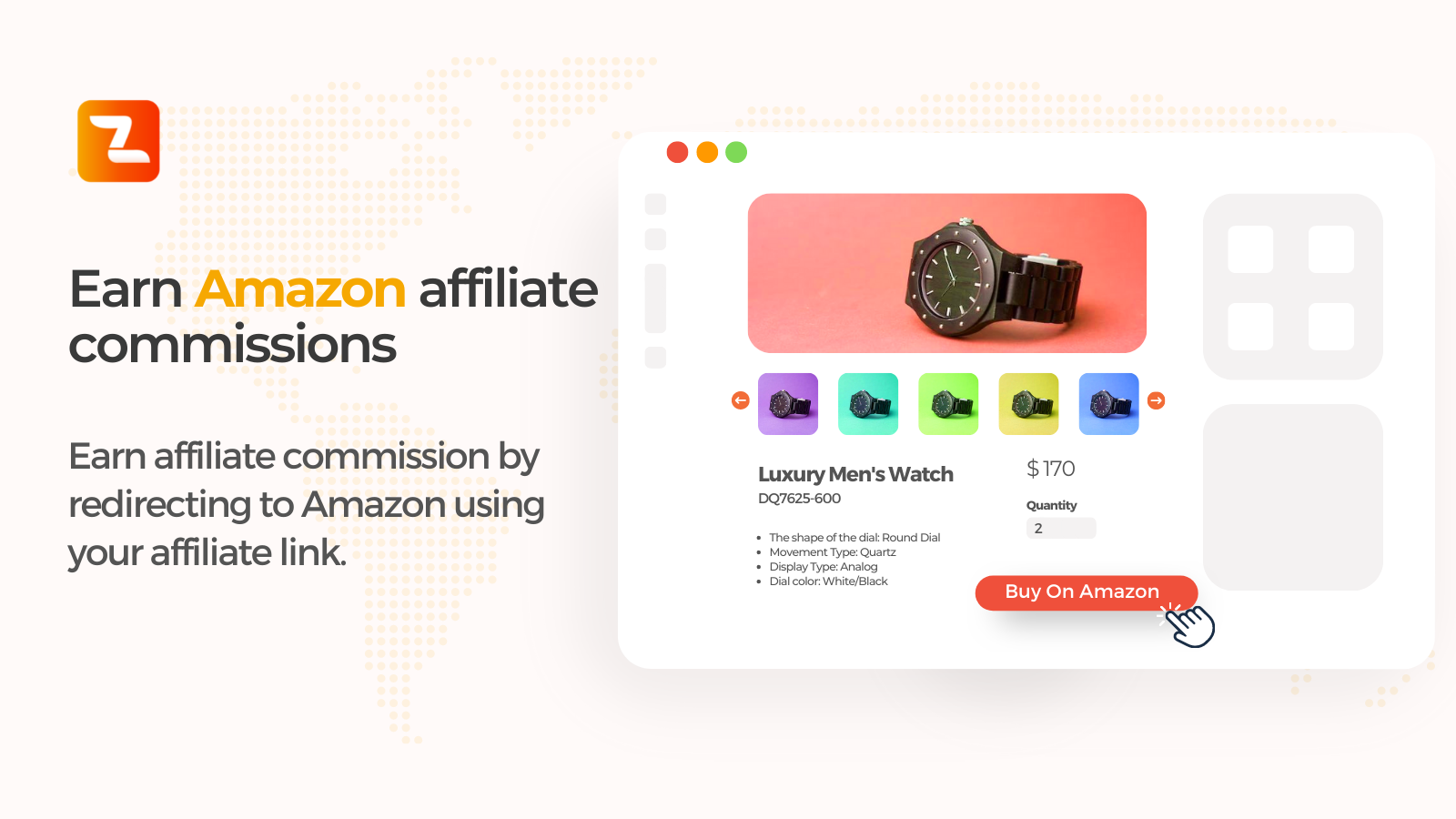
- Optionally enable affiliate mode (customers click “View on Amazon”).
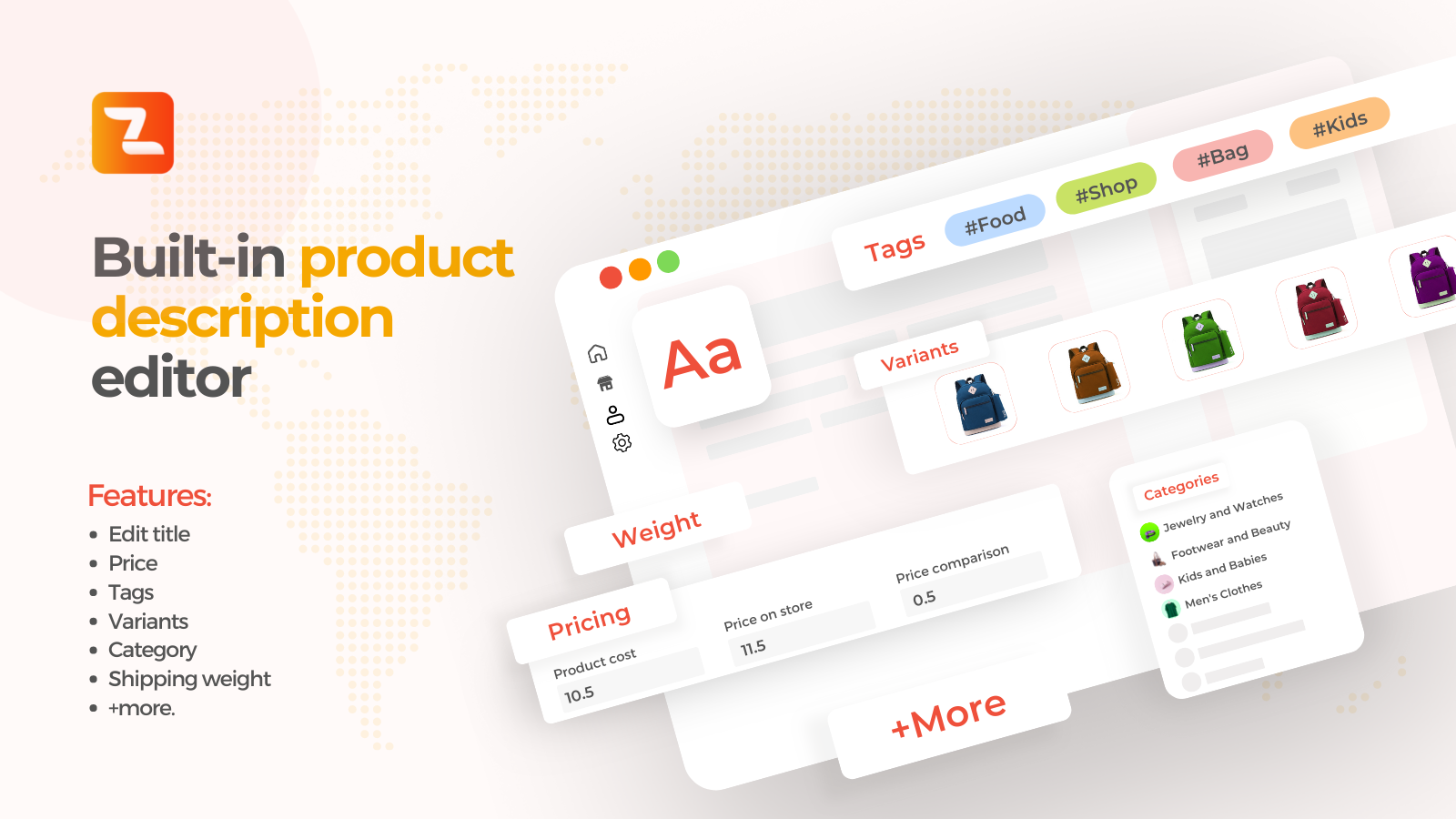
- Manage product details (title, description, price, images, variants, etc). [youtube https://www.youtube.com/watch?v=oLQrczrKuFs]
安装:
Zonify plugin installation works with both WordPress and WooCommerce.
Instructions:
- Install the plugin through the WordPress Plugins screen OR unzip the plugin archive to '/wp-content/plugins'
- In the WordPress 'Plugins' page, activate the plugin
- Click on "Zonify" from your admin sidebar
- Click on "Go To Dashboard" and follow the setup instructions
- Install the Zonify Chrome extension (required for importing)
屏幕截图:
常见问题:
Does Zonify require WooCommerce?
Yes. Zonify is designed to work with WooCommerce.
Can I import products from Amazon into WooCommerce?
Yes. Zonify supports importing product information into WooCommerce.
Can I use Zonify for Amazon affiliate links?
Yes. You can enable affiliate mode to redirect customers to Amazon using your affiliate link.
How do I reach out to Zonify's customer support?
You can contact our support using this form.
更新日志:
1.0.5
- Security: the
zonify_installationadmin-ajax action was reachable by logged-out visitors and returned the stored Zonify account token. The logged-out registration was removed and the handler now requires themanage_optionscapability. Reported by Pablo González Pérez, Francisco José Ramírez Vicente and Iñigo Sánchez Enciso via WPScan. - Security: debug logging is disabled by default and no longer writes a log file inside the plugin folder; the account token is never written to any log.
- Fix: WooCommerce detection now works when WooCommerce is network-activated on multisite.
- Updated readme to comply with WordPress.org plugin directory guidelines (name, license, and description cleanup).
- Updated compatibility information.
- Maintenance update.
- Initial release.