Zywrap AI – The Ultimate AI Powerhouse (OpenAI, Anthropic, Gemini & Groq)
| 开发者 | zywrap |
|---|---|
| 更新时间 | 2026年9月22日 13:03 |
| PHP版本: | 7.4 及以上 |
| WordPress版本: | 7.1 |
| 版权: | GPL-2.0+ |
| 版权网址: | 版权信息 |
详情介绍:
- Access Every Major Model: Seamlessly switch between GPT-4o, Claude 3.5 Sonnet, Gemini 1.5, and Llama 3 (Groq) without needing multiple API subscriptions.
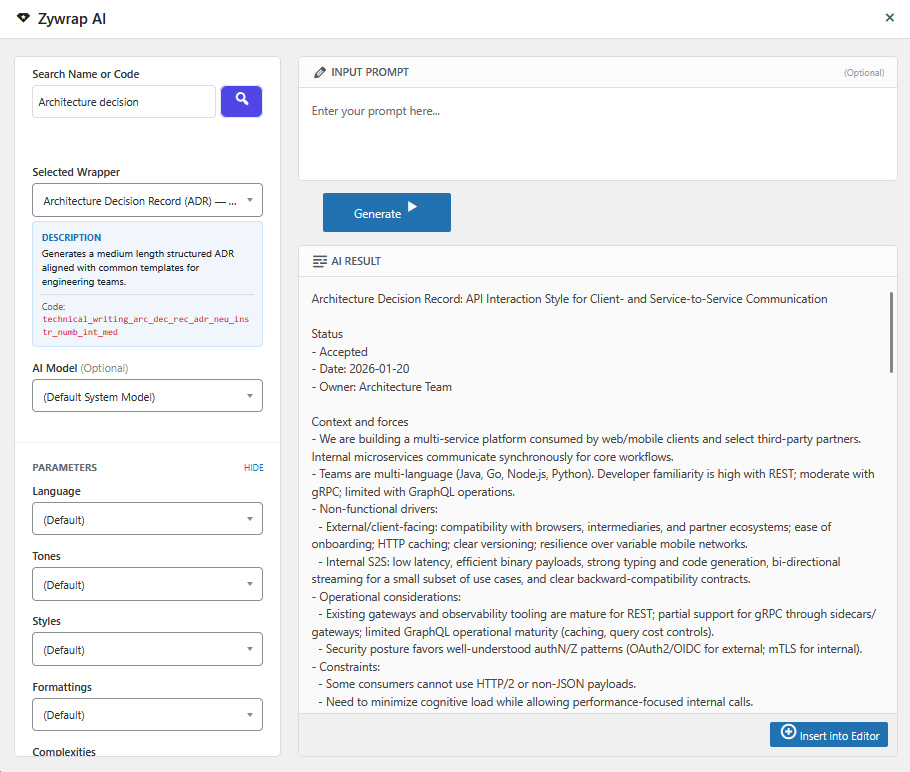
- Dynamic Schemas: Input fields adapt automatically based on the AI wrapper you select.
- Advanced Overrides: Instantly change the Tone, Style, Formatting, and Complexity of any output with a single click.
- No More AI Hallucinations: Because our wrappers are strictly engineered on the backend, you get predictable, formatted outputs that are ready for publishing.
安装:
- Upload the
zywrapfolder to/wp-content/plugins/(or search for it in the Plugin directory). - Activate the plugin through the Plugins menu in WordPress.
- Open the new "Zywrap" menu in your WordPress admin sidebar.
- Create a free account at Zywrap.com to instantly claim 10,000 Free Credits.
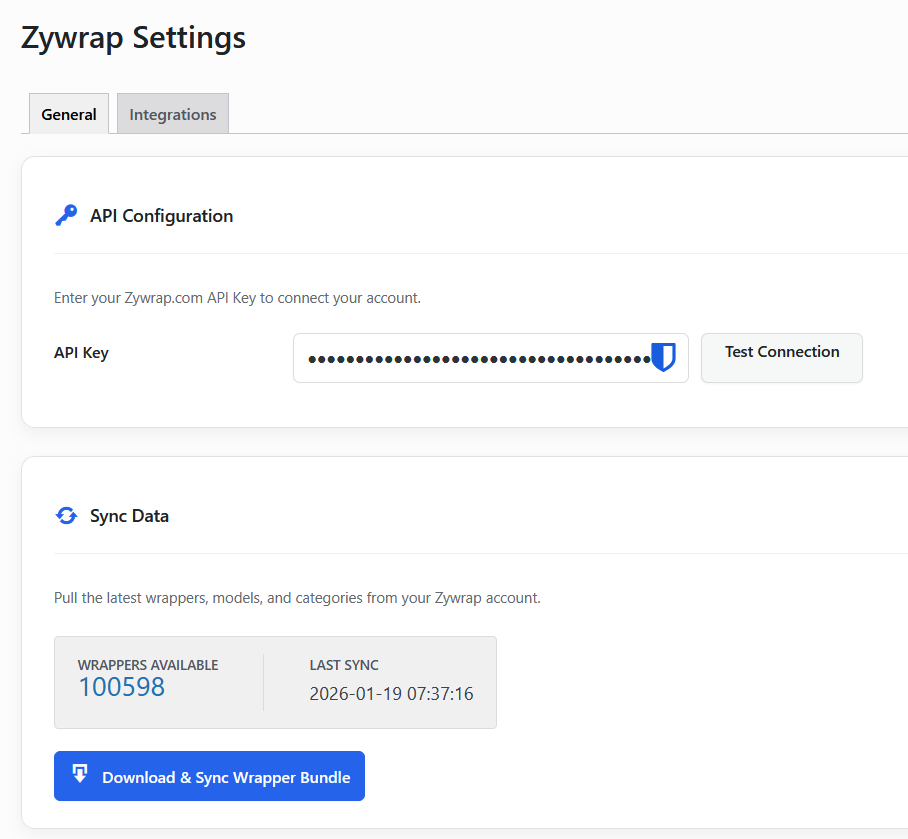
- Paste your API Key into the plugin Settings and click "Verify Key".
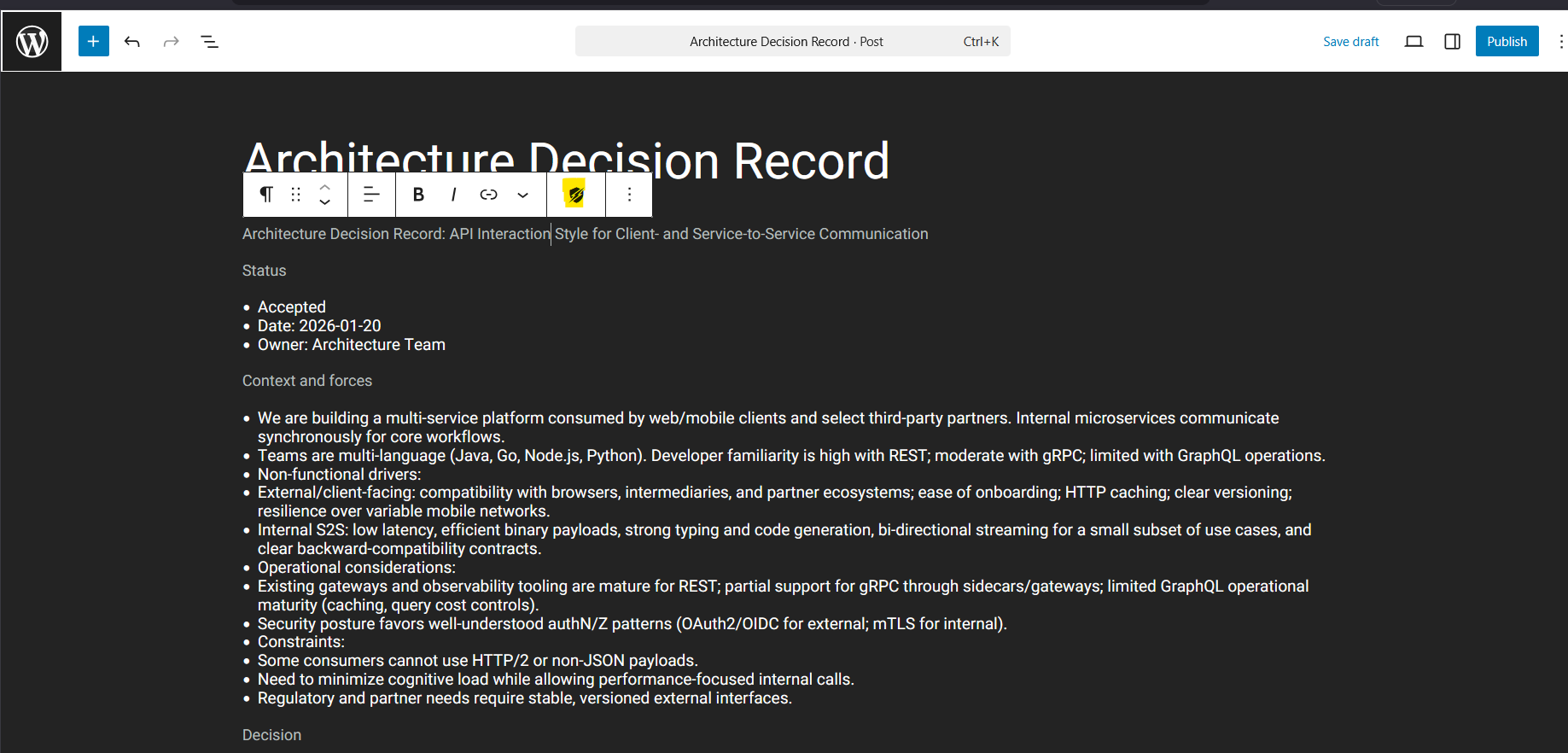
- Open any Post or Page, click the Zywrap icon in the editor toolbar, and run a Content Task.
屏幕截图:
常见问题:
Do I need a Zywrap account?
Yes. Zywrap AI is a powerful bridge to the Zywrap API platform. Creating a free account gives you instant access to all supported AI models through a single, unified API key.
Where does Zywrap appear in the editor?
- Content Tasks (Block Editor): Click the Zywrap icon in the editor toolbar to open the sidebar. Tasks also appear in a "Zywrap" panel in the document settings, and in a check on the pre-publish screen.
- Full Wrapper Modal (Block Editor): Open the (⋮) Options menu in the top-right corner and select "Zywrap AI".
- Classic Editor: The Zywrap AI button appears directly above your formatting toolbar, next to the "Add Media" button.
Do Content Tasks need an Enterprise plan?
No. Content Tasks run on any paid plan, including Basic and Pro. They call the Zywrap API directly, so there is no wrapper sync and no offline SDK involved. The offline SDK and the full wrapper catalogue remain Enterprise features.
Do I have to sync before I can use the plugin?
No. Content Tasks work as soon as your API key is verified. The sync is only needed for the Playground and the local wrapper catalogue.
Zywrap cannot connect from my local or staging site
Local environments often use a self-signed certificate that PHP refuses. Add this to a small mu-plugin on that environment only:
add_filter( 'zywrap_sslverify', '__return_false' );
Never use this on a production site — it disables certificate verification for calls to the Zywrap API.
Do I need to write prompts?
No! That is the magic of Zywrap. Our AI Wrappers already contain highly optimized system instructions. You only need to provide simple, task-specific variables (like a topic or a keyword).
Is the generated content editable?
Absolutely. All generated content is inserted directly into the WordPress editor where you can format, edit, and publish it just like normal text.
Where do I report security bugs?
Please report security bugs found in the source code through the Patchstack Vulnerability Disclosure Program. The Patchstack team will assist you with verification, CVE assignment, and notify our developers.
更新日志:
- NEW: Content Tasks — 68 one-click tasks (rewriting, summarising, outlines, blog and marketing copy) that run against the post you are editing.
- NEW: Zywrap sidebar in the block editor, with search across the task library, plus a document settings panel and a pre-publish check.
- NEW: "Content Tasks" admin screen listing the full library, grouped and filterable.
- NEW: Generate, review, apply, undo — nothing is written to a field until you approve it, and every applied task can be reverted.
- SECURITY: Task endpoints check the capability for the specific post being edited, and are rate limited.
- MAJOR: Upgraded to Zywrap V1 API Architecture.
- NEW: Multi-Model Support (Switch between OpenAI, Anthropic, Groq, Google).
- NEW: Introduced Dynamic Schemas (Input fields adapt automatically to your selected wrapper).
- NEW: Advanced Overrides (Control Tone, Style, Length, and Complexity on the fly).
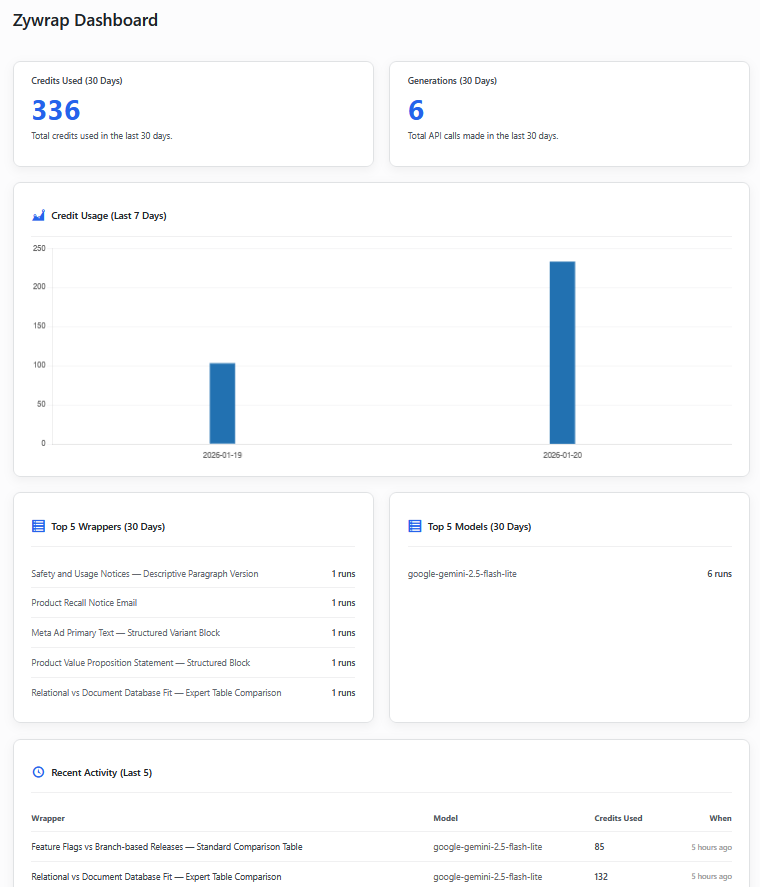
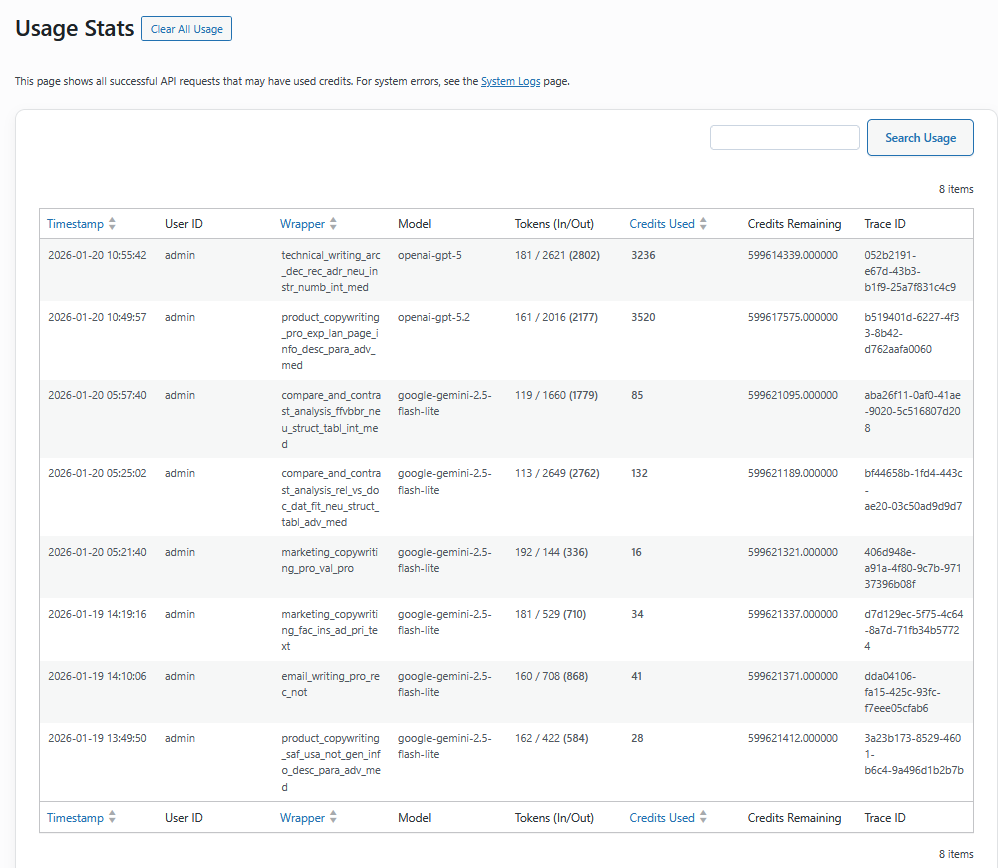
- NEW: Interactive Onboarding Dashboard with 10k Free Credit incentive.
- UI: Completely redesigned the Playground and Editor Modal for a premium SaaS layout.
- PERF: Added in-memory JavaScript caching for lightning-fast schema rendering.
- FIX: Updated API handler to support Streaming/SSE responses.
- NEW: Implemented "Smart Sync" (Delta Updates) to drastically reduce sync time and bandwidth.
- Fixed bug where Language parameter was ignored
- Fixed issue with default model fallback
- Initial public release
- Transaction-safe wrapper syncing
- Presets and Playground
- Admin dashboard with caching
- Smart API error handling