ABCode Improved Caching for 20i StackCache
| 开发者 | ashbrentnall |
|---|---|
| 更新时间 | 2026年8月19日 02:01 |
| PHP版本: | 7.4 及以上 |
| WordPress版本: | 7.1 |
| 版权: | GPLv2 or later |
| 版权网址: | 版权信息 |
详情介绍:
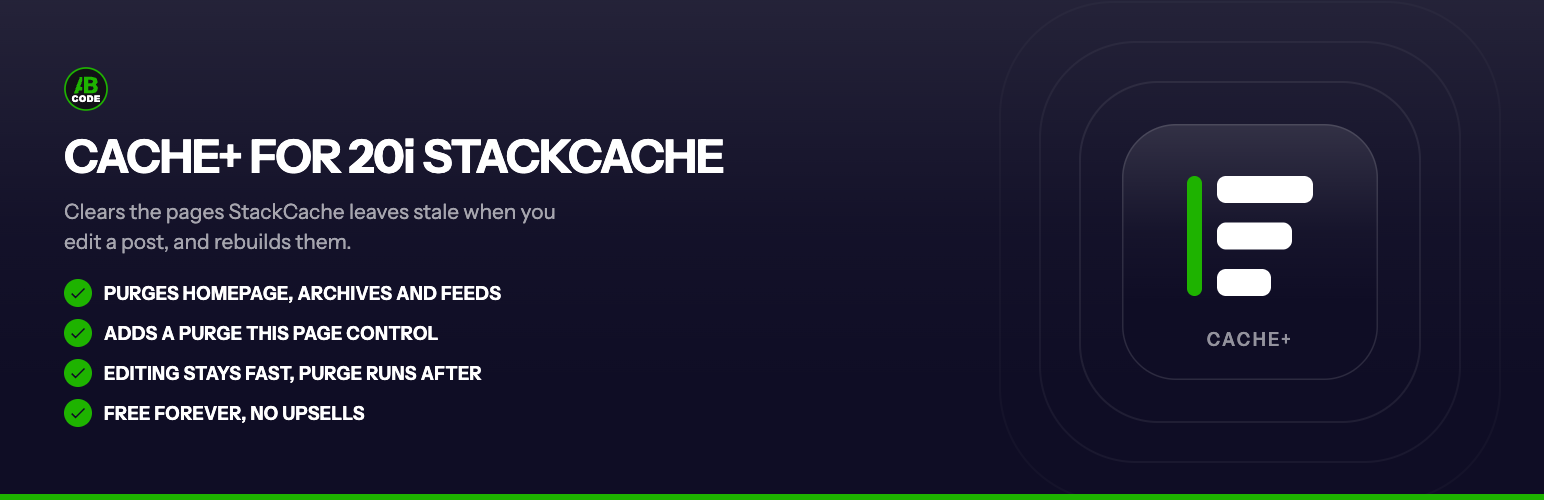
- Purges the whole listing hierarchy on edit. On publish or update it clears the homepage, the post's public taxonomy term archives, its post-type archive, its parent pages (for hierarchical content), the blog page on a static front page, and the main feed: everything StackCache leaves behind.
- Rebuilds what it cleared, if you want. If ABCode Cache Warmer is also installed, the purged pages are handed straight to it and warmed back up immediately, so visitors never hit a cold page. Without the warmer, the purge alone still fixes the staleness, and the next visitor simply gets fresh content.
- Adds a "Purge This Page" control. A nonce-protected item in the admin bar on front-end views lets you clear a single page without clearing the whole site, plus a tidy "Purge Everything" option.
- It does nothing at all unless StackCache is active: on any other host it is a silent no-op, and it tells you in the admin if StackCache is missing.
- It never purges anything off your own domain.
- It respects StackCache's own settings: if StackCache is set to full-purge on every change, this plugin stands aside rather than issue purges nobody needs; and it never double-purges a URL StackCache already handles.
- The purge runs in a short background task, never on your save request, so editing stays fast.
安装:
- Install and activate the plugin through Plugins → Add New, or upload the plugin folder to
/wp-content/plugins/. - That's it. As long as 20i StackCache is active, the plugin starts closing the hierarchy-purge gap immediately, and there is nothing to configure.
- Optionally install ABCode Cache Warmer so purged pages are rebuilt instantly rather than on the next visit.
屏幕截图:

常见问题:
Do I need 20i StackCache for this to work?
Yes. This is an add-on for StackCache specifically. Without it, the plugin does nothing and shows a notice telling you so. StackCache ships with 20i's Managed WordPress and WordPress Optimised hosting.
Do I need the cache warmer too?
No. The purge on its own fixes the staleness: the next visitor to each listing page gets fresh content. The warmer is optional: with it, those pages are rebuilt right away so nobody has to be the first to wait.
What exactly gets purged when I edit a post?
The homepage, the post's public taxonomy archives (categories, tags, custom taxonomies), its post-type archive, any parent pages, the blog page if you use a static front page, and the main feed. The post's own URL is handled by StackCache; this plugin only adds it when StackCache would not (an unsupported custom post type with StackCache's custom-post-type purging turned off), so nothing is purged twice.
Will it purge pages on other sites, or anything off my domain?
No. Every URL is checked against your site's own host first. Anything off-domain is ignored.
Does purging on every edit slow down saving a post?
No. The purge is deferred to a short background task a few seconds after you save, so your editor request returns immediately. A burst of edits (such as a bulk action) folds into a single purge pass.
What is "Purge This Page"?
A control in the admin bar, on front-end views, that clears just the page you are looking at. It is protected by a capability check and a nonce. There is also a "Purge Everything" option for a full-site purge.
What happens if I deactivate StackCache, or the cache warmer?
Nothing breaks either way. The plugin checks StackCache is present before it does anything at all, so without it there are no purges, no scheduled tasks and no admin bar changes, just a notice telling you it is idle. The cache warmer is checked the same way: the plugin offers it the purged URLs, and if it is not installed that offer simply goes nowhere. Neither is bundled or modified; both stay entirely under your control.
Does it change how StackCache caches my site?
No. It does not touch StackCache's caching engine, settings or rules. It only issues additional purge requests through StackCache's own purge method for the listing pages StackCache leaves out, so your content stays consistent.
更新日志:
- Initial release.
- Purges the full listing hierarchy on publish or update: homepage, taxonomy archives, post-type archive, parent pages, blog page and feed.
- Optional handoff to ABCode Cache Warmer to rebuild purged pages immediately.
- Nonce-protected "Purge This Page" and "Purge Everything" admin-bar controls.
- Respects StackCache's full-purge mode and never double-purges a URL StackCache already handles.
- Silent no-op with an admin notice when StackCache is not active.