Neo332 Admin Language Switcher
| 开发者 | neo332 |
|---|---|
| 更新时间 | 2026年10月29日 06:49 |
| 捐献地址: | 去捐款 |
| PHP版本: | 7.4 及以上 |
| WordPress版本: | 7.1 |
| 版权: | GPLv2 or later |
| 版权网址: | 版权信息 |
详情介绍:
Admin Language Switcher allows each WordPress user to choose their preferred language for the WordPress administration area.
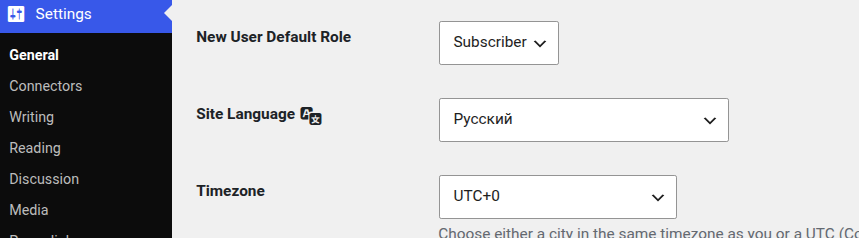
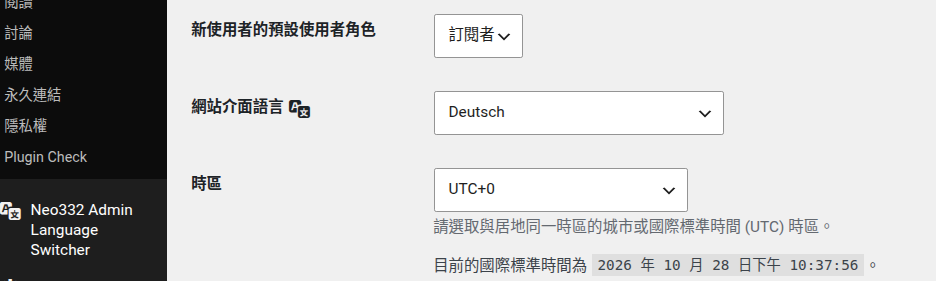
The website frontend keeps its normal site language. Each user can independently select the language they want to use in the WordPress dashboard.
安装:
- Upload the
admin-language-switcherfolder to the/wp-content/plugins/directory. - Activate the plugin through the
Pluginsscreen in WordPress. - Go to
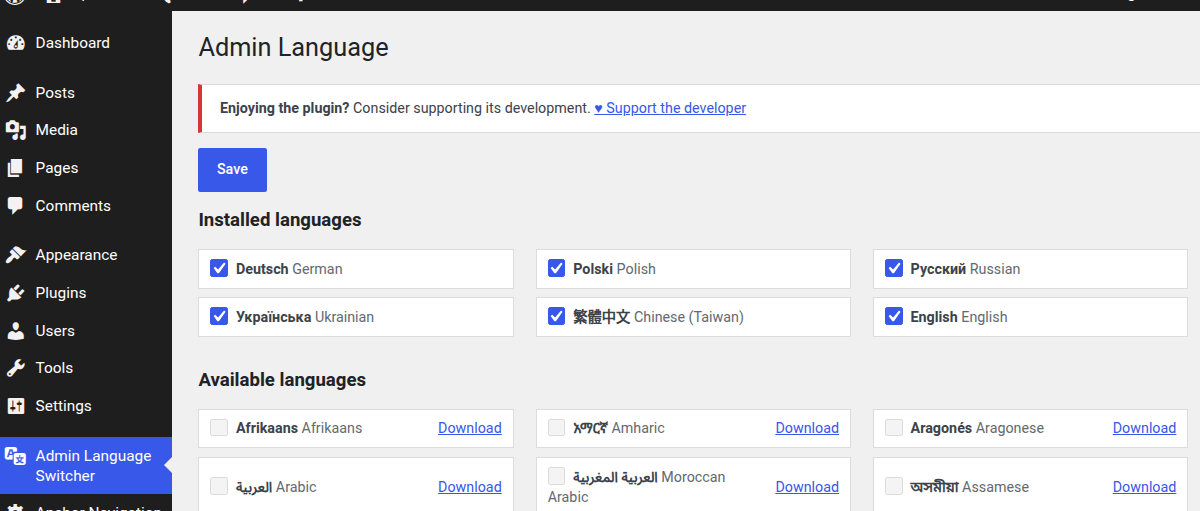
Settings → Admin Language Switcher. - Select the languages you want to use.
- Use the language switcher in the admin bar to switch languages.
屏幕截图:
常见问题:
Does this change the website language?
No. Admin Language Switcher changes the language used by the current user's WordPress administration area. The frontend site language remains unchanged.
Can different users use different languages?
Yes. Each user can select their own preferred administration language.
Can I install additional languages?
Yes. Available WordPress language packs can be downloaded directly from the plugin settings page.
Does the plugin include translations itself?
No. The plugin uses WordPress language packs and the translation system provided by WordPress.
更新日志:
1.0.0
- Initial release.