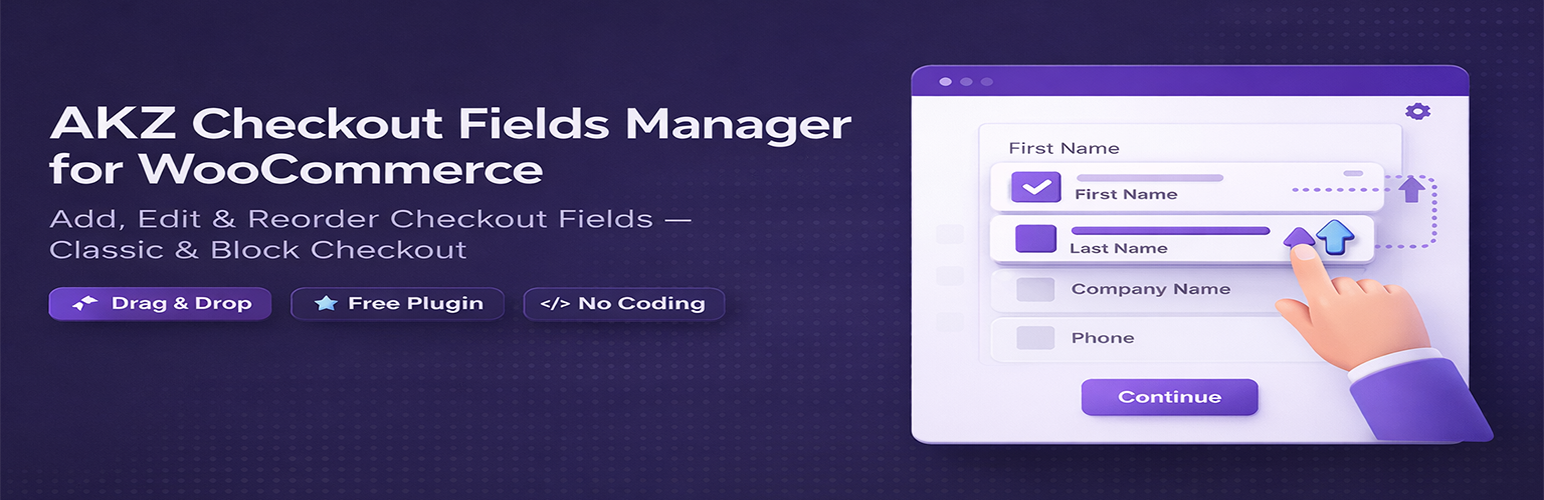
AKZ Checkout Fields Manager for WooCommerce
| 开发者 | akzmarketing |
|---|---|
| 更新时间 | 2026年3月25日 03:28 |
| PHP版本: | 7.4 及以上 |
| WordPress版本: | 6.9 |
| 版权: | GPLv2 or later |
| 版权网址: | 版权信息 |
详情介绍:
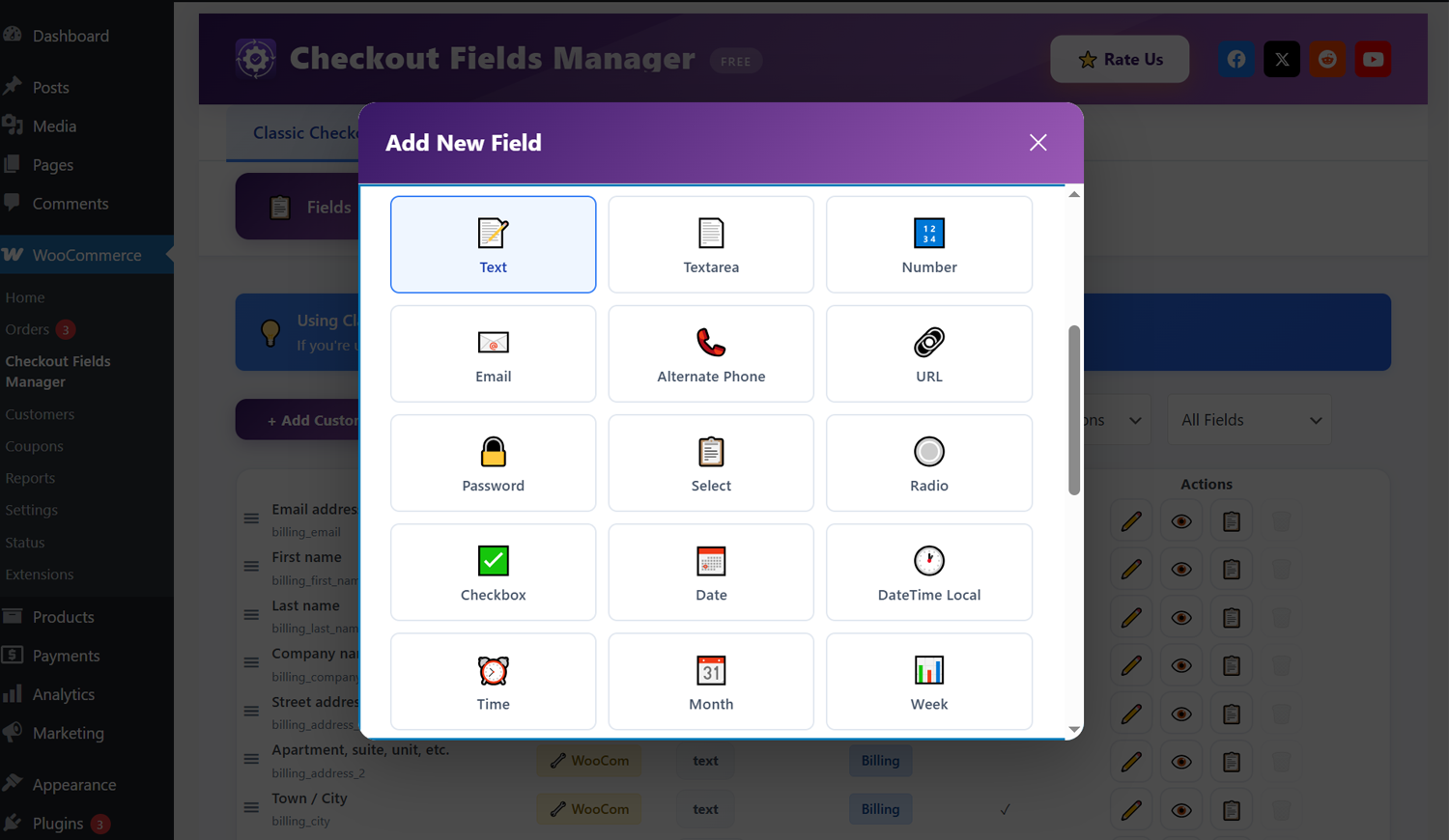
- Add unlimited custom checkout fields
- Edit default WooCommerce fields — label, placeholder, required status
- Drag and drop to reorder any field
- Enable or disable fields with one click
- Organize fields by section: billing, shipping, order notes, contact, address
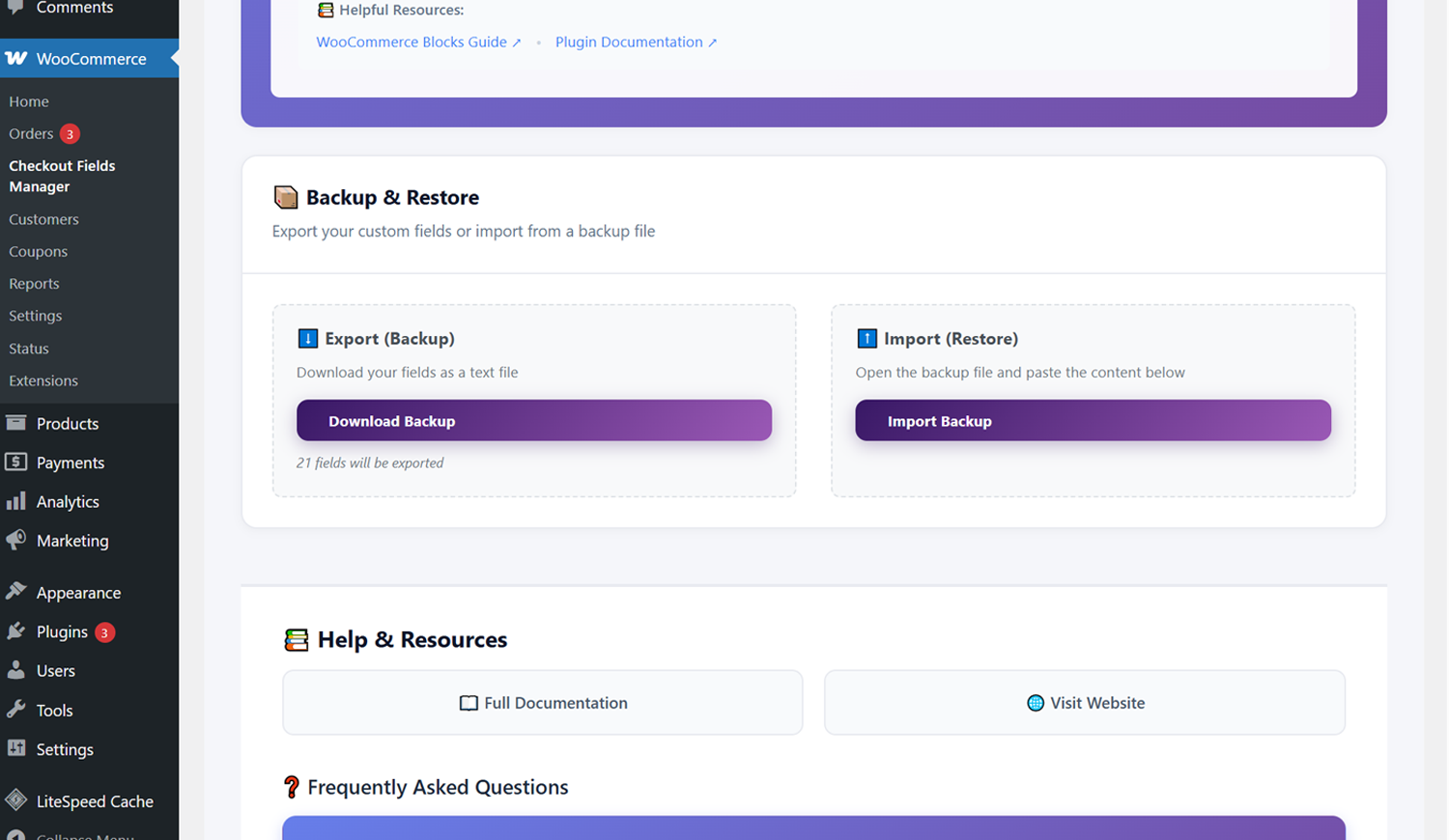
- Export and import your fields as a JSON backup
- Reset to WooCommerce defaults with one click
- Online stores that need extra information at checkout
- B2B stores requiring company or VAT details
- Gift shops needing delivery messages
- Food delivery stores requiring delivery instructions
- Event stores needing attendee details
- Any store that wants to customize the checkout experience
- Action and filter hooks for extensibility
- REST API integration
- Clean modular codebase
- Translation ready
安装:
- Go to Plugins > Add New in your WordPress dashboard
- Search for "AKZ Checkout Fields Manager"
- Click Install Now then Activate
- Go to WooCommerce > Checkout Fields to get started
- Download the plugin ZIP file
- Go to Plugins > Add New > Upload Plugin
- Upload the ZIP and activate
- Go to WooCommerce > Checkout Fields
- WordPress 5.8 or higher
- WooCommerce 7.0 or higher
- PHP 7.4 or higher
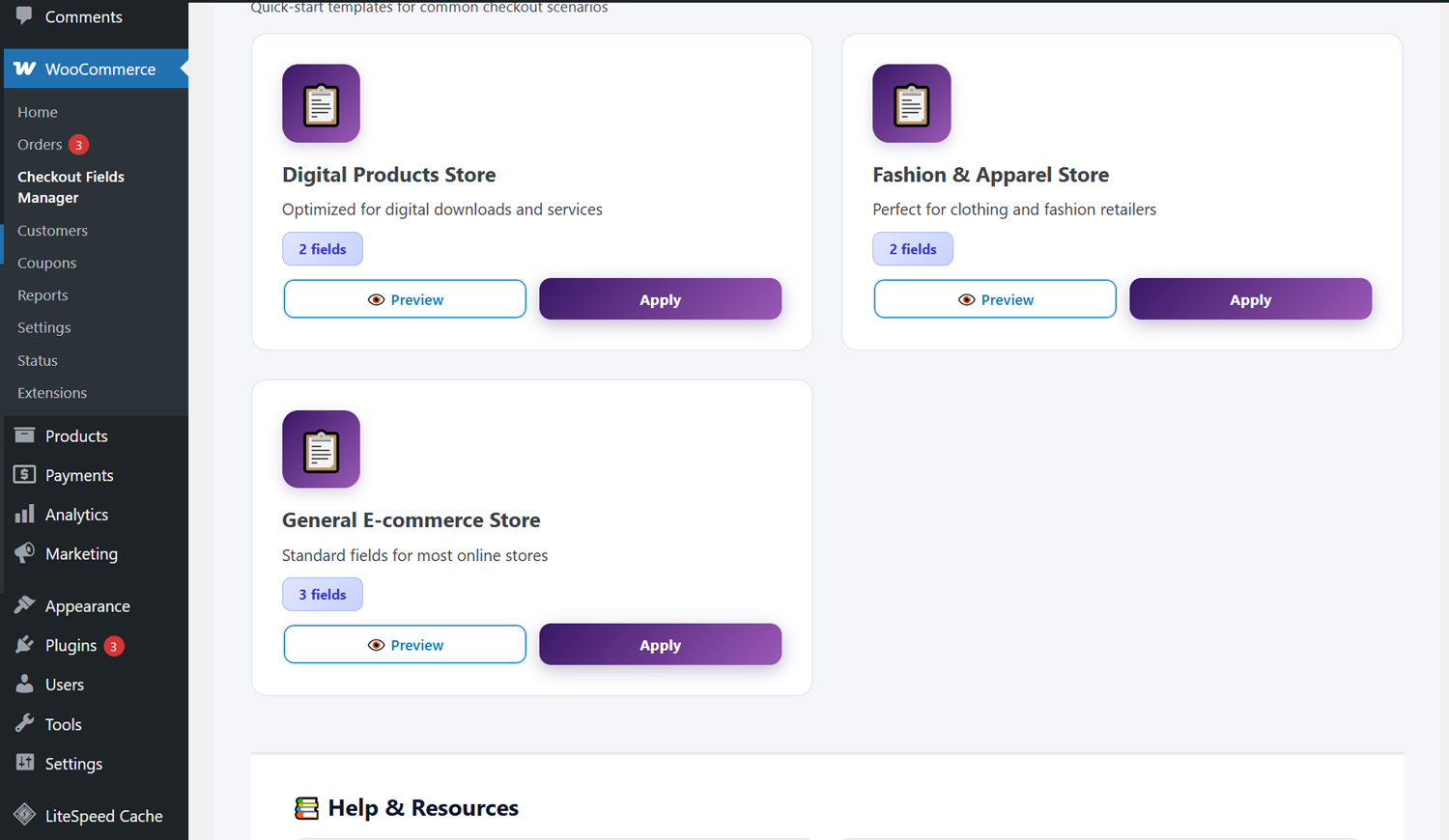
屏幕截图:
常见问题:
Does this work with the WooCommerce Block Checkout?
Yes. Both Classic Checkout and Block Checkout (WooCommerce 8.9+) are fully supported from the same admin panel.
Can I reorder default WooCommerce fields?
Yes. All fields including default WooCommerce fields like first name, last name, email, and address can be reordered by drag and drop.
Can I delete default WooCommerce fields?
Default fields cannot be deleted, but they can be disabled so they no longer appear at checkout.
Are custom field values saved with orders?
Yes. All custom field values are saved to order metadata and visible in the order details page in the admin.
Can I back up my fields?
Yes. Export all fields as a JSON file and import them on another site or after a reinstall. Classic and Block checkout fields have separate export/import.
Is this plugin free?
Yes, completely free with no locked features, no license keys, and no usage limits.
Will there be a Pro version?
Possibly in the future if there is enough demand. If you want advanced features like conditional logic or date pickers, leave a review and let us know — that feedback directly influences what gets built.
Is this GDPR compliant?
The plugin does not collect or transmit any personal data. It only manages the structure of your checkout fields. Data entered by customers is handled by WooCommerce.
Does this work on multisite?
Yes. Each site in a multisite network manages its own checkout fields independently.
What happens if I deactivate the plugin?
Custom fields will no longer appear on checkout but your configuration remains in the database. Reactivating restores everything.
Does this work with my theme?
Yes. The plugin uses WooCommerce's native field rendering system and works with any theme that supports WooCommerce.
更新日志:
- Initial release