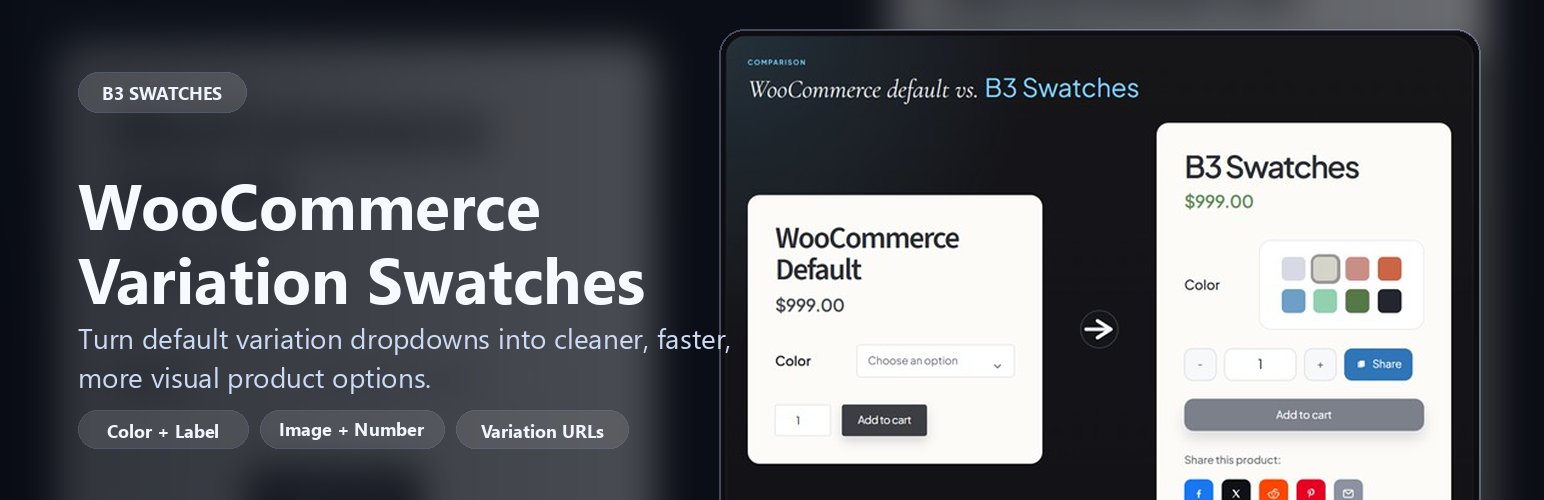
B3 Swatches
| 开发者 | blondb |
|---|---|
| 更新时间 | 2026年4月7日 08:38 |
| PHP版本: | 7.4 及以上 |
| WordPress版本: | 6.9 |
| 版权: | GPLv2 or later |
| 版权网址: | 版权信息 |
详情介绍:
- Color swatches
- Button and label swatches
- Shared layout, sizing, and typography controls
- Tooltip enable/disable support
- Attribute term configuration
- Per-product overrides for the shared swatch types
- Native WooCommerce fallback behavior when JavaScript is unavailable
- Color swatches for attribute terms
- Button/label swatches for any attribute
- Wrap layout, square shape, and underline selector style
- Swatch width and height controls
- Internal and external layout padding
- Show labels on color swatches
- Selected chip color customization
- Heading color and size controls
- Label font-size control
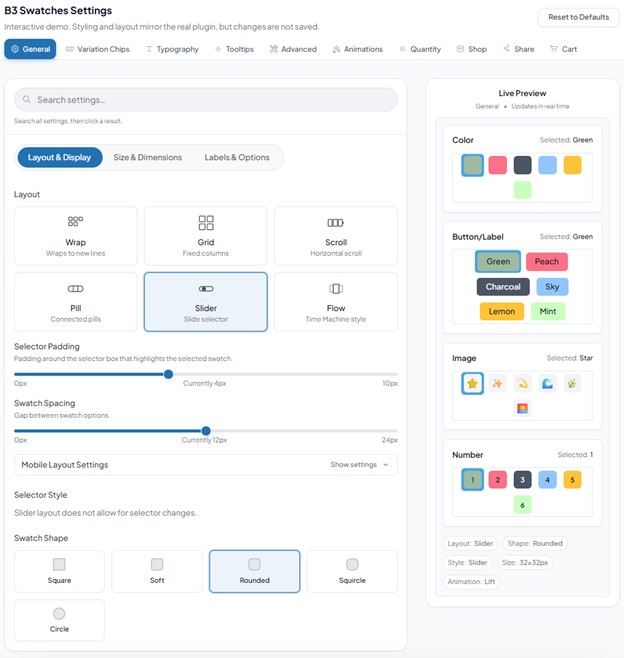
- Global settings UI with a live preview
- Basic tooltip support (enable/disable)
- Automatic dropdown-to-swatch replacement
- Attribute-term swatch configuration under Products > Attributes > Configure terms
- Per-product swatch overrides for shared swatch types
- Fallback to native select when JavaScript is unavailable
- Optional uninstall cleanup when "Remove on uninstall" is enabled
安装:
- Upload the plugin folder to
/wp-content/plugins/or install via the Plugins screen (ZIP). - Activate the plugin.
- Go to "B3 Swatches" to configure global settings.
- Configure attribute term swatches under Products > Attributes.
- Edit a variable product to override swatches per product when needed.
屏幕截图:
常见问题:
Does it work without JavaScript?
Yes. The original WooCommerce variation dropdowns remain in the markup as a fallback. B3 Swatches enhances the form when JavaScript is available.
Can I override swatches per product?
Yes. You can set global defaults, override per-attribute term (Products > Attributes > Configure terms), and override per-variable product.
Does it work with global and custom attributes?
Yes. B3 Swatches works with WooCommerce attributes used for variations, including global attributes and product-level variation attributes, as long as the product is set up as a variable product.
Will it work with my theme?
B3 Swatches is designed to work with properly-coded WooCommerce themes. It hooks into the standard variation form and enhances the dropdown selects. If your theme or builder heavily customizes variation templates, try temporarily switching to a default WooCommerce theme to confirm whether the issue is theme-specific.
How do I set up swatches for an attribute?
- Go to Products > Attributes.
- Create/edit an attribute (e.g., Color).
- Click "Configure terms".
- Set the swatch type and values for each term.
Which product types does it support?
B3 Swatches is intended for WooCommerce variable products. Simple products do not use variation selectors, so there is nothing for the plugin to replace on those products.
My swatches aren't showing. What should I check?
Common causes:
- The product must be a Variable product with variations.
- The attribute must be used for variations.
- A caching/minification plugin may be delaying scripts; test with caching disabled.
- Some themes replace the variation form markup; test with a default theme to confirm.
Does the plugin clean up after itself?
Yes, when "Remove on uninstall" is enabled. By default the plugin keeps its data on uninstall. If you turn that setting on, deleting the plugin through the WordPress admin removes options, term meta, post meta, transients, and uploaded font files.
What is included in Pro?
Pro adds image, number, and dual-color swatches, additional layouts and shapes, more typography and tooltip controls, archive/shop swatches, variation URLs, share tools, AJAX add-to-cart enhancements, and other advanced settings.
Where can I find documentation and support?
Start here:
- Documentation: https://b3.digital/software/docs/b3-swatches
- WordPress.org support forum: use the support tab on the plugin page
更新日志:
- Initial release.