Linux 软件免费装
Banner图

BlinkSpeed

开发者 blinkspeed
更新时间 2026年3月13日 21:30
PHP版本: 7.4 及以上
WordPress版本: 6.9
版权: GPLv2 or later
版权网址: 版权信息

标签

cache performance optimization pagespeed web-vitals

下载

1.0.6 1.0.4 1.0.5

详情介绍:

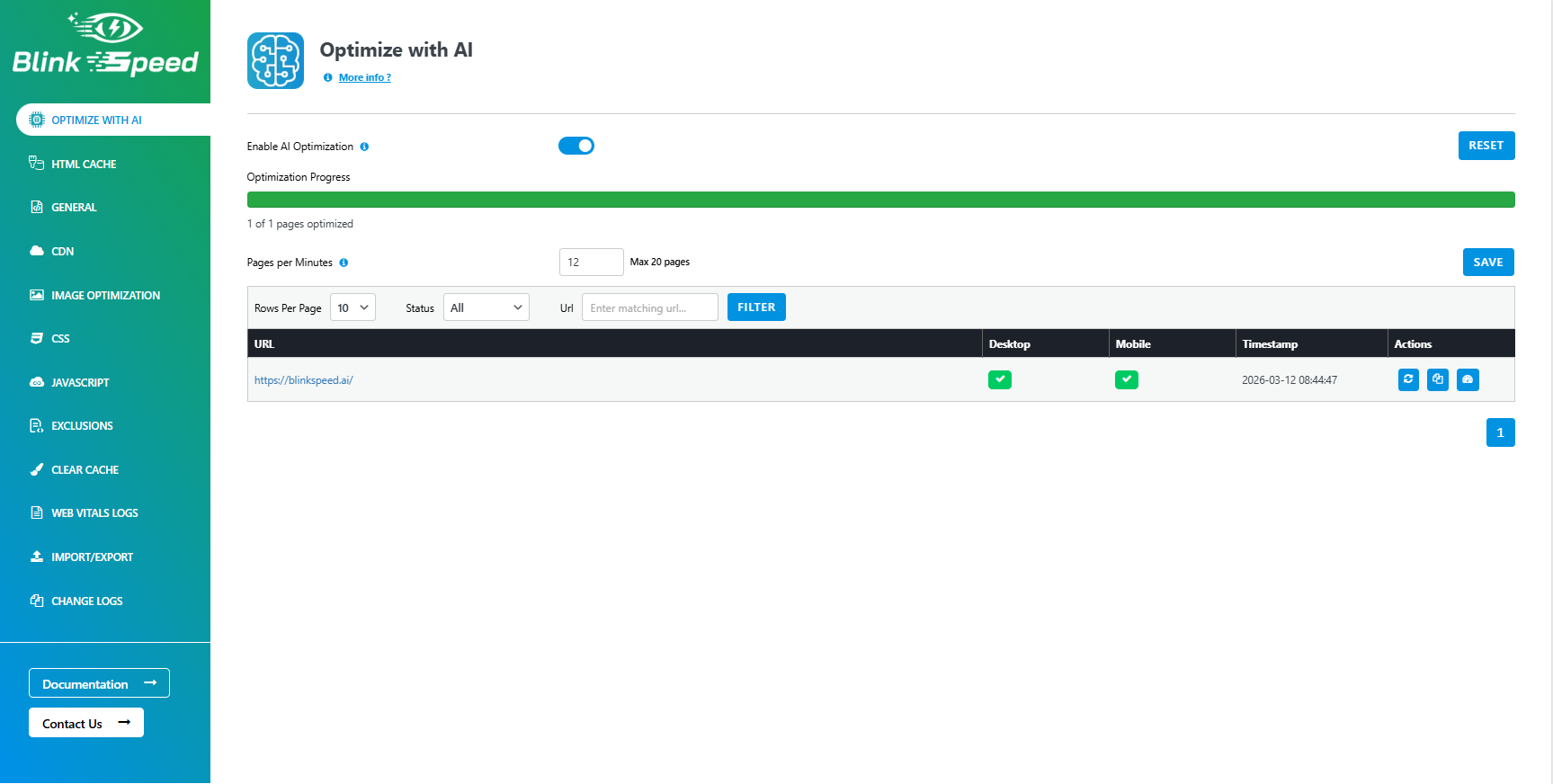
Boost your WordPress site speed with advanced AI optimization techniques. Improve Core Web Vitals, achieve higher scores on Google PageSpeed Insights and GTmetrix, and deliver a faster, smoother browsing experience for your visitors.

安装:

  1. Upload the plugin files to the /wp-content/plugins/ directory, or install via the WordPress admin.
  2. Activate the plugin through the Plugins menu in WordPress.
  3. Go to BlinkSpeed in the admin menu to configure settings.

屏幕截图:
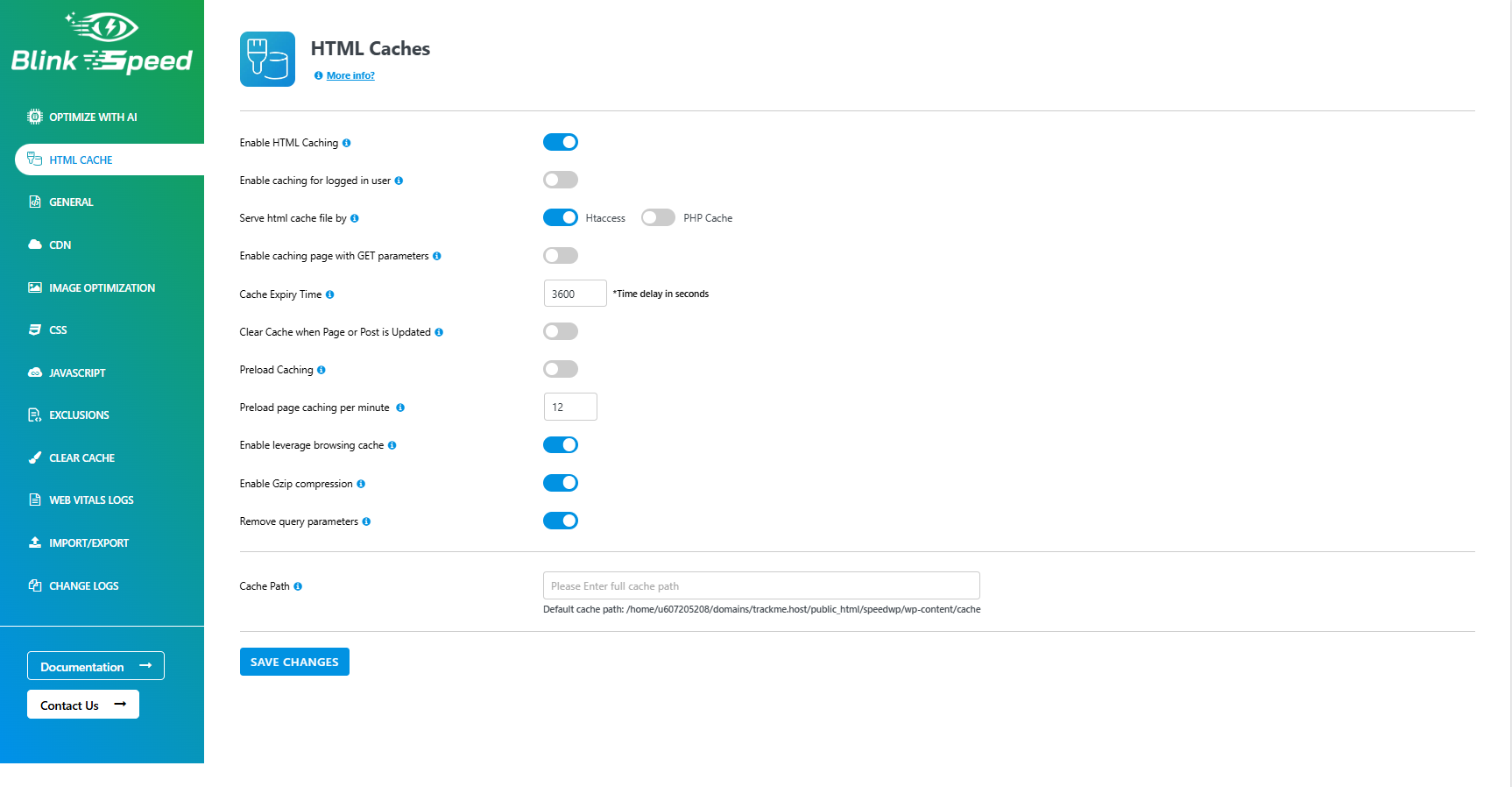
  • **HTML Cache Settings** – Configure page caching, cache expiry time, preload options, GZIP compression, and browser caching to improve website speed.
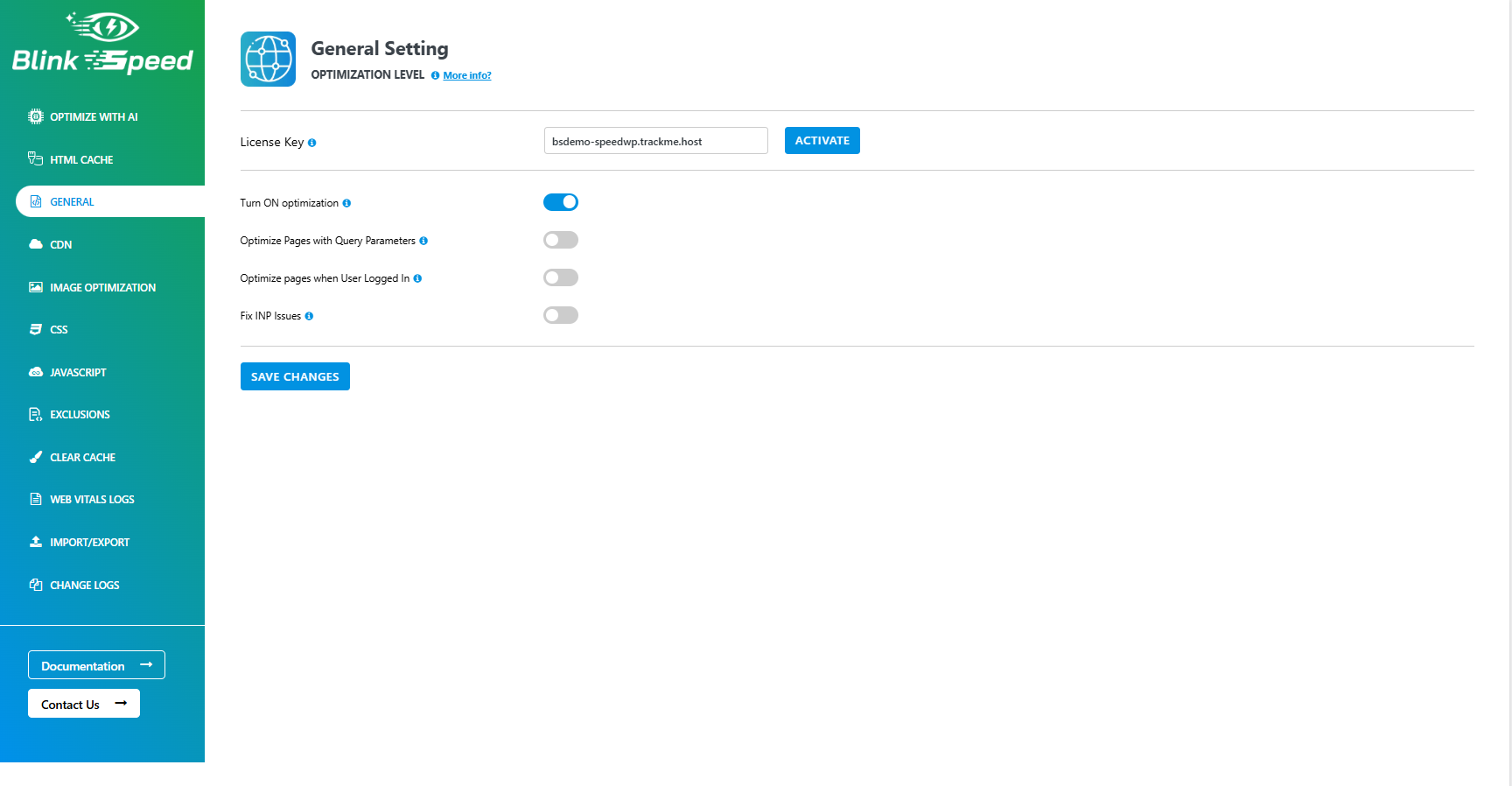
  • **General Settings Panel** – Activate your BlinkSpeed license and enable global optimization features such as query parameter optimization and logged-in user optimization.
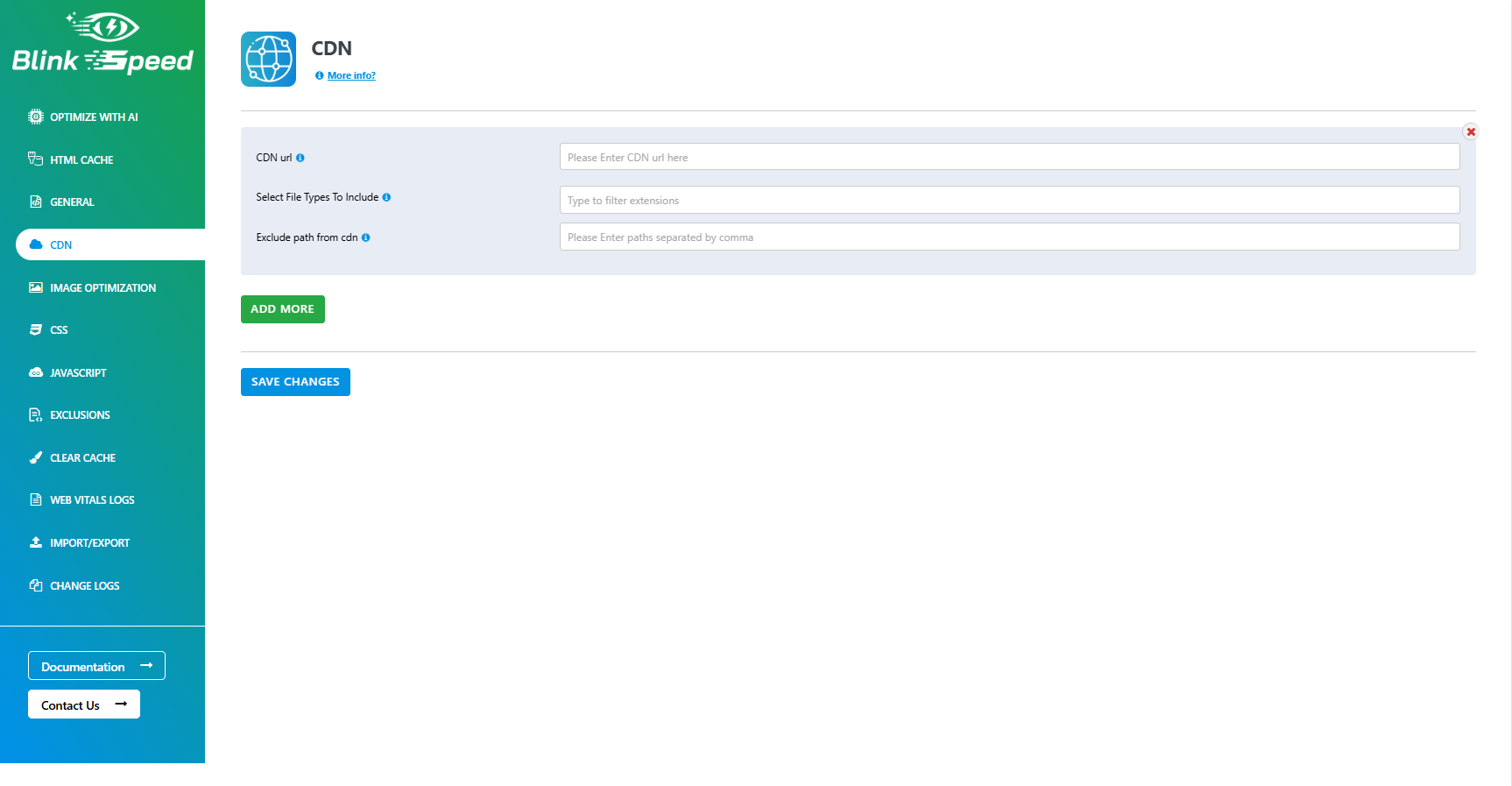
  • **CDN Integration Settings** – Connect your CDN by adding the CDN URL, selecting file types to serve via CDN, and excluding specific paths.
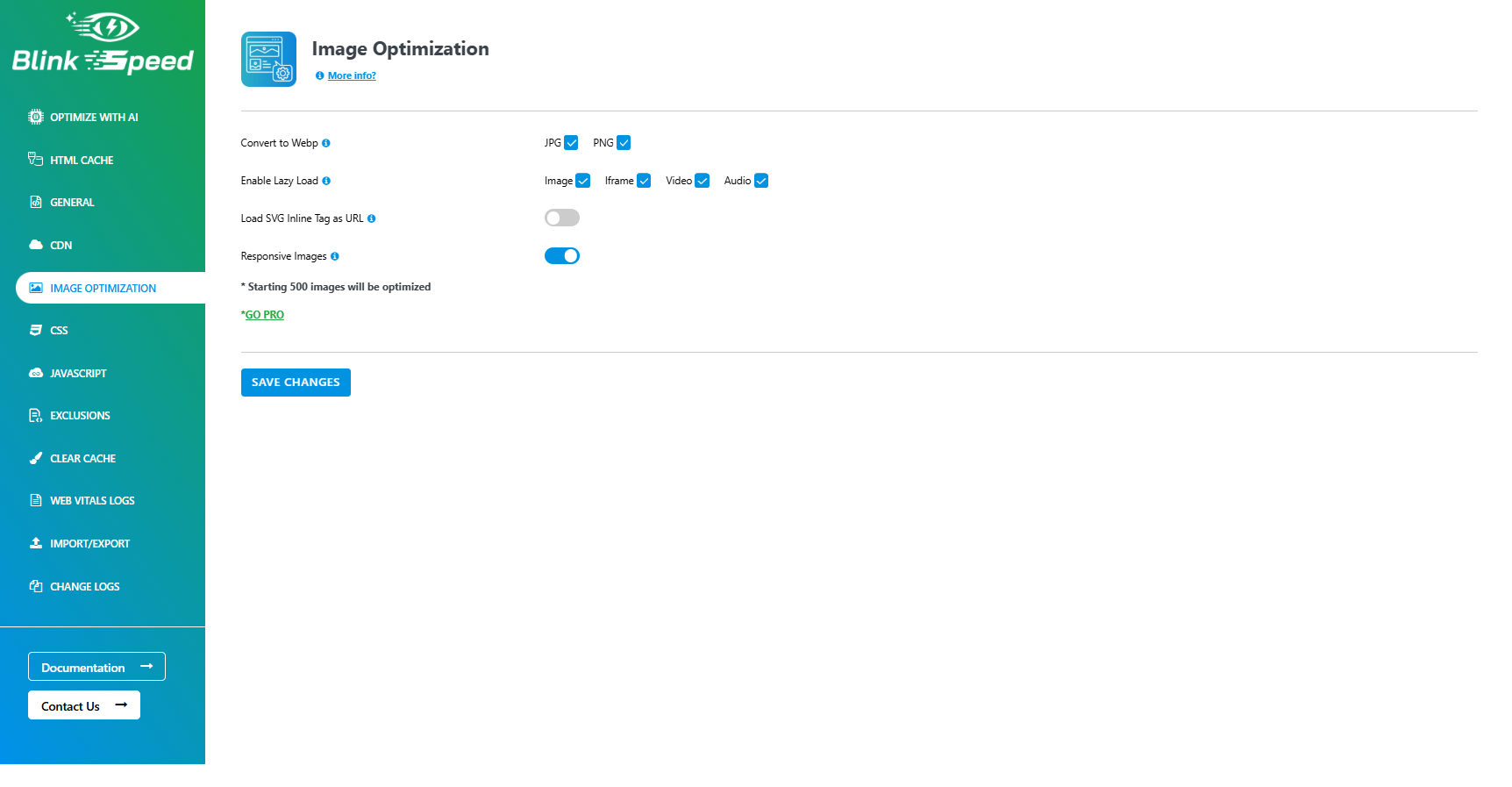
  • **Image Optimization Settings** – Configure image performance options including WebP conversion for JPG/PNG, lazy loading for images, iframes, video, and audio, SVG handling, and responsive images. This screen helps you reduce image payload and improve page load speed with a single click on Save Changes.
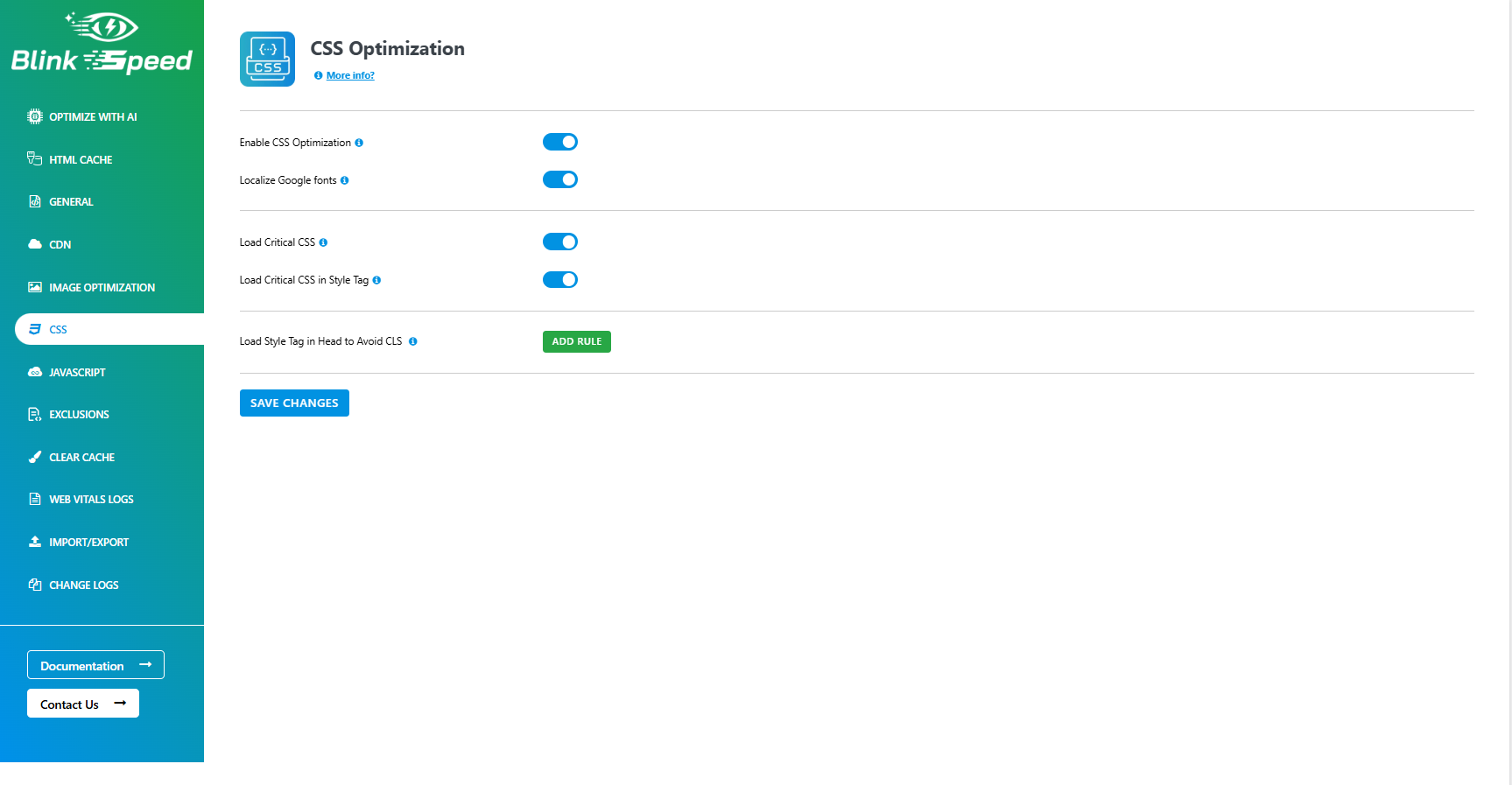
  • **CSS Optimization Settings** – Manage CSS performance options including minification, combination, and deferred loading of stylesheets, as well as advanced rules for excluding or including specific CSS files to reduce render‑blocking resources and speed up page rendering.
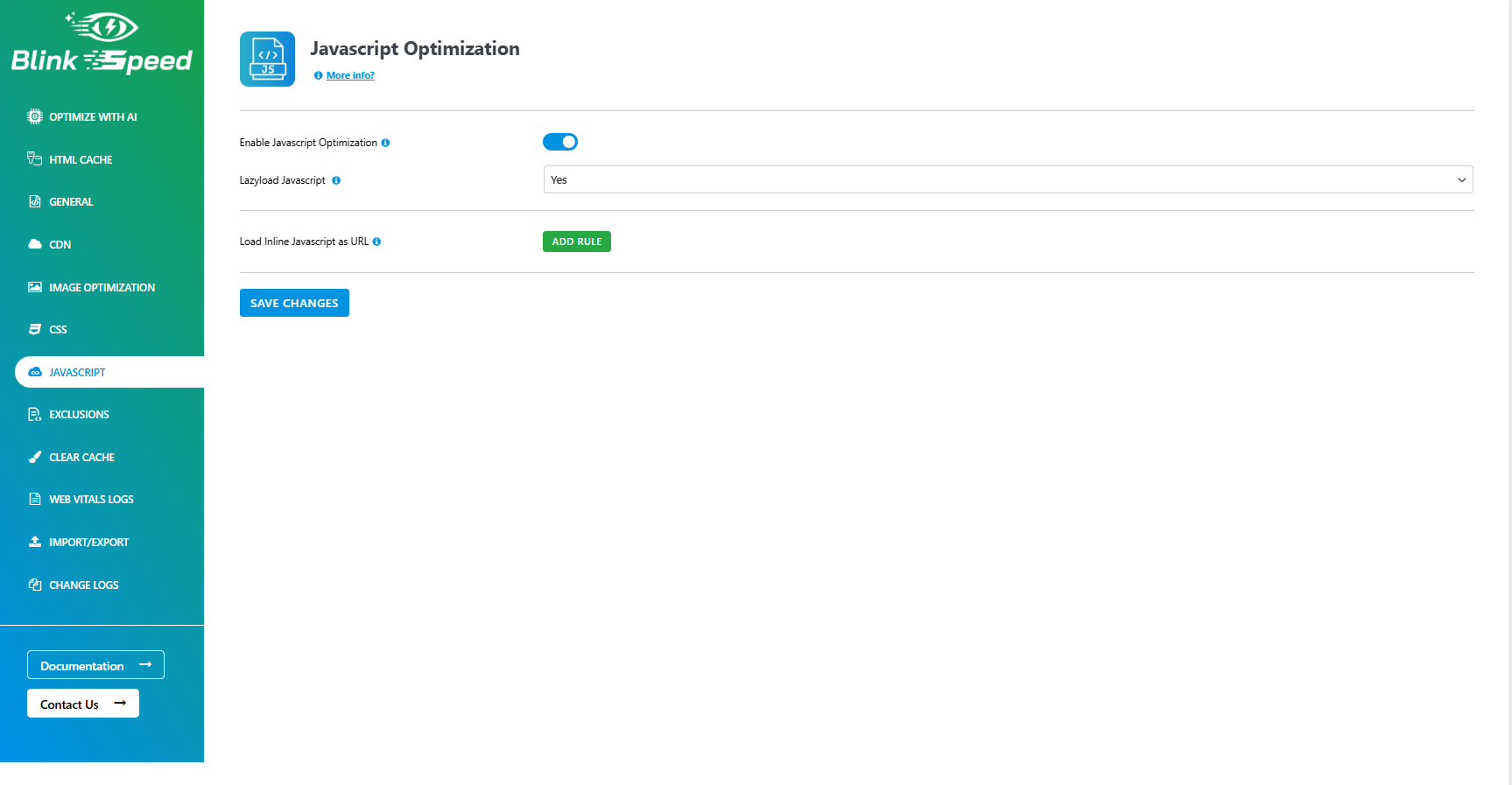
  • **JavaScript Optimization Settings** – Configure JavaScript performance options including minification, combination, and deferred or delayed loading of scripts, with granular controls to exclude specific files and prevent conflicts while reducing render‑blocking resources.
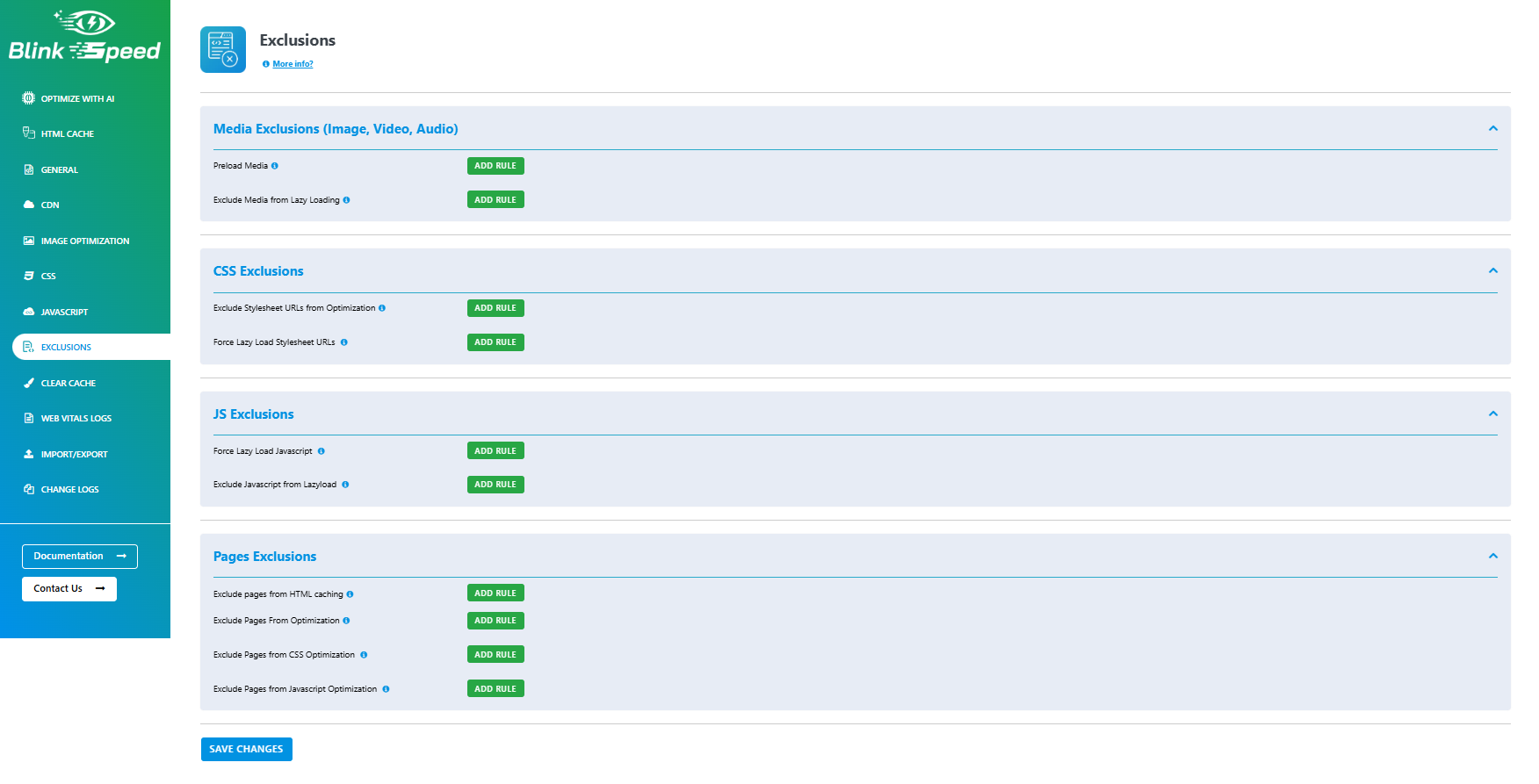
  • **Exclusions Settings** – Define URLs, file types, cookies, and user agents that should be excluded from caching and optimization, giving you precise control to avoid conflicts with sensitive pages such as checkout, cart, and logged‑in user areas.
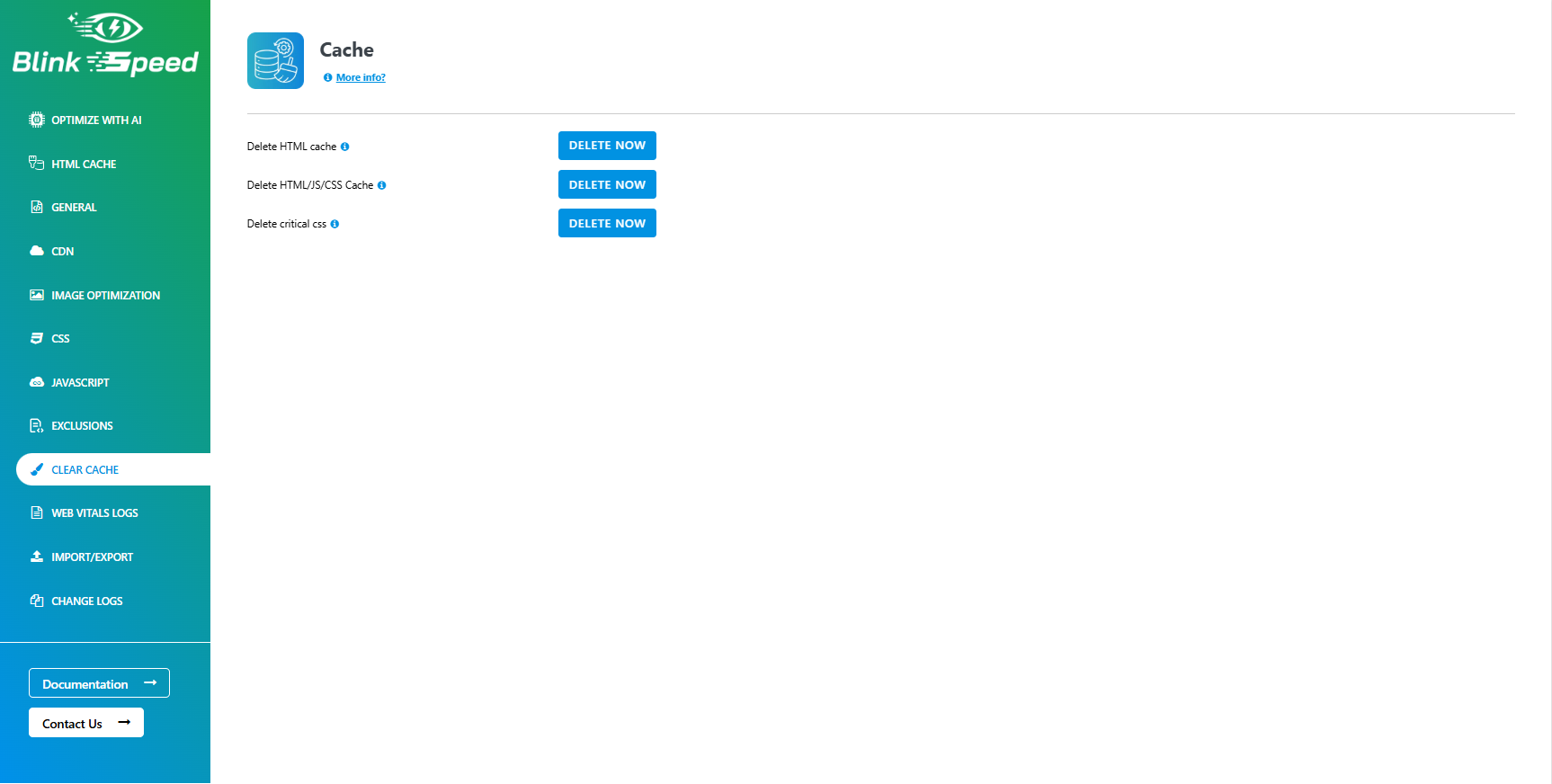
  • **Clear Cache Tools** – Quickly purge all cached files or selectively clear cache for specific URLs, post types, and device types to instantly reflect changes on your site without waiting for cache expiry.
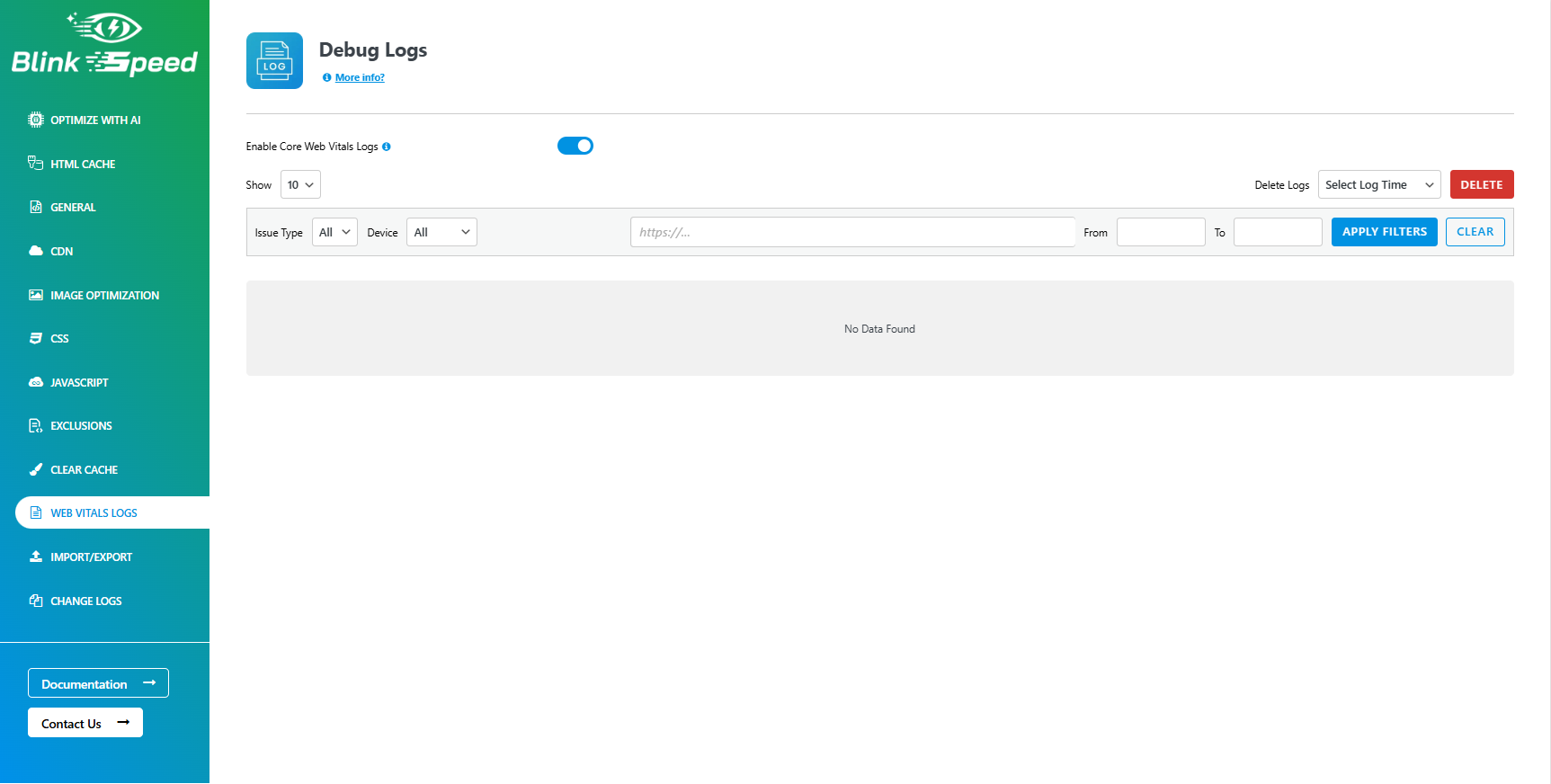
  • **Web Vitals Logs & Reports** – Monitor Core Web Vitals and performance scores over time with detailed logs for each URL, helping you identify slow pages, track optimization impact, and prioritize fixes based on real user experience data.
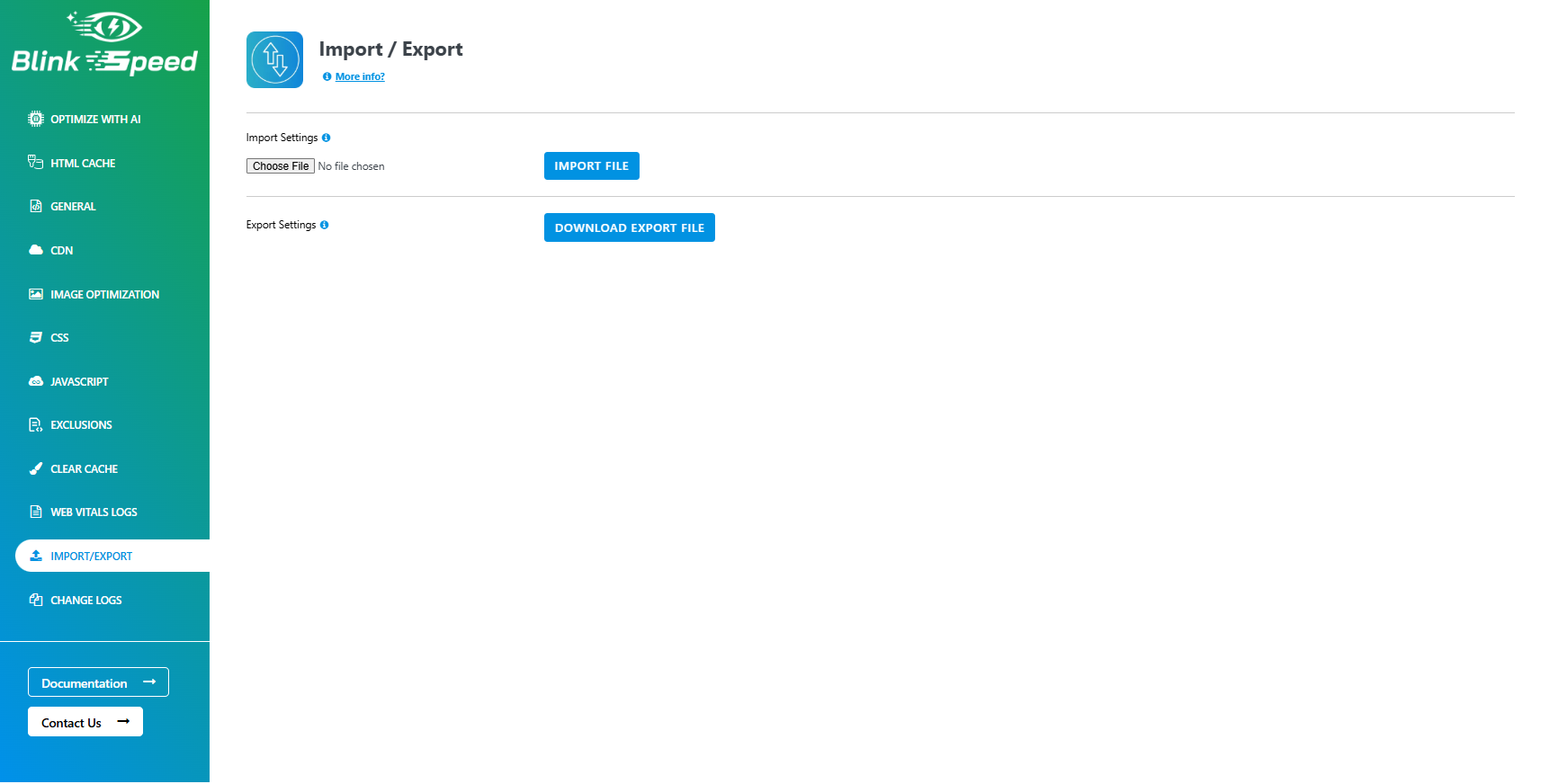
  • **Import & Export Settings** – Easily migrate BlinkSpeed configuration between websites by exporting all optimization settings to a file and importing them on another install, ensuring consistent performance tuning across multiple projects without manual reconfiguration.
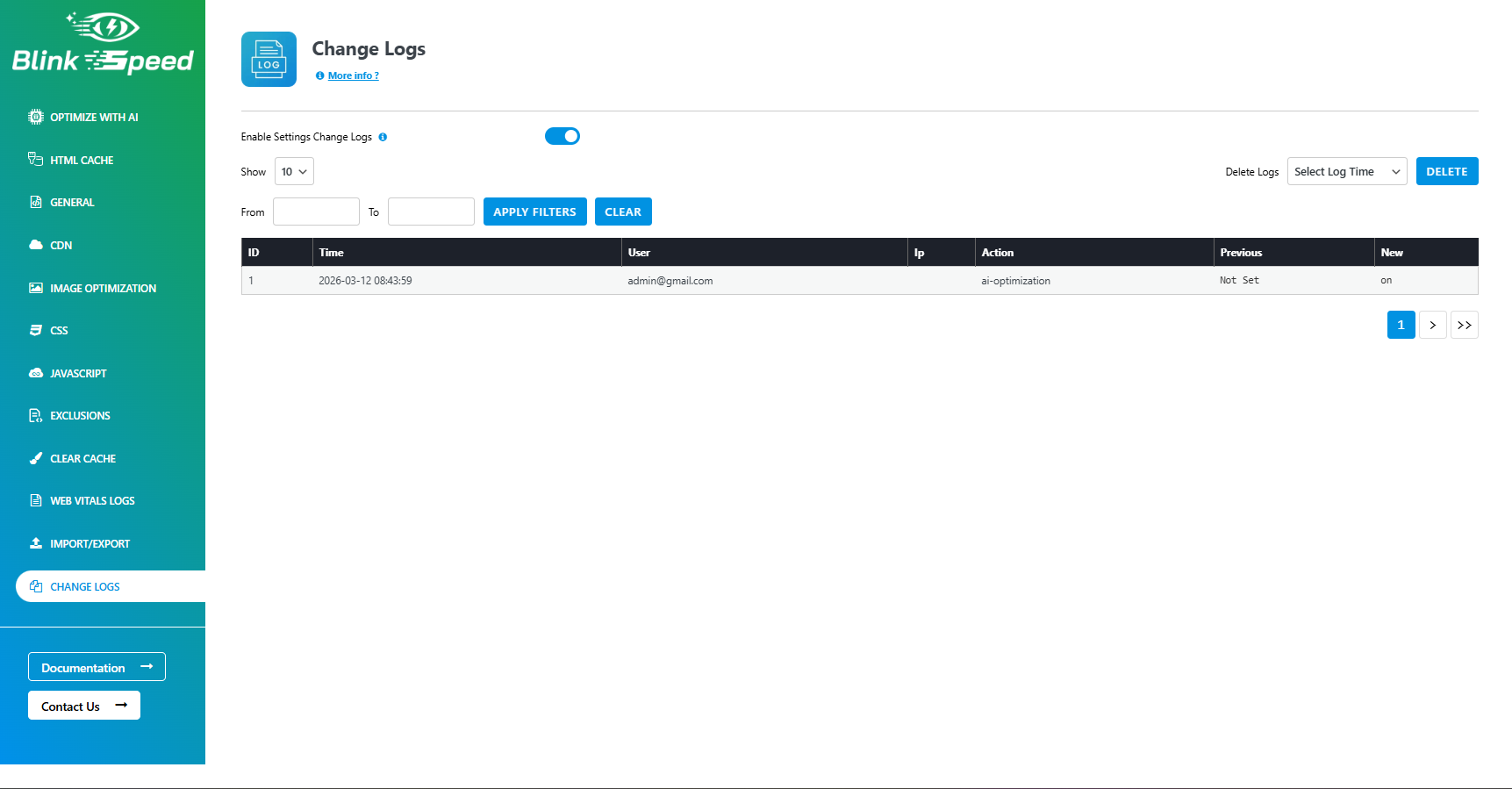
  • **Change Logs & Activity History** – Review a chronological log of cache purges, optimization actions, and settings changes, making it easy to audit who changed what and to troubleshoot performance or compatibility issues.
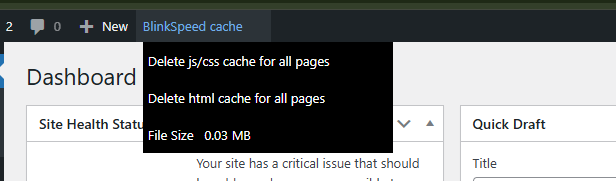
  • **Quick Cache Clear Menu (Admin Bar)** – Access one‑click options from the WordPress admin header to clear all cache or purge specific sections, letting you instantly refresh optimized content while working anywhere in the dashboard or on the front end.
  • BlinkSpeed dashboard
  • Optimization settings
  • Cache management panel

升级注意事项:

1.0.5 Initial stable release of BlinkSpeed optimization plugin.

常见问题:

Does this plugin work with multisite?

Yes. BlinkSpeed supports both network-wide and per-site configuration.

Does it require an external service?

Yes. Some optimization features use the BlinkSpeed API for processing.

Do I need a license key to use BlinkSpeed?

No. BlinkSpeed works without a license key. You can still use most optimization features with the built-in demo license included in the plugin.

What features work without a license key?

The following features work on all pages using the built-in demo license:

  • HTML caching
  • Image lazy loading
  • JavaScript lazy loading
  • CSS minification
  • JavaScript minification
These optimizations help improve site speed even without activating a full license.

What features require a license key?

Some advanced AI optimization features require an active license key:

  • Critical CSS generation
  • Advanced image optimization (WebP conversion via BlinkSpeed API)
Without a license key, these advanced optimizations only work for the homepage as a demo.

Can I optimize my entire website without a license?

Yes, basic optimizations like caching, minification, and lazy loading work across all pages without a license. However, advanced AI features such as critical CSS generation and image optimization require a valid license to work on all pages.

Why are some features limited without a license?

Advanced optimizations like critical CSS extraction and image processing use BlinkSpeed cloud services. These services require server resources, so they are limited in the free demo mode.

How do I activate my license key?

  1. Go to BlinkSpeed → General Settings in your WordPress admin panel.
  2. Enter your license key.
  3. Click Activate to enable full optimization features.

更新日志:

1.0.5