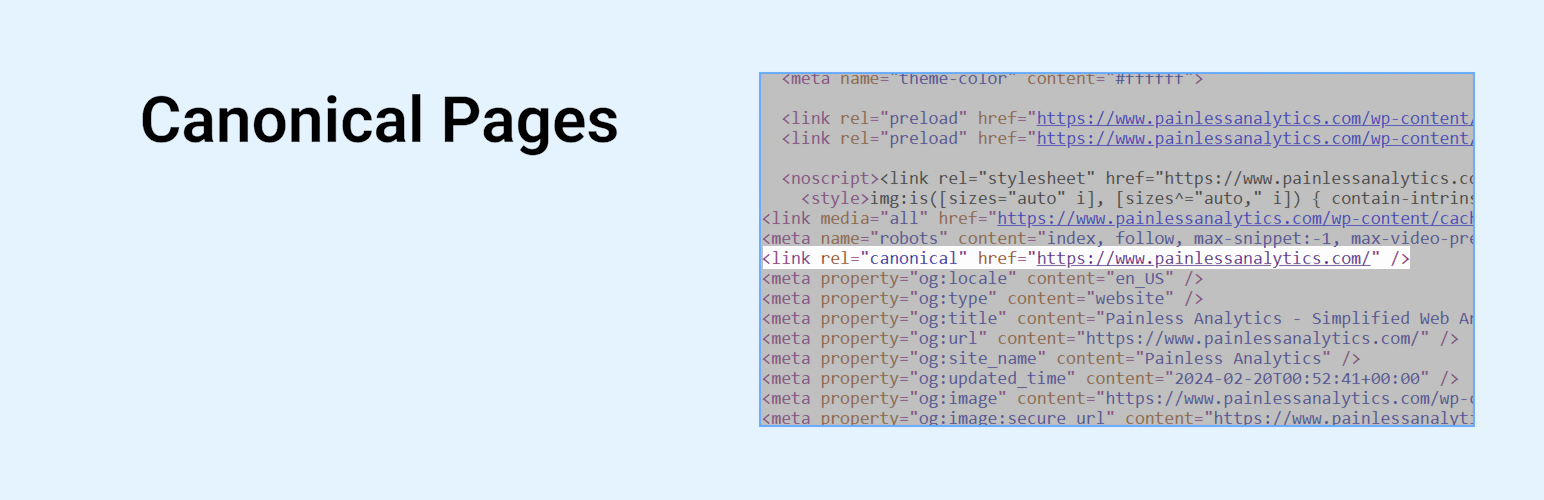
Canonical Pages
| 开发者 |
amandato
painlessanalytics |
|---|---|
| 更新时间 | 2026年5月25日 06:41 |
| 捐献地址: | 去捐款 |
| PHP版本: | 7.4 及以上 |
| WordPress版本: | 7.0 |
| 版权: | GPLv2 or later |
| 版权网址: | 版权信息 |
详情介绍:
Quickly enable, customize, or disable the canonical meta tag on your pages. Yoast SEO, Rank Math, and All in One SEO plugins are supported.
安装:
Automatic Plugin Installation
Install using the built-in plugin installer:
- Go to Plugins > Add New.
- Type in "Canonical Pages" in Search Plugins box.
- Find "Canonical Pages" in the search results.
- Click Install Now to install the WordPress Plugin.
- Click Activate to activate it.
- Download this plugin to your computer.
- Extract the plugin zip file (or compressed folder).
- With your FTP program, upload the plugin folder to the wp-content/plugins folder in your WordPress directory online.
- Go to Plugins screen and find "Canonical Pages" plugin in the list.
- Click Activate to activate it.
常见问题:
Is this compatible with the Yoast SEO plugin?
Yes, you can disable or specify a custom Canonical URL
Is this compatible with the Rank Math SEO plugin?
Yes, you can disable or specify a custom Canonical URL
Is this compatible with the All in one SEO plugin?
Yes
Is this compatible with the Slim SEO plugin?
Yes
Is this plugin necessary if I have an SEO plugin?
It may not be necessary if you are accustomed to the functionality built into your SEO plugin.
Which SEO plugins are not supported at this time?
Currently SEOPres, SEO Simple Pack, SmartCrawl WordPress SEO, and Squirrly SEO are not supported.
If I set a custom Canonical URL with this plugin, does it override the SEO plugin Canonical URL?
Yes, for the SEO plugins supported. Please see the list of supported SEO plugins.
更新日志:
1.0.2
Released on 2026-05-24
Plugin tested with WordPress 7.0.
1.0.1
Released on 2025-12-16
Plugin tested with WordPress 6.9.
1.0
Released on 2025-04-19
Official release of plugin
0.0.4
Released on 2025-04-18
Setup plugin on GitHub and action to publish on WordPress.org
0.0.3
Released on 2025-04-12
Issues addressed for wordpress.org submission review process
0.0.2
Released on 2025-04-07
Bug fixes and added CHANGELOG.md
0.0.1
Released on 2025-04-07
Initial release of Canonical Pages plugin
Full Version History
Please see the changelog on Github.