
CelerSearch
| 开发者 |
darkog
celersearch |
|---|---|
| 更新时间 | 2026年2月6日 23:25 |
| PHP版本: | 8.1 及以上 |
| WordPress版本: | 6.9 |
| 版权: | GPLv2 or later |
| 版权网址: | 版权信息 |
详情介绍:
CelerSearch supercharges your WordPress search by integrating with MeiliSearch, providing instant, typo-tolerant search results that your users will love.
Search Features
- Lightning Fast - Search results in milliseconds powered by MeiliSearch
- Typo Tolerant - Find results even with spelling mistakes
- Search Highlighting - Matching terms highlighted in results
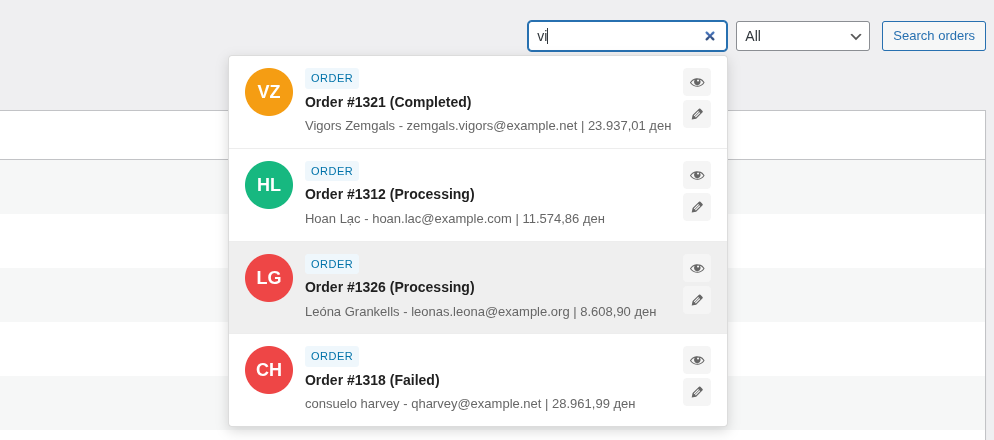
- Autocomplete - Instant search suggestions as users type
- Taxonomy Filtering - Filter by categories, tags, and custom taxonomies
- Fallback Support - Falls back to native WordPress search if needed
- Posts Index - Index any post type (posts, pages, custom post types)
- Products Index - Full WooCommerce product support including variations
- Orders Index - Search WooCommerce orders by customer, email, or order details
- Real-time Sync - Content changes automatically synced to search index
- Batch Indexing - Configurable batch size for large sites
- Meta Watching - Re-index when specific meta fields change
- Manual Rebuild - One-click index rebuild from admin
- Frontend Search - Replace main site search
- Admin Search - Enhance posts/products list search in wp-admin
- REST API Search - Power headless/decoupled WordPress setups
- 40+ Filter Hooks - Customize every aspect of indexing and search
- Configurable Attributes - Control searchable, filterable, and sortable fields
- Custom Index Types - Extend with your own index implementations
- Modern Admin UI - Built with Vue 3 and Tailwind CSS
- WordPress 6.0 or higher
- PHP 8.1 or higher
- A MeiliSearch server (self-hosted or managed)
- Install and activate the plugin
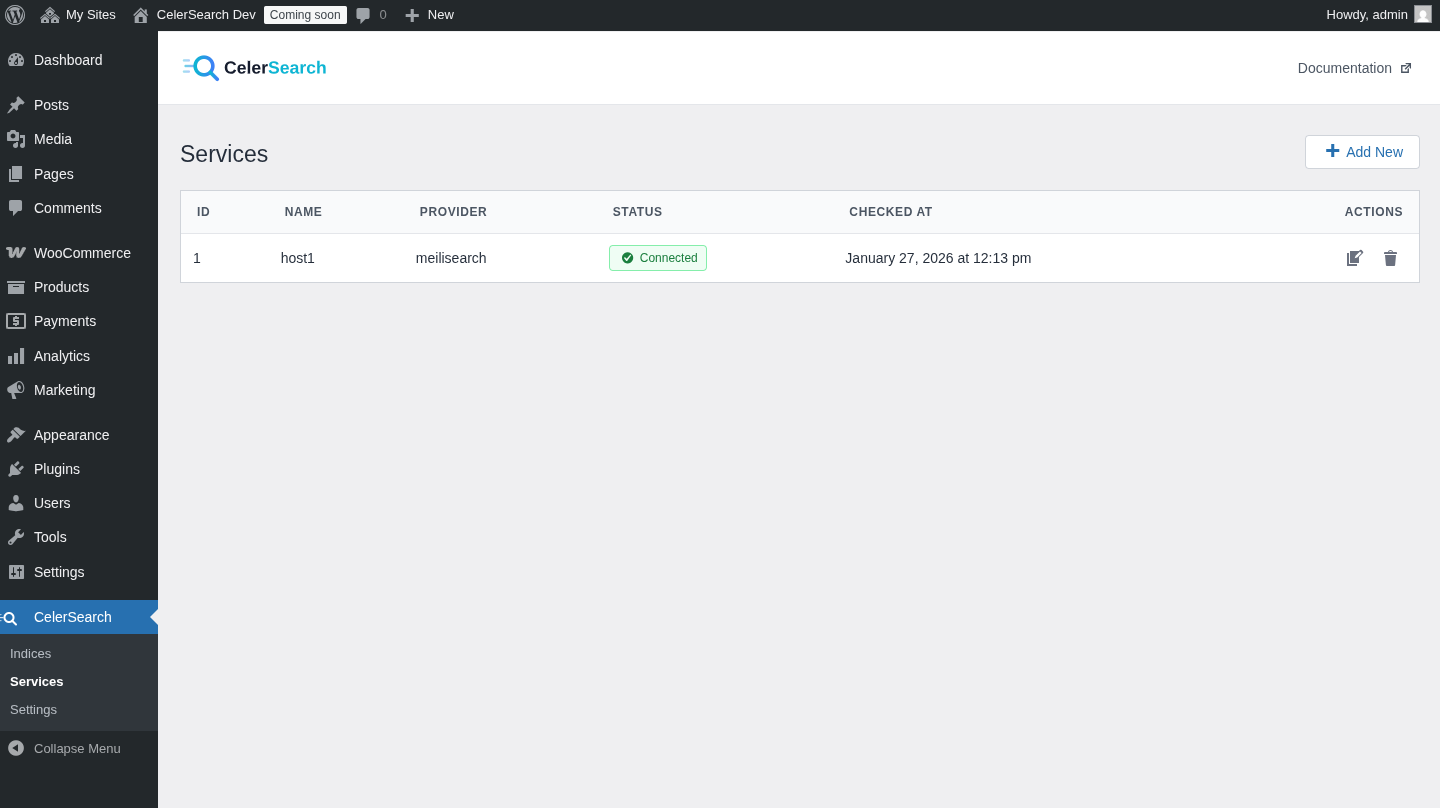
- Go to CelerSearch > Services and add your MeiliSearch server
- Create an index under CelerSearch > Indices
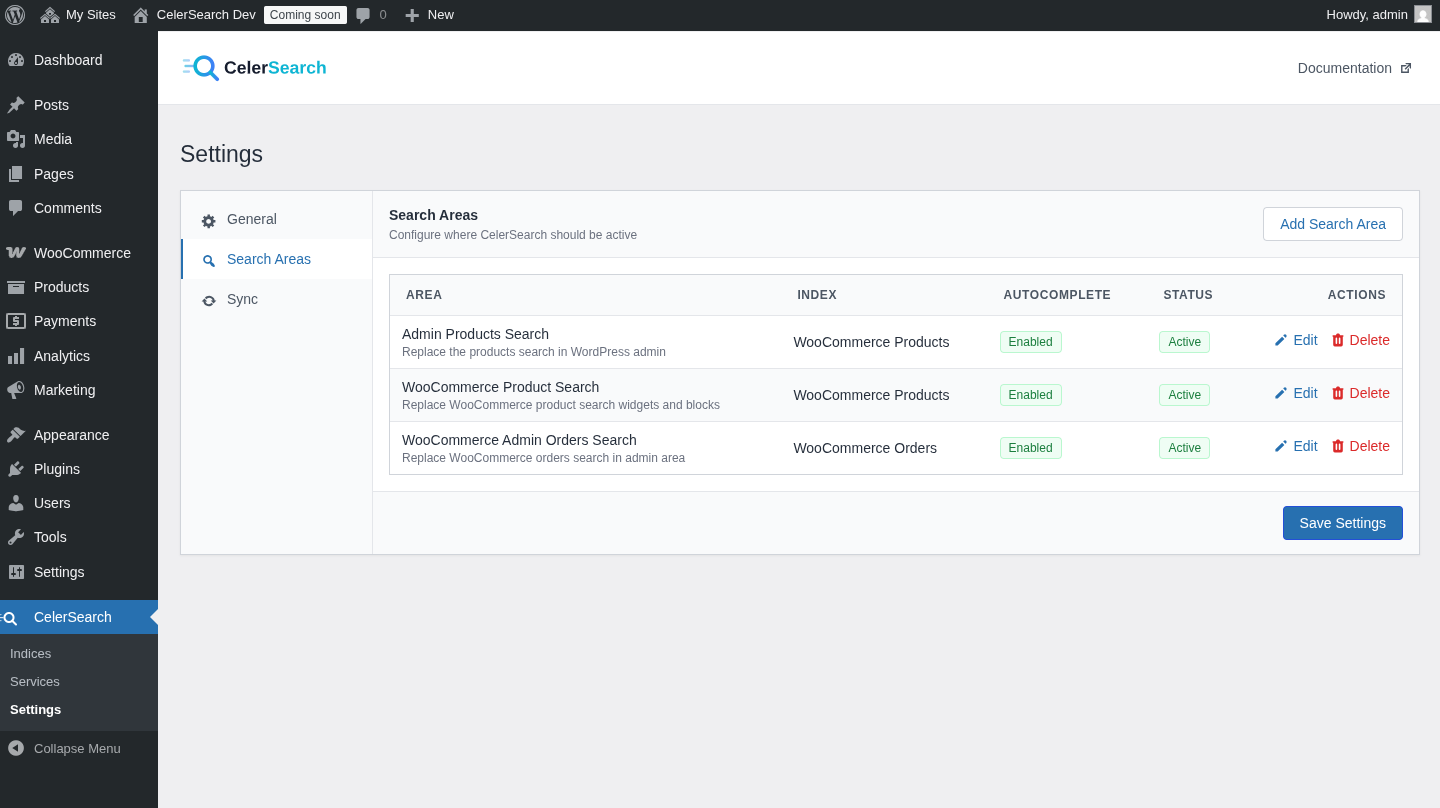
- Configure search areas in CelerSearch > Settings
- Rebuild your index and start searching!
安装:
- Upload the
celersearchfolder to the/wp-content/plugins/directory - Activate the plugin through the 'Plugins' menu in WordPress
- Configure your MeiliSearch service under CelerSearch > Services
- Create indices and configure search areas
屏幕截图:
常见问题:
Do I need my own MeiliSearch server?
Yes, CelerSearch requires a MeiliSearch server. You can self-host it or use a managed hosting provider.
Does it work with WooCommerce?
Yes! CelerSearch includes a dedicated Products index type that works seamlessly with WooCommerce.
Will it slow down my site?
No. CelerSearch offloads search queries to your MeiliSearch server, which typically responds in under 50ms.
What happens if MeiliSearch is unavailable?
If configured, CelerSearch can fall back to native WordPress search to ensure your site always has working search functionality.
更新日志:
1.1.1
- Imporve build process
- Fix admin page icon
- Add WooCommerce integration
- Add Views
- Improved code quality
- Improved UI/UX
- Add celersearch as committer
- Add Confirmation for reindex operation
- Fix WooCoomerce order index thumbnail
- Fix Autocomplete dialog result display HTML escaped strings
- Add WooCommerce Orders index
- Improved code quality
- Improved code quality
- Fixed minor bugs
- Initial release