
Code Unloader – Unload Unused CSS, JS & Assets Per Page
| 开发者 | dalibord |
|---|---|
| 更新时间 | 2026年9月30日 22:25 |
| PHP版本: | 8.0 及以上 |
| WordPress版本: | 7.1 |
| 版权: | GPL-2.0-or-later |
| 版权网址: | 版权信息 |
详情介绍:
- Unload contact-form CSS and JavaScript from pages without a form
- Stop WooCommerce assets from loading on pages that do not use shop features
- Unload slider, sharing, popup, or page-builder files where they are not needed
- Unload JS and CSS only for mobile visitors, or only for desktop
- Create different asset rules for desktop and mobile visitors
- Apply rules to one URL, a group of URLs, post types, or conditional page types
- Open any frontend page while logged in as an administrator.
- Click ⚡ Assets in the WordPress Admin Toolbar.
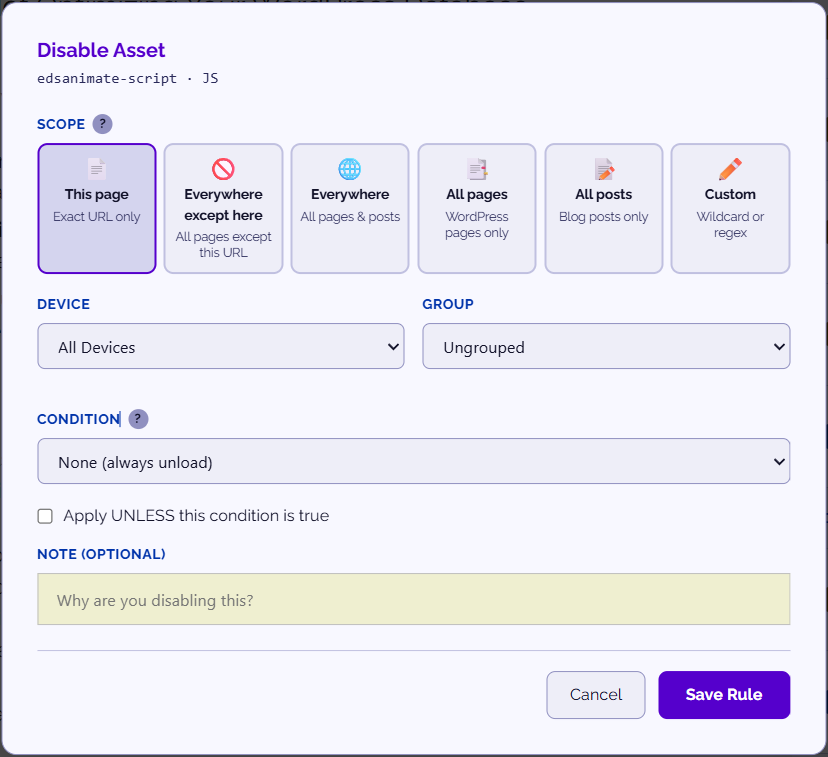
- Find a CSS or JavaScript file and switch it off.
- Choose where the rule should apply: an exact URL, wildcard pattern, regular expression, device type, or condition.
- Save the rule, clear page cache if needed, and test the page.
- Unload registered CSS and JavaScript on selected pages or across matching URLs
- Exact URL, wildcard (
/shop/*), and regular-expression matching - Conditions for logged-in users, WooCommerce pages, shortcodes, and post types
- Desktop-only and mobile-only asset rules
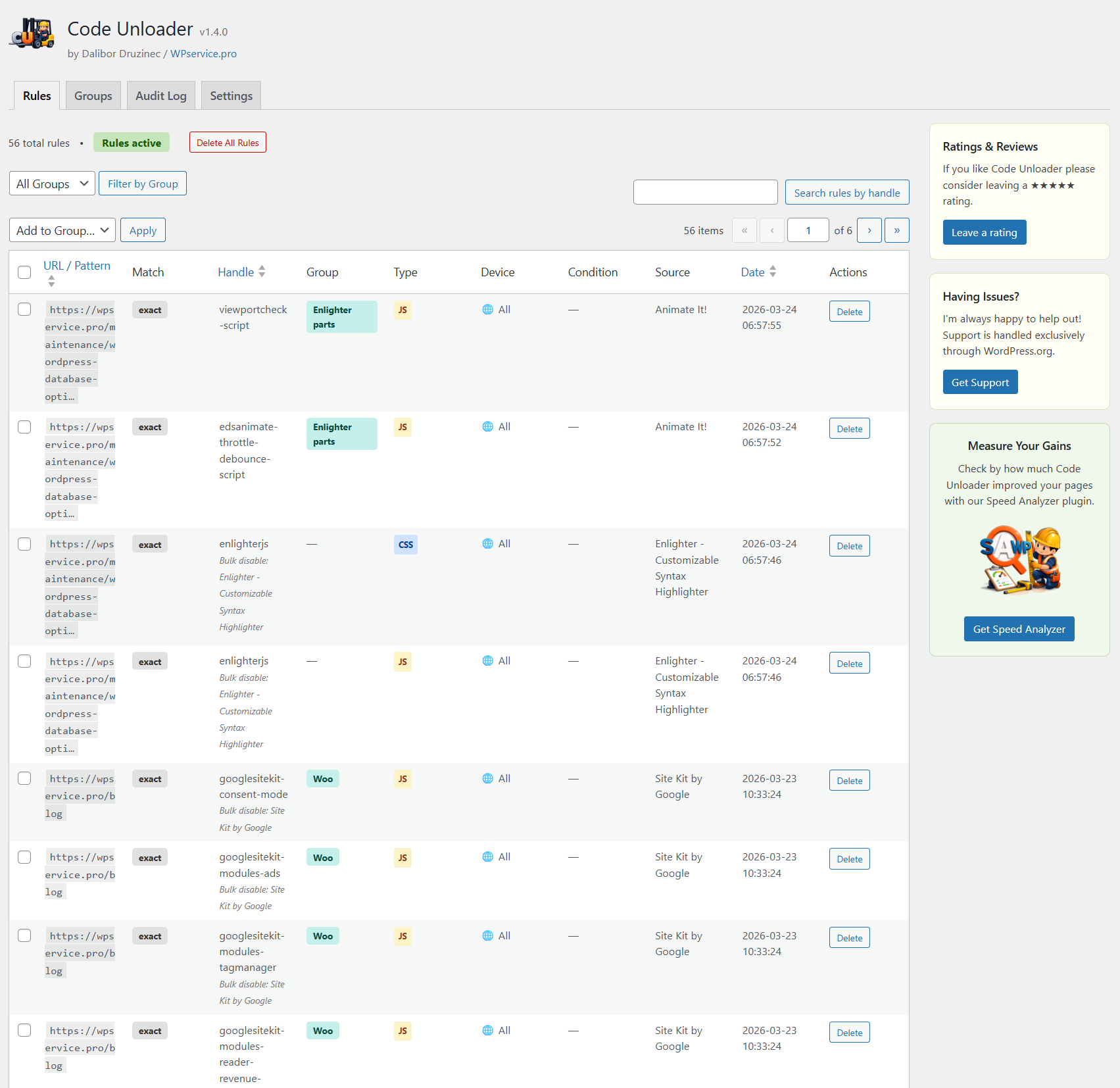
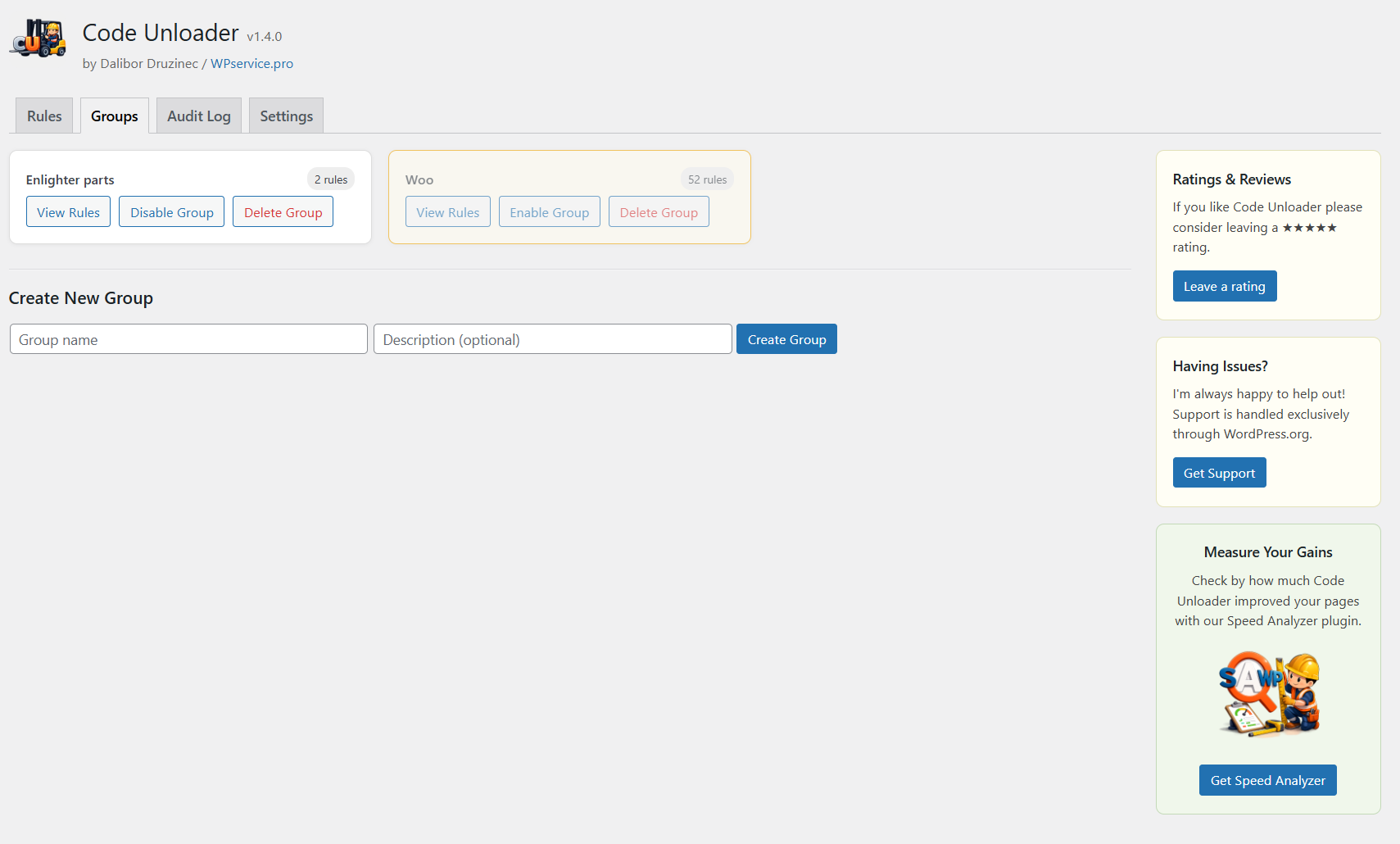
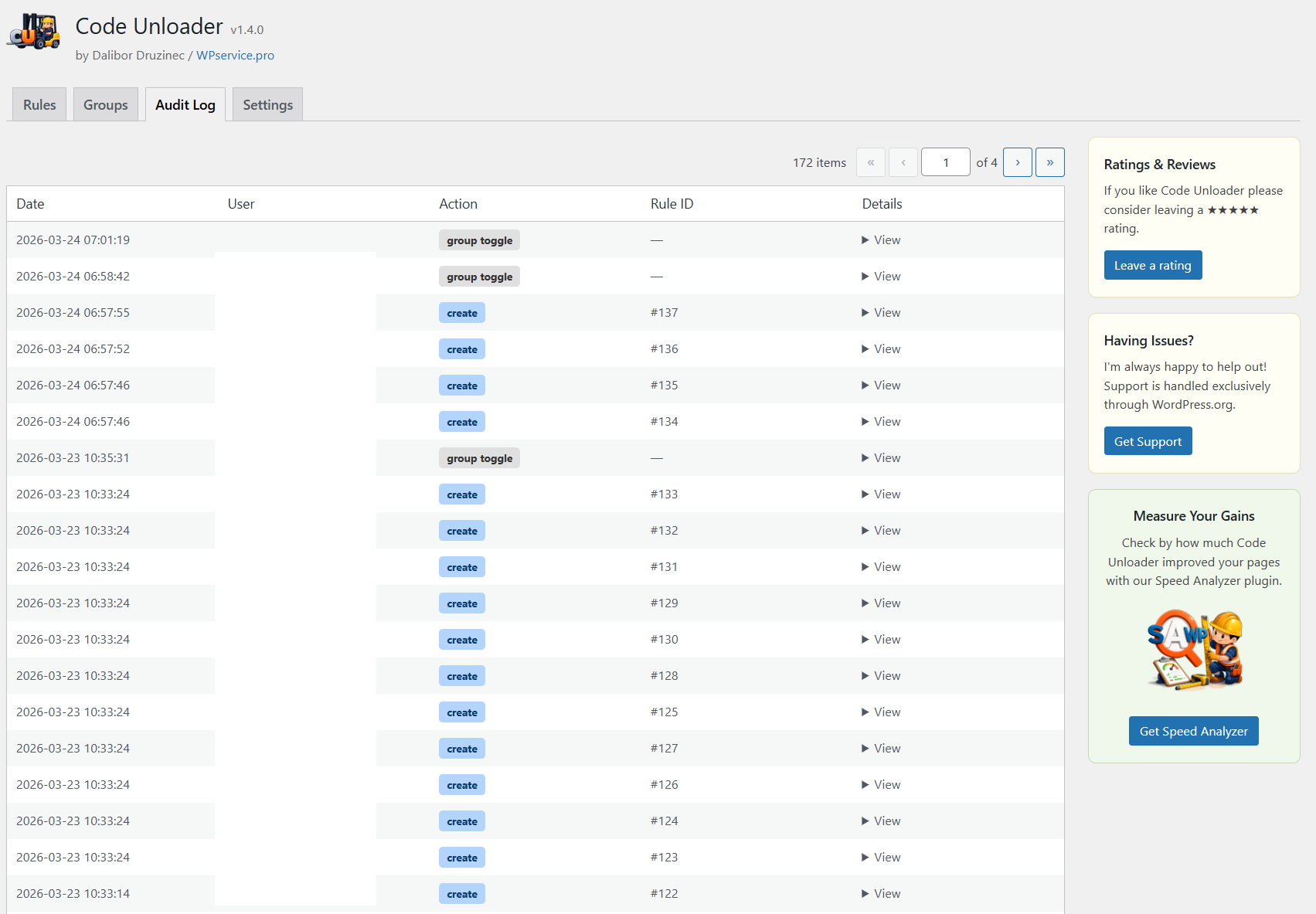
- Rule groups, global rule management, audit log, and JSON import/export
- One-click kill switch that restores all assets without deleting any rules
- Per-request
?nowpcubypass for testing the unoptimized page - Detection of inline
<script>and<style>blocks for easier investigation
?nowpcu to the URL to bypass all Code Unloader rules for that request. You can also use the global kill switch to restore every asset sitewide while keeping your rules saved.
Test unloading changes on a staging site first whenever possible. Removing a required CSS or JavaScript file can affect a page's appearance or functionality.
Compatibility
Code Unloader is designed to work alongside common caching, optimization, e-commerce, and page-builder plugins, including WP Rocket, W3 Total Cache, LiteSpeed Cache, WP Super Cache, WooCommerce, Elementor, Divi, and WPBakery Page Builder.
PHP 8.0 or higher is required.
安装:
- In WordPress, go to Plugins > Add New Plugin and search for Code Unloader.
- Click Install Now, then Activate.
- Visit any frontend page while logged in as an administrator.
- Click ⚡ Assets in the Admin Toolbar.
- Switch off an asset and choose where the unloading rule should apply.
- Test the page's design and functionality after saving the rule.
屏幕截图:
常见问题:
Does Code Unloader remove unused CSS inside a stylesheet?
No. Code Unloader unloads an entire registered CSS file on pages that do not need it. It does not remove individual unused selectors from inside a stylesheet.
Can I unload plugin CSS and JavaScript without writing code?
Yes. Open the frontend asset panel, switch off the asset, and choose where the rule should apply. You do not need to add PHP snippets or edit theme files.
How do I unload JavaScript (JS) or CSS on one page only?
Open that page with ⚡ Assets in the Admin Toolbar, switch the file off, and choose exact URL as the match. The rule dequeues the file on that page only; every other page keeps loading it.
Can I unload assets on mobile only, or desktop only?
Yes. Each rule has a device setting: all visitors, mobile only, or desktop only. A mobile-only rule leaves the desktop page untouched.
Can unloading an asset break a page?
Yes. A page can lose styling or functionality if you unload a required dependency. Test each change, preferably on staging. Use ?nowpcu for a one-request bypass or the kill switch to restore all assets immediately.
Will my rules survive a cache flush or plugin reactivation?
Yes. Rules are stored in a custom database table and are not removed when plugin caches are cleared or Code Unloader is reactivated.
What is the kill switch?
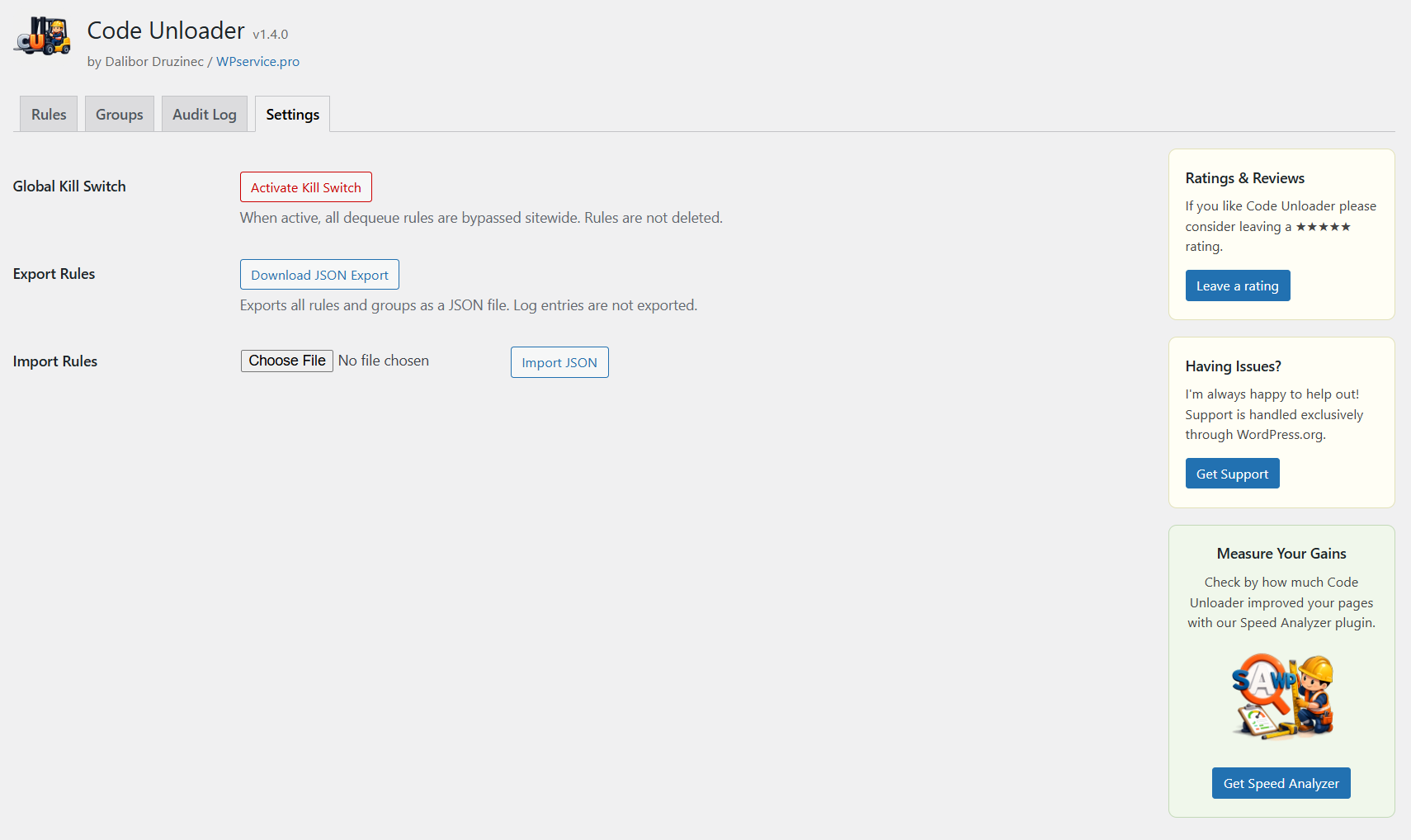
The kill switch is an emergency recovery option in Settings > Code Unloader > Settings. When active, all rules are bypassed and every asset loads normally. Your rules are not deleted and resume when you deactivate the kill switch.
What does the ?wpcu parameter do?
Append ?wpcu to a frontend URL to open the asset panel for logged-in administrators, including on pages where the Admin Toolbar is hidden. The parameter remains while the panel is open and is removed when you close it.
What does the ?nowpcu parameter do?
Append ?nowpcu to a URL to bypass all Code Unloader rules for that request. The page loads as if Code Unloader were not applying any rules. This is useful for testing, debugging, and comparing optimized and unoptimized asset loading.
Does it support wildcard and regular-expression rules?
Yes. Choose an exact URL, wildcard pattern, or regular expression when creating a rule. Regular expressions are validated before saving.
Can it unload inline script and style blocks?
The Inline Blocks tab detects and lists <script> and <style> tags printed directly into the page HTML. It helps you identify inline code, but those blocks cannot currently be unloaded from the frontend panel.
Does Code Unloader replace a caching or minification plugin?
No. Code Unloader controls whether a registered CSS or JavaScript file loads on a matching page. Caching and minification plugins change how files are stored or delivered. They can be used together.
What PHP version do I need?
PHP 8.0 or higher. The plugin will not activate on PHP 7.x.
更新日志:
- Changed: the AI Assets Scanner sidebar card now links to Dr. Speed: AI Assets Scanner on WordPress.org.
- Changed: readme wording for the plugin directory search (unload assets, unload JS and CSS per page, page speed); "Tested up to" corrected to 7.1.
- Added: filter the Rules tab by URL. A new URL/Group switch sits at the top of the rules list; pick a URL to see only the rules stored for that page. The list opens on "All URLs".
- Changed: the rules toolbar now filters by URL or by Group, one at a time, instead of by Group only.
- Changed: tested WordPress compatibility updated to 7.1 and plugin version bumped to 1.4.11.
- Changed: reworded the AI Assets Scanner sidebar card.
For the complete release history, see
changelog.txtin the plugin folder.