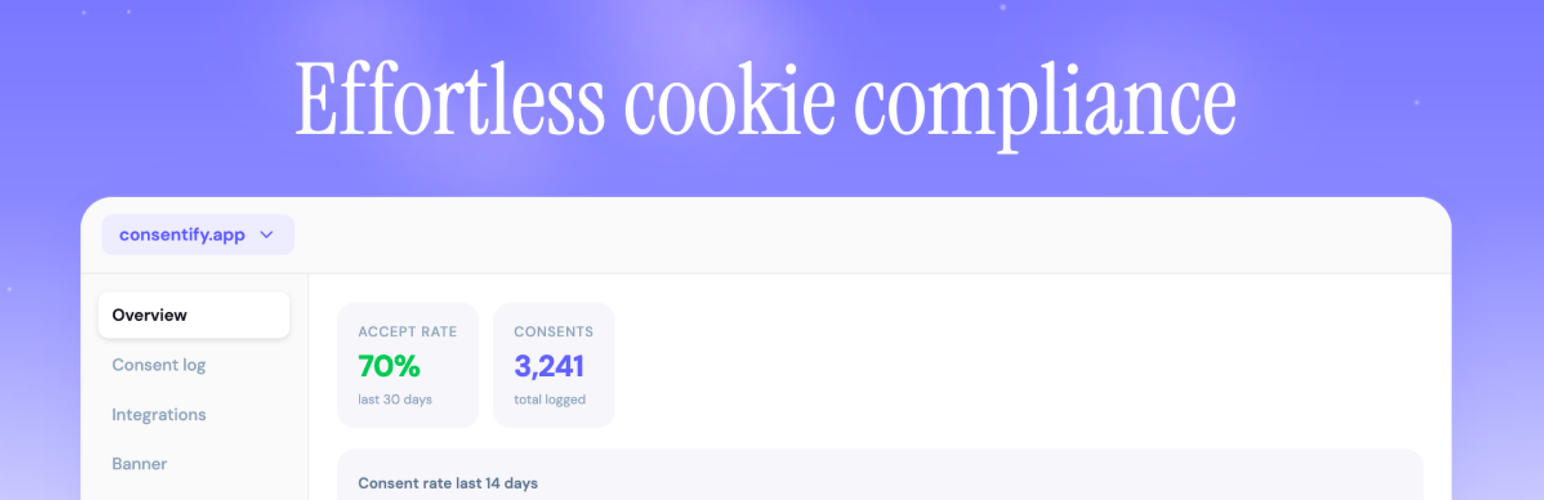
Consentify Script
| 开发者 | consentify |
|---|---|
| 更新时间 | 2026年9月2日 21:08 |
| PHP版本: | 5.0 及以上 |
| WordPress版本: | 7.0 |
| 版权: | GPLv2 or later |
| 版权网址: | 版权信息 |
详情介绍:
- Free plan available, one domain, no time limit, no watermark on paid plans
- Beautiful, fully customizable banner, colors, text, position, animation
- Blocks tracking scripts (Google Analytics, Meta Pixel, etc.) until consent is given
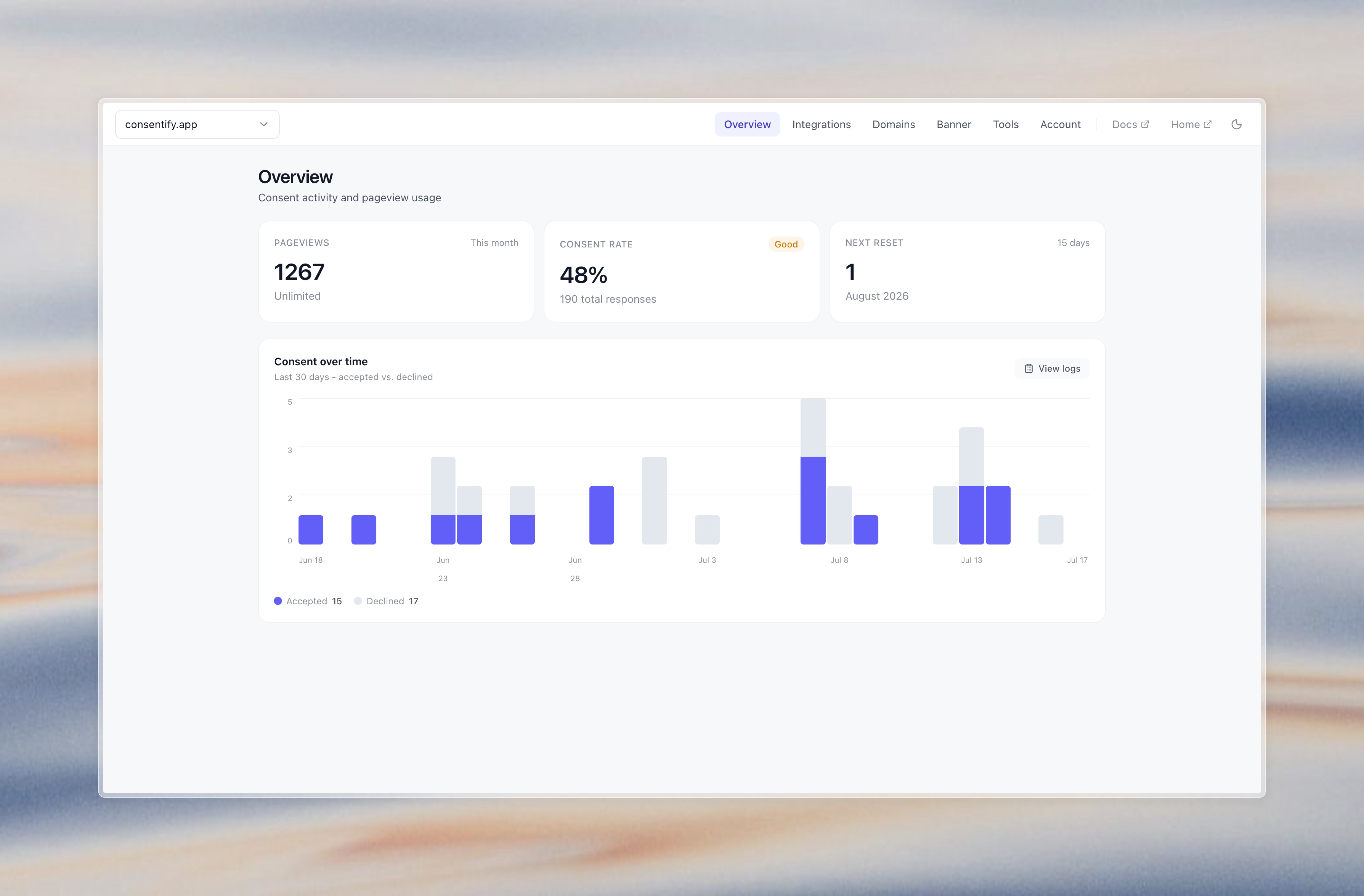
- Stores a consent log with timestamps and policy version, GDPR audit trail included
- Banner available in 40 languages; automatic per-visitor language switching on paid plans
- Manage multiple domains from one dashboard, ideal for agencies
- Create a free account at consentify.app
- Add your domain and configure your banner using the visual editor
- Copy your public token and paste it into this plugin's settings
- Done, your GDPR-compliant banner is live
- WordPress site owners who need GDPR compliance fast
- Freelancers managing cookie consent for multiple clients
- Agencies who want one dashboard for all client sites
- 1 domain
- 5,000 pageviews/month
- Full banner customization
- Consent log and documentation Get started free at consentify.app →
安装:
- Upload the plugin to
/wp-content/plugins/or install directly via the WordPress plugin directory. - Activate the plugin via Plugins in WordPress.
- Go to Settings → Consentify Script and enter your public token.
- Save and verify that the banner displays correctly on your site.
屏幕截图:
常见问题:
Do I need a Consentify account?
Yes. Create a free account at consentify.app, add your domain, and copy your public token into the plugin settings.
Is Consentify free?
Yes, the free plan covers one domain with up to 5,000 pageviews per month, full banner customization, and a consent log. Paid plans are available for more domains and higher traffic.
Does this plugin work with Google Analytics and Meta Pixel?
Yes. You can configure Consentify to block Google Analytics (GA4), Meta Pixel, Google Tag Manager, Hotjar, and other tracking scripts until the visitor gives consent.
Is the consent log GDPR-compliant?
Yes. Consentify stores each consent decision with a timestamp, policy version, and hashed IP address, giving you a full audit trail without storing personally identifiable information.
Can I use this for multiple WordPress sites?
Yes. Each site needs its own public token (one per domain). Paid plans let you manage multiple domains from a single dashboard.
Does the banner work with caching plugins?
Page caching is fine. The script is loaded externally and all consent logic runs client-side, so W3 Total Cache, WP Super Cache, LiteSpeed Cache and similar work without any configuration.
Script optimisation is different. If your optimisation plugin has a "Delay JavaScript execution" option (WP Rocket, LiteSpeed Cache, Perfmatters, NitroPack and others offer one), it holds every script back until the visitor first interacts with the page. The consent banner then does not appear until someone clicks, and embedded content such as YouTube or Vimeo has already loaded before consent was asked for. Add consentify.app to that feature's exclusion list. The same applies to "Combine JavaScript" options.
Can visitors change their consent after accepting?
Yes. Add a button or link anywhere on your site with the ID revoke-consent-btn and Consentify will automatically attach the revoke logic to it.