
Controla: Secure your site
| 开发者 | oscarcontrola |
|---|---|
| 更新时间 | 2026年8月11日 21:47 |
| PHP版本: | 7.4 及以上 |
| WordPress版本: | 7.0 |
| 版权: | GPLv3 or later |
| 版权网址: | 版权信息 |
详情介绍:
Controla helps you monitor and improve the security posture of your WordPress installation.
The plugin securely sends essential system metadata to your Controla dashboard so you can identify risks, outdated software, missing configurations, and general site health issues.
Data sent to Controla includes:
- Site and home URLs
- WordPress version, locale, multisite status, and automatic plugin update status
- Installed plugin names, file paths, versions, activation status, and update availability
- Basic server information
- WordPress user IDs, names, email addresses, roles, and two-factor authentication provider status (if configured)
- The plugin's security-hardening settings and generated server security recommendations The plugin does NOT collect passwords, site content, or session data.
安装:
- Upload the plugin files to
/wp-content/plugins/controla, or install via the WordPress Plugins screen. - Activate the plugin through Plugins → Installed Plugins.
- Go to Settings → Controla and enter your API key.
- Your site will begin syncing security and health information to your Controla dashboard.
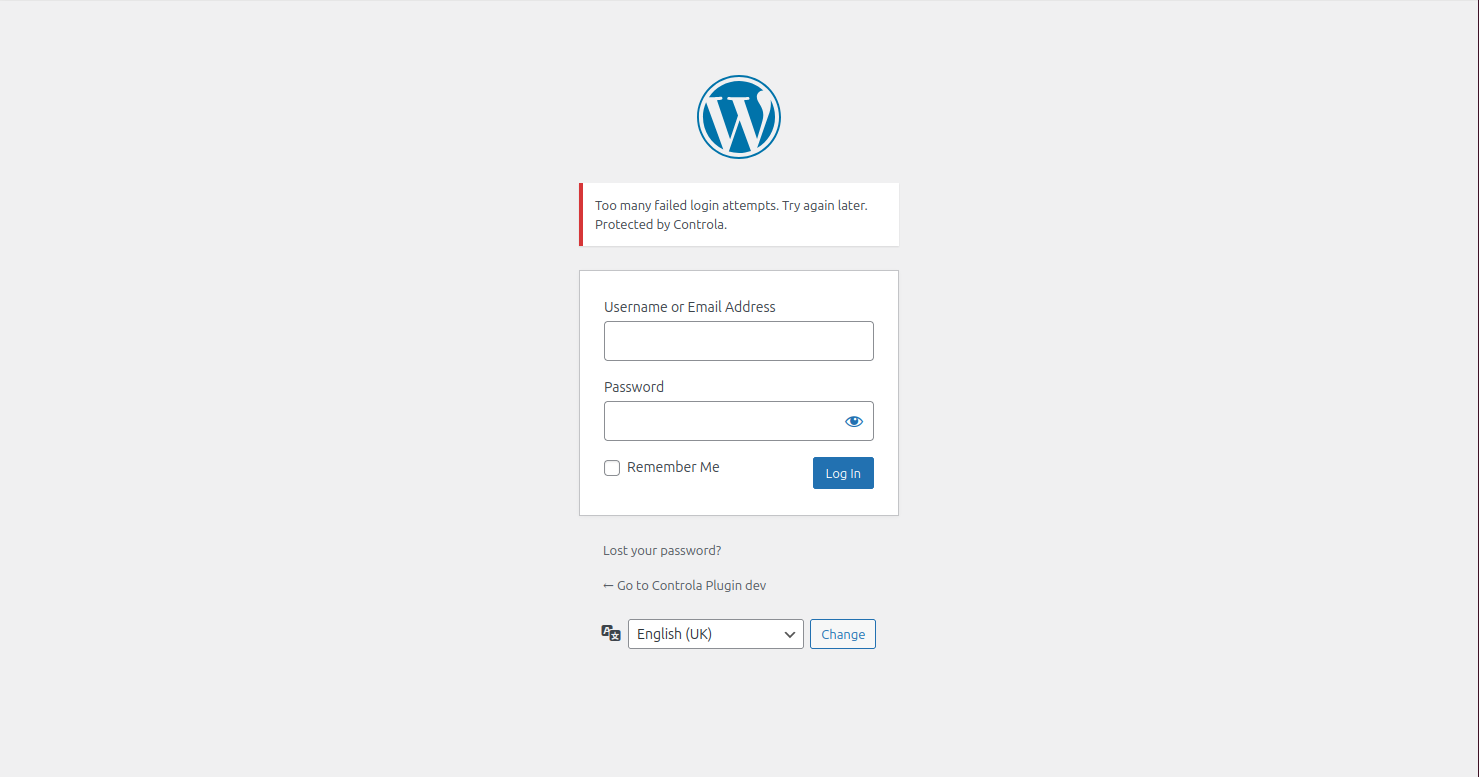
屏幕截图:
常见问题:
Does the plugin collect sensitive data?
No, the plugin sends the site and user metadata listed in the Description section to Controla for security and health analysis. It does not send passwords, site content, or session data.
Will this affect site performance?
Unlikely, data collection is designed to be lightweight. Requests to Controla have a five-second timeout and occur only at the times described in the External services section.
Do I need a Controla account?
Not for basic hardening, but a free account is required to view your security insights.
更新日志:
1.0.2
Document the Controla external service, improve PHP 7.4 compatibility, tighten the recommended-plugin installer, and exclude directory screenshots from release packages.
1.0.1
Support WordPress 7, raise the minimum supported PHP version to 7.4 and WordPress version to 5.9.
1.0.0
Initial release.