
ConvertNow Analytics: Privacy Friendly Stats, Bot Filtering and AI Traffic
| 开发者 | prateekzare |
|---|---|
| 更新时间 | 2026年10月11日 19:01 |
| 捐献地址: | 去捐款 |
| PHP版本: | 7.4 及以上 |
| WordPress版本: | 7.1 |
| 版权: | GPLv2 or later |
| 版权网址: | 版权信息 |
详情介绍:
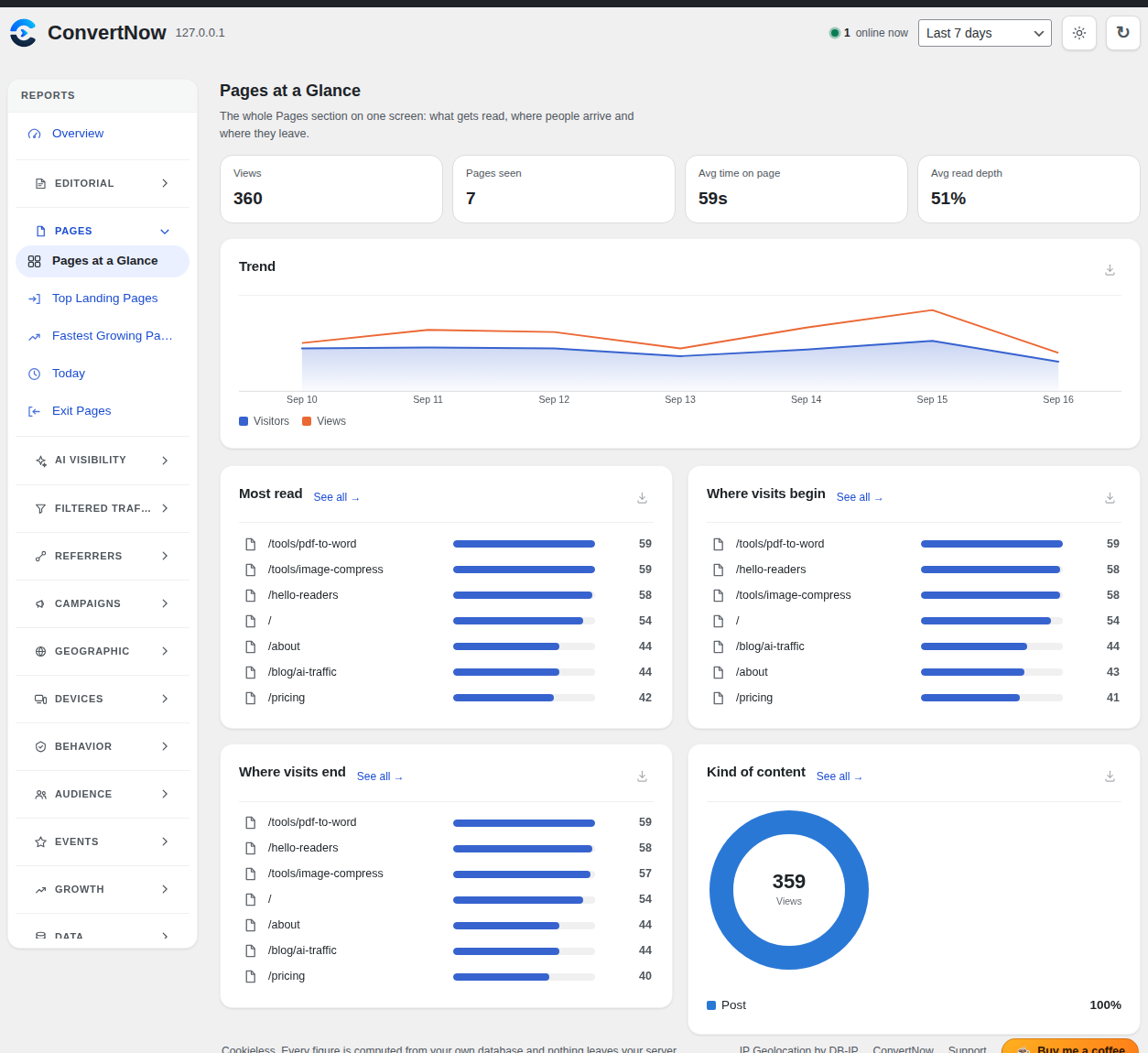
- Visitors, visits, pageviews, real bounce rate and time on page
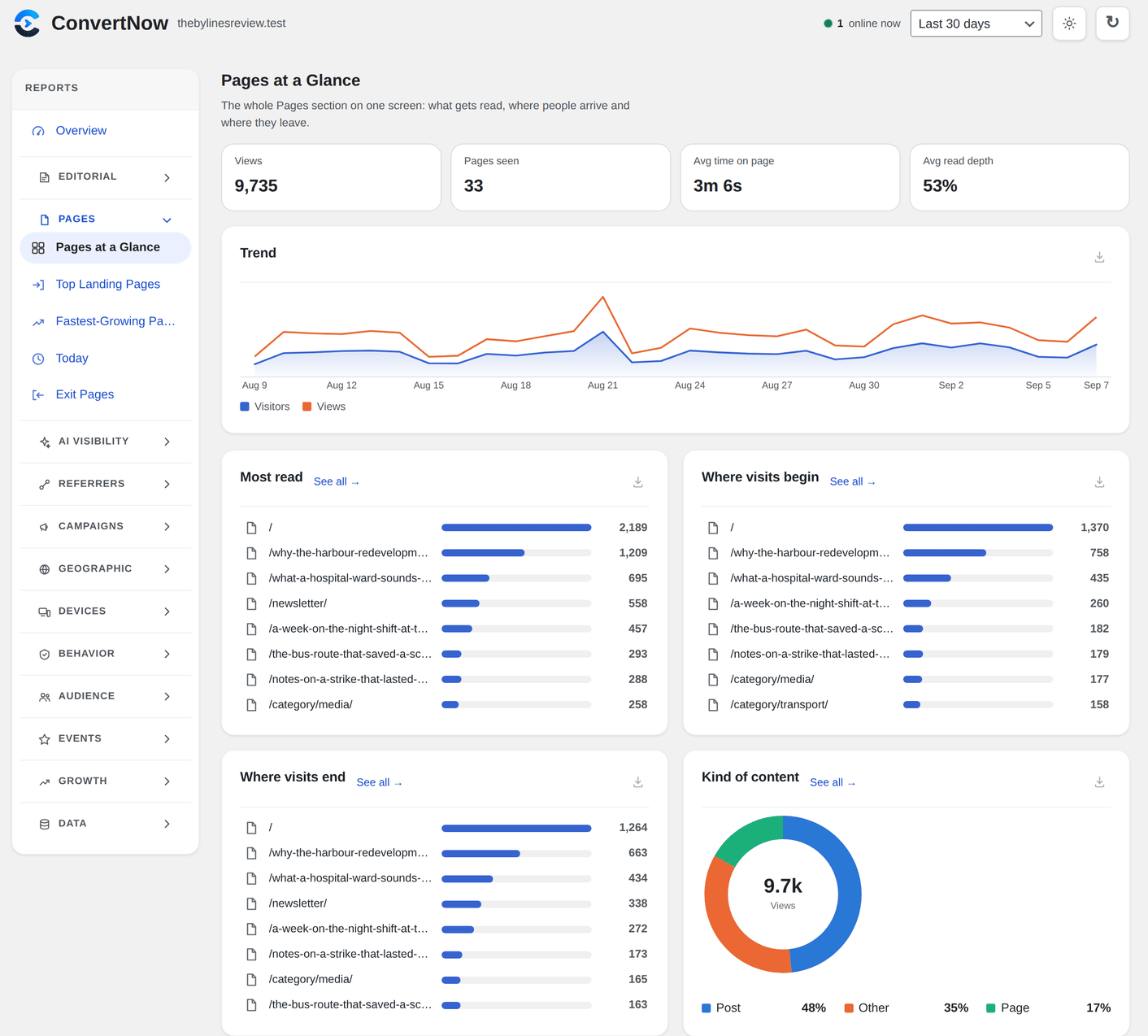
- Top pages and posts, landing and exit pages, and how far people read
- Referrers, search engines, social networks and UTM campaigns
- A world map of your readers, plus languages, browsers and devices
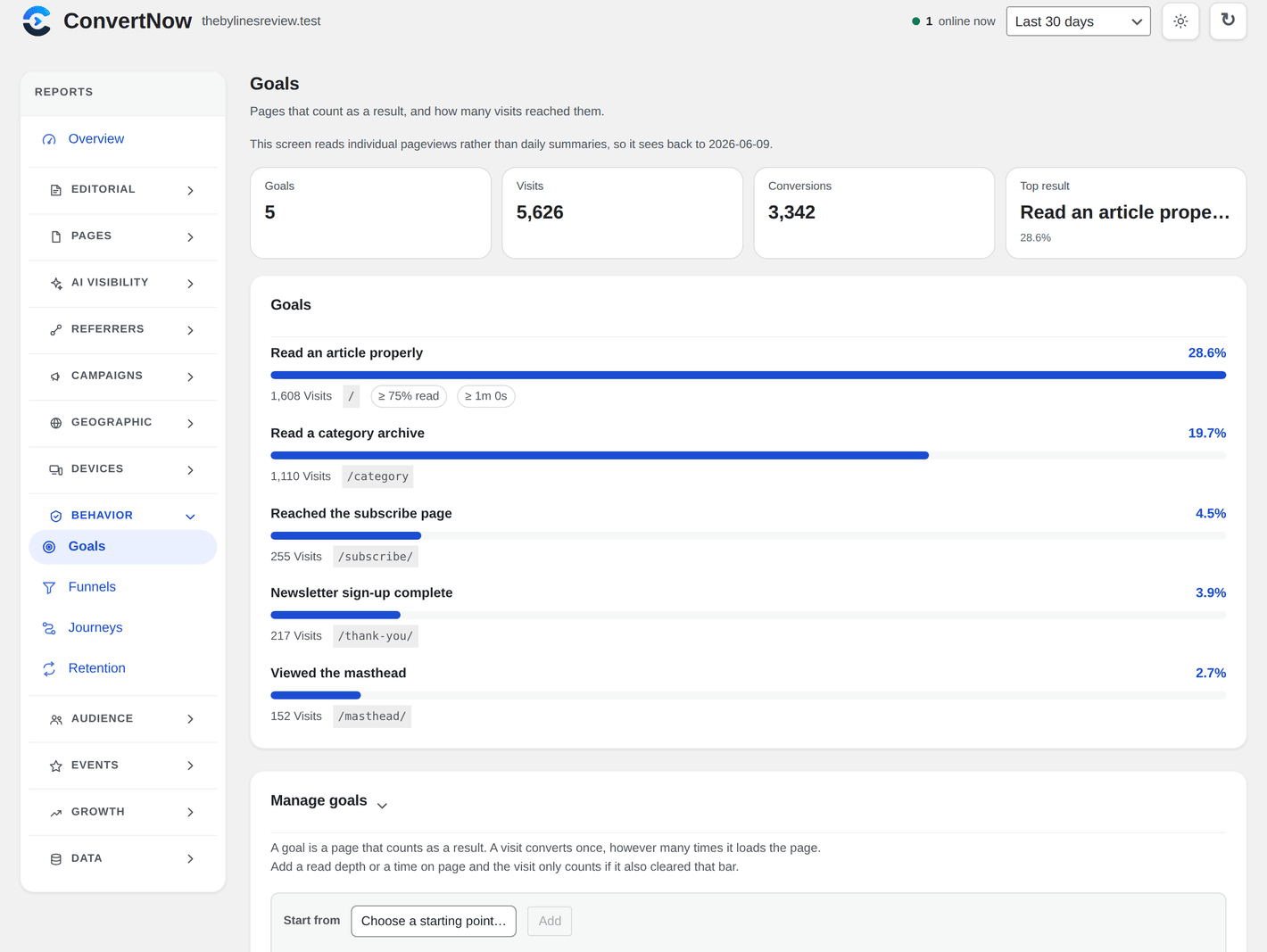
- Goals, funnels, journeys, retention, segments and cohorts
- Traffic by author and content type for blogs and publishers
- WooCommerce and Easy Digital Downloads revenue by channel and page
- Outbound link, download, email and phone click tracking
- Broken link (404) and site search reports
- A traffic calendar, engagement charts and a chart builder
- Notes on the chart for launches, newsletters and redesigns
- Light and dark mode, and every screen works with a keyboard and screen reader
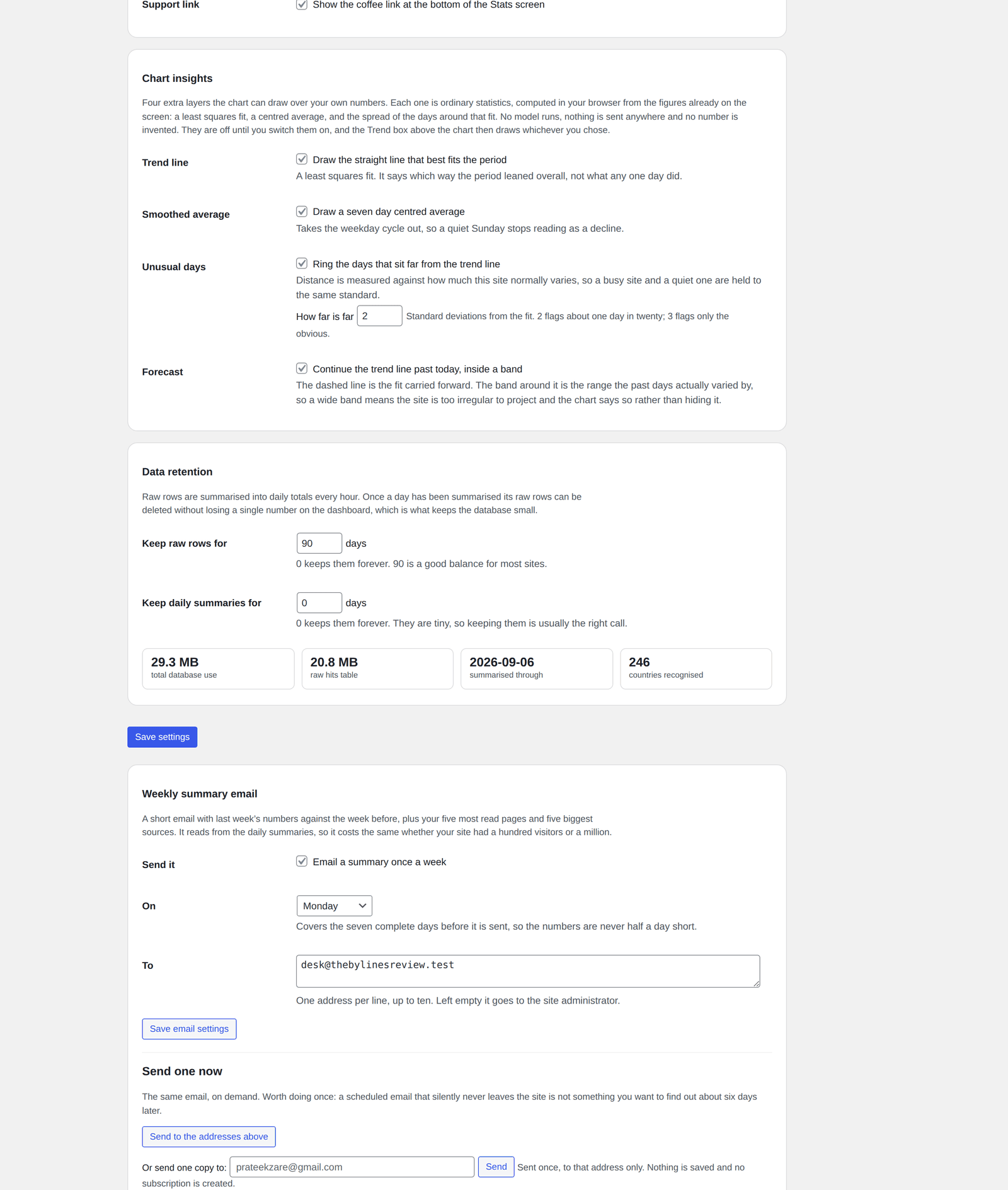
- A summary email every day, week, two weeks or month, with what stood out and your key numbers
- Alerts by email, Slack or Discord when traffic drops, spikes or tracking stops
- A tracking health check that tests itself every hour and tells you if something is wrong
- A read only link to share your dashboard, plus CSV and JSON export
- Share cards: save an image of your AI traffic or your year in real people
- Today's visitors and bots refused, right in the admin bar
安装:
- Go to Plugins, Add New and search for ConvertNow Analytics.
- Click Install Now, then Activate.
- Open ConvertNow in the admin menu.
屏幕截图:
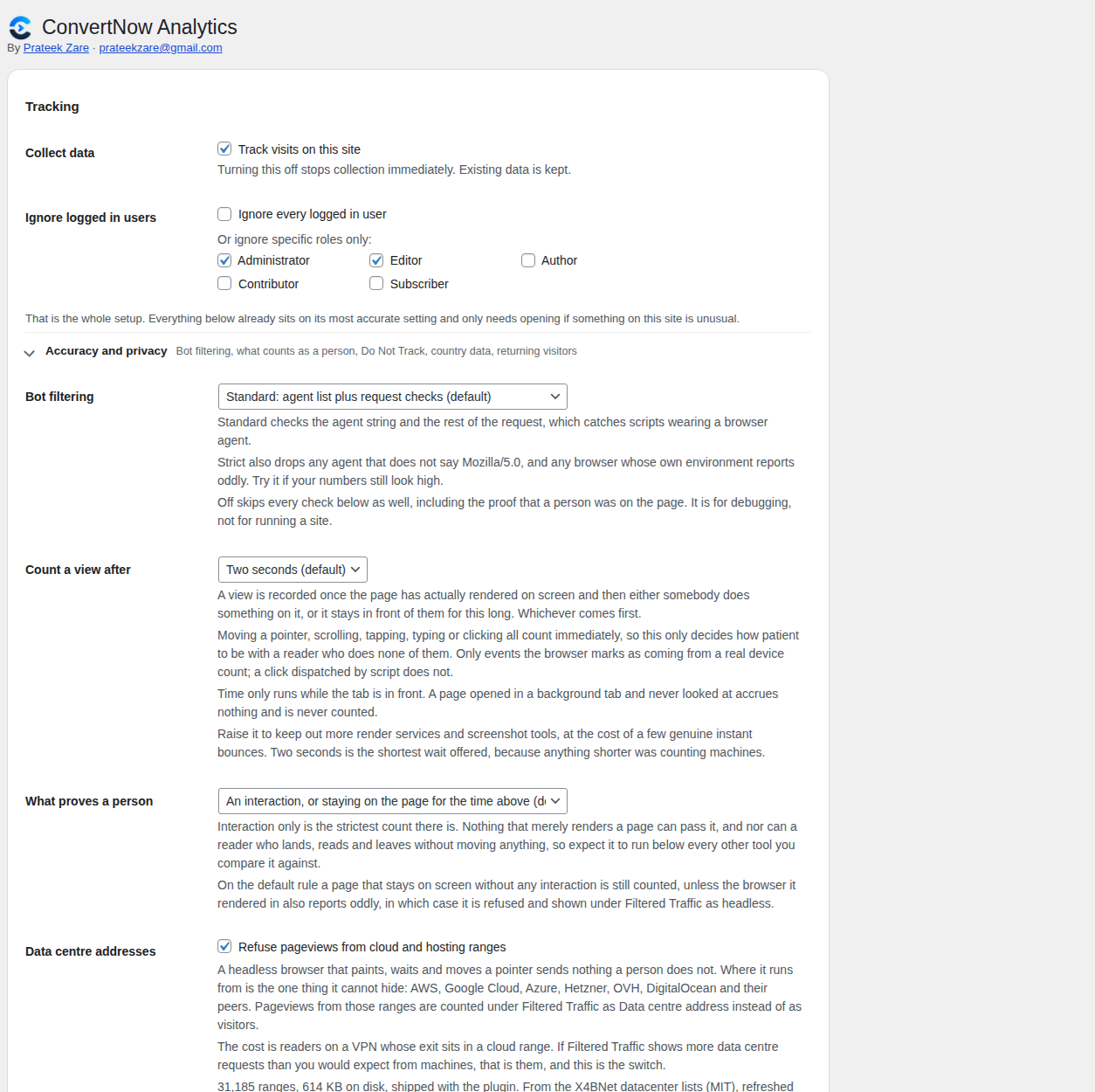
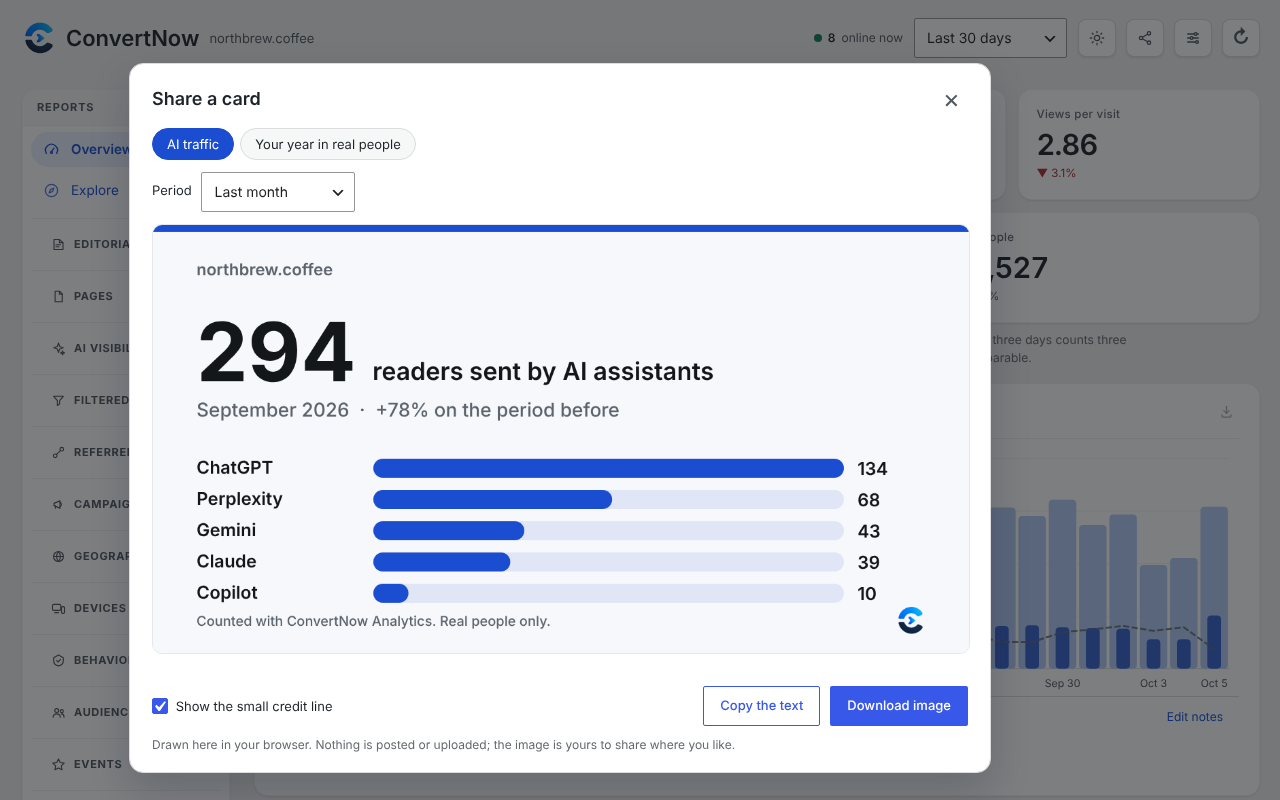
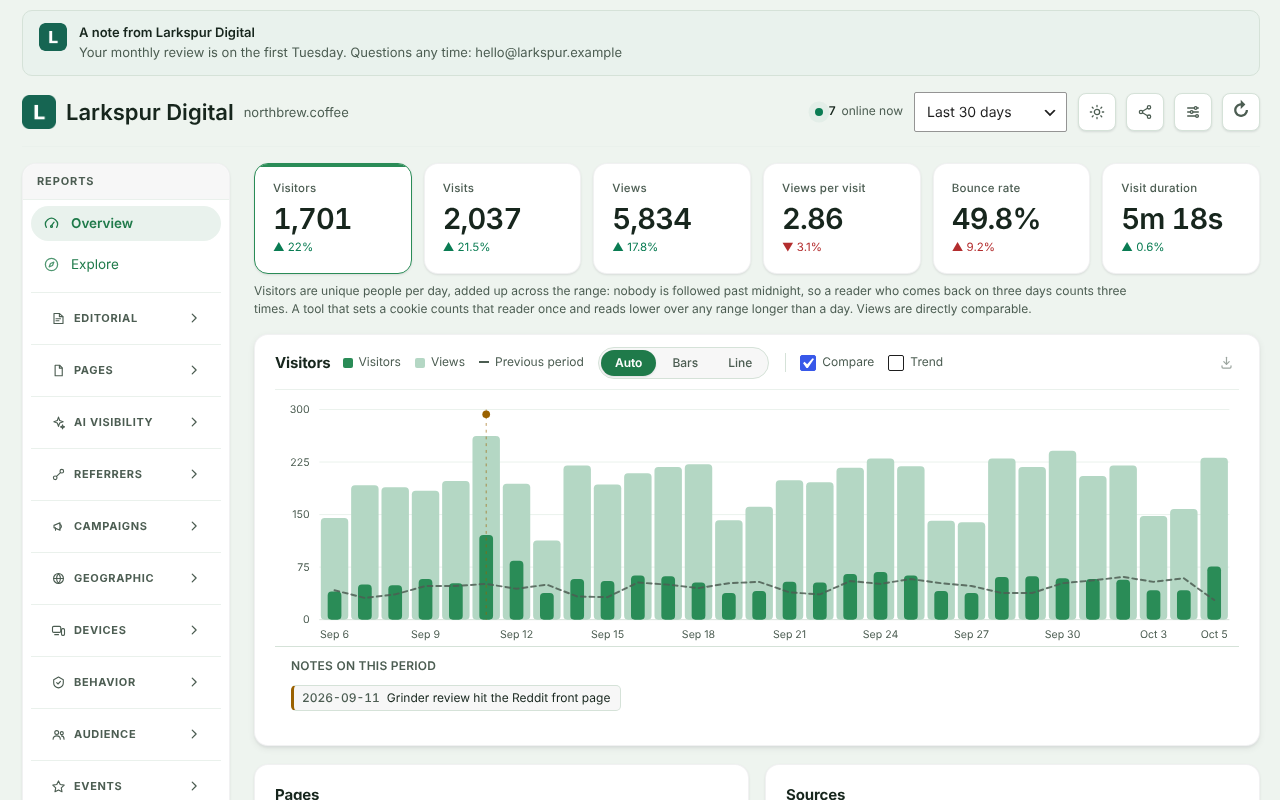
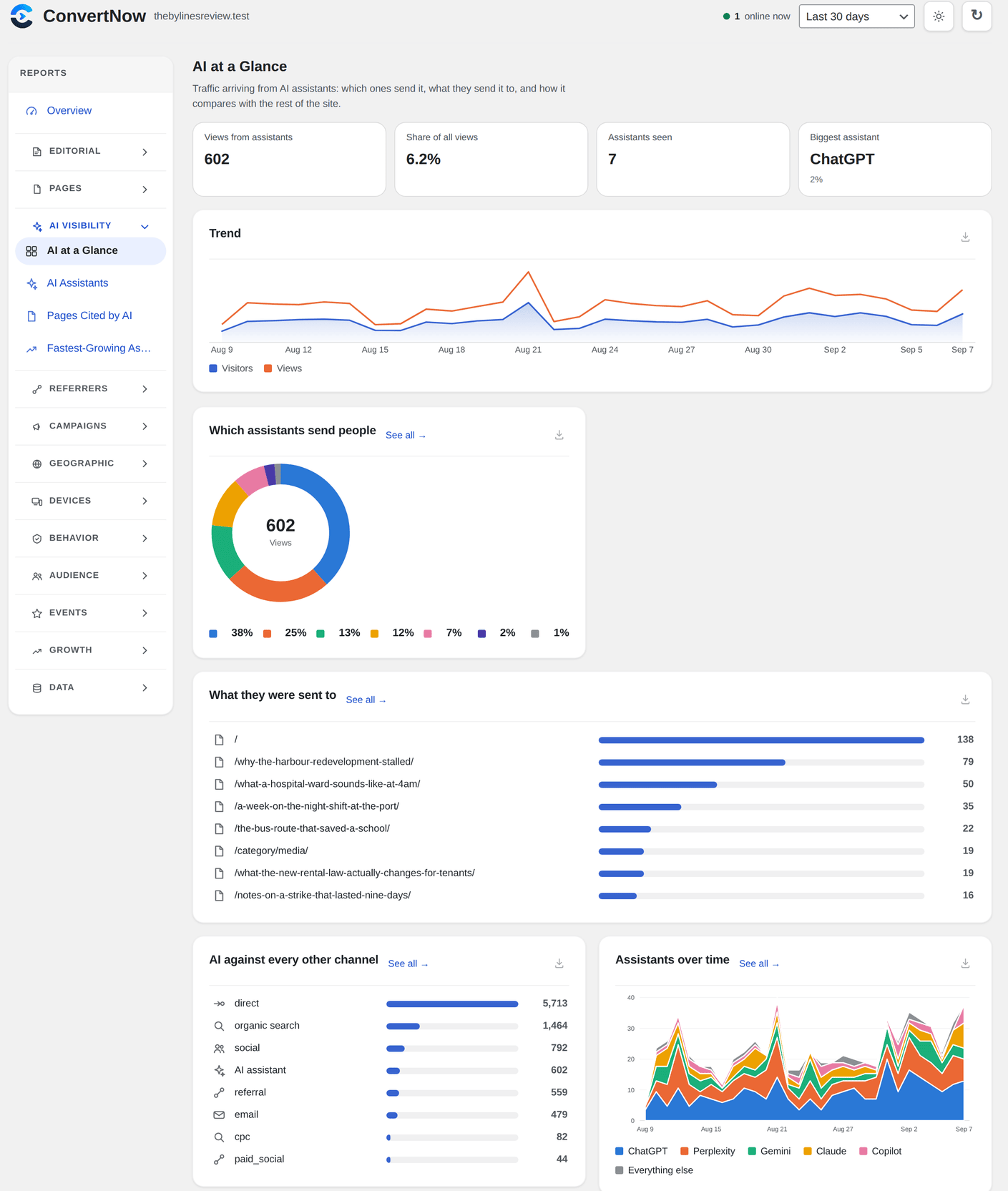
其他记录:
- Plugin home page: convertnow.tools/convertnow-analytics
- Support by email: contact@convertnow.tools or prateekzare@gmail.com
- Support forum: wordpress.org/support/plugin/convertnow-analytics
- Leave a review: wordpress.org/support/plugin/convertnow-analytics/reviews
assets/data/dc-ipv4.csv and assets/data/dc-ipv6.csv, in the same boundary format as the country tables. The build script is tools/build-dc-tables.py in the development sources.
Brand icons in assets/icons/ come from SVG Logos and Simple Icons (CC0), Lobe Icons (MIT) and Font Awesome Free (CC BY 4.0). assets/icons/CREDITS.txt lists which is which. Every trademark belongs to its owner; the icons are used only to identify the site a visit came from.
Country lookups read two plain text tables built from the DB-IP IP to Country Lite database: assets/data/geo-ipv4.csv and assets/data/geo-ipv6.csv. Every line is one boundary, written as an uppercase hex address prefix and an ISO 3166-1 alpha-2 country code, so both files can be opened and read in any text editor. The world map outlines are plain JSON path data at assets/data/world.json. Nothing in the plugin is compiled, minified or obfuscated.常见问题:
Is it a good Google Analytics alternative?
For most WordPress sites, yes. It covers the reports people open Google Analytics for, like visitors, pages, referrers, campaigns, countries, devices, goals, funnels and shop revenue, right inside WordPress, with no cookies and no data sent anywhere. It does not build advertising audiences or track people across sites, on purpose.
Is it GDPR friendly? Do I need a cookie banner?
It sets no cookies, stores nothing on the visitor's device, never keeps raw IP addresses and keeps all data on your own server. That is why many sites use it without a consent banner for analytics. Rules differ by country and by what else your site runs, so check with your own legal advisor.
Can it track traffic from ChatGPT and other AI assistants?
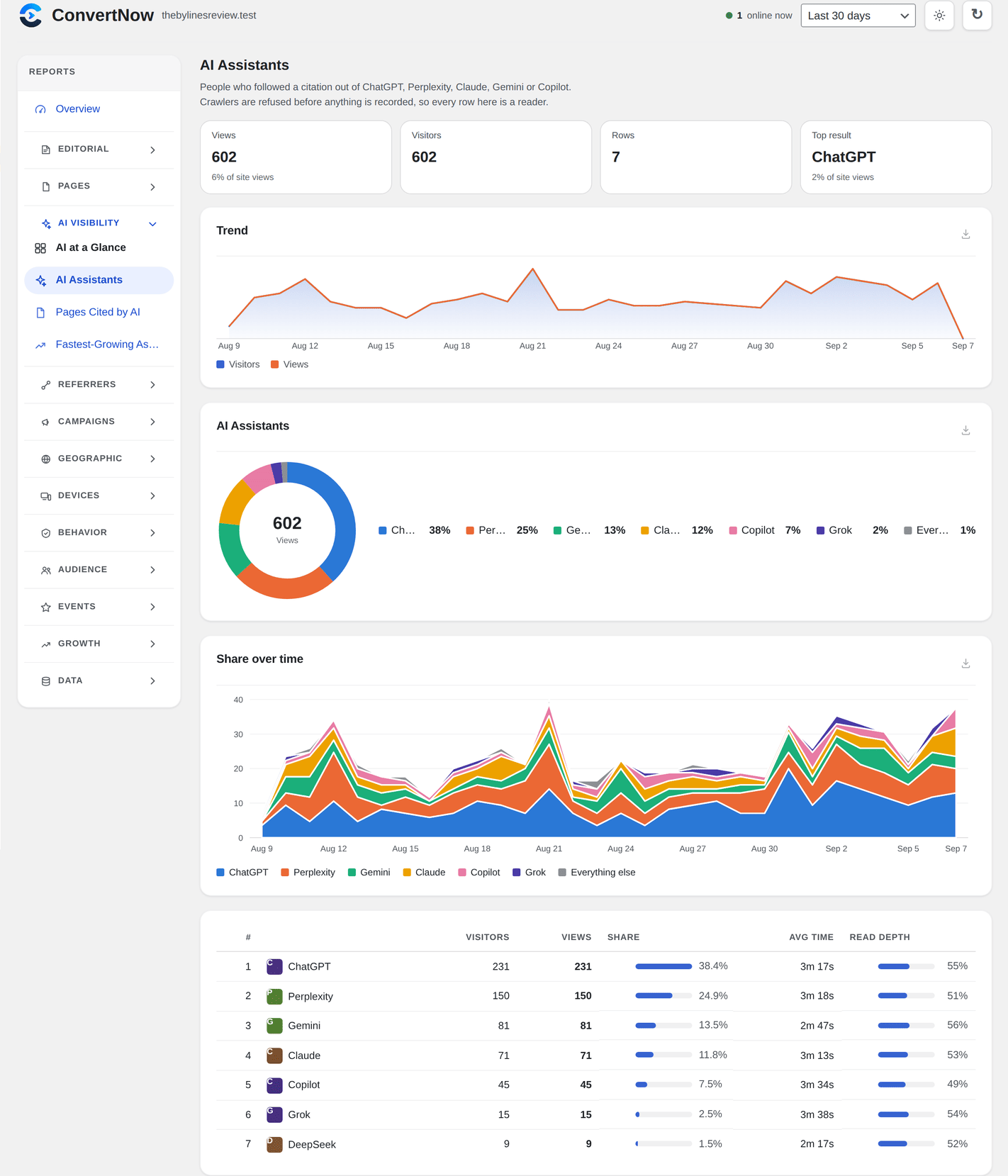
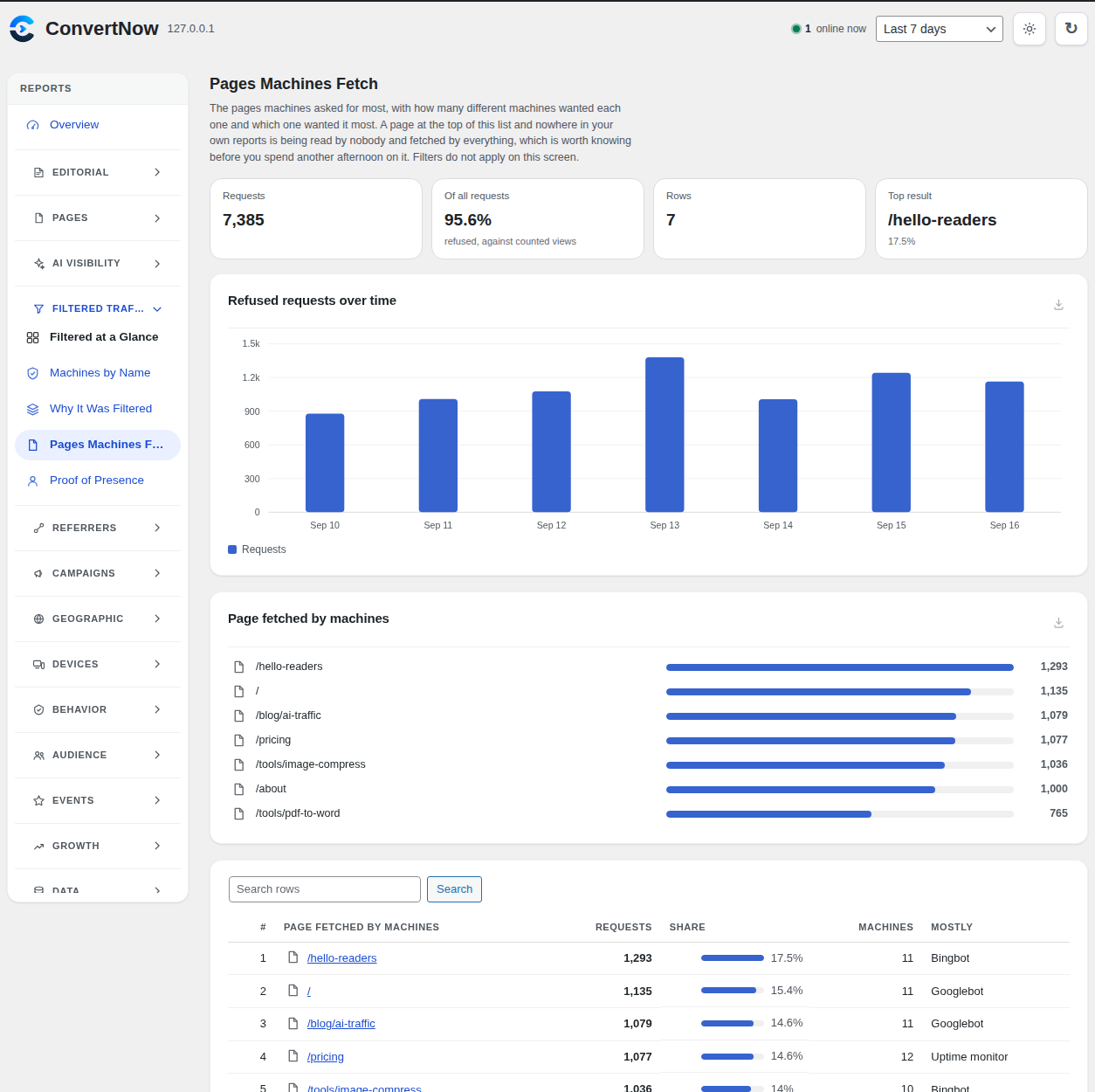
Yes. Visits from ChatGPT, Perplexity, Gemini, Claude, Copilot, DeepSeek and other assistants get their own AI channel, with the pages each one sends people to. AI crawlers like GPTBot and ClaudeBot are kept separate and shown under Filtered Traffic, because a crawler is not a reader.
What is the difference between an AI visitor and an AI crawler?
An AI crawler is a bot that reads your pages to train or feed an AI. It is refused and listed by name. An AI visitor is a real person who read an answer in ChatGPT or another assistant and clicked through to your site. Only real people count as traffic.
Will it slow down my site?
No. The tracker is tiny, there is no outside script to load, and a visit is recorded before the rest of WordPress starts. Reports read from daily summaries, so the dashboard stays quick on large sites.
Does it work with caching plugins, ad blockers and Cloudflare?
Yes. Cached pages still report their visits, popular speed plugins are told to leave the tracker alone, and the tracker loads from your own site so most ad blockers do not stop it. Behind Cloudflare, visitor countries come straight from Cloudflare. Tracking health checks your live pages and tells you if anything is still in the way.
Does it work with WooCommerce?
Yes. WooCommerce and Easy Digital Downloads orders are linked to the visit that produced them, so you see revenue by channel, campaign, landing page and author. Totals follow your shop's own rules, so they match what WooCommerce reports.
Why are my numbers lower than Jetpack, Google Analytics or my host's stats?
Usually for good reasons:
- Bots are removed. ConvertNow refuses crawlers, monitors and AI bots that other tools partly count.
- A visit needs a person. A page has to appear on screen and see some sign of a real reader.
- Your team is not counted. Logged in administrators and editors are skipped by default.
- It started counting when you installed it. Earlier days are empty, not quiet.
Is the AI insights screen actually AI?
It is machine learning, not a chatbot. Statistical models are fitted to your own traffic and every finding has to pass a test before it is shown. It all runs on your server and nothing is sent to an AI service.
Can I use it on client sites?
Yes. Agency mode puts your name, logo and colours on the dashboard, shared link and emails, and gives clients a read only login limited to the reports you pick. You can copy the same setup to every client site with export and import. It is free like everything else.
Do I need an account or a license key?
No. There is no account, no key, no activation and no paid tier. The few optional background requests the plugin makes are listed under External services below, each with its own switch.
Can I count returning visitors?
Yes, but it is off by default. Settings, Tracking, Visitor recognition lets you recognise the same reader for 30, 90 or 365 days. Turning it on changes how visitor data is handled, so update your privacy policy first.
Can I get alerts in Slack?
Yes. Add a webhook address under Settings, Alerts. Slack, Discord and most chat tools show the alerts as normal messages.
Will filtering cloud servers drop my VPN readers?
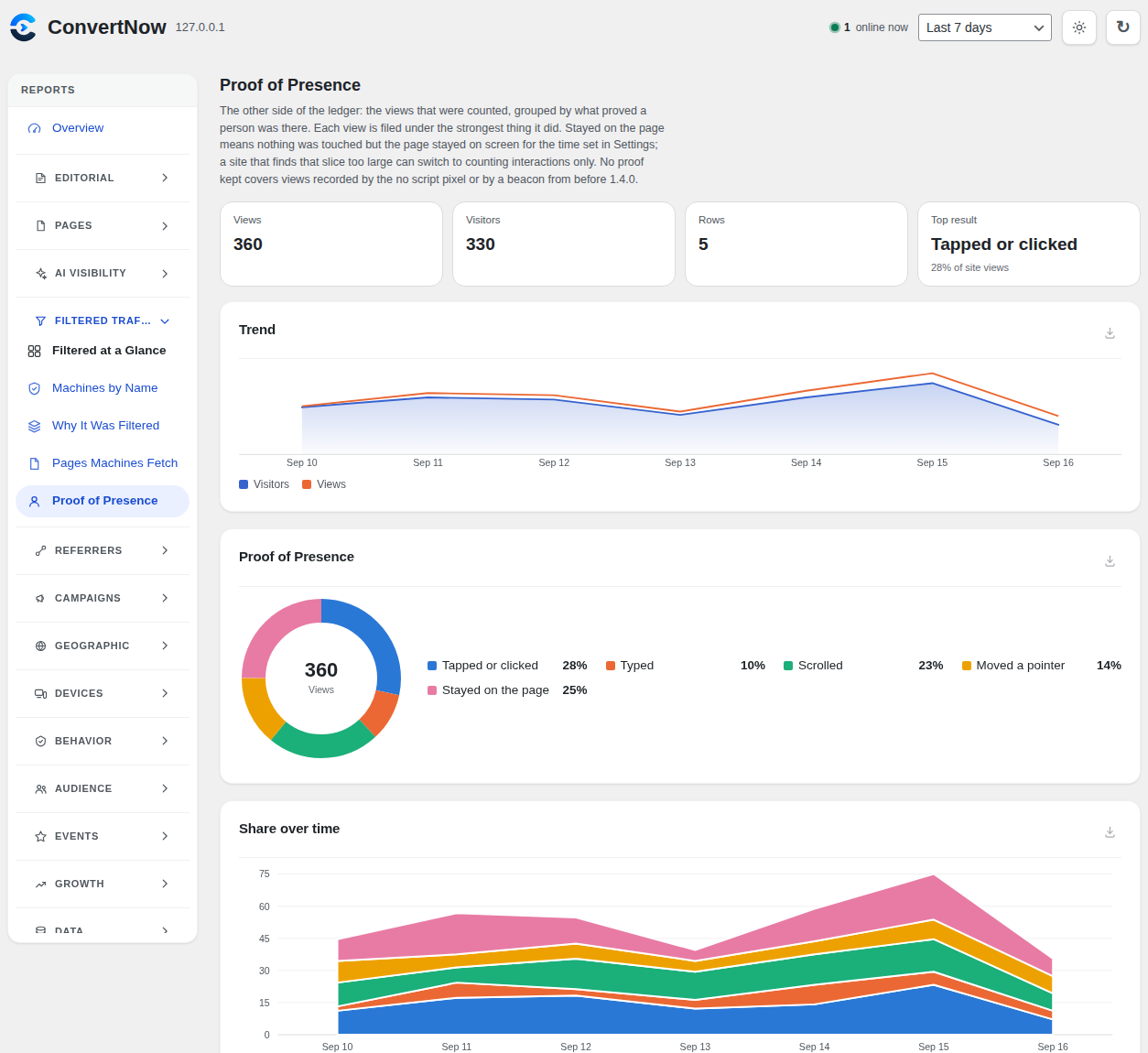
A few, possibly. Some VPNs exit from cloud servers that look the same as bots. Those visits are counted under Filtered Traffic, not lost, and there is a switch in Settings if you would rather count them. Safari readers using iCloud Private Relay are recognised and counted.
Where is my data stored?
In your own WordPress database, in tables starting with cnwa_. Uninstalling keeps your data by default, so a reinstall picks up where you left off. Switch on full removal in Settings to delete everything when you uninstall.
更新日志:
- Sites behind a proxy or CDN on public addresses are recognised. Until now every reader there looked like the proxy, so one person could count as a new visitor on every page, countries showed the proxy's country and bots on cloud servers slipped through. Tracking health now spots an unknown proxy and trusts it with one click, and Settings, Advanced has a Trusted proxies list.
- Phones and computers on IPv6 stay one visitor for the day. They change the last half of their address on their own, which used to split one reader into several visitors.
- Infinite scroll themes no longer count an article again when you scroll back up to it. Clicking back to it still counts.
- Coming back to a page with the Back button within half an hour carries on the same view instead of counting a new one, the same as Jetpack and Google Analytics.
- Faster on busy sites: referrer, channel, campaign and AI reports work out where each visit came from once instead of once per report, Yesterday and other finished days load from the daily summaries, and AI insights finish on a million pageviews a day. Slow reports stay ready for up to 15 minutes.
- The hourly upkeep folds every waiting bot record into the Filtered screens, flood protection keeps one small row per visitor, and every counted pageview costs one database query fewer.
- When a very busy server answers a pageview with a gateway error, the tracker tries once more a few seconds later.
- Charts for Yesterday and custom ranges no longer end with an extra empty bar, and exit pages keep visits that ended in the last half hour of the day.