
Cookie Rocket, Cookie Consent Banner and Script Blocker for GDPR, CCPA and LGPD
| 开发者 | templatesrocketwp |
|---|---|
| 更新时间 | 2026年9月3日 12:56 |
| PHP版本: | 7.4 及以上 |
| WordPress版本: | 7.1 |
| 版权: | GPL-2.0-or-later |
| 版权网址: | 版权信息 |
标签
下载
详情介绍:
- Automatic script blocking: common third-party trackers (Google Analytics, Meta Pixel, Hotjar, Microsoft Clarity, LinkedIn, TikTok and more) are blocked until consent, with Google Consent Mode v2 built in.
- Built-in cookie scanner: detect on demand which known tracking services are present on your site and the cookies they set.
- Automatic cookie policy / cookie declaration: a single shortcode (or one-click page) publishes a table of every cookie your site uses — provider, purpose and duration — grouped by category and updated from your scans.
- Consent audit log with an admin viewer: every consent decision is recorded and browsable for compliance.
- Editable cookie categories: rename, re-describe and reorder the categories shown on the banner.
- Unified Cookie Banner editor: layout, content (text and labels) and colours, all in one place.
- Zero external scripts and zero CDN dependencies — everything is served from your own site.
- Framework selector: GDPR, CCPA / CPRA, LGPD (Brazil) and LFPDPPP (Mexico), each with its own banner wording and consent behaviour.
- 100% local — no consent data is sent to third-party servers.
- WooCommerce aware: respects shop pages and checkout.
- Fully customizable colors, fonts sizes, copy and banner position.
- WCAG 2.1 AA accessible: keyboard navigation, focus states, ARIA labels.
- Multisite compatible.
- Five banner layouts: bottom bar, top bar, floating card, modal and drawer.
[cookie-rocket-preferences]— renders a button that re-opens the cookie preferences modal.[cookie-rocket-withdraw]— renders a link that withdraws consent and clears stored preferences.[cookie_rocket_policy]— renders the automatic cookie declaration table (provider, purpose and duration per cookie, grouped by category).
安装:
- Upload the
cookie-rocketfolder to the/wp-content/plugins/directory, or install the plugin through the WordPress plugins screen directly. - Activate the plugin through the Plugins screen in WordPress.
- Go to Cookie Rocket in the admin menu to configure the banner copy, colors and behavior.
- Optionally, place the
[cookie-rocket-preferences]shortcode in your privacy policy page to let visitors update their choices at any time.
屏幕截图:
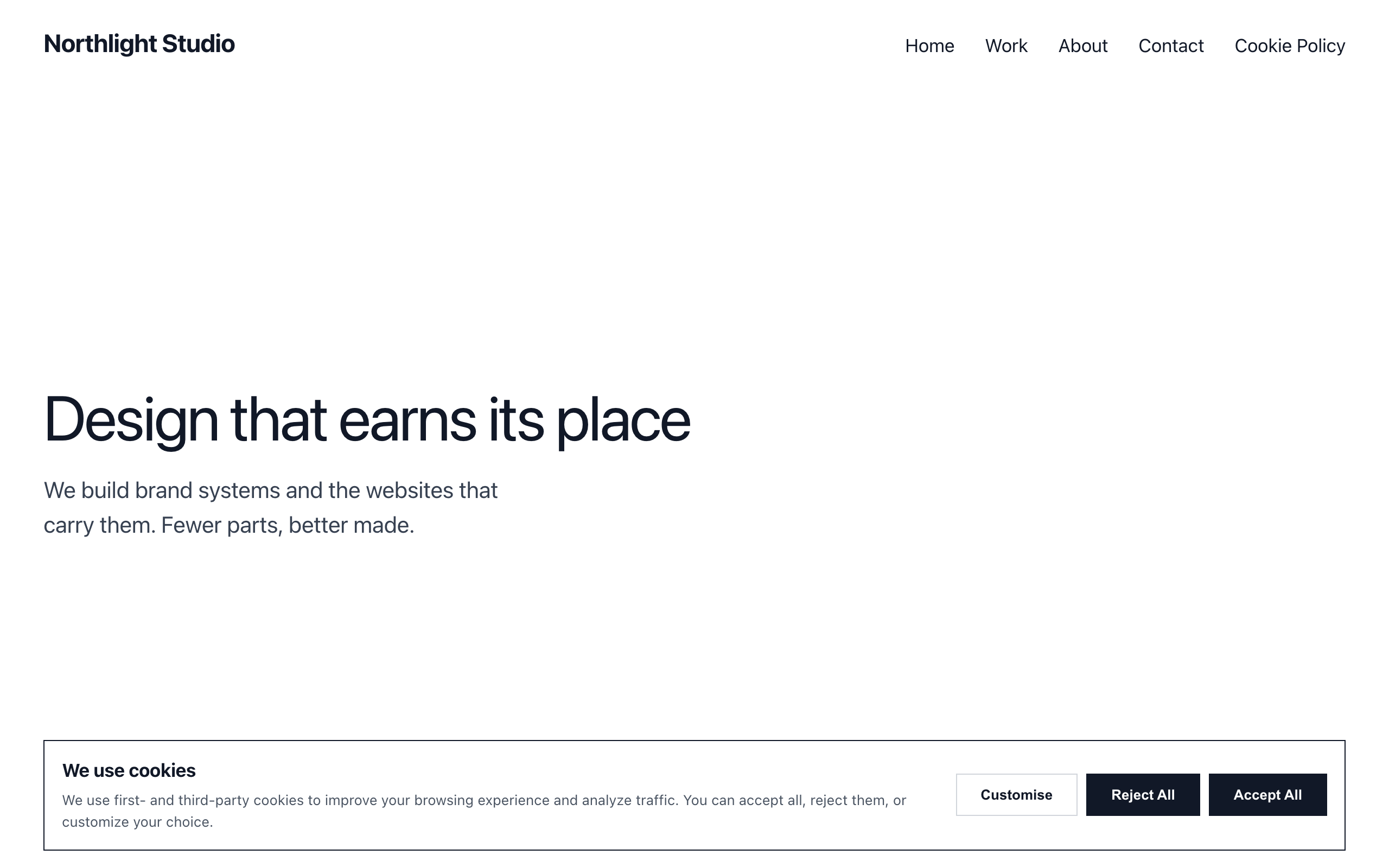


常见问题:
Does this plugin send any data to external services?
No. Cookie Rocket stores consent entirely in the visitor's browser (cookie + localStorage) and logs events to your own WordPress database. Your visitors never generate a request to an external server: the plugin makes no third-party calls at runtime.
Is it compatible with caching plugins?
Yes. The banner state is read from a first-party cookie, so caching (page cache, object cache, CDN) does not interfere with consent storage or display.
Does it block third-party scripts automatically?
Yes. The free version automatically blocks the most common third-party tracking scripts — Google Analytics, Meta (Facebook) Pixel, Hotjar, Microsoft Clarity, LinkedIn, TikTok, Google Ads and more — until the visitor accepts the matching cookie category, and it ships Google Consent Mode v2 (default denied) out of the box. Enqueued scripts are blocked by default; an optional setting also blocks scripts pasted directly into your theme or header. Cookie Rocket Pro adds scheduled monthly re-scans that email you when a new tracker appears, plus Google Consent Mode advanced so your Google Ads and GA4 keep measuring while consent is denied.
Is it translation-ready?
Yes. The text domain is cookie-rocket and a complete .pot file is included under /languages/. All banner and modal strings are wrapped for translation. The plugin ships in English by default with Spanish (es_ES) and Brazilian Portuguese (pt_BR) translations bundled, applied automatically on matching locales. WordPress also loads community translations for plugins hosted on WordPress.org, and you can translate the banner yourself with Loco Translate or Poedit, or via WPML/Polylang.
Can it generate a cookie policy page?
Yes. Add the [cookie_rocket_policy] shortcode to any page, or go to Cookie Rocket → Cookie Policy and create the page in one click. It publishes a cookie declaration table — each cookie with its provider, purpose and duration, grouped by category — built from your latest scan plus a built-in catalog of the most common third-party cookies. Strictly-necessary cookies are always listed, and the table updates automatically as you re-scan.
Does it work on WordPress Multisite?
Yes. Each site stores its own settings. Activate per-site or network-activate from the network admin.
更新日志:
- Fixed, and this one could empty a published Cookie Policy: a scan that read nothing was still saved as the result. If a firewall answered a scan with a block on every page, the empty result replaced your cookie inventory — and the Cookie Policy is generated from that inventory, so the declaration your visitors read would quietly go blank. A scan that could not read a single page now keeps the last good inventory and its date, and records only the failed attempt.
- Fixed: pages that could not be read were only reported when the scan found nothing at all. One tracker on your home page was enough for four blocked pages to vanish from the report while the screen claimed it had read them. They are now listed either way, and the page count only counts pages actually read.
- Fixed: with Cookie Rocket Pro installed alongside this plugin, eight PHP notices were written on every request because both editions define the same constants. They are guarded now. No change to your banner, your settings or your existing consent records.
- Fixed: three settings were left behind when the plugin was uninstalled, including the list of services you had declared yourself.
- The translation template shipped with the blank header that the extraction tool leaves behind, so a translator opening it saw placeholders instead of the plugin's name and licence. It is filled in now.
- Added an extension point so Cookie Rocket Pro can hide the notice that suggests routing the law per visitor — Pro already does that, and was recommending itself to people who had bought it. No change to settings, consent records or blocking behaviour.
- Fixed: a malformed country value reaching the consent endpoint was trimmed to two letters instead of being rejected, so it could enter the consent record as a real country code. It is now discarded unless it is exactly an ISO-3166 alpha-2 code.
- Fixed: when neutralising a script whose
typeattribute was unquoted, spaced ormodule, the original attribute was left in place next to the new one. Blocking was unaffected — browsers keep the first attribute — but the markup was invalid. The attribute is now removed in all three forms. No change to settings, consent records or blocking behaviour.
- Fixed: the
[cookie-rocket-preferences]and[cookie-rocket-withdraw]shortcodes did nothing under such a policy. They carried their call in an onclick attribute, which the browser refuses to execute, so a visitor could not reopen their choices or withdraw consent from the page where you had placed the button. The script now listens for them by class. - Fixed: in the preferences dialog each category's control fell below its label instead of sitting on the right, because the row built its columns with a style attribute.
- Fixed: your Accept button text colour, your solid secondary-button colours and the dialog's fixed footer colours were only ever applied through style attributes, so a strict policy dropped them and the same settings rendered differently from one site to the next. They are part of the stylesheet now.
- The banner-layout thumbnails in the editor drew "floating" and "modal" as wide bars, when both stack their buttons and render as tall cards. They now match what applying them produces.
- The live preview was shorter than a floating banner, so the banner started above the frame and covered the previewed page. The preview is taller. Style and markup only; no change to settings, consent records or blocking behaviour.
- The close button sat in the header at the same height as the title. It now sits anchored in the top-right corner of the dialog, which is where it is looked for, and it measures 28x28 instead of 13x22 — its width used to come from the width of the glyph itself, below the 24x24 minimum recommended by WCAG 2.5.8 and awkward to hit with a thumb.
- Each category's description ran the full width and passed under the column of controls. On a phone the text reached the edge while the title above it stopped short, leaving a ragged right margin. Both now break on the same line.
- Hardening: the dialog sets its own box-sizing instead of relying on the theme to set it globally. Style only. Your settings, banner and consent log are unchanged.
- Your visitors' country is now recorded with each consent decision. It was already resolved in the browser by timezone and then thrown away. No IP, no external service, no new personal data.
- If a meaningful share of your visitors comes from a region under a different framework than the one your banner applies, the plugin says so, with the percentage.
- If a quarter or more of your visitors reject cookies, the plugin says so — and tells you whether Consent Mode v2 is on, which decides whether those visitors are measurable at all.
- The review request now waits until Cookie Rocket has actually done something countable on your site, and says what it did, instead of appearing on a 14-day timer.
- Translations: removed a leftover string and refreshed the template.
- Fixed (accessibility): the banner no longer traps keyboard focus in the bar layout (you can Tab past it), while the popup, side panel and drawer still contain focus while open. The preferences dialog is announced by its title, traps focus even for a returning visitor who opens it from the floating button, returns focus to the control that opened it, and its cookie-category switches carry accessible names (WCAG 2.1.2 / 2.4.3).
- Fixed (reliability): behind a full-page cache, a visitor's consent could go unrecorded when the cached page carried an expired security token — recording no longer depends on it. The consent-endpoint rate limit is now keyed on the real connection IP with a fixed one-minute window, so it cannot be side-stepped with spoofed headers or become a permanent block.
- Fixed (privacy): blocked social/media embeds (X, Instagram, TikTok, Facebook and similar) fully restore after consent, including embeds that load their own script; and the raw-HTML script blocker now also catches trackers whose src/type attributes are unquoted.
- Fixed (Consent Mode): the "functionality_storage" signal now follows the visitor's functional-cookie choice instead of always reporting granted.
- Fixed: "Save text" and the Layout / position / width / backdrop controls now report or roll back a failed save instead of showing an unsaved change as applied; consent-log stats and retention compute their window in the site's own timezone; the preferences close button meets contrast; and the cookie-category grid no longer overflows on narrow phones.
- Improved (translations): the whole interface, the cookie-declaration table (each cookie's purpose and duration) and the cleanup-schedule label are now complete in Spanish and Portuguese.