
CoreConsent
| 开发者 |
clearconsent
coreconsent |
|---|---|
| 更新时间 | 2026年7月20日 23:34 |
| PHP版本: | 7.4 及以上 |
| WordPress版本: | 7.0 |
| 版权: | GPLv2 or later |
| 版权网址: | 版权信息 |
详情介绍:
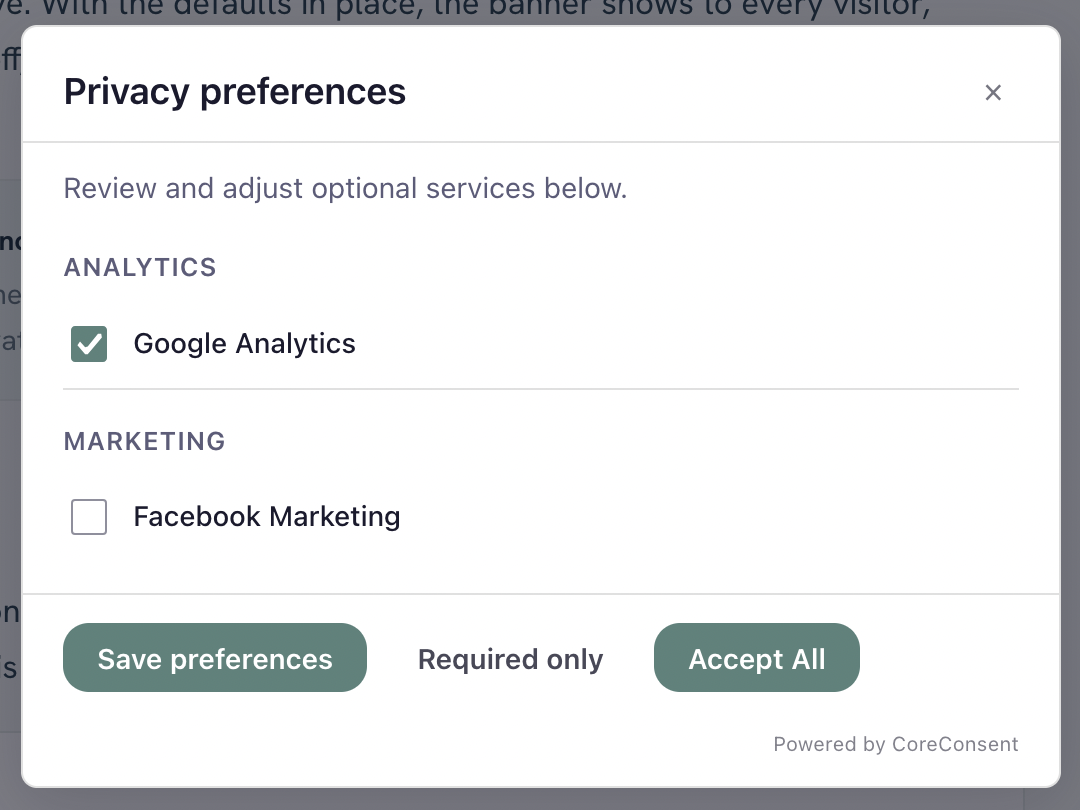
- Customizable consent banner — accept, reject, and per-category preferences.
- Unlimited consent services and categories, with a one-click template library for common trackers.
- Google Consent Mode v2 — sends the full set of v2 consent signals (analytics_storage, ad_storage, ad_user_data, ad_personalization, and more), defaulted to denied, and loads your Google tags only after the visitor consents.
- Consent-based script control — automatically holds recognized scripts you've added as services, plus any script you tag for consent, and activates them when the visitor agrees.
- Region rules — show or adjust the banner based on the visitor's region. You decide where and how it appears; CoreConsent does not determine your legal obligations.
- Honors Global Privacy Control (GPC).
- No data leaves your site — consent is stored and handled entirely on your own WordPress install.
- Automatic scanning — find the trackers and cookies actually running on your site, with scheduled re-scans and email digests.
- Automatic blocking — catch hardcoded and inline trackers, not just the ones you've tagged.
- Script Manager — hold and manage tags for consent without editing code.
- Custom banner styling.
- Consent logging with CSV export — keep records of the consent your visitors gave.
- Translations for a multilingual banner.
- White-label the plugin as your own.
- Multisite: scan and push consent settings across every site in your network.
安装:
- Upload the
coreconsentfolder to/wp-content/plugins/, or install through Plugins → Add New. - Activate the plugin through the Plugins screen.
- Go to Settings → CoreConsent.
- Add the services you use (for example Google Analytics), customize the banner text, and save.
- Optional: enable Google Consent Mode v2 under the Consent Mode section.
屏幕截图:


常见问题:
Does this make my site GDPR or privacy-law compliant?
No plugin can do that on its own. CoreConsent gives you the controls — a consent banner, consent-gated script loading, and Google Consent Mode signals — but how you configure them, and what your legal obligations are, is up to you. If you're unsure, talk to someone qualified in privacy law for your situation.
How do I make sure my Google Analytics or Google tag waits for consent?
Add it the supported way so CoreConsent controls it: configure it as a service in Settings → CoreConsent, or tag the script with type="text/plain" and a data-cc-name attribute. CoreConsent then loads it only after the visitor consents. If you paste a gtag snippet directly high in your theme's <head>, it can run before the consent default is set — so add it through the normal method, or place it after CoreConsent's output. Pro's scanning and Script Manager handle this for you.
Does it support Google Consent Mode v2?
Yes, in the free version. CoreConsent sets all v2 consent signals to denied by default and updates them when the visitor makes a choice. Google tags load after consent (consent-gated mode).
Will it work with my caching plugin or host cache?
Yes. Consent is applied in the visitor's browser, and the page HTML is the same for everyone, so your pages cache normally. After you change which services are blocked, clear your page cache so the change takes effect right away.
Will it slow down my site?
It's designed not to. The banner is lightweight vanilla JavaScript, and because it's caching-friendly it doesn't force your pages to load uncached.
Does it support multisite?
Network-wide scanning and pushing settings across subsites is part of CoreConsent Agency.
更新日志:
- Initial release.
- The optional "Powered by CoreConsent" credit line is off by default (strictly opt-in).