Course Flow
| 开发者 | pawelborowiec |
|---|---|
| 更新时间 | 2026年4月14日 02:17 |
| PHP版本: | 7.4 及以上 |
| WordPress版本: | 6.9 |
| 版权: | GPLv2 or later |
| 版权网址: | 版权信息 |
详情介绍:
- No WooCommerce required — avoids unnecessary complexity and plugin conflicts.
- Fast setup — configure Stripe keys and add a shortcode to start accepting payments.
- Direct Stripe Checkout — secure, hosted checkout handled entirely by Stripe.
- Automatic course enrollment after successful payment.
- Optional WordPress user account creation for new customers.
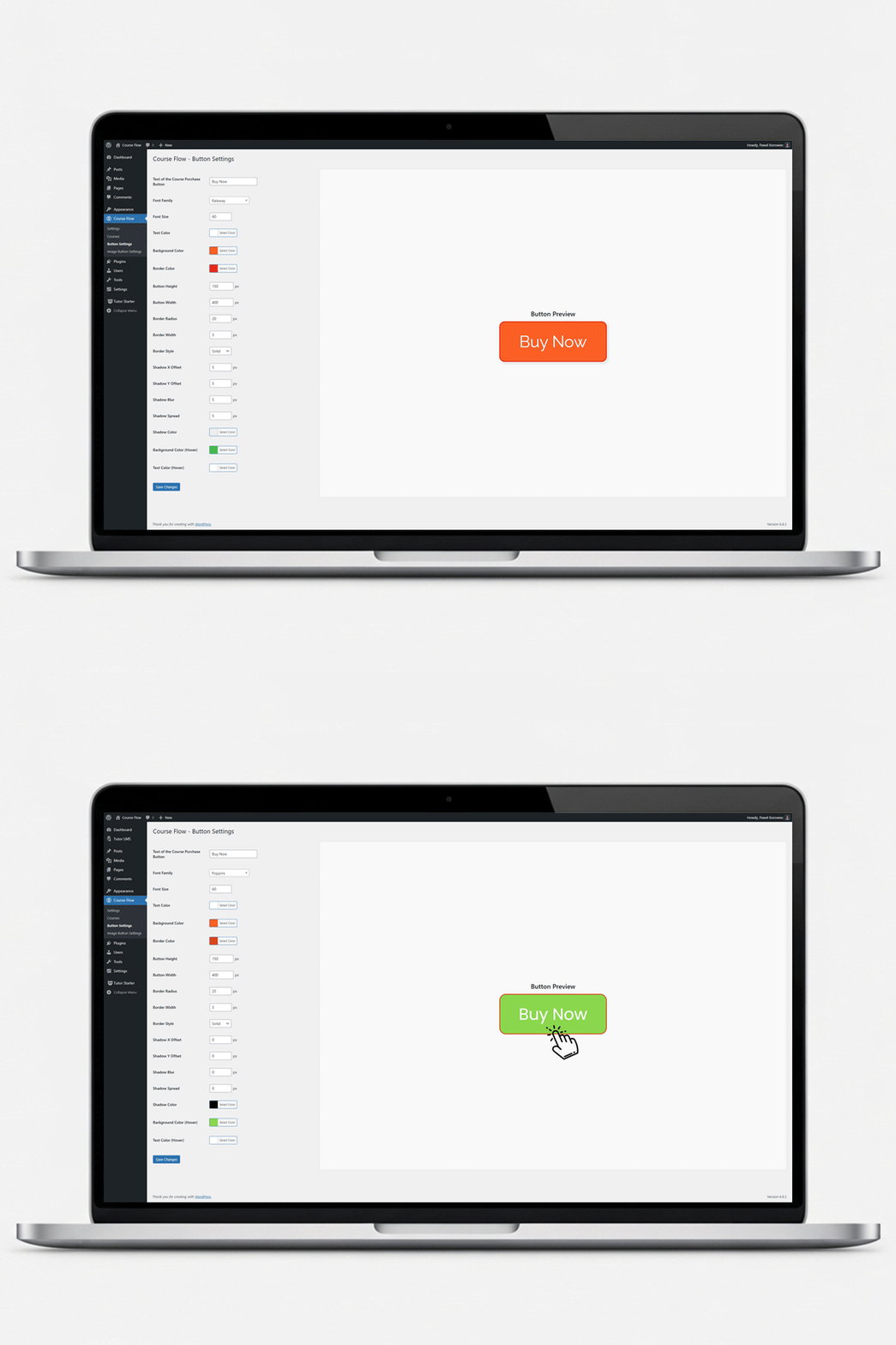
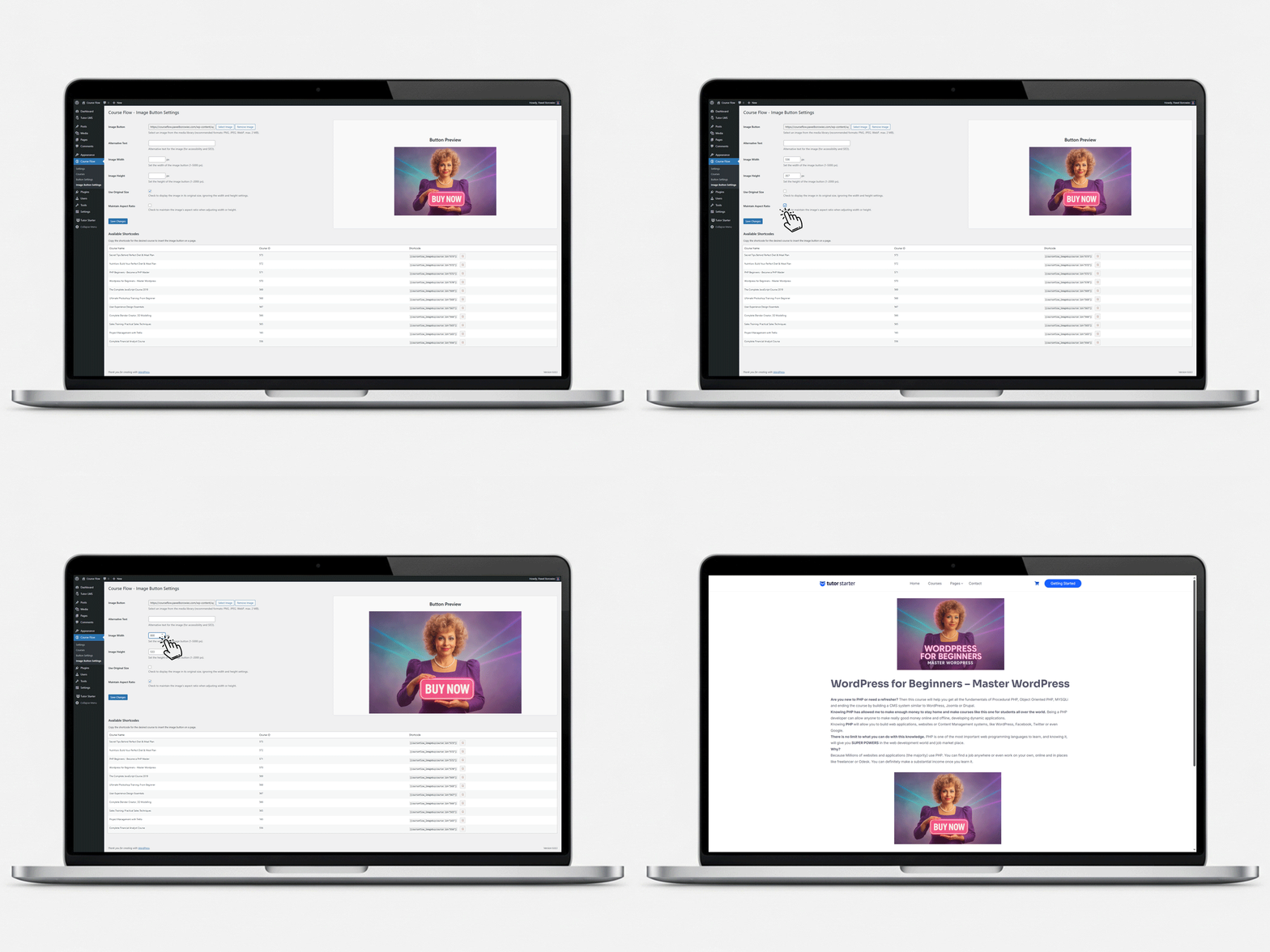
- Fully customizable buttons — text, colors, and even image-based purchase buttons.
- Lightweight architecture — minimal frontend and admin assets.
- Translation-ready with included
.potfile.
安装:
- Upload and activate the plugin.
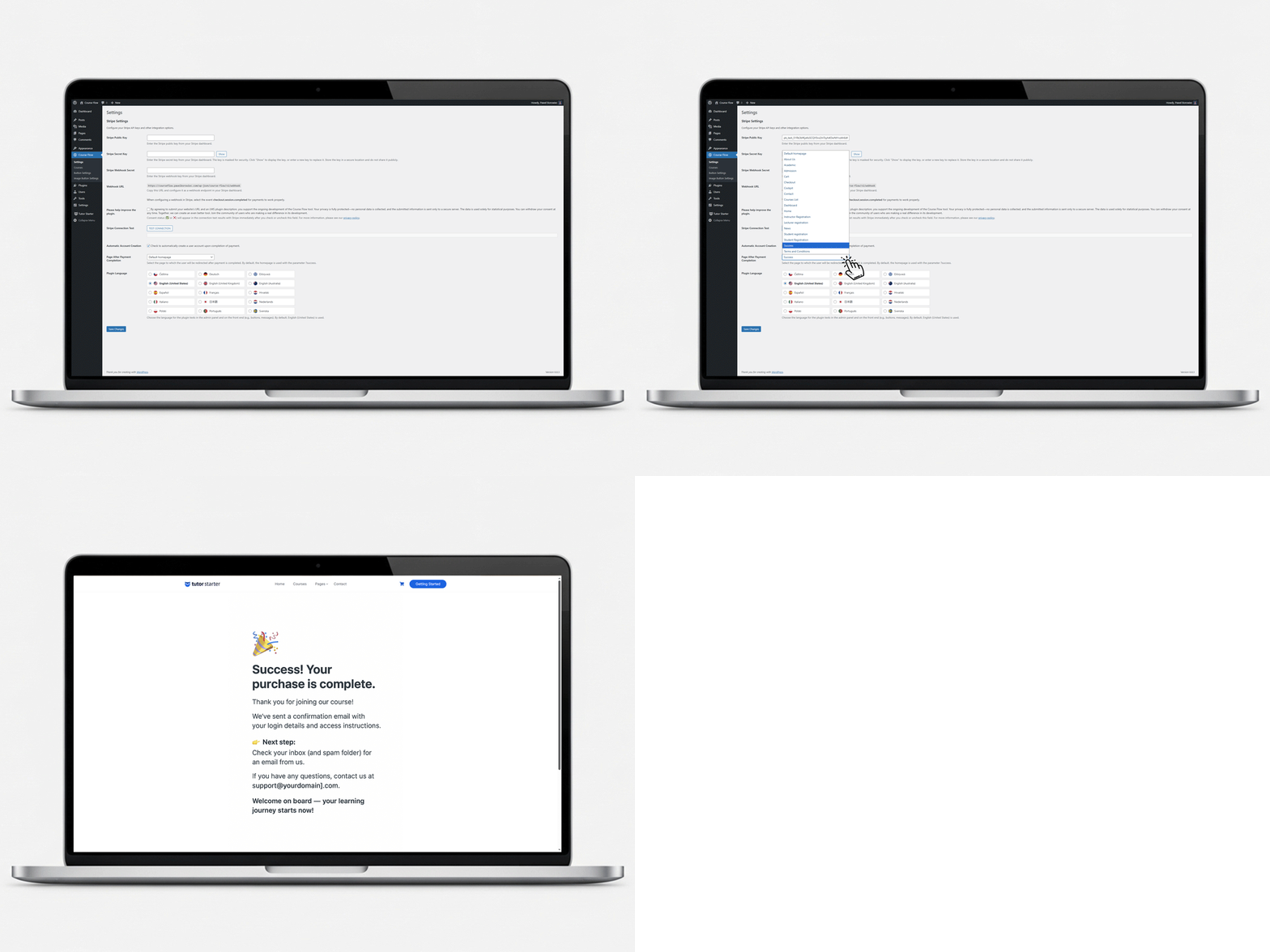
- Go to Dashboard → Course Flow → Settings.
- Enter your Stripe Publishable Key, Secret Key, and Webhook Secret.
- Configure a Stripe webhook pointing to:\
https://your-site.com/wp-json/course-flow/v1/webhook - Optionally customize buttons in Button Settings or Image Button Settings.
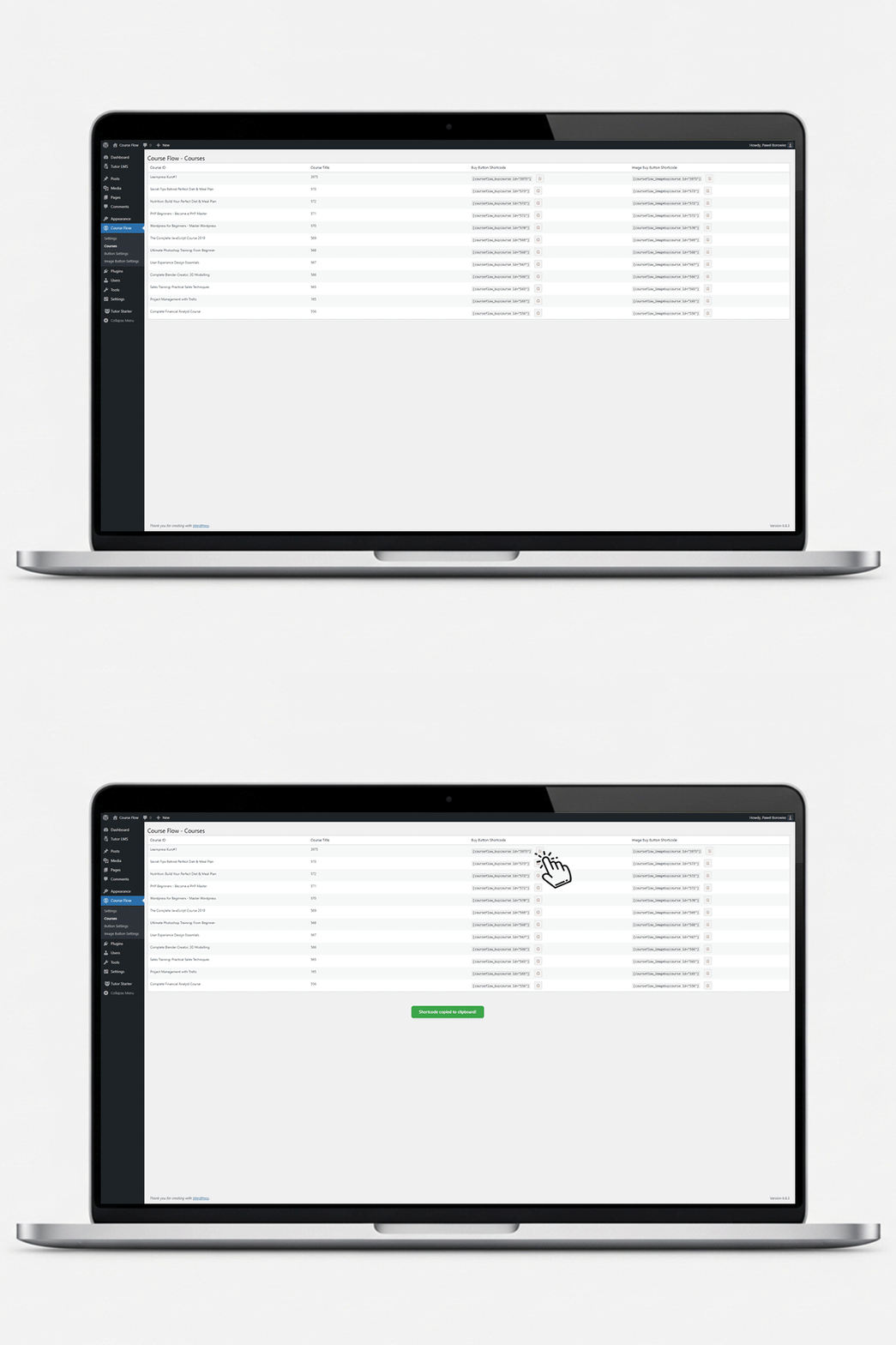
- Place a purchase shortcode on a course page.
屏幕截图:

常见问题:
Do I need WooCommerce?
No.
💳 Can I use Course Flow without WooCommerce?
Yes! Course Flow is designed specifically to sell courses without WooCommerce. It connects directly to Stripe Checkout for a simple, fast, and conflict-free experience.
🎓 Which LMS plugins are supported?
Course Flow supports Tutor LMS, LearnPress, and LearnDash. Only one needs to be active for the plugin to work.
🔒 Is Course Flow secure?
Absolutely. All transactions are handled securely by Stripe Checkout and verified through Stripe webhooks before course enrollment.
🧠 How do I install Course Flow?
Simply install it from your WordPress dashboard → Plugins → Add New → search for “Course Flow”.
🌍 Is Course Flow translatable?
Yes, a .pot file is included so you can translate it into any language.
🚀 What makes Course Flow different from other Stripe plugins?
It’s WooCommerce-free, lightweight, and built specifically for course creators who want fast, secure payments without bloat.
📍 Where can I find Course Flow plugin?
You can find and download Course Flow WordPress plugin from the official WordPress.org repository or directly from your dashboard by searching for “Course Flow”.