
Custom Content Scrollbar
| 开发者 | SoftHopper |
|---|---|
| 更新时间 | 2026年11月7日 23:16 |
| PHP版本: | 7.0 及以上 |
| WordPress版本: | 7.1 |
| 版权: | GPLv2 or later |
| 版权网址: | 版权信息 |
详情介绍:
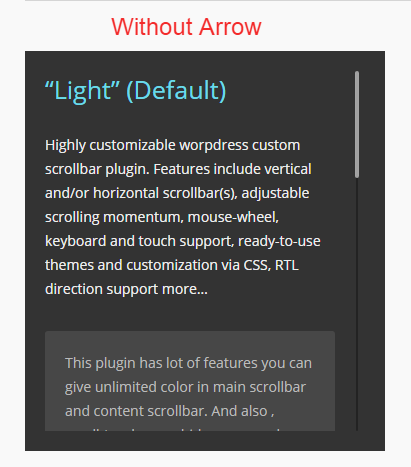
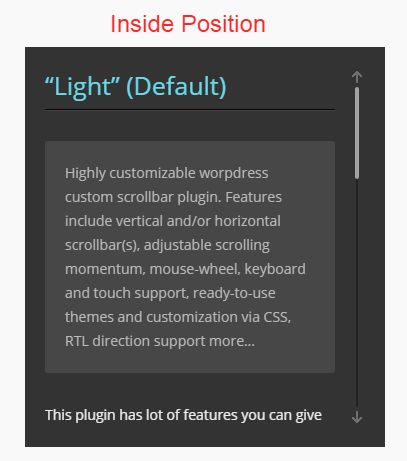
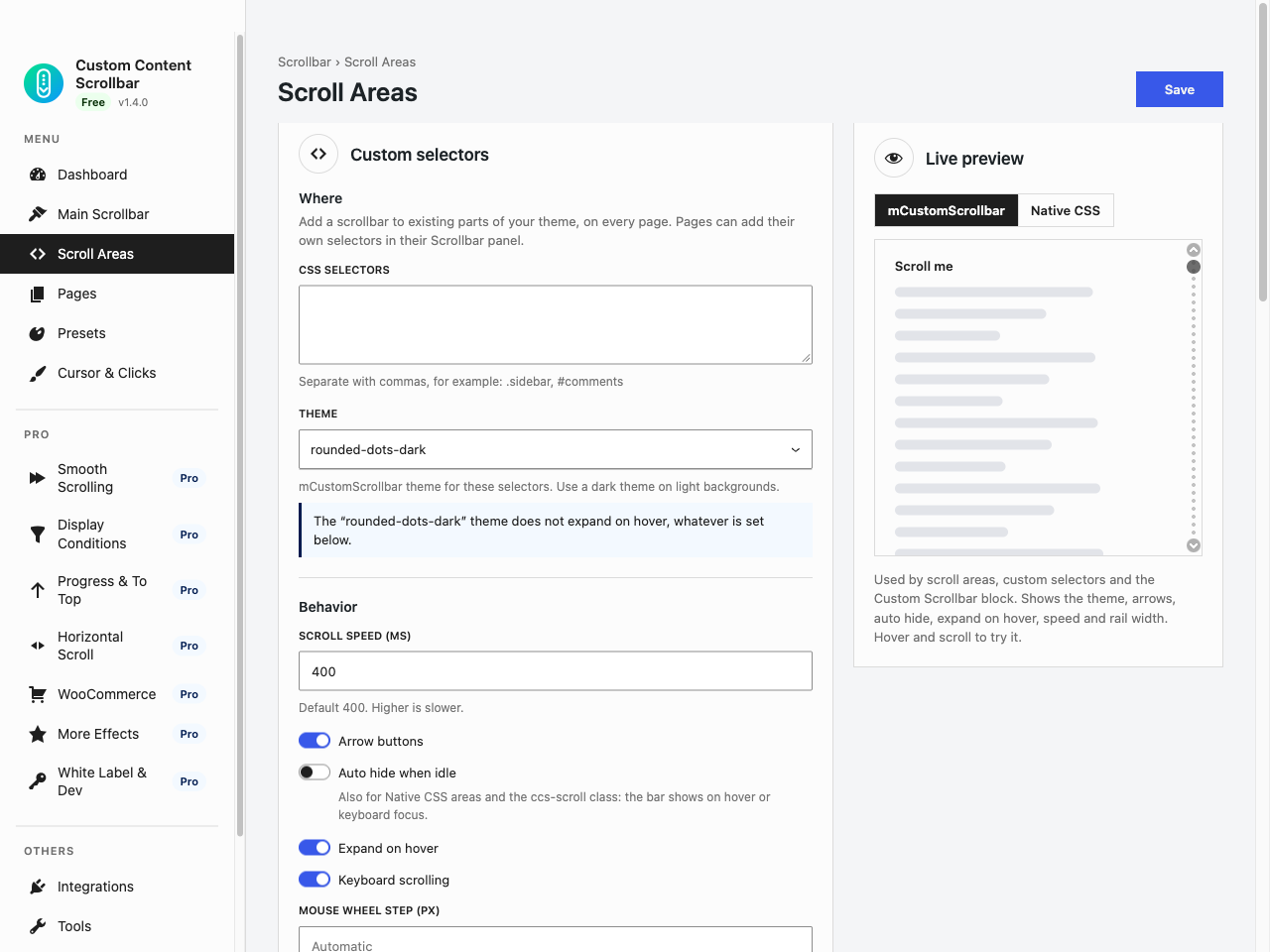
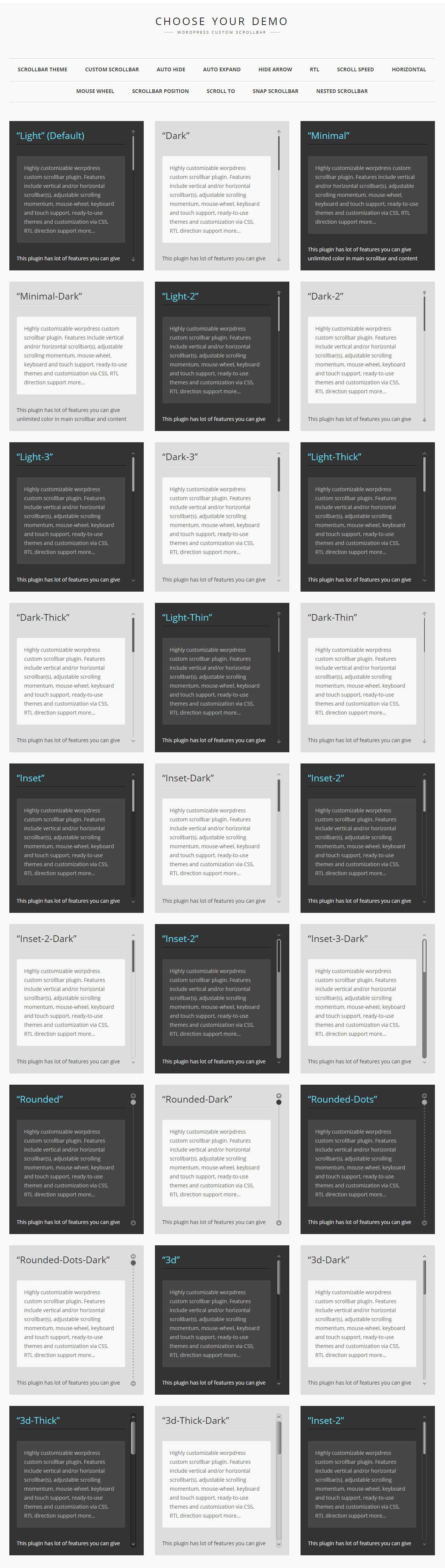
- mCustomScrollbar: full-featured scrollbars with 26 ready-made themes, arrow buttons, auto hide, scroll-to and snapping.
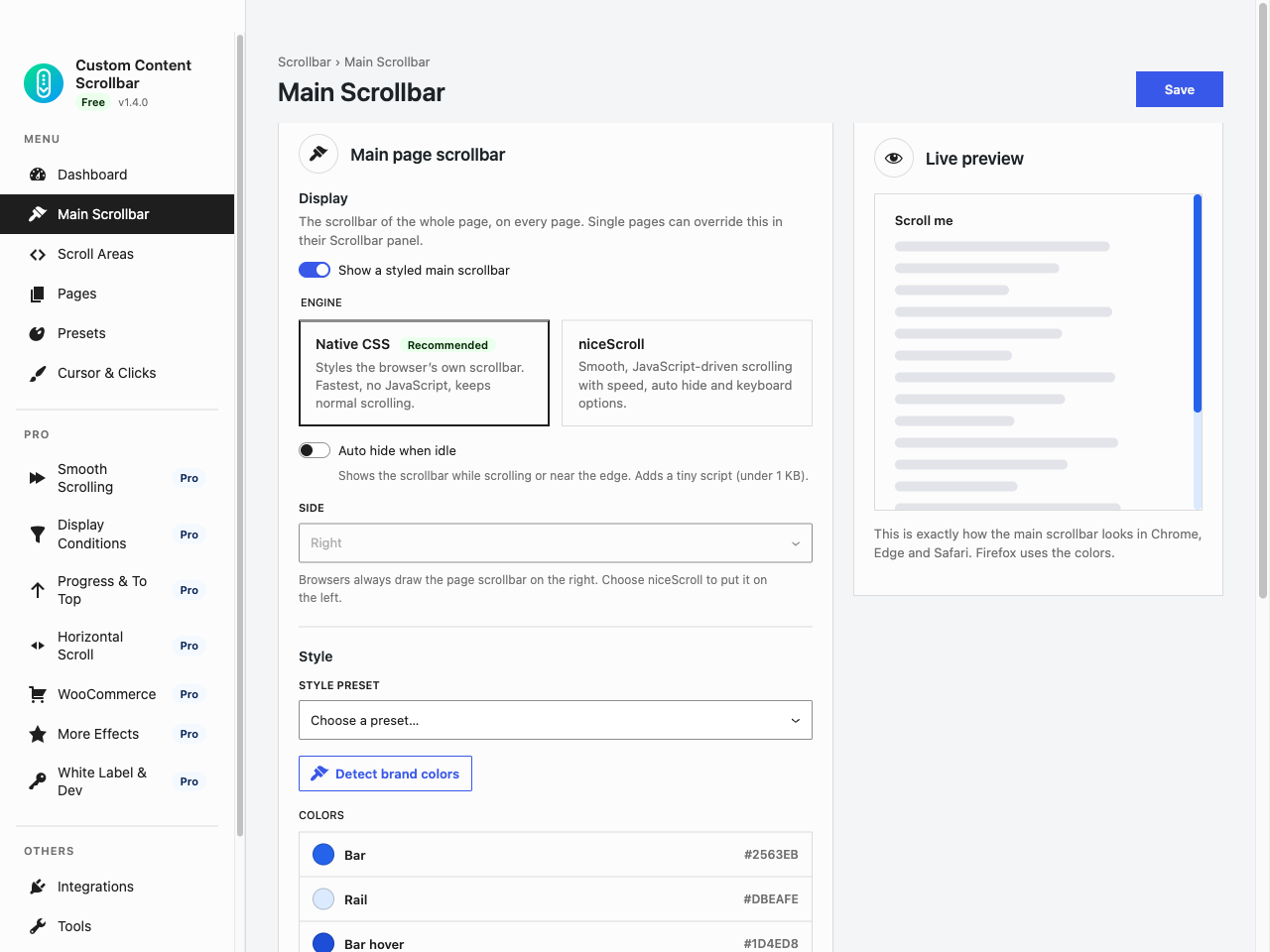
- Native CSS: styles the browser's own scrollbar with your colors and sizes. No JavaScript is loaded, so it is the fastest option.
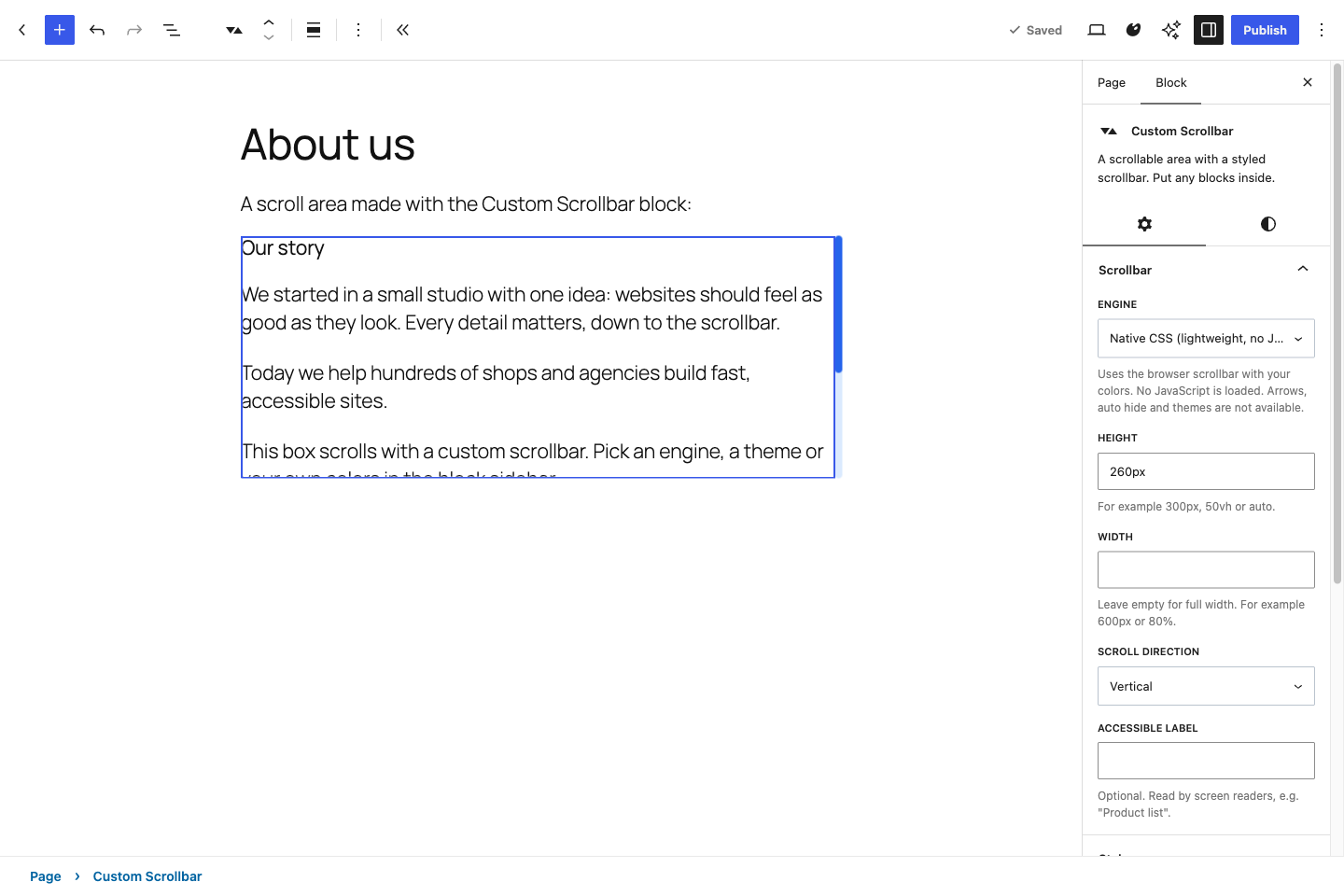
- Gutenberg block "Custom Scrollbar" with live preview in the editor
- Native CSS mode: styled scrollbars with zero JavaScript (main page and content areas)
- Loads scripts only on pages that use a scrollbar
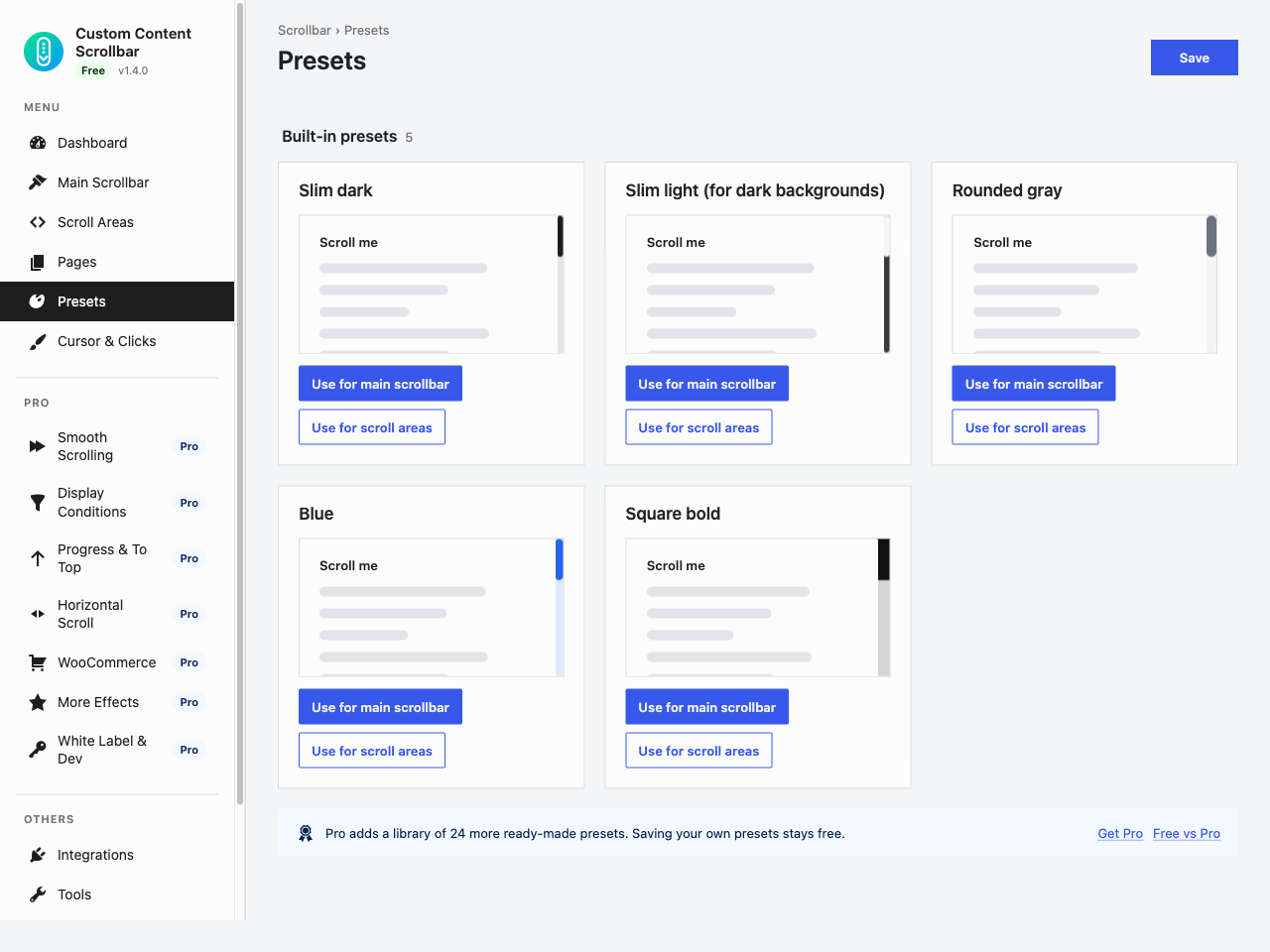
- Style presets and contrast warning for readable scrollbars
- Gradient bar, bar and rail borders, and a floating (overlay) look
- Auto hide, also for the no-JavaScript Native CSS engine
- Left-side page scrollbar (niceScroll engine) and mouse wheel step for scroll areas
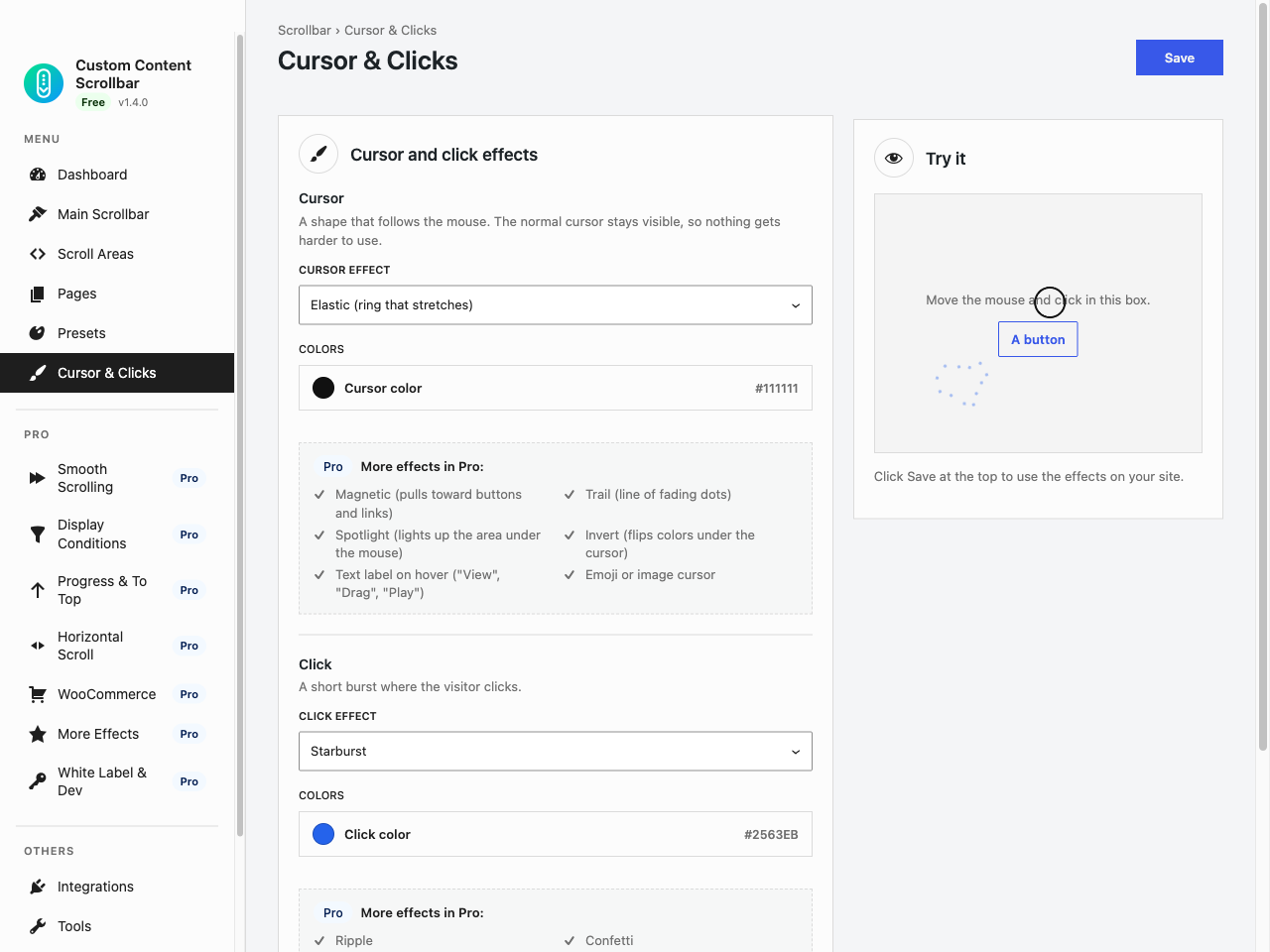
- Optional cursor effects (Follow, Dot, Blob, Elastic) and click effects (Spark, Spark simple, Starburst)
- Save your own presets, and detect your brand colors from the site
- Import, export and reset settings
- Keyboard accessible scroll areas, screen reader labels and reduced-motion support
- 100+ scrollbar demo
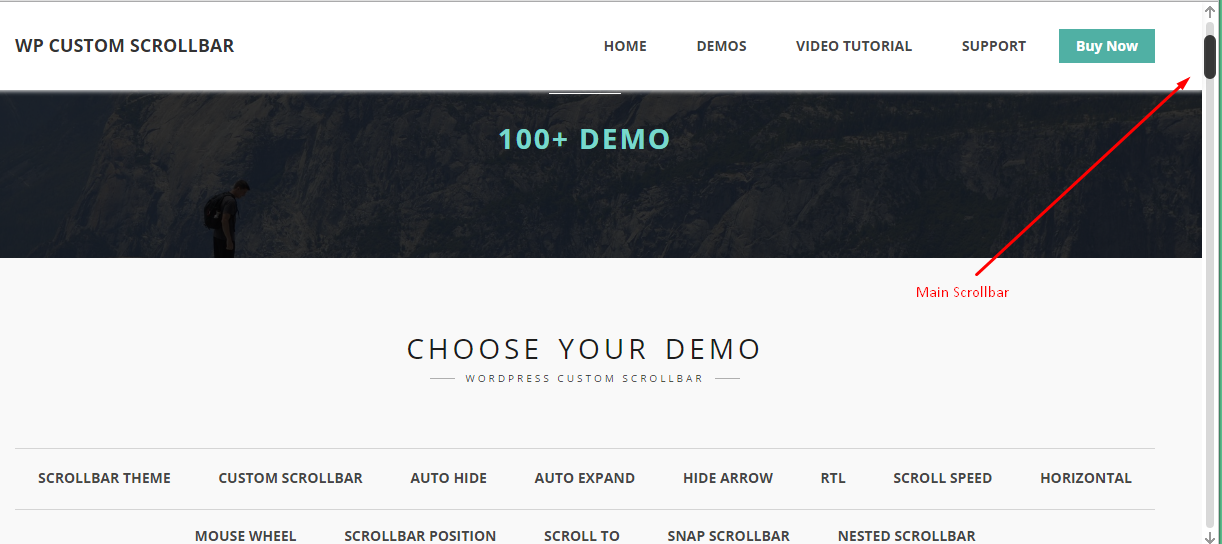
- Full page Scrollbar
- Single Content Scrollbar
- Custom Selector Scrollbar
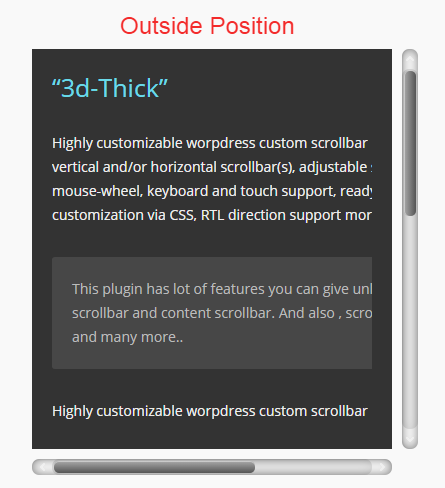
- Vertical and horizontal scrollbar support
- Highly Customizable
- Enable TinyMCE Button
- ScrollBar scroll speed control
- ScrollBar arrow button mode control
- ScrollBar auto hide mode
- ScrollBar auto expand mode
- ScrollBar moving mode by keyboard
- Shortcode Powered
- Translation Ready
- Responsive for all devices
- All major browser supported
- Easy to handle
- Smooth scrolling (Lenis) for the page, scroll areas and anchor links, with GSAP ScrollTrigger sync
- Display conditions: change or hide the scrollbar, smooth scrolling or effects by page type, post type, category or tag, device, user role or URL
- Preset library with 24 more ready-made designs
- Horizontal scrolling: snap rails (ccs-rail class) and pinned horizontal sections (ccs-hscroll class)
- WooCommerce pack: scrollbars for product tabs, the mini cart and filters, and product rails for related, upsell and cross-sell products
- Reading progress bar and back-to-top button
- More cursor effects (magnetic, trail, spotlight, invert, text label, emoji or image) and click effects (ripple, confetti, hearts, bubbles, firework, text pop)
- Developer tools, and white label with the Agency license (unlimited sites)
- One-time payment with lifetime updates: 1 site, 5 sites or unlimited sites
- Priority support
安装:
- Upload the
custom-content-scrollbarfolder to the/wp-content/plugins/directory - Activate the Custom Content Scrollbar plugin through the 'Plugins' menu in WordPress
- Open the new Scrollbar menu (or click "Settings" on the Plugins screen) to style the main scrollbar.
- Add the "Custom Scrollbar" block or the shortcode to any post or page.
屏幕截图:


常见问题:
Where can I find Custom Content Scrollbar documentation?
Go to Scrollbar > Help. It explains every settings screen and has a quick reference for the shortcode, the ccs-scroll class and the JavaScript function. The Usage section above covers the same topics.
Is there a Pro version?
Yes. Custom Content Scrollbar Pro is an add-on that needs this free plugin. It adds smooth scrolling, display conditions, a preset library, horizontal scrolling, a WooCommerce pack, a reading progress bar and back-to-top button, more effects, and white label. All free features stay free. Get it under Scrollbar > Add-Ons; Scrollbar > Free vs Pro has the full list.
Where can I report bugs or contribute to the project?
You can open issues via Support page.
Will Custom Content Scrollbar work with my theme?
Yes; Custom Content Scrollbar will work with any theme.
Does it work with my page builder?
Yes. The ccs-scroll class works in every builder that lets you add a CSS class (Elementor, Divi, Bricks, Beaver Builder, WPBakery, Oxygen, Breakdance, Kadence, Spectra and others). The per-page settings are on the normal WordPress edit screen of every page. Elementor also has its own Scrollbar controls.
Does it work with the block editor (Gutenberg)?
Yes. Use the "Custom Scrollbar" block. It needs WordPress 5.5 or later. The shortcode works in the Classic Editor and in the Shortcode block on any supported version.
Should I use mCustomScrollbar or Native CSS?
Use Native CSS when you want the fastest page and only need custom colors and sizes. Use mCustomScrollbar when you need themes, arrow buttons, auto hide, scroll-to or snapping.
Will it slow down my site?
Scripts load only on pages that have a scrollbar, and they load in the footer. In Native CSS mode no JavaScript is loaded at all.
Why is the admin bar hidden on my site?
Older versions hid the admin bar on the front end by default, and sites upgrading keep that setting. Turn it back on under Scrollbar > Tools. New installs show the admin bar.
Can I start a scrollbar on content that loads later?
Yes. After adding content with AJAX (popups, quick views, infinite scroll), call CustomContentScrollbar.init( element ). Each scroll area that starts fires a ccs:init event.
How do I move my settings to another site?
Go to Scrollbar > Tools. Download or copy the export, then import it on the other site.
Is it accessible?
Scroll areas can be reached and scrolled with the keyboard, the label option gives them a name for screen readers, and smooth scrolling is turned off for visitors who prefer reduced motion. The block warns you when the bar and rail colors have low contrast.
更新日志:
- New: Gradient bar, bar and rail borders, and a floating look for the main scrollbar, scroll areas, the block, shortcodes and Elementor.
- New: Auto hide for the Native CSS engine (main scrollbar, areas and the ccs-scroll class).
- New: Left-side page scrollbar (niceScroll) and a mouse wheel step setting.
- New: Optional cursor and click effects. Off by default; mouse only; off for reduced motion.
- Updated: mCustomScrollbar to the official 3.1.5 (was an older 3.1.3 build), patched for jQuery 3.5+. Scroll areas with images no longer depend on jQuery Migrate, and the library never loads anything from a CDN.
- Security: hardened database queries, settings import and block attributes; plugin hooks now use the full custom_content_scrollbar_ prefix.
- New: Dashboard under the new "Scrollbar" menu, built with the WordPress design system: live preview, setup checklist, usage counts, pages with their own settings, integrations, presets, tools, and a Free vs Pro overview. Needs WordPress 6.6 or later; older versions keep the classic settings screen.
- New: Built-in documentation in the Help tab, next to the support links.
- New: Hooks for add-ons: custom_content_scrollbar_admin_pro_screens (dashboard screens), custom_content_scrollbar_builtin_presets and custom_content_scrollbar_branding.
- New: REST API (custom-content-scrollbar/v1) for the dashboard. Administrators only.
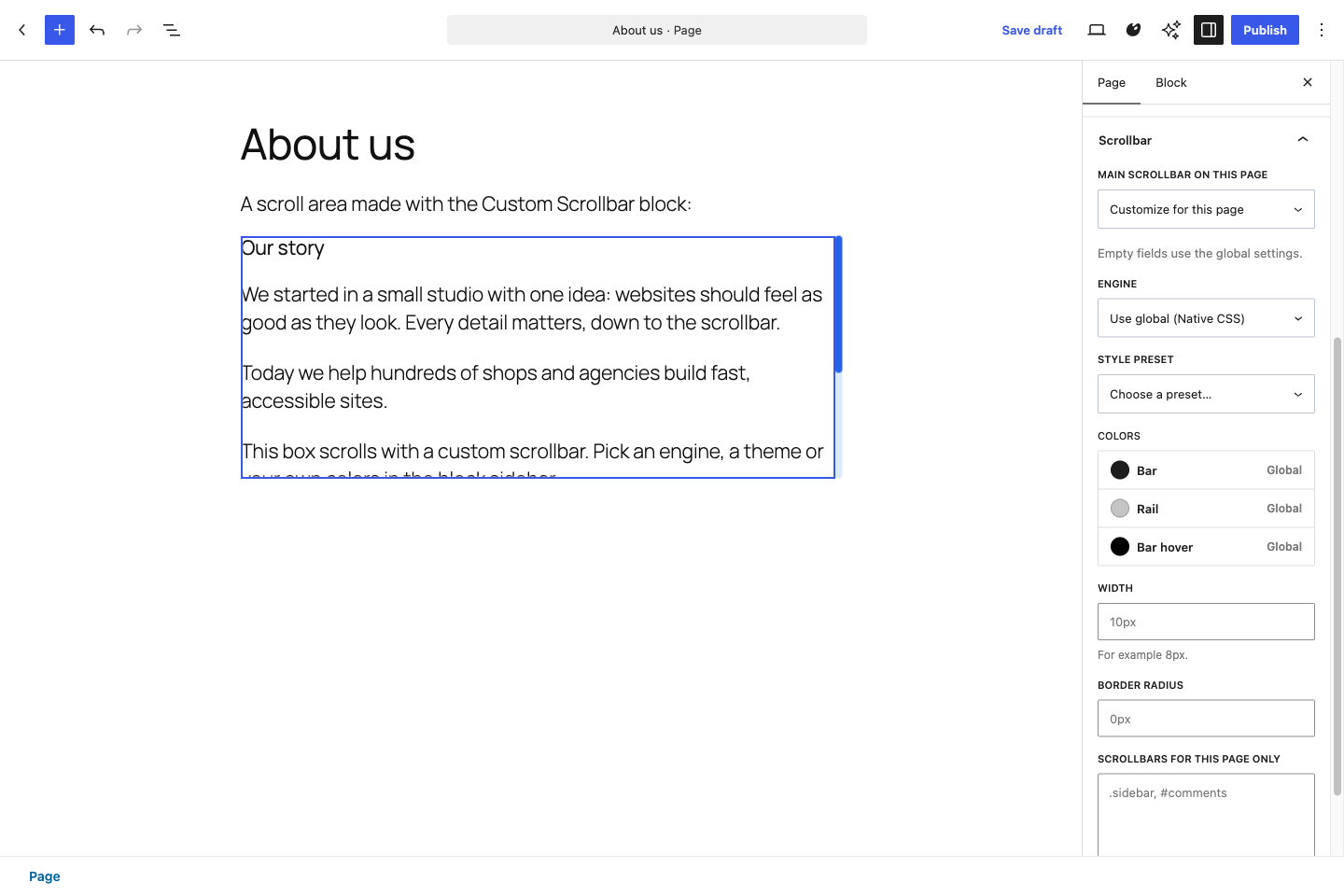
- New: Scrollbar settings for each page, post and product: customize or disable the main scrollbar, and add page-only selectors. Available in the block editor sidebar, the classic edit screen and Elementor Page Settings.
- New:
ccs-scroll,ccs-scroll-xandccs-scroll-bothCSS classes turn any element in any page builder into a styled scroll area, without JavaScript. - New: Elementor integration: Advanced > Scrollbar on containers, sections, columns and widgets, with live preview.
- New: "Custom Scrollbar" block for the block editor, with live preview, presets and a contrast warning.
- New: Native CSS engine for content areas and the main page scrollbar. No JavaScript is loaded in this mode.
- New: Style presets on the settings page and in the block.
- New: Tools tab to export, import and reset settings.
- New: Accessible label option, keyboard focus for scroll areas, and reduced-motion support.
- New: Settings link on the Plugins screen. Settings are removed when the plugin is deleted.
- Improved: Scripts and styles load only on pages that need them, in the footer.
- Improved: No inline scripts inside post content; one small init script handles every scrollbar.
- Improved: The bundled mouse-wheel script is used, so nothing is loaded from a third-party CDN.
- New: Engine and accessible label options in the Classic Editor shortcode dialog.
- Fixed: Scrollbar rail collapsing to the size of the dragger on WordPress 5.6 and later (jQuery 3.5 compatibility).
- Fixed: Security hardening. All shortcode attributes and settings are validated and escaped.
- Fixed: Inserting a shortcode in the Visual editor no longer leaves the dialog open.
- Fixed: "light-thin" theme name (was "light-think").
- Fixed: Translation loading notice on WordPress 6.7 and later.
- Changed: New installs use the Native CSS main scrollbar and show the admin bar. Existing sites keep their settings.
- New:
CustomContentScrollbar.init()JavaScript function for content loaded after the page. - Improved: On single posts, scrollbar styles load in the page head, so scroll areas no longer appear unstyled first.
- Improved: The shortcode dialog loads only where the Classic Editor is used.
- Fixed: The
[row]and[column]shortcodes no longer replace the ones from your theme or other plugins. - Fixed: Paragraph clean-up now only touches this plugin's shortcodes, not all content.
- Fixed: Nested shortcodes keep working after lowering the "Nested Shortcode" setting.
- Fixed: True/False labels on the settings page could change a setting on another tab.
- Fixed: Child selectors (
>) and backslashes in Custom CSS and Custom Selector were broken when saved. Existing values are repaired on upgrade. - Fixed: Possible conflict with other plugins using the same function name for an editor button.
- Fixed: Multisite: settings are removed from every site when the plugin is deleted.
- Removed: Unused library copies, which makes the download smaller.