DaazSync – RSS News Aggregator
| 开发者 | daazlabs |
|---|---|
| 更新时间 | 2026年4月24日 05:10 |
| PHP版本: | 7.4 及以上 |
| WordPress版本: | 6.9 |
| 版权: | GPLv2 or later |
| 版权网址: | 版权信息 |
详情介绍:
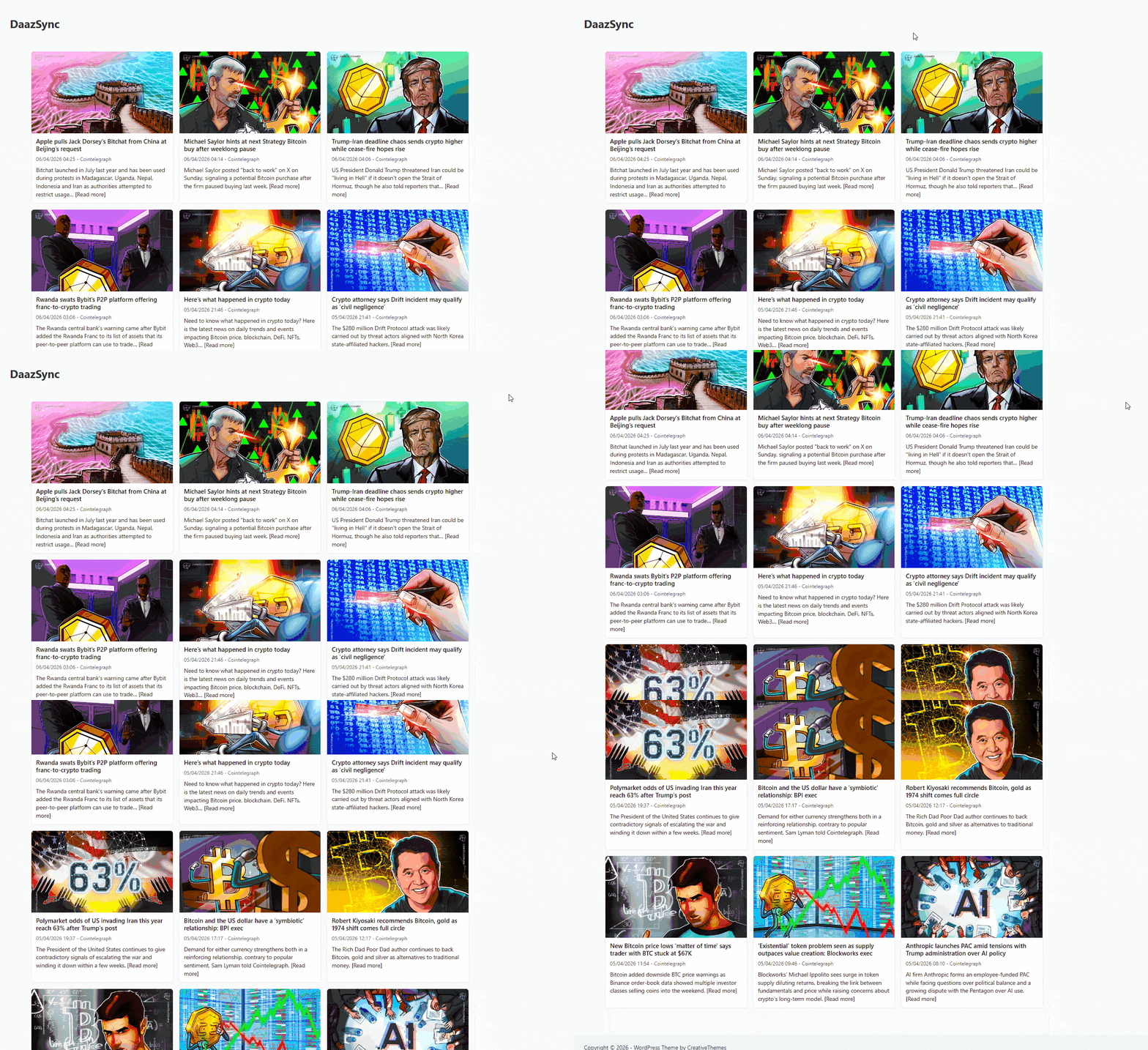
- Grid — responsive card grid, ideal for magazine-style pages and news portals
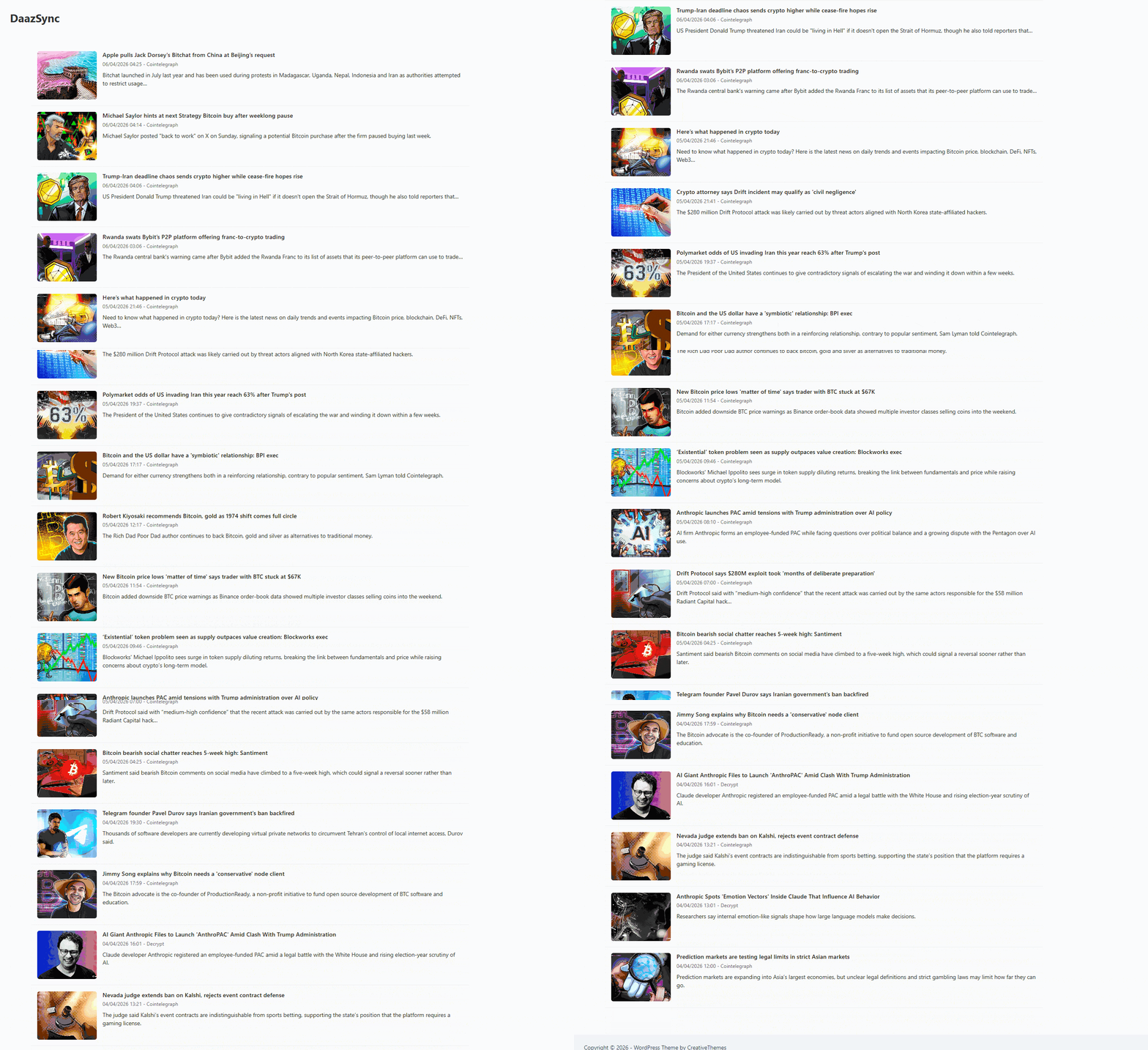
- List — clean vertical list, perfect for sidebars and content-heavy pages
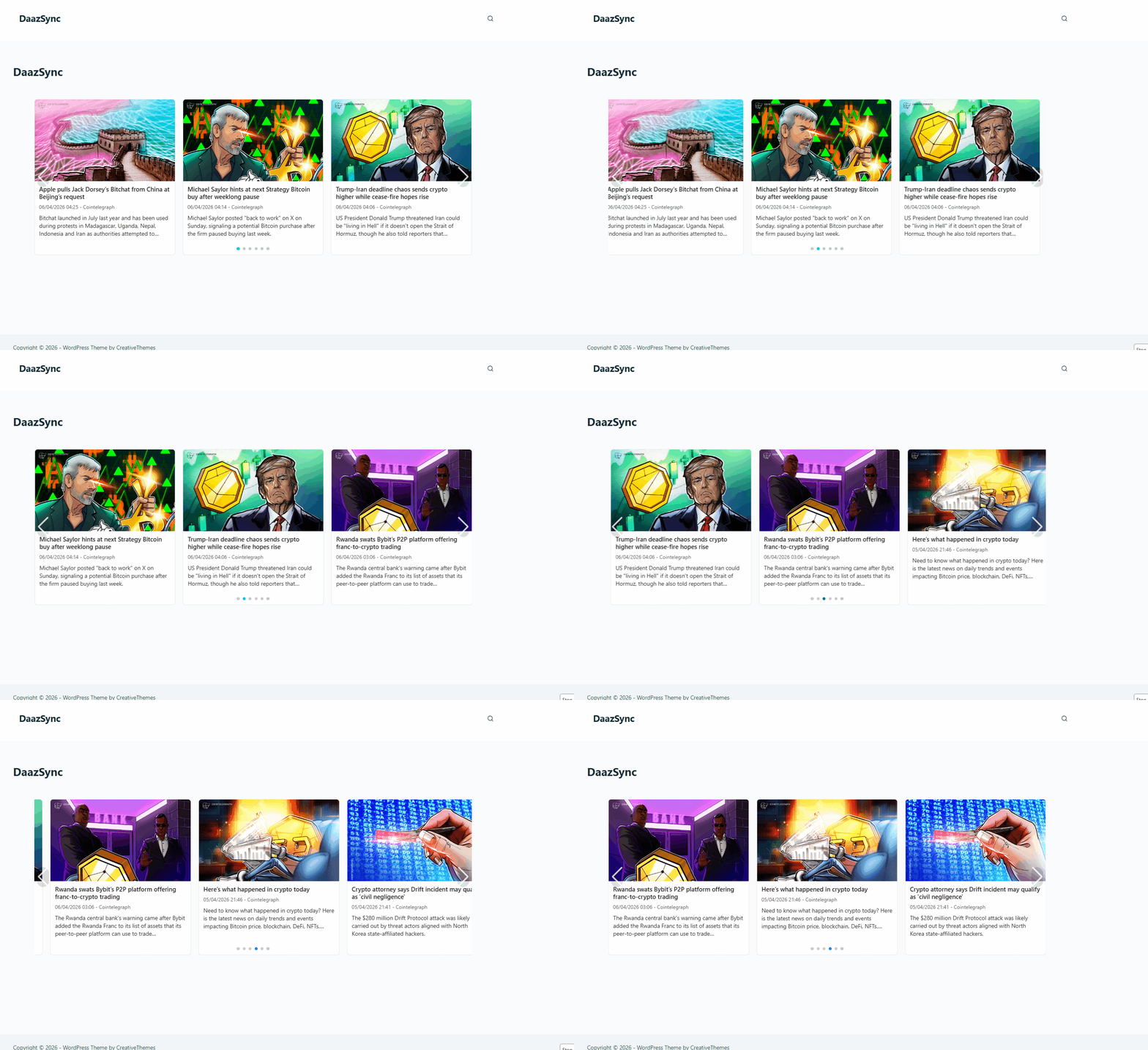
- Carousel — auto-playing or click-to-advance article slider
- Hero — large featured article with supporting cards alongside
- Minimal — ultra-light display for footers, widgets and embeds
[newssync layout="grid" limit="6" category="Tech"]
Available attributes:
layout— grid, list, carousel, hero, minimallimit— how many articles to displaycategory— show only feeds from a specific categoryoffset— skip the first N articles (great for multi-column layouts)orderby/order— sort by date or title, ascending or descendingshow_image,show_date,show_excerpt,show_source— toggle each element independentlyexcerpt_length— set how many words appear in the preview
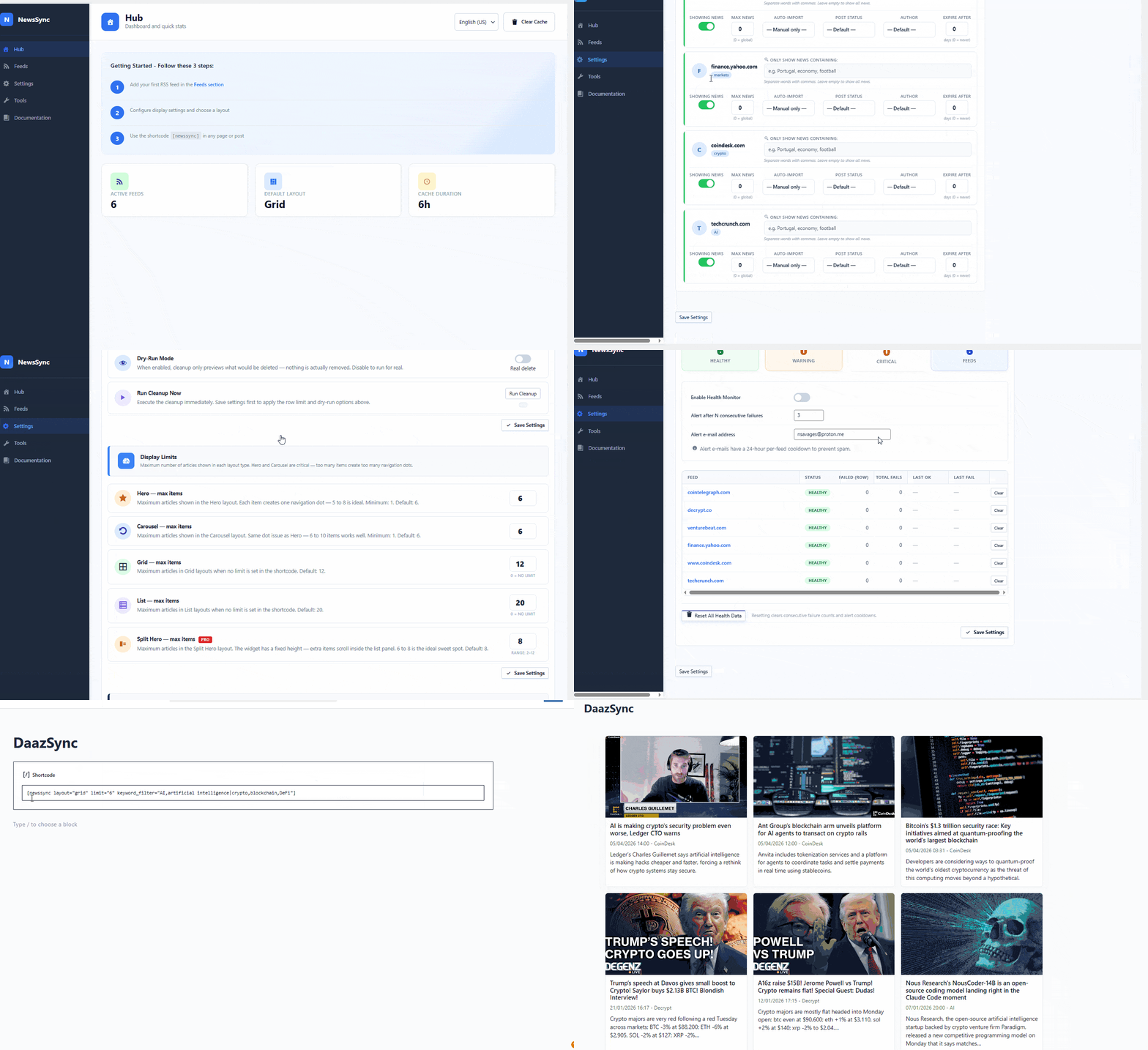
[newssync keyword_filter="AI,machine learning|crypto,blockchain,DeFi"]
→ Shows only articles that mention both AI and a crypto topic.
Site-Wide Advanced Filtering
Set global include and exclude keyword rules from the admin panel. Every shortcode on every page respects them automatically.
Full-Text Extraction
Standard RSS feeds only carry a short excerpt. PRO fetches the full article body from the source page — ideal for richer display or AI summaries.
AI-Powered Article Summaries
Auto-generate article summaries in your language using OpenAI (GPT-4o), Anthropic Claude, Google Gemini or any custom API provider. Bring your own key — no middleman markup.
Managed Feeds Dashboard
A production-ready feed management table with live status indicators, one-click manual refresh, last-import timestamps and per-feed error reporting.
Detailed Import Logs
Per-article status, error traces and batch timing — so you always know exactly what happened during an import and can diagnose feed problems in seconds.
Priority Support
Direct email support with a guaranteed 48-hour response.
Upgrade to PRO →
👤 Who Uses DaazSync?
- Bloggers and content creators who want to automatically embed related news inside their posts
- News portals aggregating content from multiple sources into topic-based sections
- Agencies managing multiple client sites that need automated, always-fresh news areas
- Niche communities curating content around tech, crypto, finance, sport or any other topic
- Corporate intranets surfacing industry news for internal teams without manual curation
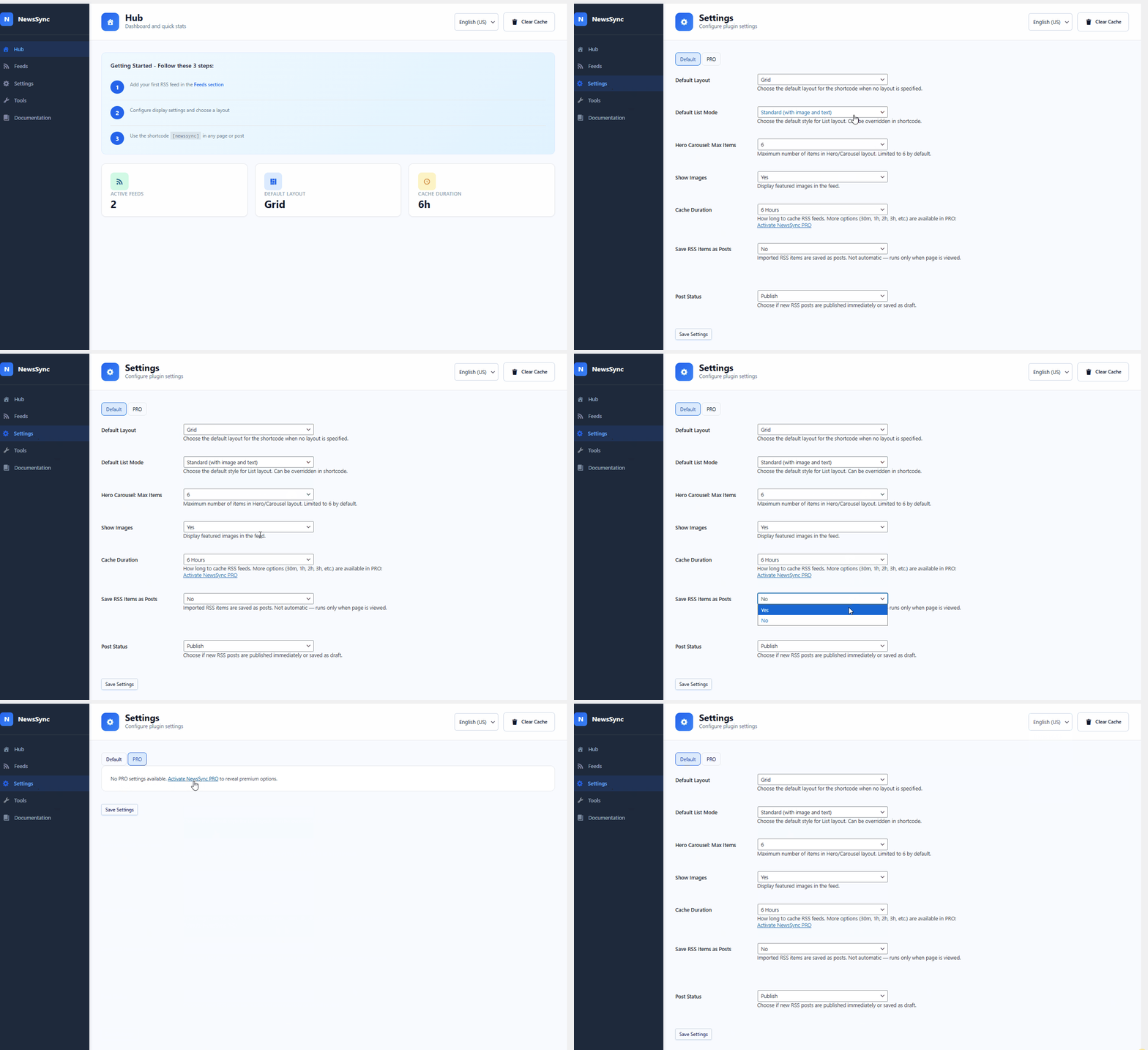
- Activate DaazSync and go to DaazSync → Feeds
- Add your first RSS/Atom feed and assign it a category
- Paste
[newssync layout="grid" limit="6"]into any page
安装:
- Go to Plugins → Add New in your WordPress admin
- Search for DaazSync
- Click Install Now, then Activate
- Download the ZIP from the plugin page
- Go to Plugins → Add New → Upload Plugin
- Upload the ZIP and click Install Now, then Activate
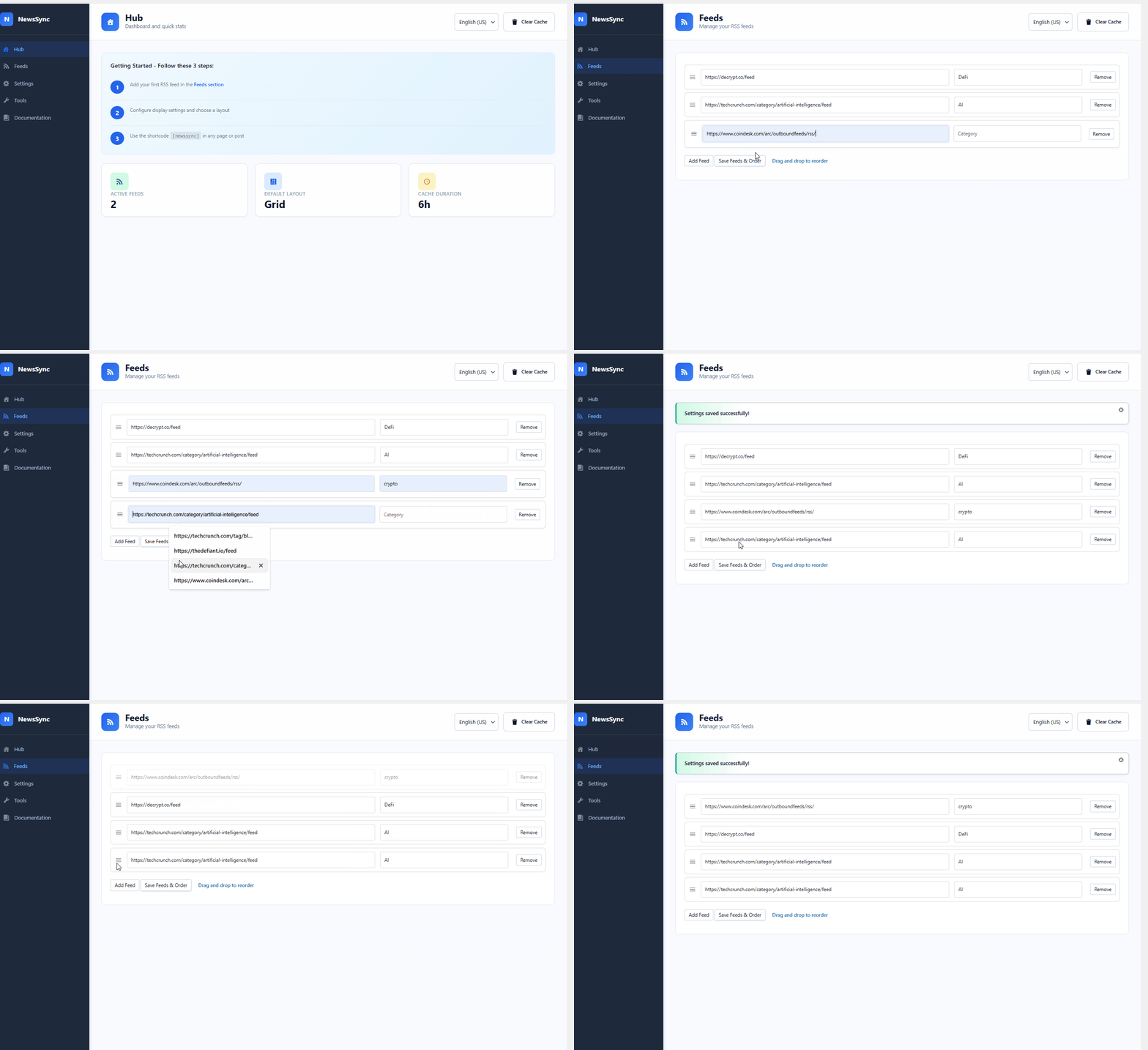
- Go to DaazSync → Feeds and click Add Feed
- Paste an RSS or Atom URL and assign a category to the feed
- Use
[newssync layout="grid" limit="6"]on any page or post - Optionally enable auto-import under DaazSync → Settings → Auto-Import
屏幕截图:

常见问题:
Is DaazSync really free?
Yes. The core plugin — unlimited feeds, 5 layouts, the full shortcode system, auto-import and caching — is 100% free and open source (GPLv2). DaazSync PRO is a separate paid add-on that adds keyword filtering, AI summaries, full-text extraction and advanced logging. It is completely optional.
How many RSS feeds can I add?
Unlimited. There is no cap on the number of feeds in either the free or PRO version.
What layouts are included in the free version?
Five: Grid, List, Carousel, Hero and Minimal. All are fully responsive and configurable via shortcode attributes — no CSS required.
Can I show different news sections on different pages?
Yes. Every [newssync] shortcode is independent. Use a different layout, limit, category and display settings on each page. You can even place multiple shortcodes on the same page to build multi-column news layouts.
Does it work with Elementor, Divi or other page builders?
Yes. DaazSync uses a standard WordPress shortcode that works in any editor or page builder that supports shortcodes — including the Gutenberg Shortcode block, Elementor, Divi, Beaver Builder and the Classic Editor.
Can I filter articles to show only news about a specific topic?
The free version supports category-level filtering: assign a category to each feed and use [newssync category="Tech"] to show only that category. Keyword-level filtering (showing only articles that contain specific words) is a DaazSync PRO feature.
Can imported articles become real WordPress posts?
Yes. Enable the auto-import scheduler under DaazSync → Settings → Auto-Import. New articles from your feeds will be created as regular WordPress posts — fully indexed by search engines and your site's internal search.
Will this slow down my website?
No. Feed data is cached as WordPress transients and served as plain HTML. The only JavaScript loaded is a lightweight Swiper instance for the Carousel layout. There are no front-end API calls.
Does the plugin send my data to external servers?
No. DaazSync only contacts the RSS feed URLs you configure. It does not transmit your site data, user data or any personal information to any external service. The optional PRO AI summary feature connects directly to the AI provider you choose, using your own API key.
My feed shows no articles — what should I try?
- Open the feed URL in a browser to confirm it is valid and returns XML
- In DaazSync → Feeds, click the Refresh button on the feed
- Clear the plugin cache under DaazSync → Settings → Cache
- If the feed uses a non-standard encoding or requires a specific User-Agent, enable the Force Feed option in the feed settings
What is the difference between "Run now (schedule)" and "Run now (direct)"?
Run now (schedule) queues an import job via WP-Cron — it runs in the background on the next cron tick. Run now (direct) executes one import batch immediately in your browser session, which is useful when WP-Cron is disabled on your server or when you want to test a feed instantly.
Where can I get support?
Free support is available on the WordPress.org support forum. PRO customers receive priority email support with a 48-hour response guarantee.
更新日志:
- Fix: Images from external CDNs (e.g. CoinTelegraph) now fall back to placeholder images when the CDN blocks hotlinking.
- Improvement: Added newssync/live_item_img filter to allow PRO to enrich live RSS images via background og:image lookup.
- Fix: Article links now use the canonical GUID URL when the RSS field points to a defunct tracking subdomain (e.g. conpletus.cointelegraph.com).
- Fix: Images now display correctly in live RSS mode (img_url field was not being mapped to the img key expected by layout templates).
- Improvement: Added extensibility hook (newssync/pre_item_fetch) to allow async feed loading in DaazSync PRO.
- Fix: Clear Cache now also flushes WordPress's built-in SimplePie feed cache, eliminating stale or corrupted data from feeds that have since gone offline.
- Fix: Dead or unreachable feeds no longer cause a page timeout on every load — fetch failures are now cached for 5 minutes.
- Improvement: Admin documentation tab expanded with complete shortcode parameter reference and additional examples.
- Fix: custom_css_class attribute added to shortcode parameter table.
- New: Option to disable placeholder images when a feed item has no image (Settings → Display → Placeholder Images).
- Improvement: Automatic dark mode support for themes that use prefers-color-scheme: dark.
- Fix: show_image="no" and hide_image="yes" now work correctly in Grid and Carousel layouts.
- Fix: keyword_filter shortcode attribute now works correctly with carousel and hero layouts.
- Integration: added Freemius licensing and upgrade flow.
- Admin: added Upgrade to PRO button in header and PRO features card in Settings → PRO tab.
- Admin: fixed Tools page buttons (Clear Cache, Dismiss Notice, Show/Hide guide).
- Security: removed all debug output; added ABSPATH guards across all files.
- HTTP: centralised request wrappers with proper User-Agent header and timeout defaults.
- Admin: enqueued assets correctly; removed inline scripts and styles.
- AJAX: improved error handling for manual import actions.
- Code: full PHPCS prefix compliance and i18n fixes throughout.
- Initial public release.
- Core RSS/Atom aggregation and display engine.
- Five built-in layouts: Grid, List, Carousel, Hero and Minimal.
- Auto-import scheduler with WP-Cron integration.
- i18n ready with .pot file included.