Dev Favicon Switcher
| 开发者 | karasunouta |
|---|---|
| 更新时间 | 2026年6月13日 15:06 |
| PHP版本: | 7.0 及以上 |
| WordPress版本: | 6.9 |
| 版权: | GPLv2 or later |
| 版权网址: | 版权信息 |
详情介绍:
Dev Favicon Switcher helps you easily distinguish between your production and development environments. It automatically displays a different favicon based on the current URL, avoiding mistakes where you might accidentally edit the live site thinking it's the development environment.
Key Features:
- Automatic Environment Detection: Automatically applies the development favicon on common local domains (
.local,.test,.dev). - Custom Development URLs: Specify exact URLs where the development favicon should appear (supports multiple URLs).
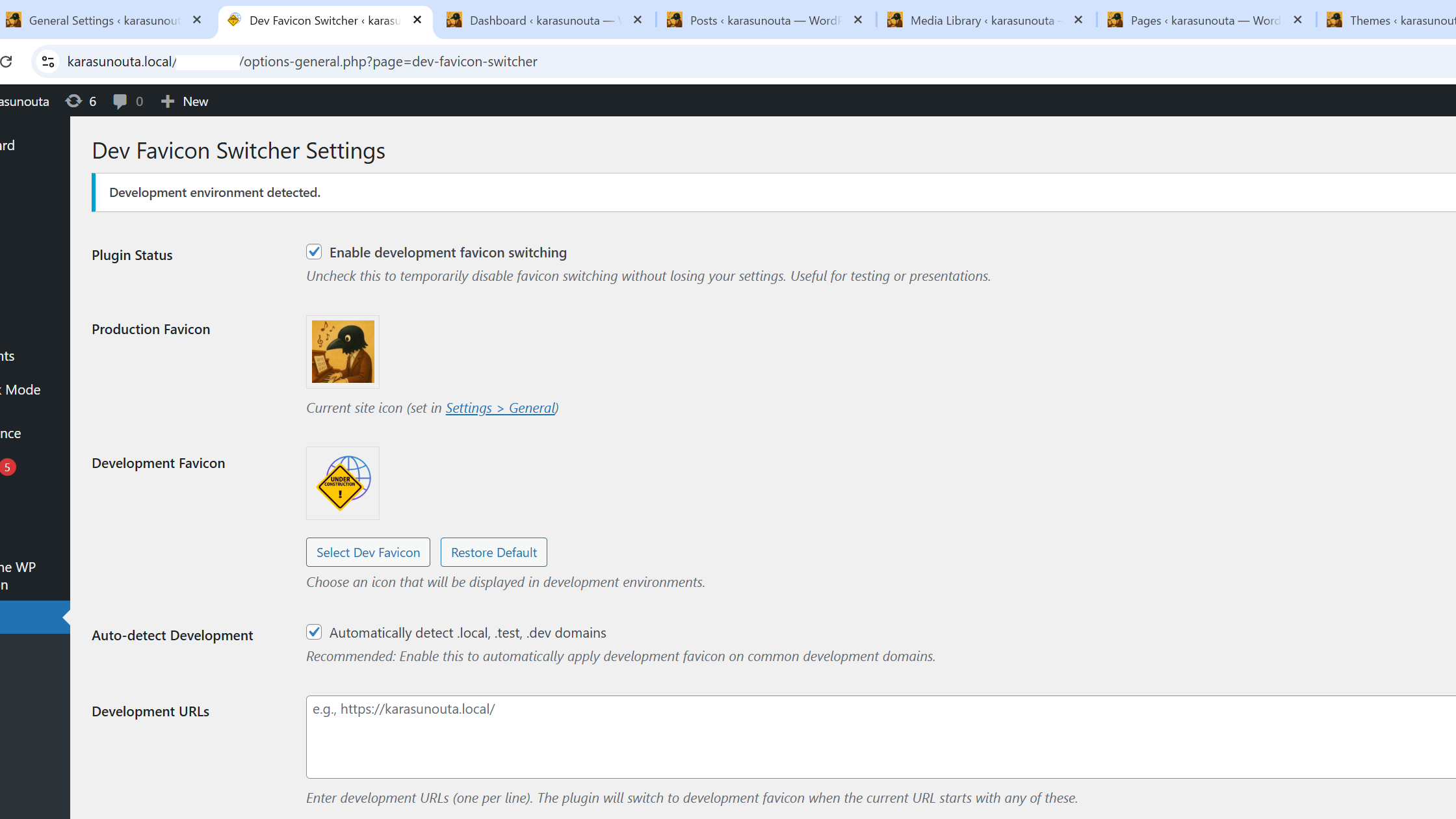
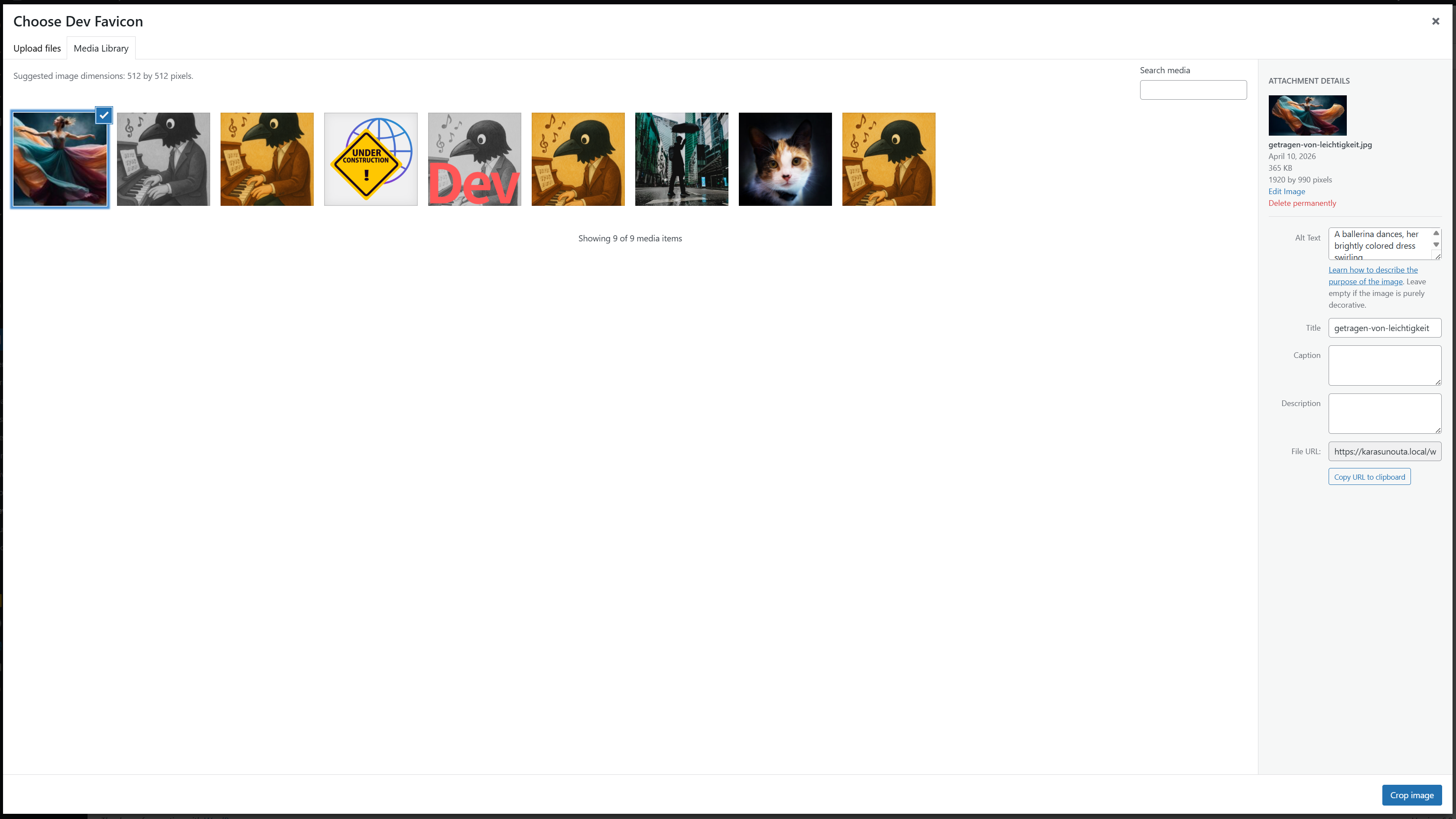
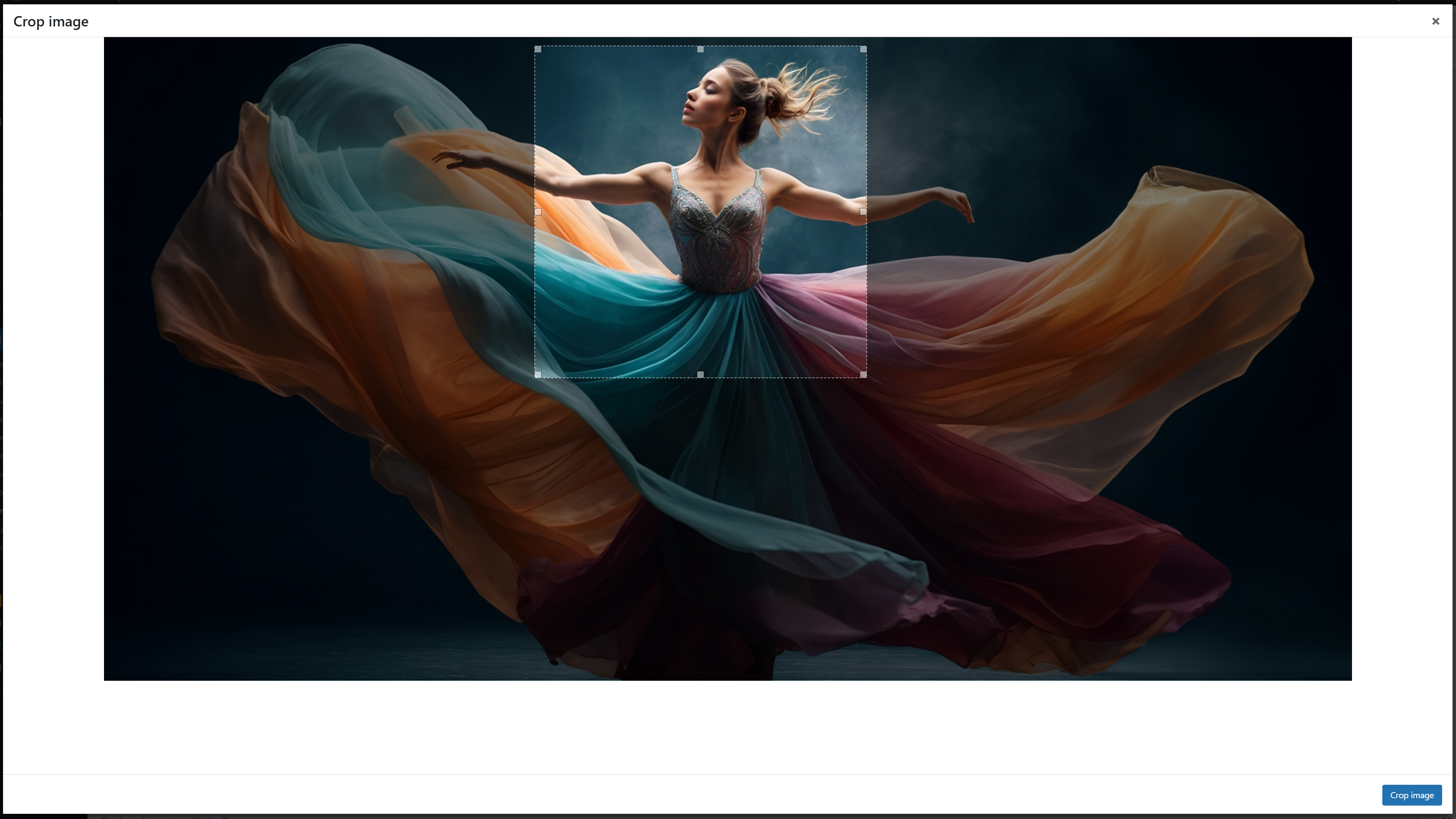
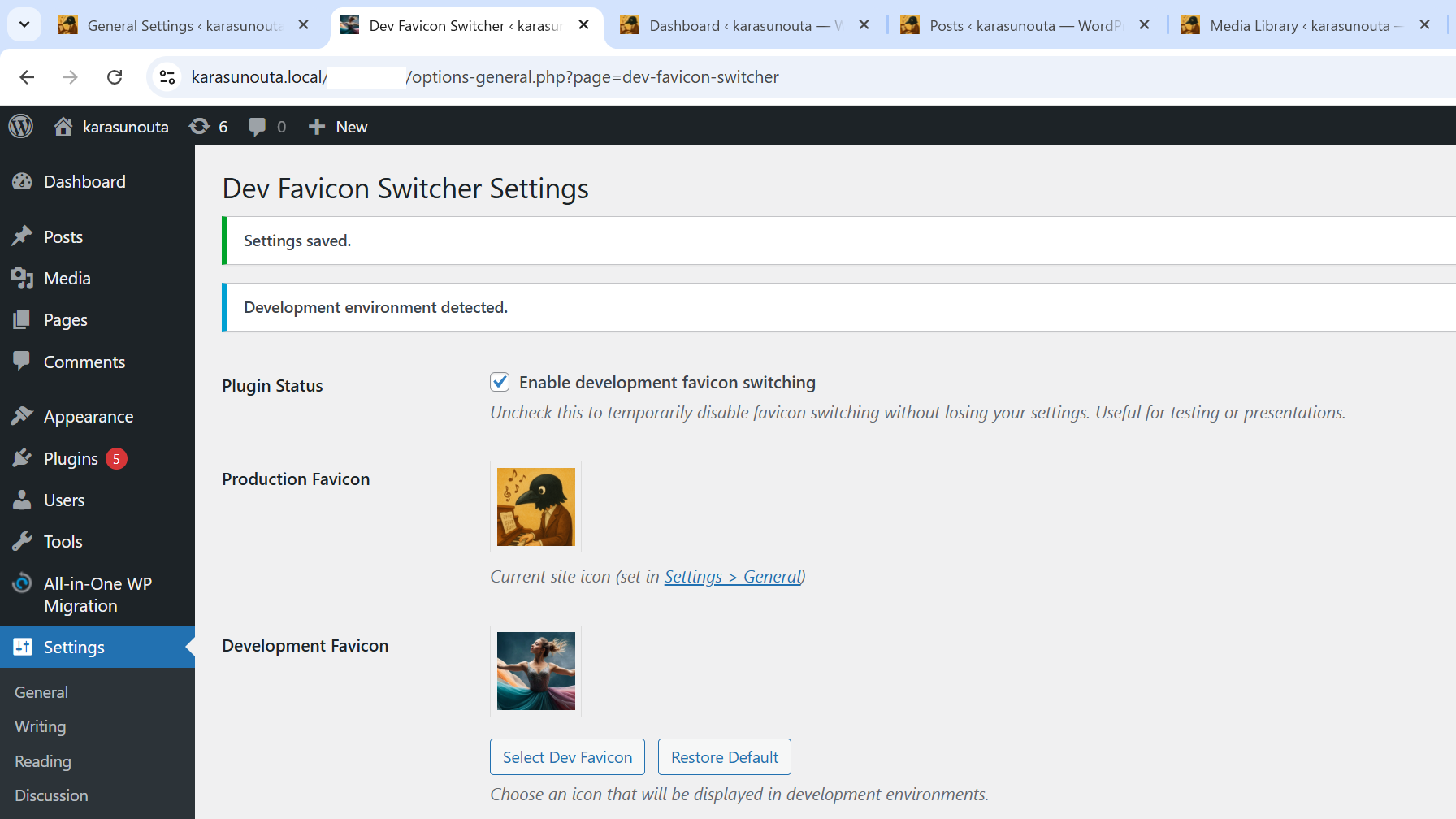
- Easy Icon Management: Upload your own dev favicon using the WordPress media uploader, complete with built-in image cropping.
- Restore Default Icon: Don't have an icon handy? Easily apply our unified default development favicon with a single click.
- Automatic Size Generation: Automatically generates all standard WordPress site icon sizes (32x32, 180x180, 192x192, 270x270) to ensure compatibility across all devices and browsers.
- Admin Bar Styling: Customize the admin bar's background and text colors to clearly identify your development environment at a glance, with a live preview and easy reset options.
- No Frontend Bloat: Everything works efficiently via standard WordPress filters without adding unnecessary frontend scripts.
安装:
- Upload the
dev-favicon-switcherfolder to the/wp-content/plugins/directory. - Activate the plugin through the 'Plugins' menu in WordPress.
- Configure the plugin by going to Settings > Dev Favicon.
屏幕截图:
常见问题:
Does this modify my actual production site?
No. The plugin only overrides the favicon URL dynamically when it detects that you are accessing the site via one of your configured development URLs (or auto-detected extensions). Your live site will continue to load its normal configured site icon.
How does the auto-detect feature work?
If enabled, the plugin checks your current domain. If it ends with .local, .test, or .dev, it automatically considers the environment a development one and switches the favicon.
What if I don't have a specific development favicon to upload?
You can simply click the "Restore Default" button in the settings, and the plugin will apply a built-in default development favicon for you.
Does it support image cropping?
Yes! When you upload or select a new development favicon from the media library, the plugin provides a cropping tool just like the native WordPress Site Icon feature.
更新日志:
1.5.5
- Fix: Adjusted Japanese translation spacing and punctuation to align with the WordPress translation style guide.
- Added a link to the detailed setup guide.
- Added .distignore to the exclusion list in .distignore.
- Fixed a formatting issue in the readme.txt changelog.
- Added .distignore to exclude development files from the distribution package.
- Reduced the number of tags to 5 for WordPress.org compliance.
- Added "admin bar" tag and improved feature descriptions in readme.txt.
- Updated version numbering.
- Updated readme.txt
- Adjusted the naming conventions for JS files and translation files.
- Added admin bar styling options.
- Added "Force apply" option for admin bar styles.
- Added "Restore Default" button for admin bar styles.
- Added "Clear Settings" button for admin bar styles.
- Published on WP.org
- Added a refined settings UI with standard WordPress styling.
- Added standard WP image cropping implementation.
- Added "Restore Default" favicon capability.
- Added automatic garbage collection for old unused favicons.
- Fully prepared for translation.
- Initial release.