
Embed Repo for GitHub – showcase your open source projects
| 开发者 |
abuhayat
btechnologies bplugins prosanta10 |
|---|---|
| 更新时间 | 2026年10月27日 13:19 |
| 捐献地址: | 去捐款 |
| PHP版本: | 6.5 及以上 |
| WordPress版本: | 7.0 |
| 版权: | GPLv3 or later |
| 版权网址: | 版权信息 |
详情介绍:
- Show All Repositories: Display your GitHub repositories anywhere in WordPress.
- Fully Customizable: Adjust every part of the display to match your site.
- Repositories Per Page: Control how many repositories show at once.
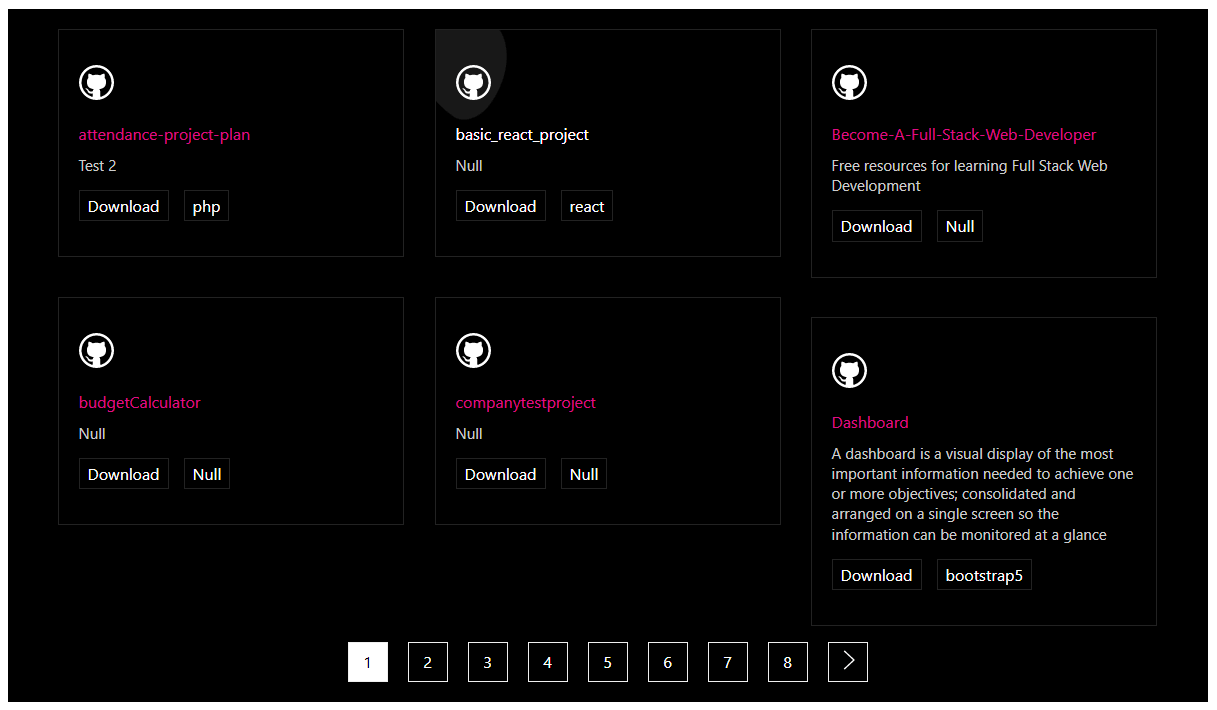
- Pagination: Show or hide pagination, and style its typography, colors, active colors, and border.
- Show/Hide Elements: Toggle the repository info icon, name, title, and button.
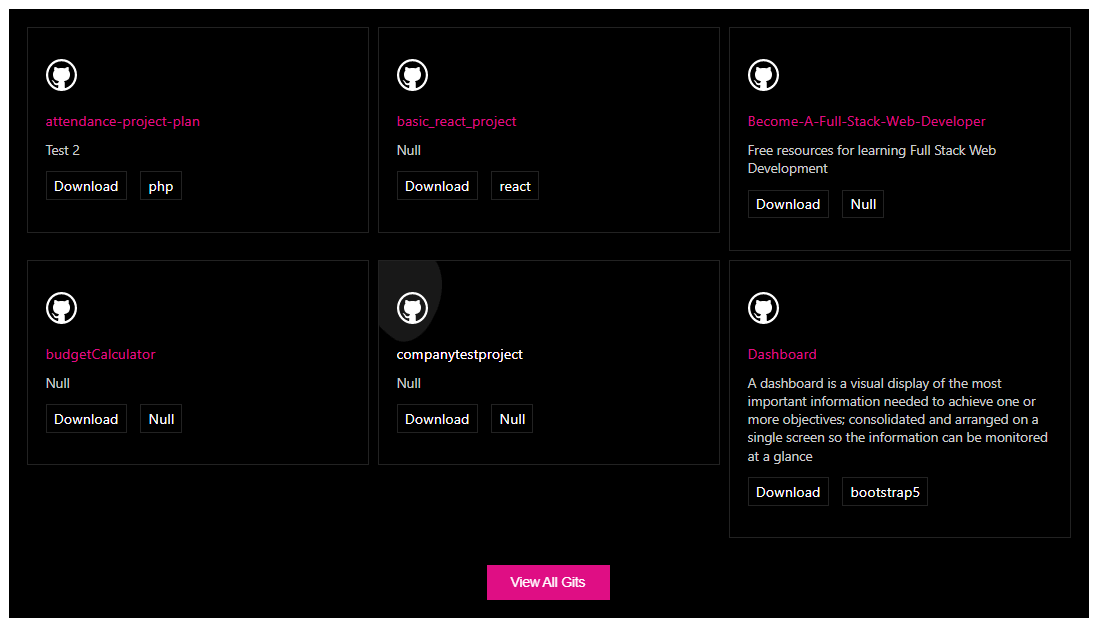
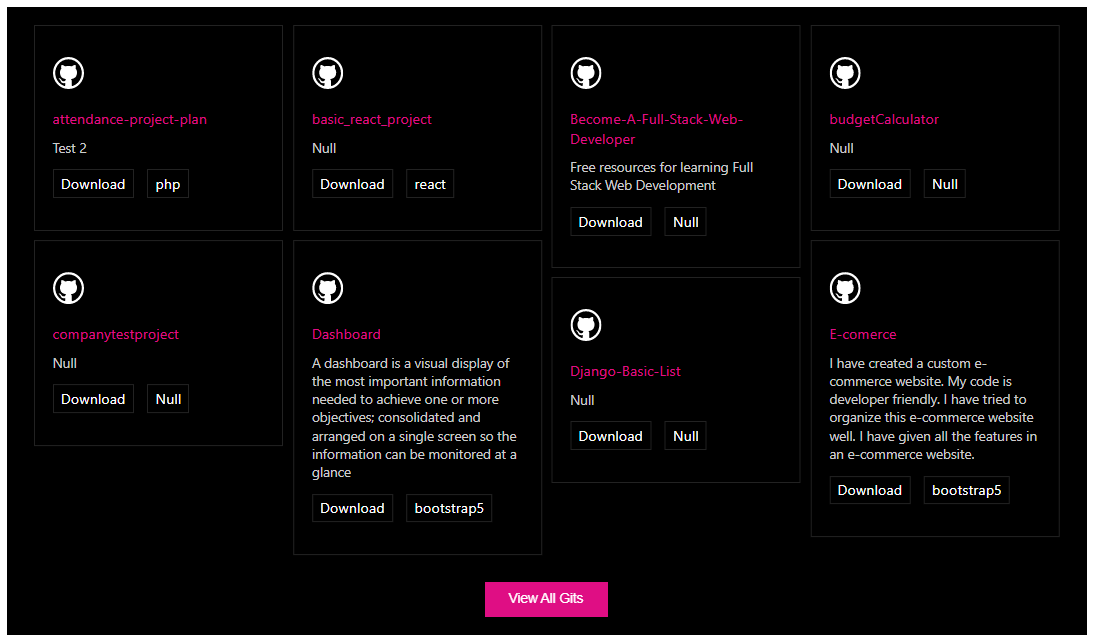
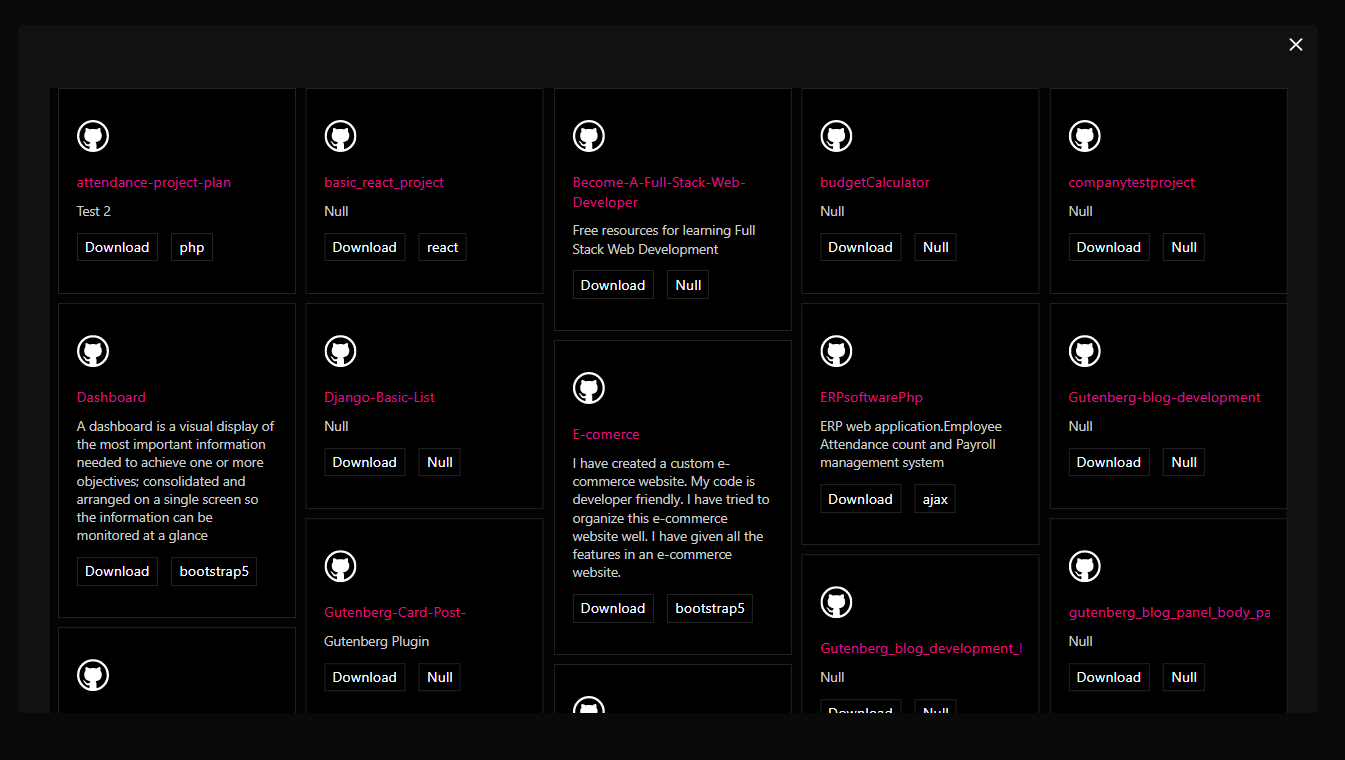
- Masonry Layout: Choose a masonry grid for a modern portfolio look.
- Grid Controls: Set columns, column gap, and row gap.
- Color & Typography: Set repository background color, plus typography and colors for the info icon, name, title, and button.
- GitHub projects
- Open source repositories
- Developer projects
- WordPress development projects
- Software projects
- Agency projects
- Personal coding portfolios
- Client projects
- Documentation repositories
- Number of columns
- Column gap
- Row gap
- Repository information icon
- Repository name
- Repository title
- Button
- Install and activate Embed Repo for GitHub.
- Open a post or page in the WordPress Block Editor.
- Click the + button to add a block.
- Search for Embed GitHub.
- Add the Embed GitHub block.
- Configure the repository layout and display settings.
- Customize columns, spacing, colors, typography, and pagination.
- Publish or update the page.
- Developers
- WordPress developers
- Open source contributors
- Software companies
- Agencies
- Development teams
- Technical bloggers
- Documentation websites
- Students and coding learners
- Freelancers
- Go to Plugins → Add New in your WordPress dashboard.
- Search for "Embed GitHub", click Install Now, then Activate.
- In the block editor, add the Embed GitHub block to any post or page.
- Configure the layout and styling from the right-side settings sidebar, then publish.
安装:
- Go to Plugins → Add New.
- Search for "Embed GitHub".
- Click Install Now, then Activate.
- In the block editor, search for the Embed GitHub block and add it to any page or post.
- Download the embed-github-block plugin (.zip file).
- In your admin area, go to Plugins → Add New and click Upload Plugin.
- Choose the
embed-github-block.zipfile and click Install Now. - Activate the plugin – or upload the extracted folder to
/wp-content/plugins/and activate from the Plugins menu.
屏幕截图:
常见问题:
Is Embed Repo for GitHub free?
Yes, it is a free Gutenberg block plugin.
Does it work with any WordPress theme?
Yes, it works with any standard WordPress theme.
Can I change block settings?
Yes, you can change all block settings from the Gutenberg block editor's right sidebar.
How many times can I reuse the block?
You can use it unlimited times across your site.
Can I control how many repositories are shown?
Yes. You can set the number of repositories per page and show or hide pagination.
Can I change the layout of the repository list?
Yes. You can choose a masonry layout and set the number of columns plus column and row gaps to fit your design.
Can I create a masonry GitHub portfolio?
Yes. The plugin includes a masonry layout that can be used for GitHub repository showcases and developer portfolios.
Can I customize the GitHub repository layout?
Yes. You can customize available layout settings such as columns, column gap, row gap, and masonry presentation.
Can I style the repository cards?
Yes. You can set background colors and customize the typography and colors of the repository info icon, name, title, button, and pagination.
Where can I get support?
You can post your questions on the support forum here.
更新日志:
- Attach correct github repository
- Solved all problem
- Trademark issues solved
- WordPress version update
- We have removed the extra code and resolved the masonry issues.
- Have been resolve some issue
- Initial Release