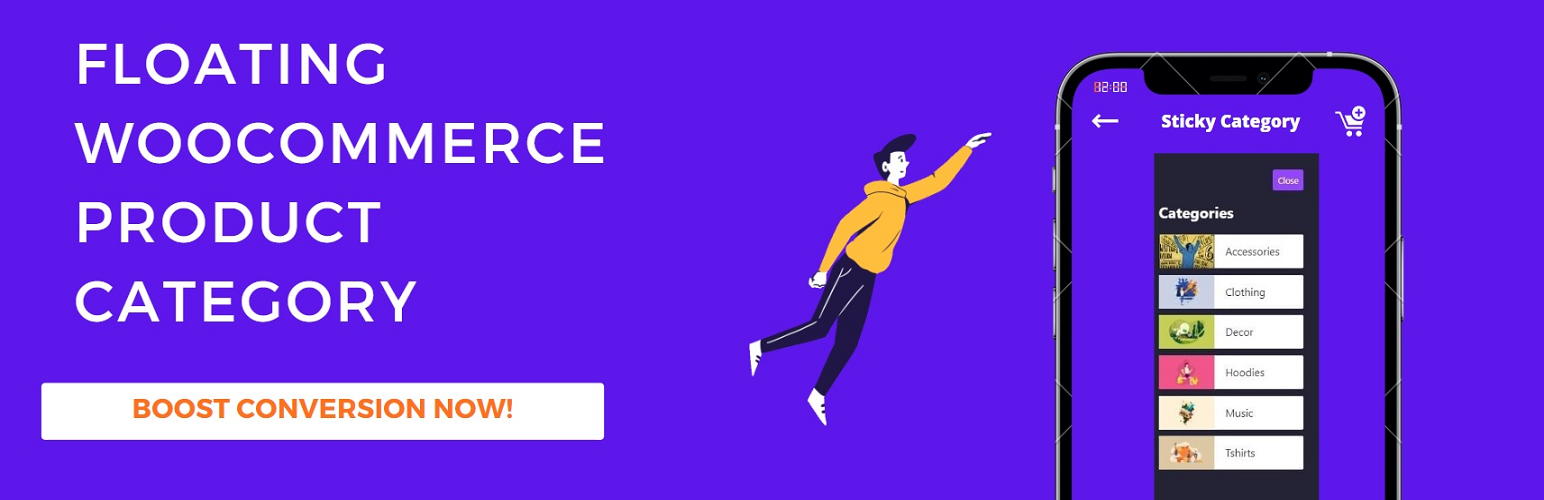
Sticky WooCommerce Category Menu
| 开发者 | userelements |
|---|---|
| 更新时间 | 2026年6月9日 13:30 |
| PHP版本: | 7.2 及以上 |
| WordPress版本: | 7.0 |
| 版权: | GPLv2 or later |
| 版权网址: | 版权信息 |
详情介绍:
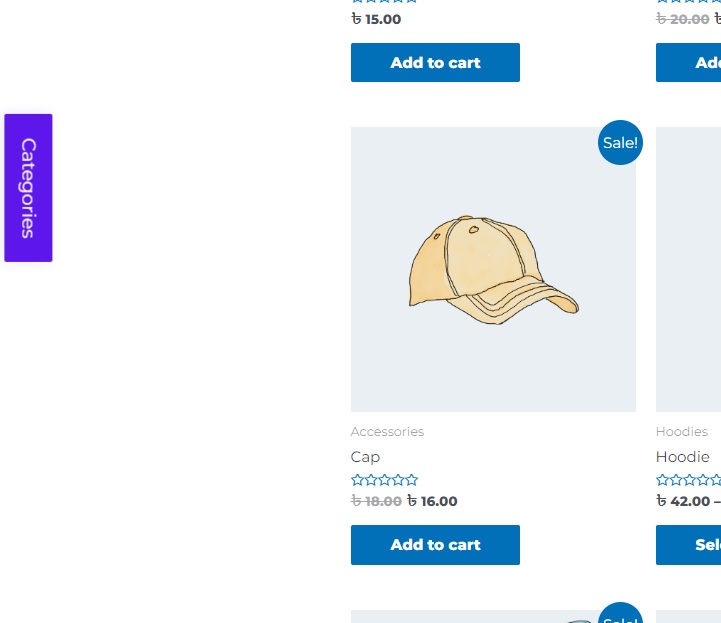
- Floating sticky category button — fixed on the left or right edge of the screen
- Slide-out category panel — opens over the page without a full reload
- Unlimited sub-category nesting — accordion expand/collapse for deep category trees
- In-panel category search — filter long category lists instantly
- Active category highlighting — shows the current category and auto-expands its branch
- Breadcrumb trail — context on category and shop archive pages
- Display targeting — all pages, shop & product pages only, or everywhere except Cart & Checkout
- Remembers open/closed state — panel state persists as shoppers browse
- Two layouts — simple text list or category cards with thumbnail images
- Product count — optional count next to each category name
- Product tags & brands — optional flat lists below categories (WooCommerce Brands supported)
- Preserve shop filters — optionally keep price and rating filters when switching categories
- Keyboard accessible — Escape to close, click-outside to close, ARIA states
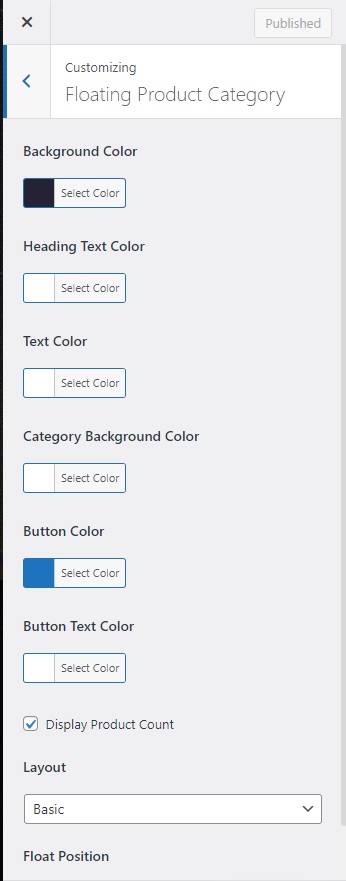
- Fully customizable — colors, position, layout, and behavior via the WordPress Customizer
- No theme changes — works with any WooCommerce-compatible theme
- WooCommerce stores with large or deeply nested product category structures
- Shops that want mobile-friendly category navigation without a hamburger menu rebuild
- Store owners who need category access on non-shop pages (home, blog, landing pages)
- Sites using product tags or WooCommerce Brands alongside categories
安装:
- Upload the plugin folder to
/wp-content/plugins/floating-product-category-for-woocommerce, or install it from the WordPress Plugins screen. - Activate the plugin. WooCommerce must already be installed and active.
- Go to Appearance → Customizer → Floating Product Category to configure colors, position, and display options.
屏幕截图:

常见问题:
Does this plugin require WooCommerce?
Yes. WooCommerce must be installed and active. The plugin does not load without it.
Where do I customize the floating category sidebar?
Go to Appearance → Customizer → Floating Product Category. You can change colors, layout, float position, display scope, search, and more with live preview.
Why don't I see the floating category button?
The panel only renders when your store has at least one published product category with products assigned. Check that categories are not empty and that your display scope setting includes the current page.
Can I show the category menu only on shop pages?
Yes. Under Show On in the Customizer, choose "Shop & product pages only" to limit the panel to WooCommerce browse pages.
Does it work with sub-categories?
Yes. The plugin supports unlimited nested sub-categories with accordion expand/collapse. You can also set a maximum depth if you want to limit how deep the tree goes.
Can shoppers search categories inside the panel?
Yes. Enable Category Search in the Customizer to add a live filter box — useful for stores with dozens of categories.
Does it support product tags and brands?
Yes. You can optionally show a flat product tag list and/or WooCommerce Brands list below your category tree.
Will it slow down my store?
No. Categories are loaded from a single cached query rather than one database call per parent category.
Is the category panel accessible?
Yes. The panel supports keyboard navigation (Escape to close), click-outside to dismiss, and proper ARIA expanded/hidden states.
更新日志:
- Fix: Fatal error on fresh install when Customizer settings have not been saved yet.
- Fix: Product count toggle stops working after first Customizer save.
- Fix: Mobile sidebar list could not be scrolled by touch.
- Fix: Script version passed incorrectly to wp_register_script.
- Fix: Text domain now matches plugin slug for WordPress.org compatibility.
- Fix: WooCommerce dependency guard re-enabled.
- Fix: Empty category guard and deprecated shop_catalog image size.
- Fix: Setting sanitization for layout, position, and product count options.
- Add: Display targeting (all pages / shop & product pages only / everywhere except Cart & Checkout).
- Add: Live in-panel category search and filtering.
- Add: Unlimited sub-category nesting with an accordion toggle.
- Add: Active-category highlighting with auto-expanded branch on category archives.
- Add: Panel remembers its open/closed state across page loads.
- Add: Keyboard accessibility - Escape to close, click-outside to close, ARIA states.
- Perf: Category list now built from a single cached query instead of one query per parent.
- Fix: Reveal animation now slides from the correct edge when positioned on the right.
- Fix: Close animation is now visible (panel hides after the animation, not before).
- Fix: Parents with stocked sub-categories but no direct products are no longer hidden.
- Add: Initial release.