
Frontend Ajax Login & Register
| 开发者 |
Logicrays
logicrays priteshm |
|---|---|
| 更新时间 | 2026年10月2日 15:28 |
| PHP版本: | 7.2 及以上 |
| WordPress版本: | 7.1 |
| 版权: | GPLv2 or later |
| 版权网址: | 版权信息 |
详情介绍:
Frontend Ajax Login & Register provides a seamless user authentication experience directly on your website's front end. Instead of redirecting users to the default WordPress
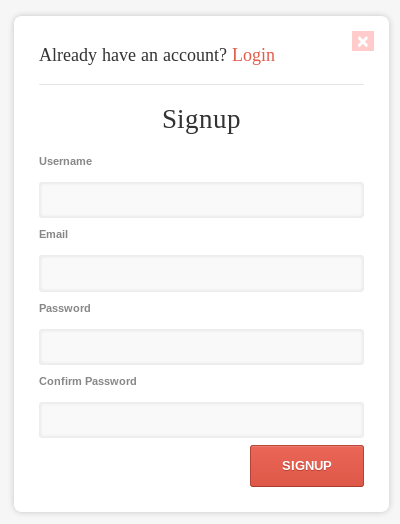
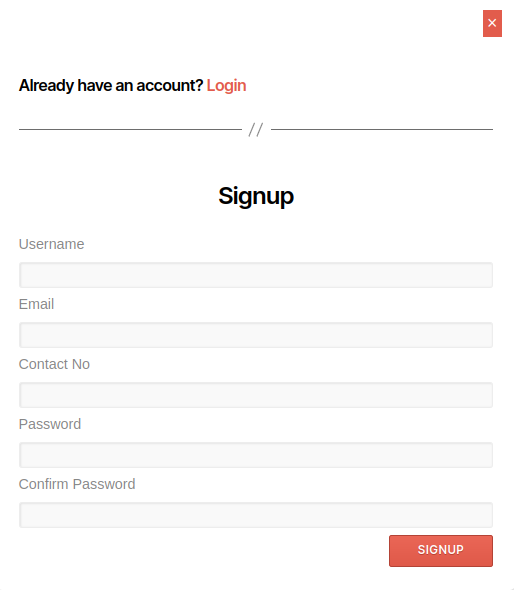
/wp-login.php page, this plugin displays an intuitive, responsive modal popup for Login, Registration, and Password Recovery without reloading the page.
Simply insert the shortcode [AJAX-LOGIN_REGISTER] into any page, post, widget, or header template to display interactive login and registration buttons.
Key Features:
- AJAX Powered Authentication: Fast login, signup, and password recovery with instant validation and zero page reloads.
- Easy Shortcode Integration: Add the login/signup popup anywhere using
[AJAX-LOGIN_REGISTER]. - One-Click "Copy Shortcode" Button: Convenient copy button directly on the settings page with live green confirmation message.
- Login & Logout Redirections: Easily redirect users to specific pages or posts after successful login or logout.
- Optional Contact/Phone Field: Enable or disable an optional telephone/contact number field on the registration form (stored in user profile meta).
- Password Visibility Toggle: Show/hide password option for better user experience.
- Remember Me Option: Keep users logged in across browser sessions.
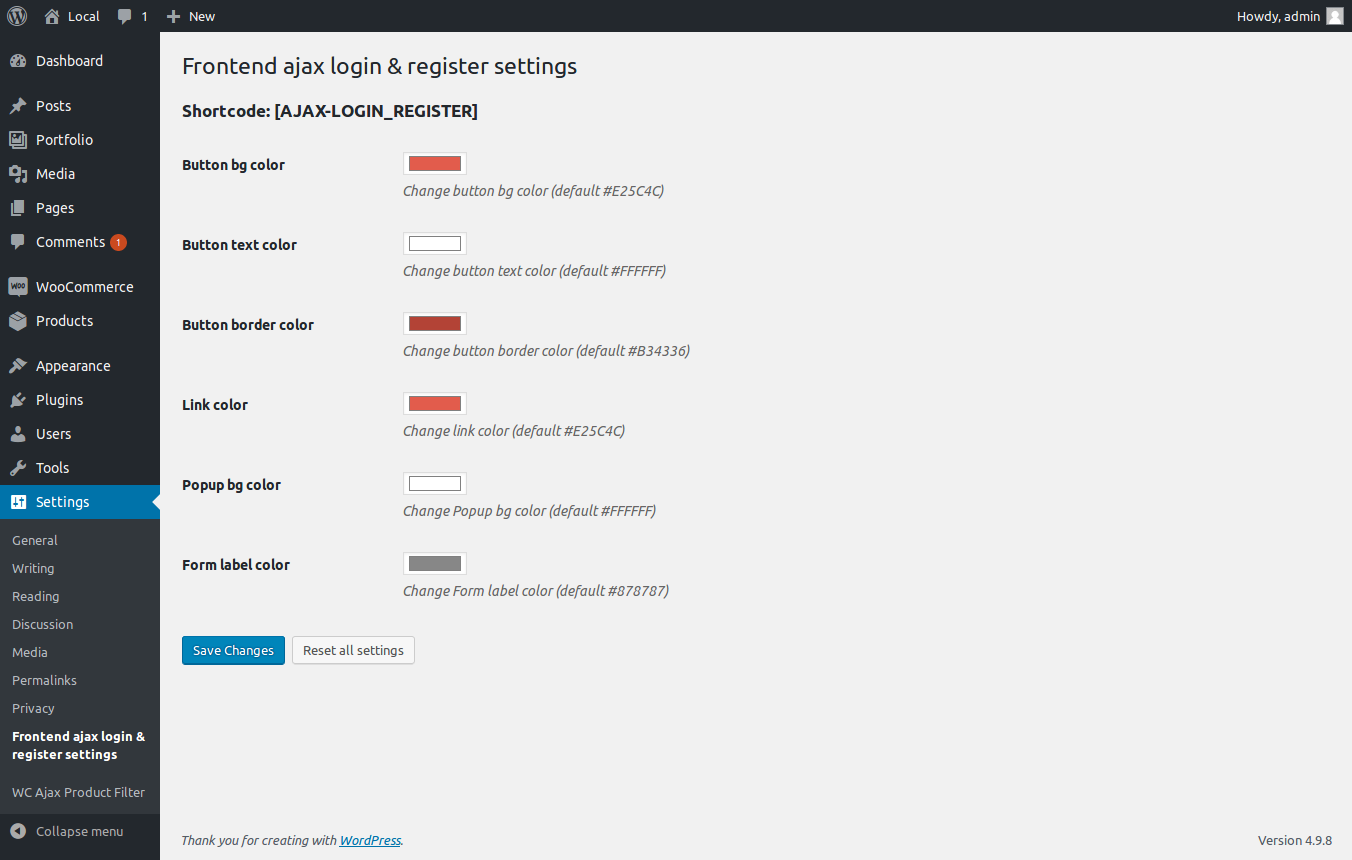
- Fully Customizable Design: Built-in color picker in the admin settings to match your website's theme (button colors, border colors, text colors, links, and modal background).
- Modern Admin Settings Panel: Clean, card-based settings interface with iOS-style toggle switches, organized dropdowns, and one-click reset.
- Keyboard & Click-Outside Friendly: Close the popup easily by pressing
ESCor clicking anywhere outside the modal. - Client-Side Validation: Form inputs are validated in real-time with jQuery validation.
[AJAX-LOGIN_REGISTER]
If the user is logged out, the buttons will trigger the popup modals. If the user is already logged in, a clean Logout button will be displayed instead.
安装:
- Download the plugin ZIP file.
- Go to Plugins > Add New > Upload Plugin in your WordPress admin dashboard and upload the ZIP file.
- Click Install Now and then Activate.
- (Optional) Go to Settings > Frontend Ajax Login & Register to customize popup colors, registration fields, and redirection preferences.
- Copy the shortcode using the "Copy Shortcode" button and add
[AJAX-LOGIN_REGISTER]to any page, post, or template.
屏幕截图:
常见问题:
How do I display the login/signup buttons on my site?
Simply paste the [AJAX-LOGIN_REGISTER] shortcode into any page, post, or widget block. You can also quickly copy it using the "Copy Shortcode" button in the plugin settings.
Can I redirect users to a custom page after login or logout?
Yes! Navigate to Settings > Frontend Ajax Login & Register in your WordPress dashboard. From there, select your desired target pages/posts from the dropdown lists for login and logout redirects.
How do I change the modal and button colors?
Go to Settings > Frontend Ajax Login & Register to customize button background colors, text colors, border colors, link colors, and popup background colors with live color pickers.
Can I collect user phone numbers during registration?
Yes, simply toggle the "In Register Form Add Telephone Number?" switch in the settings. The telephone number will be validated and saved in the user's profile under "Additional Information".
更新日志:
1.3.2
- Added: One-click "Copy Shortcode" button in the admin settings header with instant green confirmation notice.
- Added: Proper default color fallbacks for all color picker fields.
- Fixed: Color picker swatch preview rendering on initial setup before options are saved.
- Fixed: Page/Post selection bug in login and logout redirection dropdowns.
- Fixed: Action button layout and alignment between "Save Changes" and "Reset All Settings".
- Security: Added CSRF nonce token verification for settings reset action.
- Improved: Modernized admin settings interface with card layout, enhanced toggle switches, and clean typography.
- Tested up to WordPress 7.1 compatibility.
- Updated plugin version to 1.3.1.
- Added functionality to close the pop-up by pressing the ESC key and by clicking outside the pop-up.
- Improved the design of the login, signup, and logout buttons.
- Added "Remember Me" checkbox functionality to the login form.
- Enable/Disable add a telephone number field into the register form.
- Select Page/Post For Redirect After Login.
- Select Page/Post For Redirect After Logout.
- Initial release.