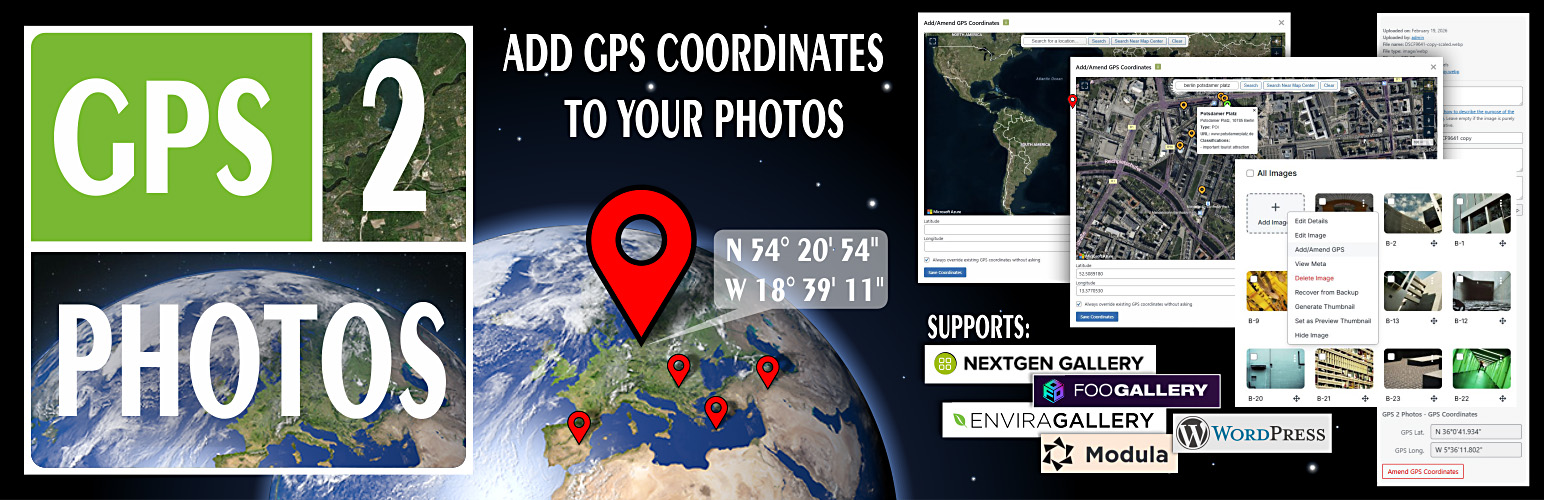
GPS 2 Photos
| 开发者 | pablo2 |
|---|---|
| 更新时间 | 2026年4月6日 04:20 |
| 捐献地址: | 去捐款 |
| PHP版本: | 7.2.0 及以上 |
| WordPress版本: | 6.9 |
| 版权: | GPLv2 or later |
| 版权网址: | 版权信息 |
详情介绍:
GPS 2 Photos lets you view, add, or edit EXIF GPS coordinates for JPEG and WebP images in the WordPress Media Library and galleries powered by NextGEN, Envira, FooGallery, or Modula.
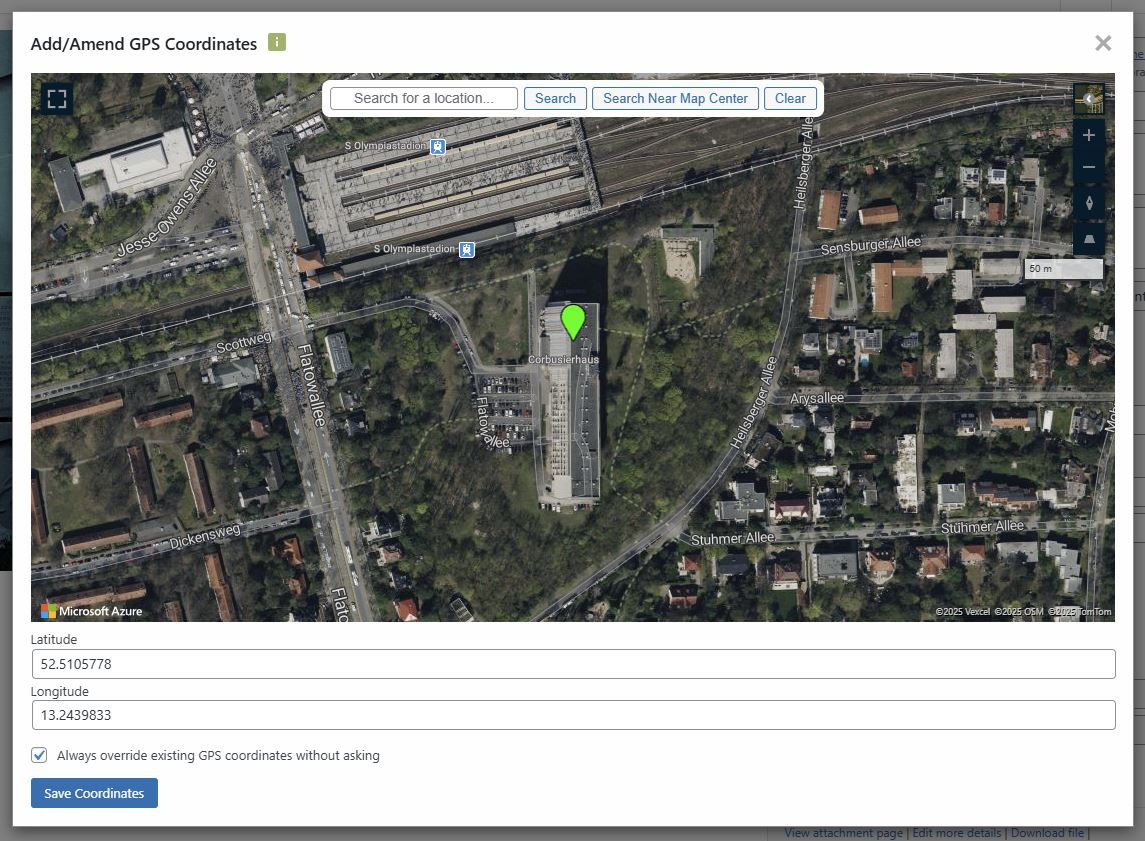
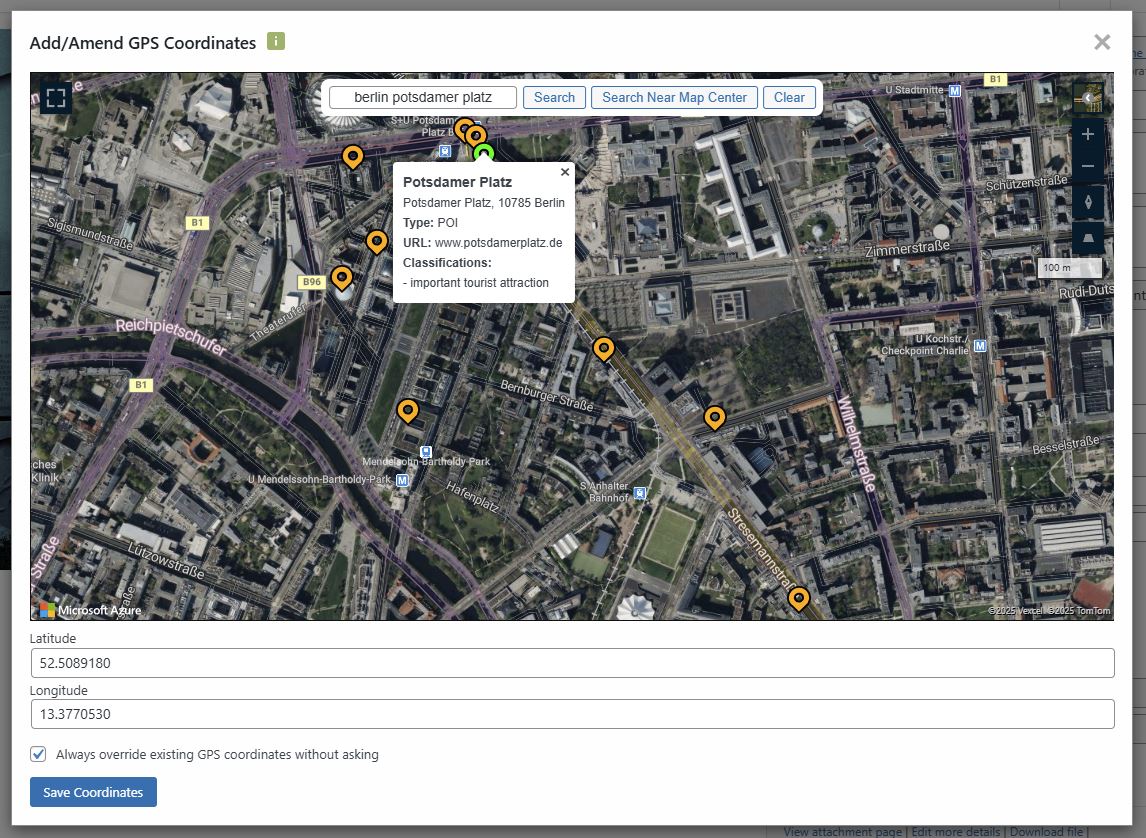
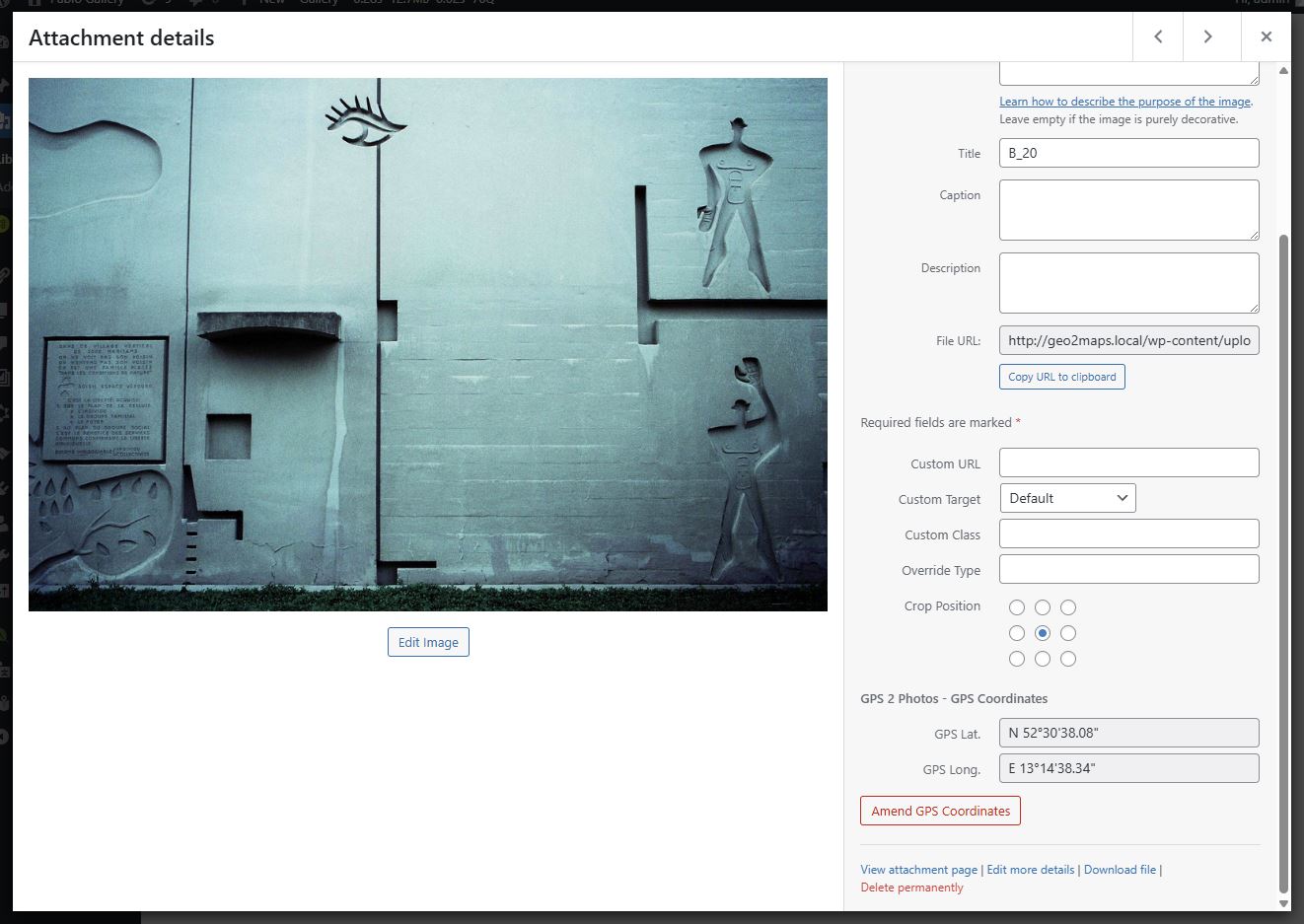
It displays existing GPS data as editable fields (Media Library only), or provides a button to add or update coordinates. Clicking the button opens a map interface where you can set a location by simply clicking on the map, searching for a place, or typing them in manually.
This plugins extends the functionality of the Geo 2 Maps add-on for NextGEN Gallery which displays maps with photos, galleries, or albums using EXIF GPS data.
The plugin is using Microsoft Azure Maps and requires free Azure Maps API Key to function described below.
To amend EXIF GPS coordinates is using the PHP Exif Library (PEL) by Martin Geisler. (Copyright (C) 2004–2006 Martin Geisler. Licensed under the GNU GPL. https://github.com/FileEye/pel )
Features
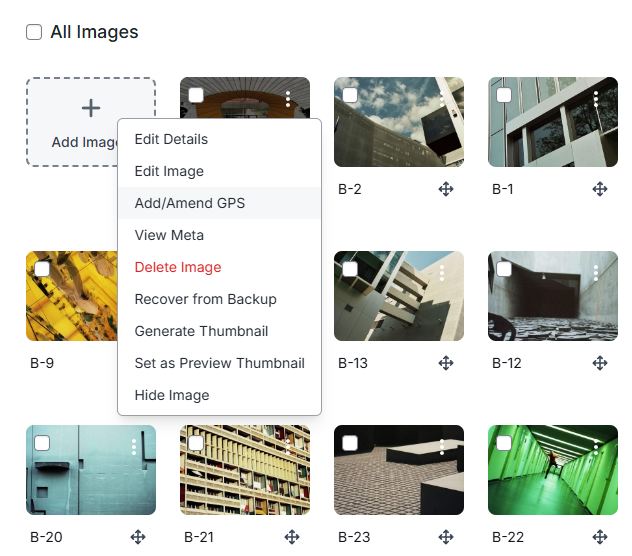
- WordPress Media Library & NextGEN Gallery Integration: Works seamlessly inside the standard Media Library and also adds an "Add/Amend GPS" option to images in the NextGEN Gallery management page.
- Gallery Support: Integrates with popular gallery plugins, including NextGEN Gallery, Envira Gallery, FooGallery, and Modula.
- View GPS Data: See a map with a pin for any image that has GPS coordinates in its EXIF data for JPEG photos and EXIF/XMP for WebP images.
- Edit & Add GPS Data: Easily add or change an image's location by dragging the pin or clicking anywhere on the map.
- Interactive Map Modal: A clean and simple map interface with a location search bar opens in a modal window.
- Backup & Restore: The plugin automatically backs up original GPS data, allowing you to restore it with a single click.
- Azure Maps Integration: Utilizes the powerful and reliable Azure Maps for displaying map tiles.
安装:
- Install GPS 2 Photos from the plugins repository or download and extract the zip file into the
wp-content/plugins/directory of your WordPress installation. - Activate the plugin through the 'Plugins' menu in WordPress.
- Acquire a free Azure Maps API Key from Microsoft Azure at https://azure.microsoft.com. You can find a link on the plugin's settings page.
- In your Azure account, add your domain to the CORS allowed origins (e.g.,
https://www.yourdomain.com). - Go to the admin panel (
Settings -> GPS 2 Photos) and paste the API Key into the corresponding field. - Configure any other options as you require.
屏幕截图:
更新日志:
1.0.1 - 2026-04-05
- Update: Added bespoke admin menu icon.
- Bugfix: Corrected code giving support to NextGEN version < 4.0.
- Initial release.