Huntsman Dark Mode Site Icon
| 开发者 | huntsmanmedia |
|---|---|
| 更新时间 | 2026年8月5日 02:51 |
| PHP版本: | 7.4 及以上 |
| WordPress版本: | 7.0 |
| 版权: | GPLv2 or later |
| 版权网址: | 版权信息 |
详情介绍:
Huntsman Dark Mode Site Icon allows you to set a separate site icon for light and dark mode.
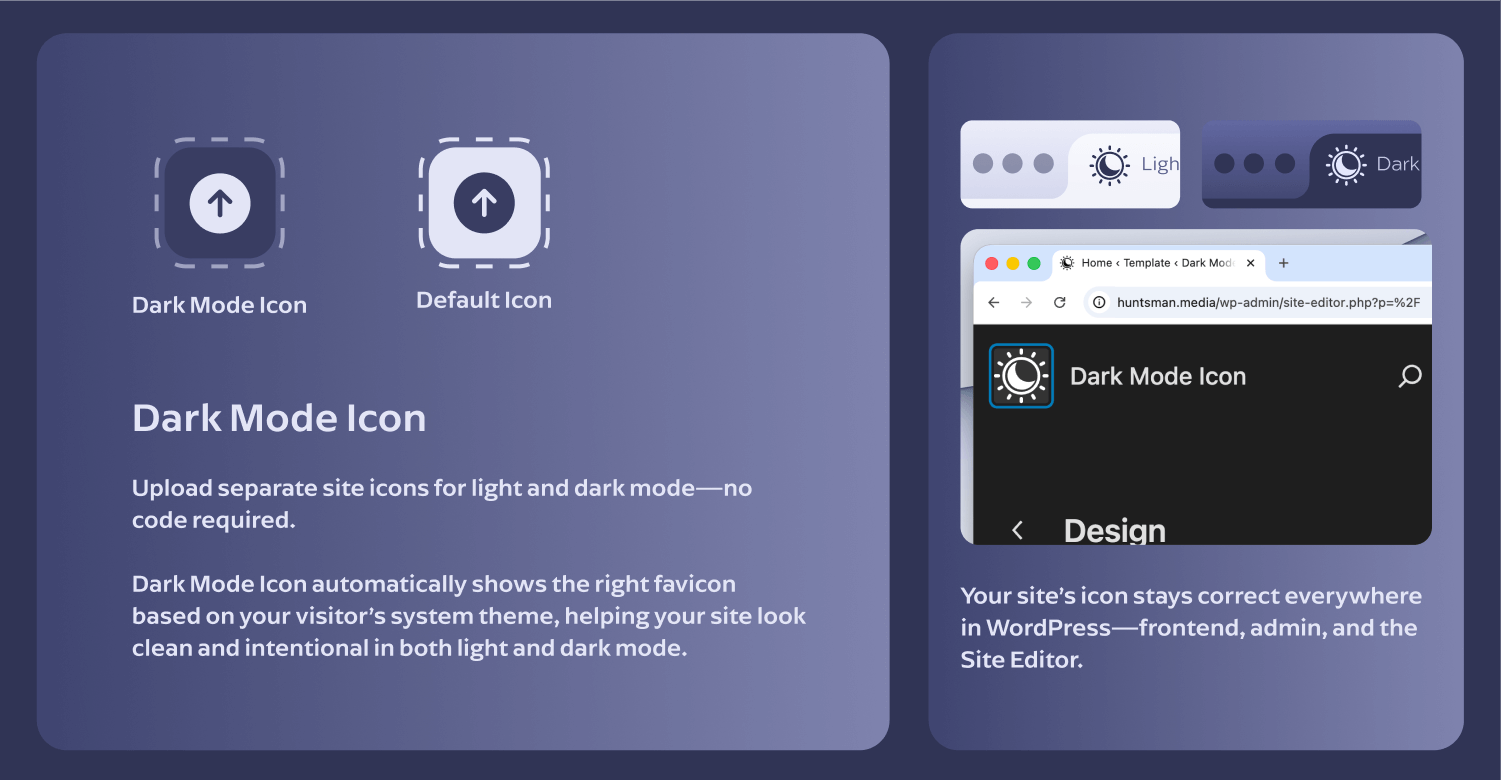
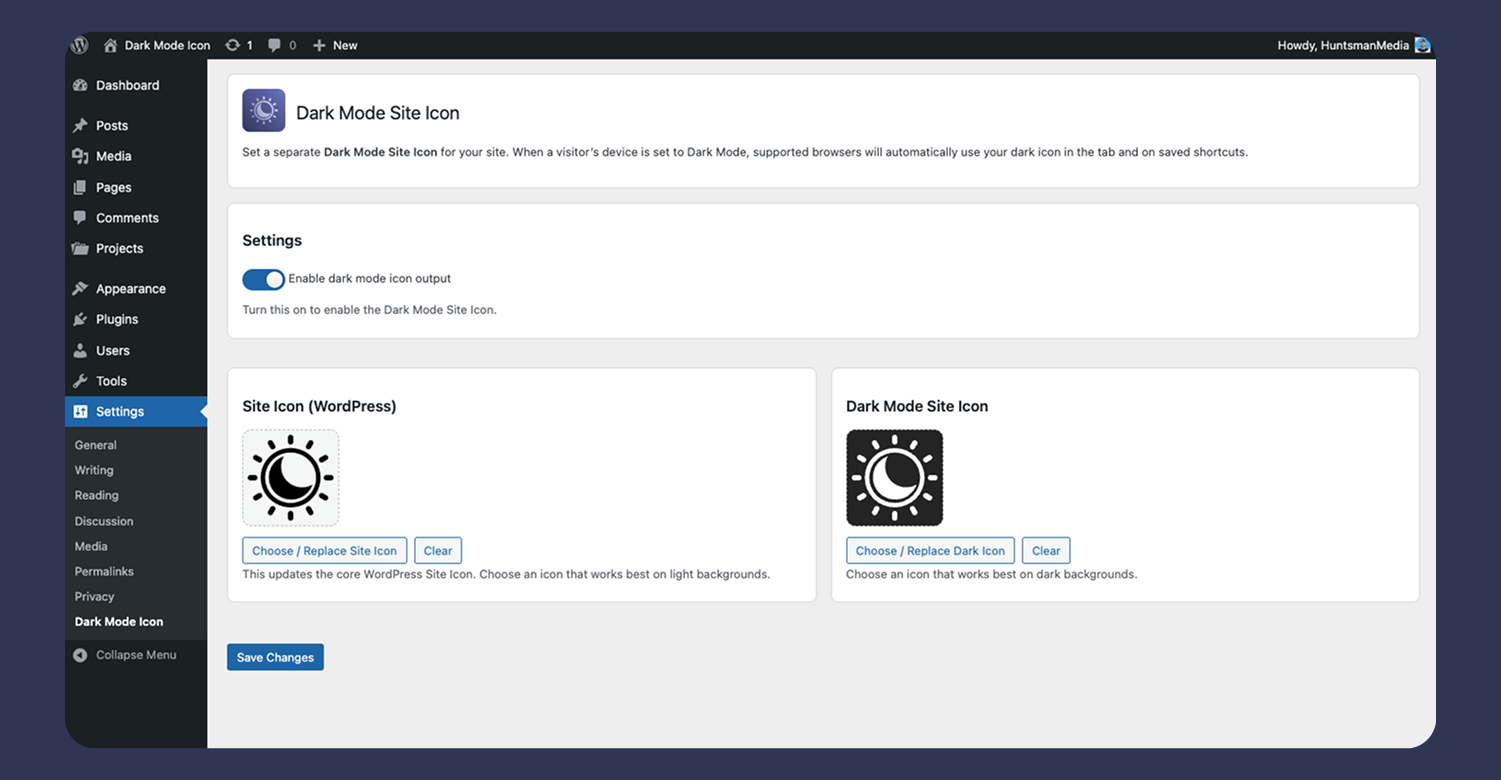
Upload one icon for light mode using WordPress’s built-in Site Icon, and upload a separate icon for dark mode using this plugin. The appropriate icon is then displayed automatically based on the visitor’s system theme.
No code or configuration is required. If no dark mode icon is set, WordPress behaves exactly as normal.
Key Features
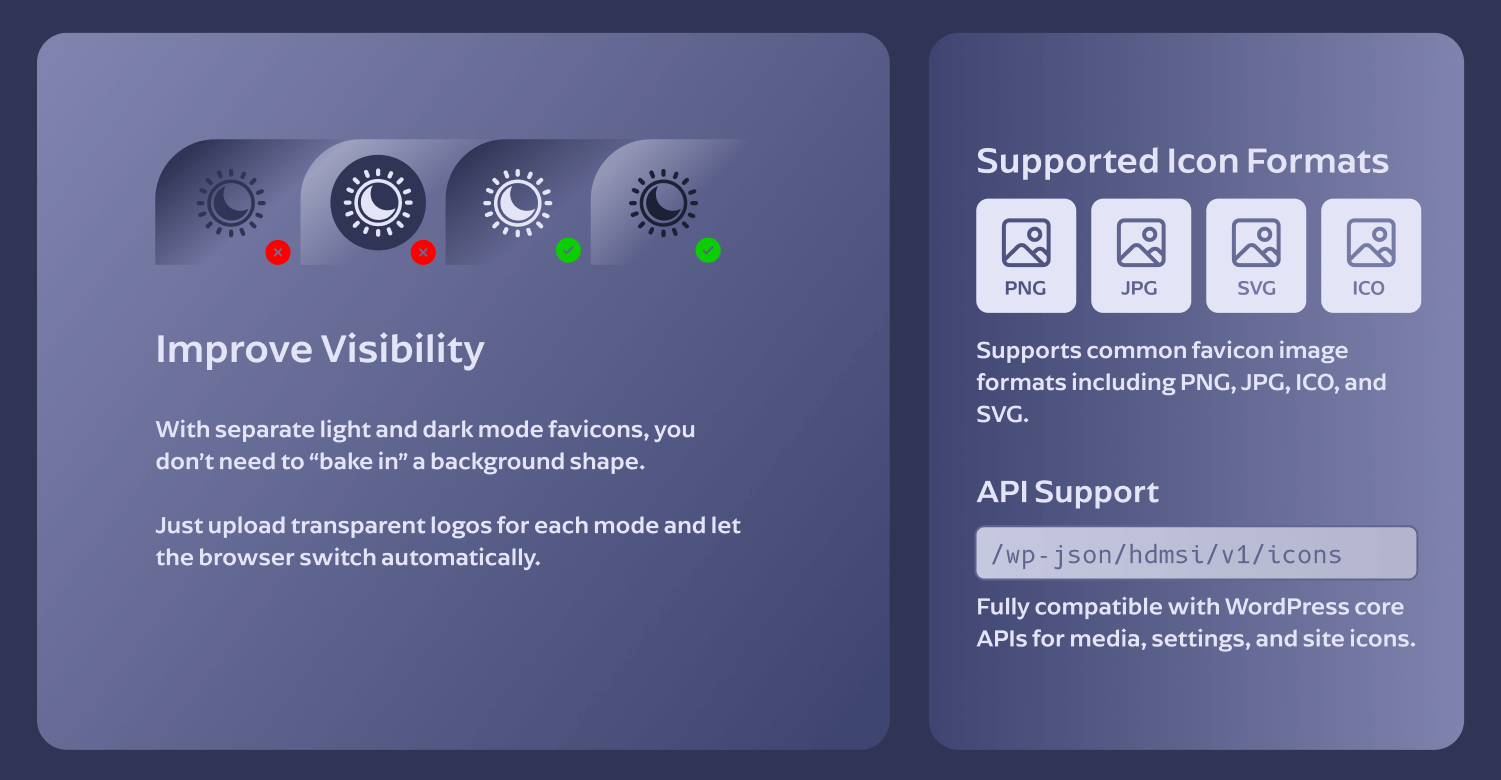
- Separate site icons for light mode and dark mode
- Simple upload interface in the WordPress admin
- Works on the frontend, admin area, and login screen
- Optional enable/disable toggle
- Does not replace or override the core WordPress Site Icon
- Accessable via the WP API
安装:
- Upload the
huntsman-dark-mode-site-iconfolder to the/wp-content/plugins/directory, or install via the WordPress plugin uploader. - Activate the plugin through the Plugins menu.
- Go to Settings → Dark Mode Icon.
- Set your Dark Mode Site Icon.
- (Optional) Enable or disable output using the toggle.
屏幕截图:
常见问题:
Does this replace the WordPress Site Icon?
No. The WordPress Site Icon remains the default. This plugin only adds additional dark-mode-specific tags.
What happens if I don’t set a Dark Mode Site Icon?
Nothing. The plugin outputs no additional tags and WordPress behaves exactly as normal.
Does this work in wp-admin and on the login screen?
Yes. The plugin outputs dark-mode favicon tags in the frontend, admin area, and login screen.
Does this support SVG icons?
Yes, but SVG uploads may be blocked by default in WordPress. You may need an SVG upload plugin.
What browsers support dark-mode favicons?
Most modern browsers support including recent versions of Chrome, Edge, Firefox, and Safari, but support can vary by platform and OS. If a browser does not support dark mode icons, the default WordPress Site Icon is used.
更新日志:
1.0.1
- Uses the dark mode icon as the default fallback when no default or light mode icon is configured.
- Tested with WordPress 7.0.
- Initial release
- Dark Mode Site Icon support
- prefers-color-scheme favicon output
- REST API and manifest support
- Admin, login, and frontend compatibility