Hyperlink Group Block
| 开发者 | kometschuh |
|---|---|
| 更新时间 | 2026年11月5日 03:43 |
| 捐献地址: | 去捐款 |
| PHP版本: | 7.2 及以上 |
| WordPress版本: | 7.1 |
| 版权: | GPL-2.0-or-later |
| 版权网址: | 版权信息 |
详情介绍:
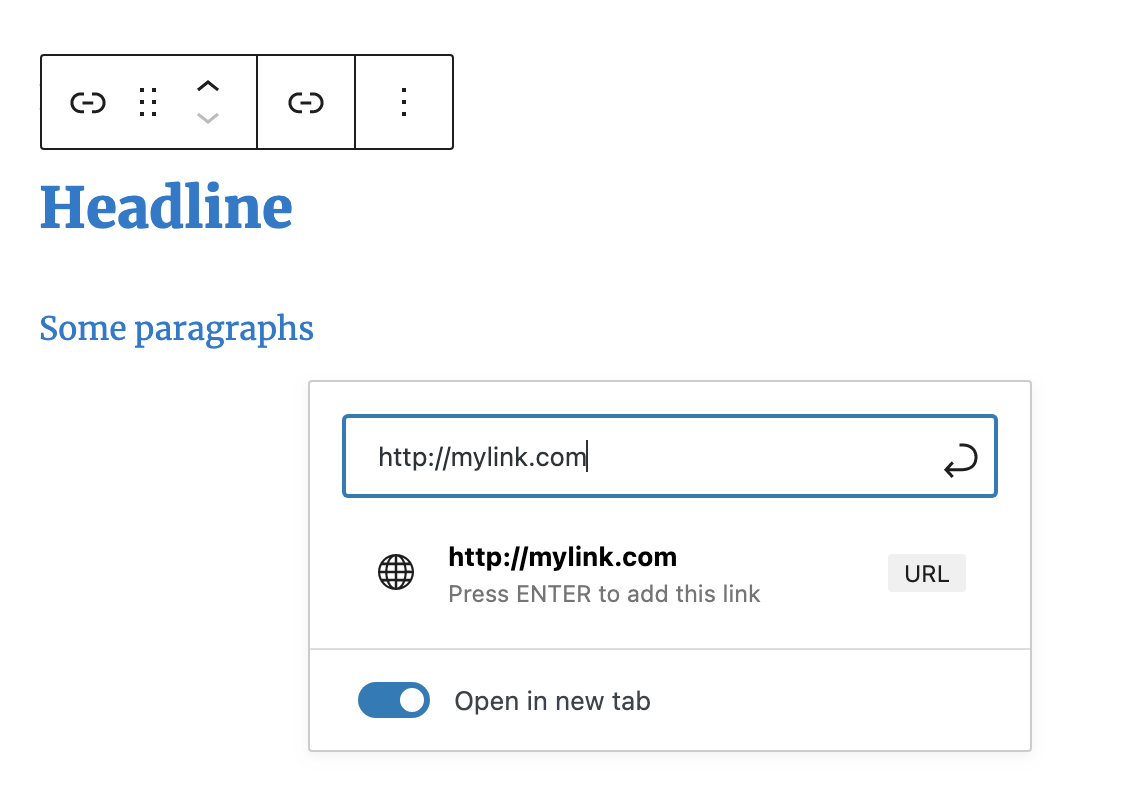
- Wrap blocks with a link
- Use the link from the Query Loop Block
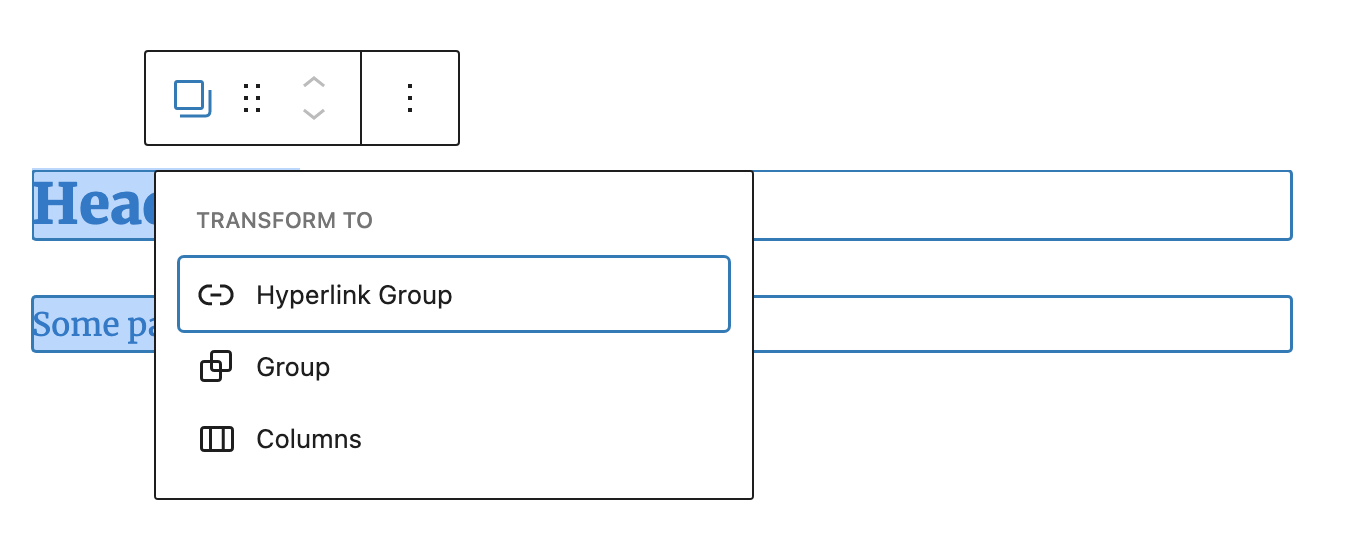
- Transform blocks or a Group Block into a Hyperlink Group Block and back
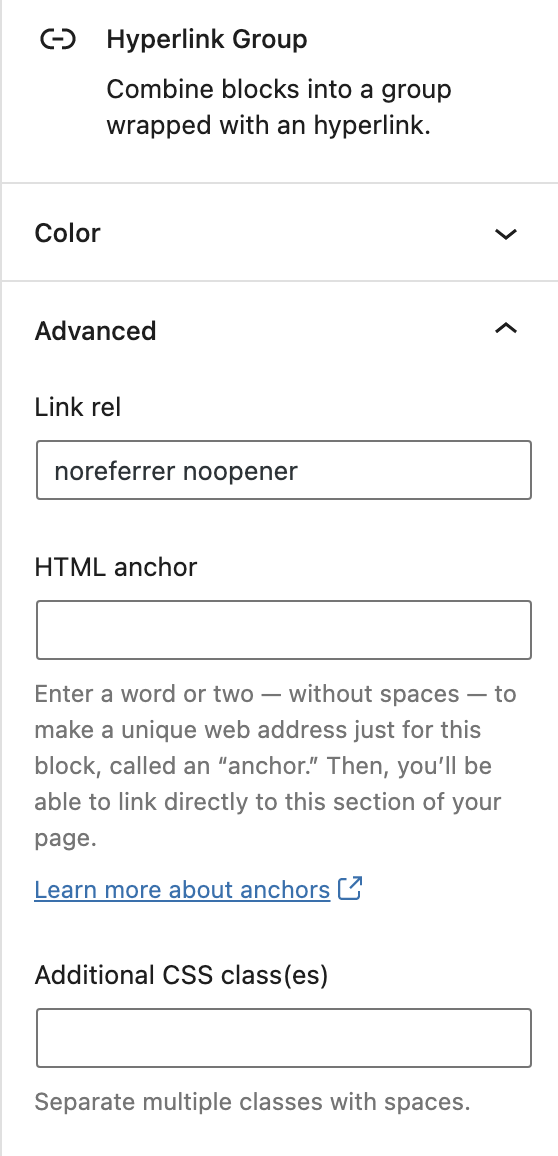
- Set rel, title, aria-label and target (open in a new tab or a named tab)
- Native block supports: colors, link and link hover color, typography, spacing
- Hover background color and hover text decoration (block option)
- Inner links stay clickable (stretched link)
安装:
- Upload the plugin files to the
/wp-content/plugins/hyperlink-group-blockdirectory, or install the plugin through the WordPress plugins screen directly. - Activate the plugin through the 'Plugins' screen in WordPress
屏幕截图:

常见问题:
WPML support (translate the anchor)
There are two kinds for WPML translation. Translate with "WordPress Editor", not with "WPML Translation Editor": WPML > Settings > Translation Editor > Classic Translation Editor or Your site in admin / gutenberg mode > right sidebar / Page > language > Translations > WordPress Editor Other option but there is a bug, it doesn't work for us? wpml.org/faq / FAQ > How-To > "How can I translate links and HTML attributes in the Advanced Translation Editor?" Search content: "http" YouTube
Can I use links within the Hyperlink Group Block?
Yes. Inner links stay clickable, the group is then rendered as <div> with a stretched link covering the whole block.
Can I change the text decoration on hover?
Yes. In the block sidebar open Styles > Typography, click the options menu (⋮) and enable "Decoration (Hover)". Choose Underline.
Can I set the link color and link hover color?
Yes. The block uses the native WordPress block supports. In the block sidebar open Styles > Color > Link to set the link color and the hover color. There you can also set text, background, heading and "Background hover" colors.
How do I open several links in the same tab?
Use the "Tab name" field. In the block sidebar open Advanced and enter a name, e.g. preview. It is used as the link target (target="preview"). The first click opens a new tab with this name, every other link with the same tab name opens in this tab instead of a new one.
_blank opens a new tab on every click, like "Open in new tab". With any other tab name the "Link rel" field is cleared.
更新日志:
- Block options
- Small editor fixes
- Native block support, like text, heading or "Link hover color"
- Hover text decoration (block option)
- Transform: Group to Hyperlink Group and back (replace instead of wrap)
- Inner links stay clickable with stretched links
- Set tab name to open link in the same tab
- Update block.json's API version
- Replace classnames with clsx
- Bugfix Escaping data
- Support disable Force page reload with Query Loop
- Title attribute
- Bugfix Nested anchors
- Escape output
- Bugfix Extra quotes
- Bugfix Don't render unless HTML
- Bugfix Delete deprecated
- Aria-label
- Bugfix No content
- Bugfix Deprecated
- Bugfix Styles don't work
- Bugfix Selector priority
- Bugfix No CSS class
- Bugfix Delete test code
- Option Background Color onhover
- Use link from Query Loop Block
- Render CSS classes
- No saving when adding CSS classes
- Markup migration code
- Backward compatible experimental flag usage
- Delete inner anchor elements
- Bugfix Disable focus if link picker is open
- Bugfix Set color
- Bugfix __experimental code deleted in Gutenberg 12.5
- Transforms
- Release