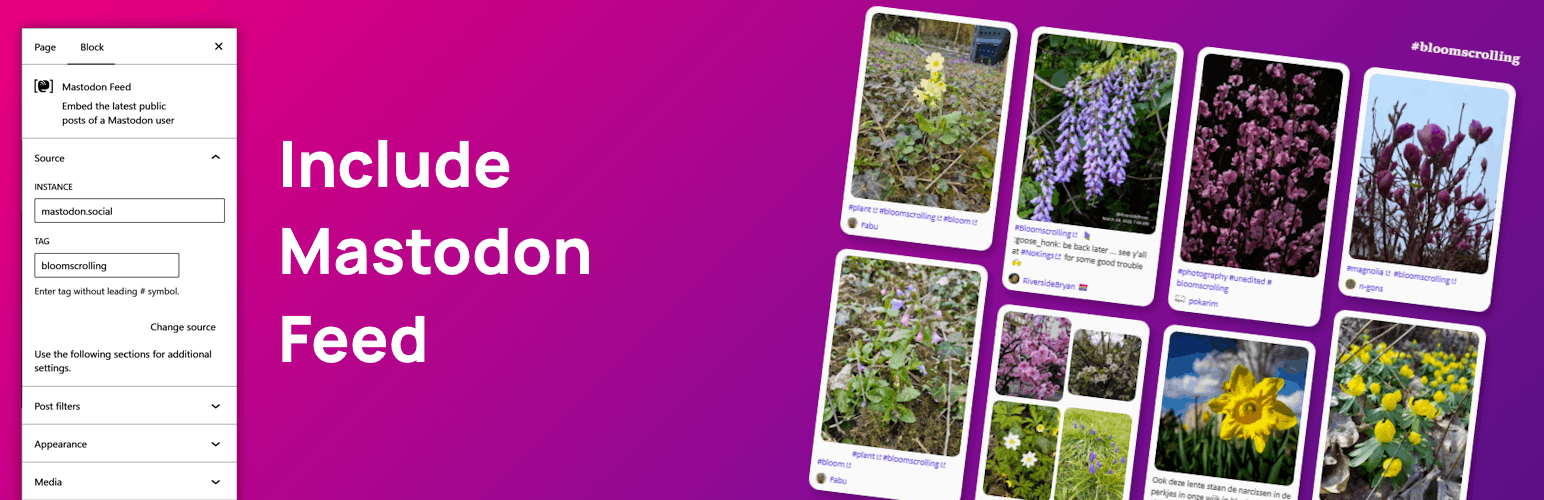
Include Mastodon Feed
详情介绍:
[include-mastodon-feed] shortcode to easily integrate mastodon feeds into wordpress pages. Supports personal and tag feeds.
Account and post images are lazy loaded if preserveImageAspectRatio is set to true (default: false).
The plugin is written in PHP and generates native JavaScript to fetch and render the mastodon feed. No special libraries needed.
Styling works out-of-the-box. For a nice custom column layout check out the awesome Columns Guide by @oldrup - using Wordpress native Gutenberg blocks (pattern json file included) and some css magic.
安装:
- Upload the "include-mastodon-feed" directory to the "/wp-content/plugins/" directory.
- Activate the plugin through the "Plugins" menu in WordPress.
- Insert the "Mastodon Feed" block in Gutenberg editor or the "[include-mastodon-feed]" shortcode into any page.
[include-mastodon-feed instance="YOUR-INSTANCE" account="YOUR-ACCOUNT-ID"]
Shortcode attributes
- instance (required) Domain name of the instance without https:// (e.g. example.org)
- account (required) The account ID (a long number - see FAQ on how to get it)
- tag Use tag instead of account if you want to embed a tag feed instead of a personal feed
- cache If wordpress should cache Mastodon server API calls (Default: false) Note: automatically enabled for feeds where auth is used
- auth Auth key that should be used if Mastodon server API needs authentication
- limit Maximum number of statuses (Default: 20)
- excludeReplies Exclude replies to other accounts (Default: false)
- excludeConversationStarters Exclude statuses that start with a user mention (Default: false)
- excludeBoosts Exclude boosted statuses (Default: false)
- onlyPinned Show only pinned statuses (Default: false)
- onlyMedia Show only statuses containing media (Default: false)
- preserveImageAspectRatio Preserve image aspect ratio (Default: false)
- imageSize Load small sized preview images or full size high quality images (Default: preview, full)
- imageLink Link image to status or image (Default: status, image)
- tagged Show only statuses that are tagged with given tag name (Default: false) No leading #, case insensitive, e.g.: tagged="tagname"
- excludeTags Exclude statuses that are tagged with any of the given tag names (Default: false) Comma separated list of tags, no leading #, case insensitive, e.g.: excludeTags="tag1,tag2"
- linkTarget Target for all links e.g. new tab would be "_blank" (Default: _self)
- showPreviewCards Show preview cards (Default: true)
- hideStatusMeta Hide status meta information, automatically also hides date and time (Default: false)
- hideDateTime Hide date and time from status meta information (Default: false)
- darkmode Enable dark mode (Default: false)
- text-loading Loading text (Default: Loading Mastodon feed...)
- text-noStatuses Text if no statuses are available (Default: No statuses available)
- text-boosted Text indicating boosted statuses (Default: boosted 🚀)
- text-viewOnInstance View status on instance link text (Default: view on instance)
- text-showContent Text for content warning buttons (Default: Show content)
- text-permalinkPre Text before post permalink (date & time) (Default: on)
- text-permalinkPost Text after post permalink (date & time) (Default: )
- text-edited Text indicating edited posts (Default: (edited))
- date-locale Locale for date string, used in toLocaleString() (Default: en-US)
- Open your
wp-config.phpfile - Search for the line
/* Add any custom values between this line and the "stop editing" line. */ - Define the options you want to override between the line from step #2 and
/* That's all, stop editing! Happy publishing. */
config-example.php file for a full list of supported settings.
Pretty column layout example
Check out the awesome Columns Guide by @oldrup using Wordpress native Gutenberg blocks (pattern json file included) and some custom css magic:
常见问题:
How do I find my account ID?
Please feel free to use this handy lookup tool To look your ID up manually there are several ways. As an instance admin you can easily read your user ID in the admin backend. As regular user you can try an API v2 search to find your ID. API v2 notes:
- Change
example.orgto your instance - Replace
usernamewith your handle. Use the following URL to get your ID:
https://example.org/api/v2/search?q=username@example.org&resolve=false&limit=5
How does caching work?
Server-side caching is disabled by default. When disabled every page load will trigger a new API request to your Mastodon instance for every single feed. This is how the public feeds API is intended and usually not a problem. If you have a high-traffic site and want to help out your Mastodon instance you can enable caching globally or per shortcode. When enabled the plugin will cache the feed for 5 minutes as a default. The plugin automatically uses any enabled cache plugin or the Wordpress internal transient cache (= Wordpress database). Only the statuses JSON response is cached - any media is still served from the Mastodon instance directly. Note: If you Mastodon instance needs API authentication server-side caching is automatically enabled for all feeds that use authentication. That way your auth token is not exposed to your website visitors.
API authentication
If your Mastodon server needs API authentication you can use the auth parameter.
NOTE Do NOT add your API auth token directly to the plugin short code To avoid exposing the auth token to website visitors you have to take extra steps to set up authentication support See the very end of config-example.php for an in-depth configuration exampleSteps to set up API authentication:
- Log into your Mastodon instance and go to Settings > Development (https://yourinstance.example.org/settings/applications)
- Create a new Application (any name, only check one single scope
read:statuses) - Add the
authmapping configuration to yourwp-config.php(See very bottom of the includedconfig-example.php) - Add your custom
authreference to your shortcode
Known Issues / Todo
- extend Gutenberg block capabilities (support more settings, enable backend preview)
- integrate i18n into translate.wordpress.org instead of text constants
更新日志:
- feat: add User-Agent header when going through PHP (auth only) - which enables GoToSocial compatibility (thank you @chris@hallo.ween.de)
- fix: load css before most themes load css to not override custom css styling (priority 5 in Wordpress queue)
- feat: load css & js only on pages that actually have a feed
- fix: when Gutenberg block was used as pattern it did not persist "limit" correctly
- feat: Gutenberg block now includes an account ID lookup tool, supports tag timelines and the post tag filter
- fix: added missing permission_callback to register_rest_route to avoid PHP Notice (thank you @h4r1m4u)
- feat: introducing the "Mastodon Feed" Gutenberg block - backwards compatible... shortcode will always be supported too
- feat: increased required PHP version to 8.2 since there are no security updates for any version 8.1 or less
- fix: INCLUDE_MASTODON_FEED_CACHE_DURATION constant name
- feat: added server side caching (see included
config-example.phpfor global CACHE and CACHE_DURATION settings1).cachecan be set as short code param as well. - feat: added API authentication support
- fix: local instance video urls
- feat: added audio media support
- feat: added excludeTags shortcode attribute - Exclude statuses that are tagged, posts containing any one of the given tags (comma separated list) will be excluded. Note: can lead to empty status list as the filtering is handled client-side. Mastodon API does not support this parameter natively. (thank you @zambunny)
- fix: added line break
- feat: now supports video attachments
- accessibility: add HTML lang attribute for even better screen reader support (thank you @oldrup@mastodon.green)
- fix: removed unnecessary, broken aria-label functionality
- accessibility (fix): image alt attributes - initial implementation was faulty
- accessibility: added alt text to image / gifv attachments
- accessibility: added alt text to avatar images
- accessibility: added alt text to preview card media
- accessibility: added descriptive aria-labels
- accessibility: increased default text / background color contrast
- accessibility: switched from DIV to semantic OL / LI structure
- accessibility: added image alt attribute (thank you @oldrup@mastodon.green)
- now favoring preview_url (smaler size) instead of remote_url (full size) for image previews (thank you @oldrup@mastodon.green)
- added image lazy loading for account and post images - post image lazy loading only works with preserveImageAspectRatio set to true (thank you @oldrup@mastodon.green)
- fixed typo (thank you @hjek)
- cleaned up code after 1.9.10 release
- fixed XSS vulnerability: removed support for date-options as shortcode attribute completely - to mitigate an XSS vulnerability where authenticated attackers with contributor permission could insert malicious JavaScript (still can be set as constant in PHP code)
- fixed esc_url context that previously broke the URL for the Mastodon API JS ajax request (thank you @beach@illo.social)
- fix broken date-locale and date-options parameters (thank you @crusy@chaos.social)
- improved string excaping for text parameters and added url escaping
- removed unnecessary output buffering
- fix license SPDX Identifier
- fix option to either display smaller image media attachment previews (default) or large image versions (thank you @beach@illo.social)
- fixed XSS vulnerability where authenticated attackers with contributor permissions could insert malicious JavaScript
- added option to either display smaller image media attachment previews (default) or large image versions (thank you @beach@illo.social)
- added option to point image media attachment links to either status (default) or image
- added option to hide status meta information and date/time (thank you @PaulKingtiger@dice.camp)
- added tag support - you can now embed tag feeds (thank you @martin@openedtech.social)
- added option to show embedded images in original aspect ratio (thank you @beach@illo.social)
- fix: correctly inject repeating emojis in display names and status texts (thank you @kanigsson@discuss.systems)
- fix: improved excludeConversationStarters detection (did not work correctly)
- fix: undid last refactor to load JS inline with markup instead footer to fix problem with JS that was added to footer even if shortcode was not visibly rendered
- fix: style for embedded videos / GIFs
- refactor: play gifv on mouseover
- refactor: load markup related javascript in footer instead of embedding it directly with the html markup
- refactor: show meaningful message if no statuses are available
- fix: broken excludeConversationStarters logic
- added option to exclude conversation starters (posts that start with a user mention)
- fix: boolean param validation was wonky
- fix: stop links from overflowing (thanks to https://github.com/moan0s for contributing)
- refactoring: improved styling of embedded images
- added option to show/hide preview cards
- refactoring: introducing plugin namespace
- refactoring: improved debug console output
- bumped tested wordpress version to 6.2
- added option to customize permalink text (before and after date/time)
- added option to customize text indicating edited posts
- image attachments are now clickable (link to original status)
- added option to show only statuses with specific tag
- added option to set link target to make links open in new tab
- added option to set maximum number of statuses
- fixed styling issue with emojis in account display name
- fixed styling issue with boosted account links
- removed "view on instance" link and made date info clickable instead
- added custom date locale and format option
- fixed emoji and inline link styling issues in content blocks
- fixed an issue with gifv media attachments
- refactored option sanitizing and filtering
- updated documentation that plugin constants for setting custom default options have to be defined in
wp-config.php, as the previous config.php file gets removed with every automatic plugin update - removed
config.phpsupport
- added new feed options: excludeReplies, onlyPinned, onlyMedia
- fixed broken JavaScript if post included media attachments other than images
- fixed custom "view on instance" option
- added option for custom content warning button text
- added option to exclude boosted statuses
- added support for gifv media attachments
- added support for more custom text overrides (loading, boosted, view on instnace)
- switched to showing static avatars, animated avatars only on hover
- escaped options when echoing them
- secured local file inclusion
- changed versioning to semantic versioning - now including patch number
- Initial release