
Koci Cache
| 开发者 | kocimedia |
|---|---|
| 更新时间 | 2026年11月17日 07:07 |
| PHP版本: | 7.4 及以上 |
| WordPress版本: | 7.1 |
| 版权: | GPLv2 or later |
| 版权网址: | 版权信息 |
详情介绍:
advanced-cache.php drop-in), so most visitors get the page without PHP and database work. Everything beyond the page cache is off by default and can be switched on one by one.
Why another cache plugin?
- Small and readable – one settings page, no upsells, no accounts, no external service. The whole plugin is a few hundred kilobytes.
- Safe by default – logged-in users, carts, checkouts, password-protected pages, POST requests and pages with a query string (unless you allow its keys) are never cached; a page is only stored when it is complete (with a closing
</html>) and was generated for your own domain. - Multilingual-friendly – the cache key is the URL exactly as the browser requested it, so sites whose language plugin uses a URL prefix (/en/, /de/ …) never mix languages.
- Shared hosting friendly – the cache warmer works in small, slow batches in the background and never blocks a visitor or an admin request.
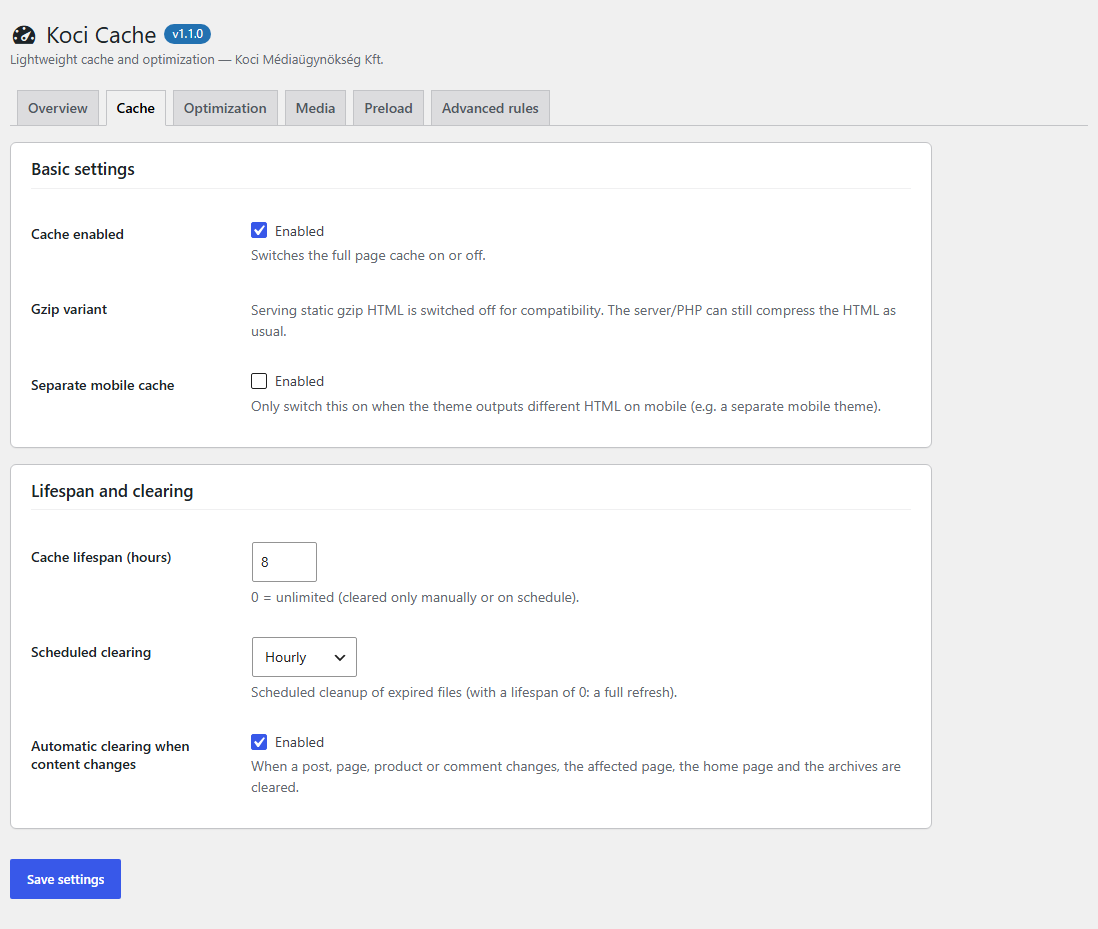
- Page cache – static HTML files, 304 Not Modified support, optional separate mobile cache, lifespan and scheduled cleanup.
- Automatic clearing – when a post, page, product or comment changes, only the affected page, the home page and the related archives are cleared (no full flush during a product import). Menus, widgets and the Customizer clear everything. An admin bar button clears everything by hand.
- Advanced rules – never-cache URLs, cookies and user agents, and query string keys that may be cached (e.g.
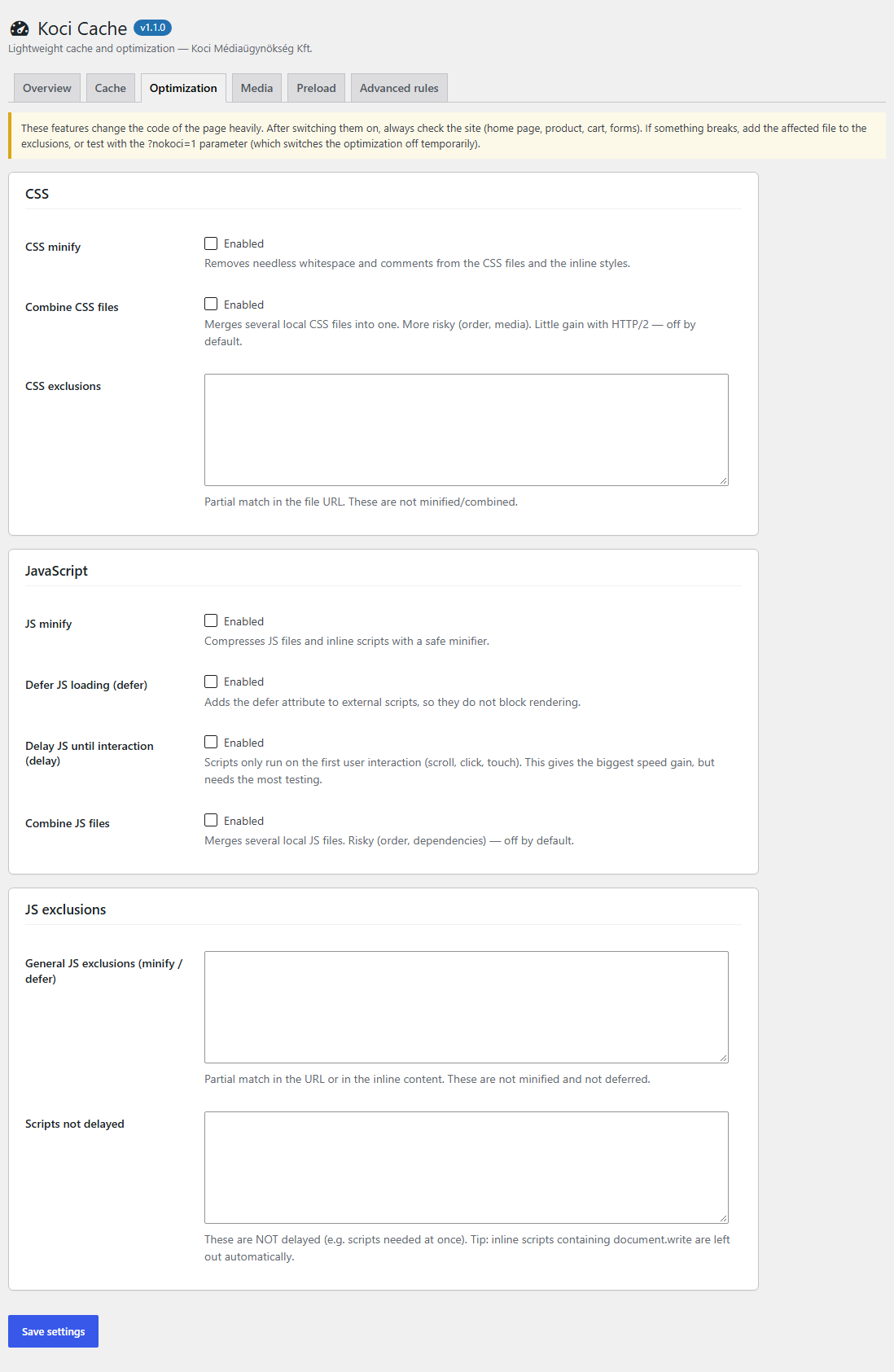
utm_source). - CSS – minify (files and inline styles) and an optional, cascade-safe combine.
- JavaScript – minify, defer, and delay until the first interaction, with exclusions.
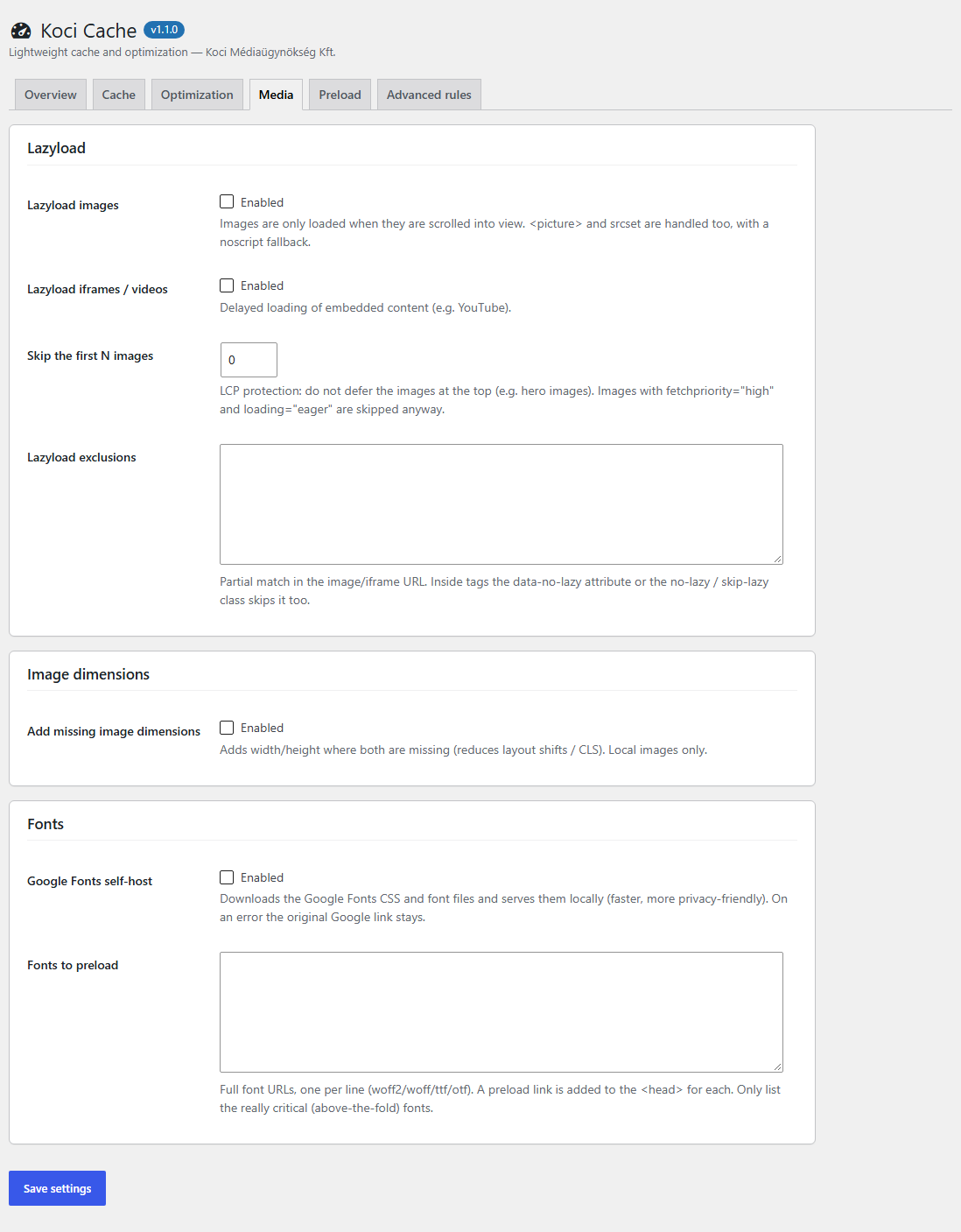
- Media – lazyload of images (with
<picture>andsrcset) and iframes, skipping the first images (LCP), missing width/height, font preload and local hosting of Google Fonts. - Preload – after a full clear the URLs of your sitemap (WordPress, Yoast or a generic sitemap) are visited in the background; optional link prefetch on hover.
- Repair and diagnostics – the Overview tab shows whether the drop-in and
WP_CACHEare active and repairs the installation. Another cache plugin's drop-in is never overwritten without your confirmation.
?nokoci=1 shows a page without optimization for testing.
How it works, what it changes
- On activation the plugin copies
advanced-cache.phpintowp-contentand addsdefine( 'WP_CACHE', true );(marked with a comment) towp-config.php. On deactivation and uninstall both are removed again. - Everything the plugin writes is in the uploads folder, in
wp-content/uploads/koci-cache/: the cached pages (pages/), the rules read by the drop-in (config/config.json, not readable from the web where .htaccess works), minified files (min/) and local Google Fonts (fonts/). Uninstalling deletes this folder and the settings. - Do not use it together with another page cache plugin (e.g. WP Rocket, W3 Total Cache, LiteSpeed Cache). Server-level caches (Varnish, LiteSpeed) can stay, but then let only one of them cache the HTML.
https://fonts.googleapis.com and the font files it refers to from https://fonts.gstatic.com once, and serves them from your own site afterwards, so the visitors' browsers no longer connect to Google. The request sends your server's IP address and a browser user agent (to get the WOFF2 files). Google Fonts: https://developers.google.com/fonts – Terms: https://policies.google.com/terms – Privacy: https://policies.google.com/privacy
The cache preload only requests pages and sitemaps of your own site.
Third-party libraries
CSS and JavaScript minification uses matthiasmullie/minify (MIT license, https://github.com/matthiasmullie/minify) and matthiasmullie/path-converter (MIT license, https://github.com/matthiasmullie/path-converter). Their source files are in the vendor folder (see composer.json), with their licenses.
For developers
koci_cache_is_cacheable(bool) – return false to keep the current page out of the cache.koci_cache_do_optimize(bool) – return false to skip the CSS/JS/media optimization for the current page.- The
DONOTCACHEPAGEconstant is respected. - Actions:
koci_cache_purged_all,koci_cache_purged_post(post ID),koci_cache_cron_ran,koci_cache_preload_done. - Script attributes:
data-koci-no(never touched),data-koci-no-delay(not delayed). Image attributedata-no-lazyor classno-lazy/skip-lazy(no lazyload).
安装:
- Install the plugin from the Plugins > Add New screen, or upload the plugin folder to
/wp-content/plugins/, then activate it. - Open Koci Cache > Overview. All status rows should be green; if not, click "Repair installation" and follow the message.
- The page cache works right away. Switch on the optimizations you need one by one, and check your site after each one.
屏幕截图:
常见问题:
How do I see that a page comes from the cache?
Open the page in a private window (you must be logged out) and look at the source: cached pages end with a <!-- Koci Cache: generated … --> comment, and the response has an X-Koci-Cache: HIT header.
The status shows that serving is not active.
Usually another cache plugin's advanced-cache.php is in wp-content, wp-config.php already has a WP_CACHE line from another plugin, or the files are not writable. The Overview tab tells which one; deactivate the other cache plugin and click "Repair installation".
Something looks broken after switching on an optimization.
Open the page with ?nokoci=1 to compare. Then add the affected file (a part of its URL) to the exclusions of that optimization, or switch it off. Delay and combine need the most testing.
Is WooCommerce supported?
Yes. Cart, checkout and account pages, and visitors with items in the cart, are never cached; product changes clear the product page, the shop page and the product categories.
更新日志:
- First public release on WordPress.org.
- English source texts, translation-ready.
- The cache key of query strings is computed once by the drop-in; only simple values are cached.
- The front-end helper scripts (delay, lazyload, link prefetch) are readable files in
assets/js, added with wp_enqueue_script(); font preload links use the wp_preload_resources filter. - All files are stored in the uploads folder (
koci-cache/); the rules for the drop-in are a JSON file.
- The cache file is based on the original requested URL, so language prefixes never collide.
- Empty or truncated cache files are never served.
- A failing optimization step returns the original HTML; incomplete pages and non-HTML responses are never cached.
- Requests with a forged Host header never write the cache; logged-in and password cookies are never served from the cache.
- Cascade-safe CSS combine; the preload queue is built in the background.
- First release: page cache, advanced rules, CSS/JS and media optimization, preload.