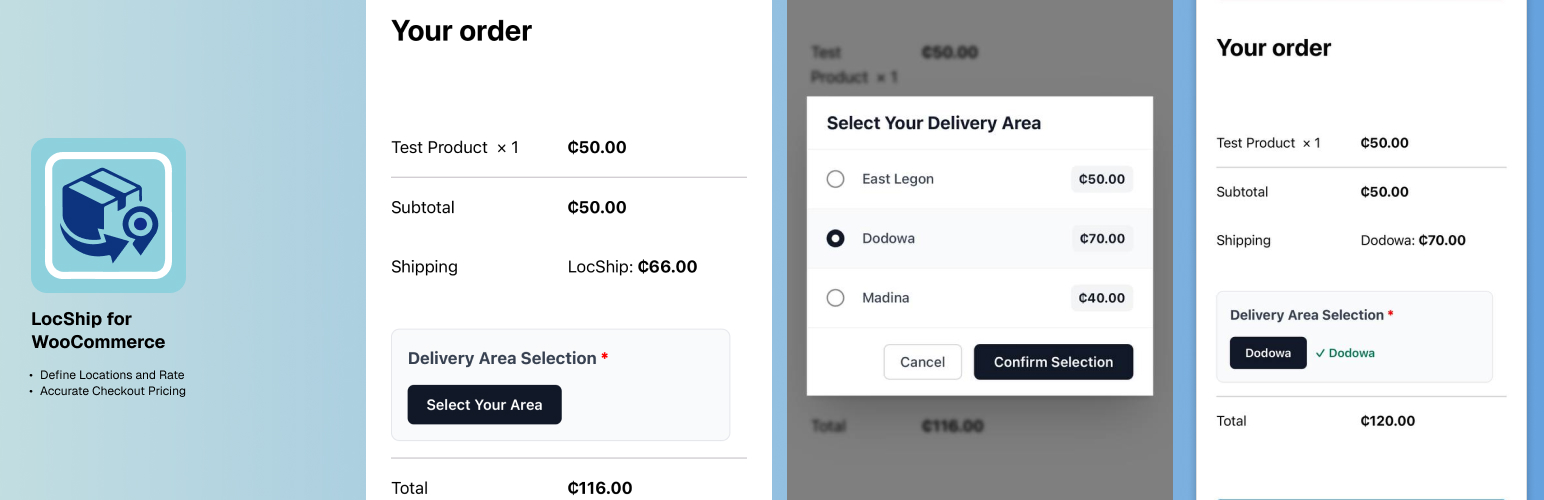
LocShip for WooCommerce
| 开发者 | onetkhay |
|---|---|
| 更新时间 | 2026年1月5日 19:38 |
| 捐献地址: | 去捐款 |
| PHP版本: | 7.4 及以上 |
| WordPress版本: | 6.9 |
| 版权: | GPLv2 or later |
| 版权网址: | 版权信息 |
详情介绍:
- Custom Delivery Areas - Define unlimited shipping zones with custom names (e.g., "Spintex", "East Legon", "Tema")
- Individual Pricing - Set specific shipping costs for each delivery area
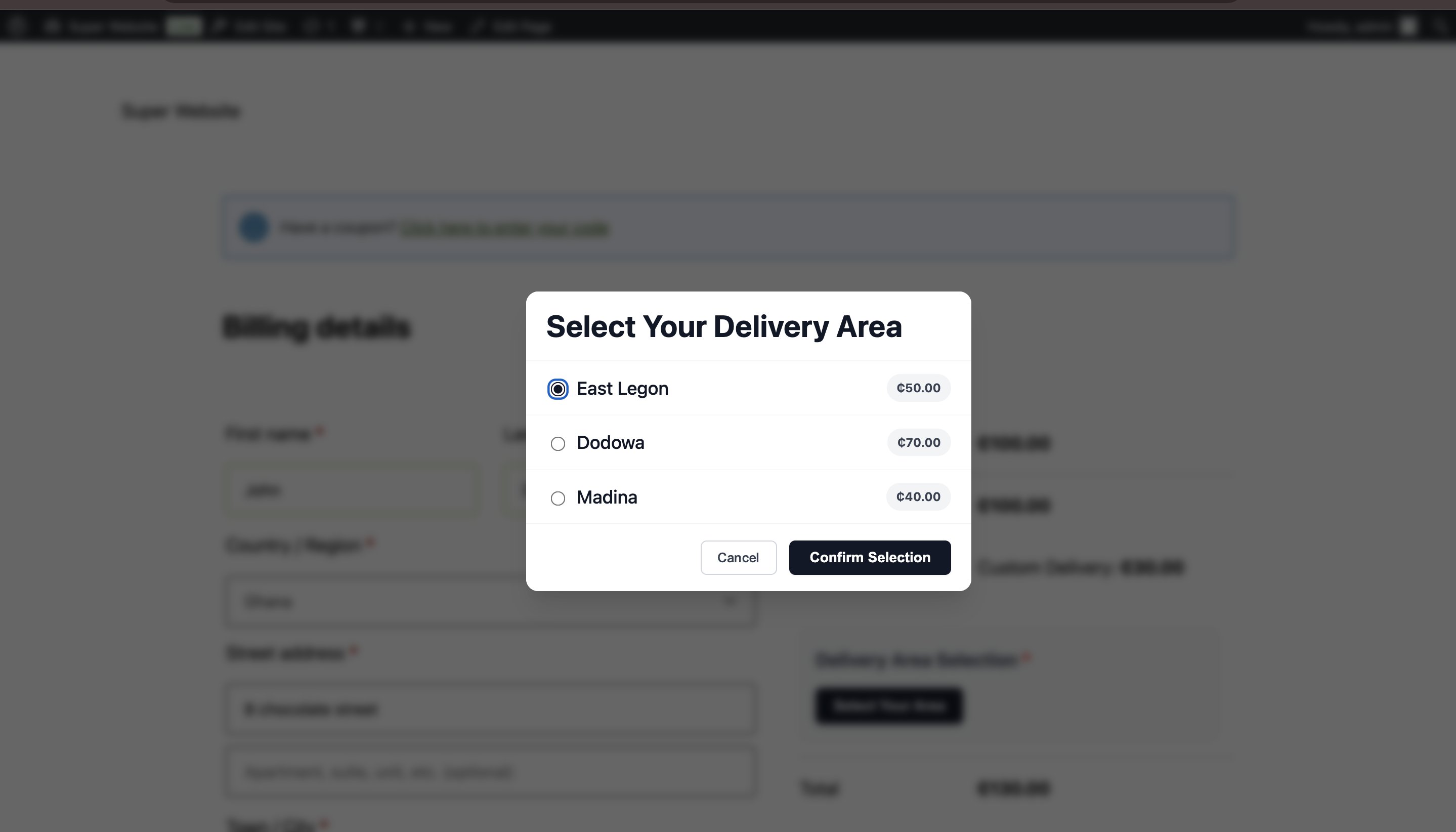
- User-Friendly Modal - Beautiful modal interface for customers to select their delivery location at checkout
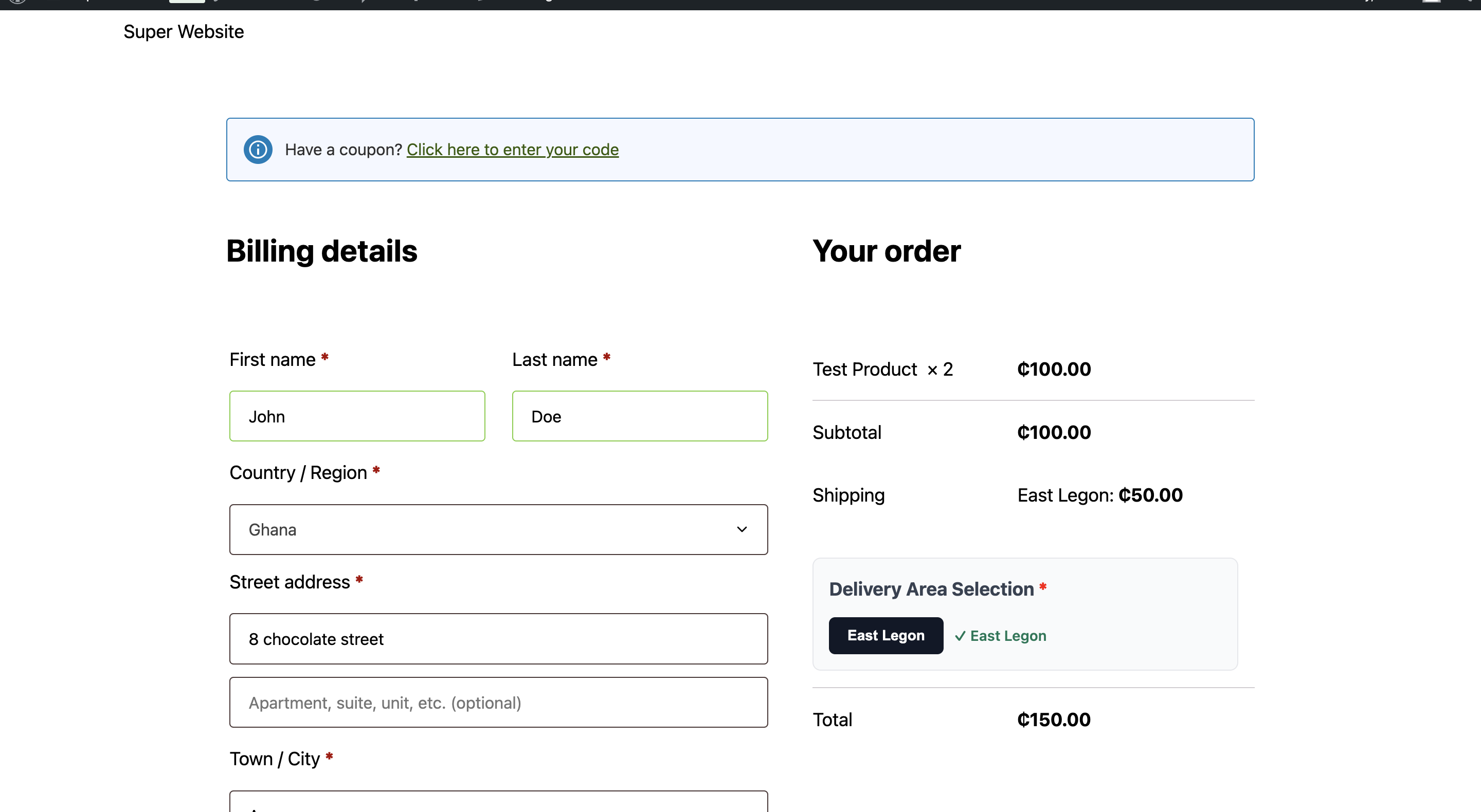
- Real-Time Updates - Shipping costs update instantly when customers select their area
- Multi-Zone Support - Works seamlessly with WooCommerce shipping zones
- HPOS Compatible - Fully compatible with WooCommerce High-Performance Order Storage
- Validation - Ensures customers select a delivery area before completing checkout
- Admin configures delivery areas and their corresponding shipping costs in WooCommerce Settings
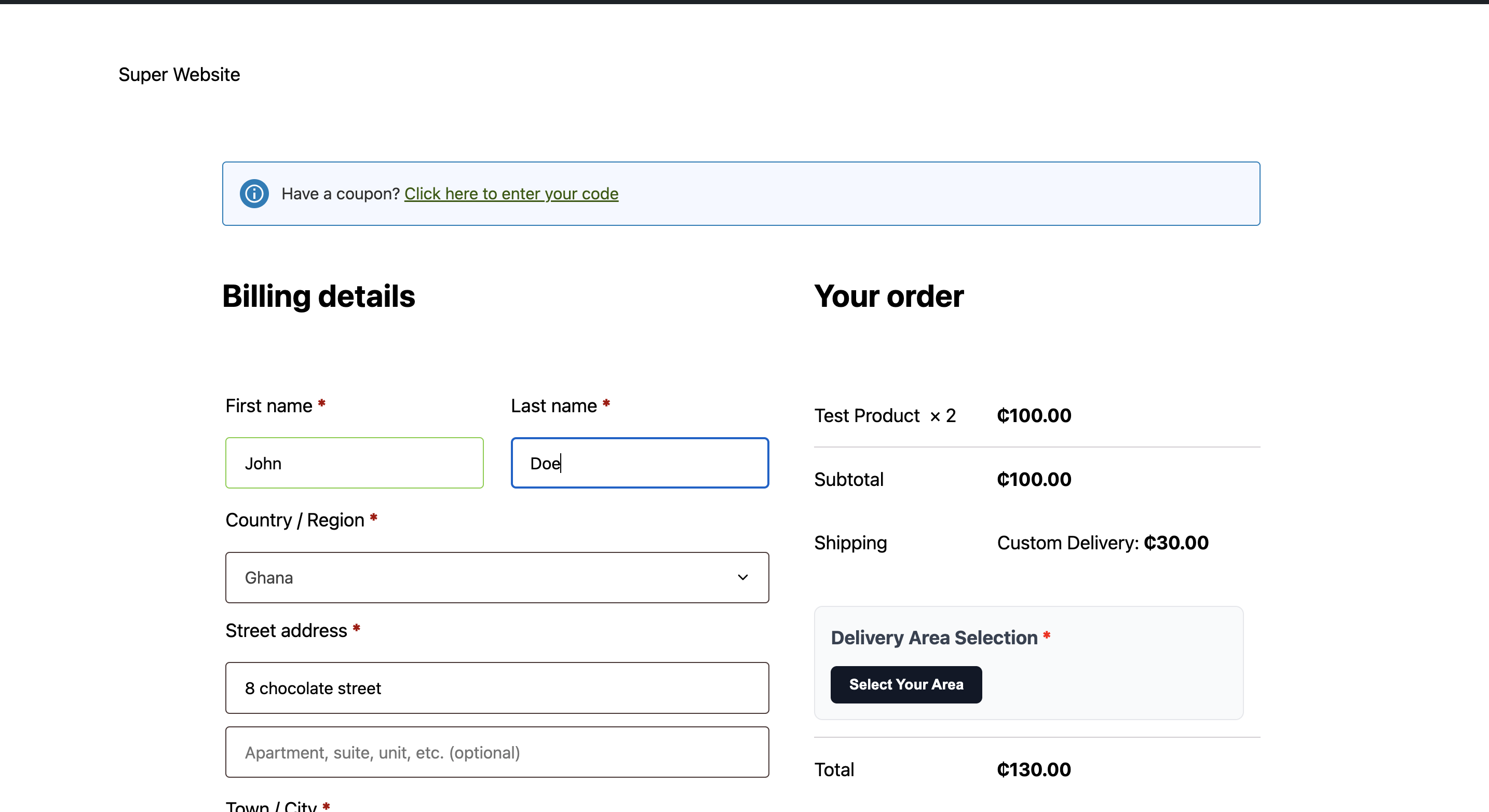
- During checkout, customers click "Select Your Area" to open an elegant modal
- Customers choose their delivery location from the list of available areas
- Shipping cost updates automatically based on the selected area
- Order proceeds with the correct shipping rate applied
- Local delivery businesses
- Regional e-commerce stores
- Businesses with non-standard delivery zones
- Companies operating in areas where postal codes don't accurately reflect delivery costs
- Any store needing custom location-based shipping logic
- Fully integrated with WooCommerce shipping zones
- AJAX-powered for smooth user experience
- Session-based location storage
- Automatic shipping cache clearing
- Responsive design works on all devices
- Translation ready with text domain support
安装:
- Log in to your WordPress admin panel
- Navigate to Plugins > Add New
- Search for "LocShip for WooCommerce"
- Click "Install Now" and then "Activate"
- Download the plugin ZIP file
- Log in to your WordPress admin panel
- Navigate to Plugins > Add New > Upload Plugin
- Choose the ZIP file and click "Install Now"
- Activate the plugin
- Go to WooCommerce > Settings > Shipping
- Select a shipping zone or create a new one
- Click "Add shipping method" and choose "LocShip for WooCommerce"
- Configure your default cost and add delivery areas with their respective prices
- Click "Save changes"
屏幕截图:
常见问题:
How do I add delivery areas?
Navigate to WooCommerce > Settings > Shipping, select your shipping zone, click on the LocShip for WooCommerce method, and use the "Delivery Areas" table to add locations and their costs. Click "Add New Area" to add more rows.
Can I have different delivery areas for different shipping zones?
Yes! You can add the LocShip for WooCommerce method to multiple shipping zones, and each zone can have its own unique set of delivery areas and pricing.
What happens if a customer doesn't select a delivery area?
The plugin includes validation that prevents checkout completion until a delivery area is selected. Customers will see an error message prompting them to choose their area.
Can I customize the modal appearance?
Yes, the plugin includes CSS files in the assets/css directory that you can customize. You can also add custom CSS through your theme or a custom CSS plugin.
Is this plugin compatible with HPOS?
Yes, the plugin is fully compatible with WooCommerce High-Performance Order Storage (Custom Order Tables).
Does this work with other shipping methods?
Yes, LocShip for WooCommerce works alongside other WooCommerce shipping methods. Customers will see all available shipping options at checkout.
Can I set a default shipping cost?
Yes, you can set a default cost in the shipping method settings. This will be used if no specific delivery area is selected (though the plugin requires selection at checkout).
Why is the "Select Your Area" button not showing?
If you are using a modern Block Theme (like Twenty Twenty-Four), your checkout page might be using the "Checkout Block" instead of the Classic Checkout. This plugin requires the Classic Checkout engine to function. To fix this:
- Go to Pages > Checkout and edit the page.
- Delete the Checkout Block.
- Add a Shortcode block.
- Paste this shortcode:
[woocommerce_checkout] - Update the page. The button will now appear.
Is the plugin translation ready?
Yes, the plugin uses WordPress localization functions and includes a text domain for easy translation.
更新日志:
- Fix: Updated styles class to match main plugin version.
- Fix: Fixed the enqueueing of admin scripts and styles.
- New: Added uninstall.php to properly clean up database settings when the plugin is deleted.
- Fix: Resolved an issue where shipping method options would persist in the database after uninstallation.
- Fixed: Made currency symbol dynamic.
- Initial release
- Custom delivery area management
- Location selection modal at checkout
- Individual pricing per delivery area
- HPOS compatibility
- Multi-zone support
- Automatic shipping cache clearing
- Checkout validation
- Responsive design
- Translation ready