Plugin Name
| 开发者 | hondamarlboro |
|---|---|
| 更新时间 | 2026年9月3日 22:22 |
| PHP版本: | 7.4 及以上 |
| WordPress版本: | 7.1 |
| 版权: | GPLv2 or later |
| 版权网址: | 版权信息 |
详情介绍:
安装:
- Upload
plugin-name.phpto the/wp-content/plugins/directory - Activate the plugin through the 'Plugins' menu in WordPress
- 'Login Alert Notification' menu in Settings
- Enable/Disable notification method(s) and input username and/or key etc.
- Use the "Send test notification" button next to each service to confirm delivery
- Save Settings
屏幕截图:
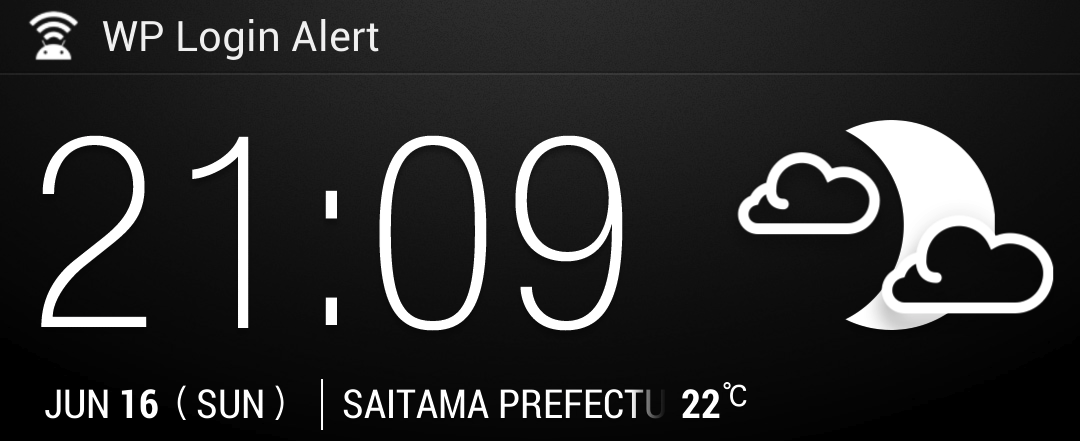
常见问题:
I can't receive the notification via email.
Please check whether or not you fill in the email address of General > Settings. I strongly recommend you put another email address to 'From' box of plugin settings — ideally an address on your own site's domain, since email sent with a 'From' address on a domain you don't control (e.g. a free gmail.com/icloud.com address on a server that isn't Google's/Apple's) is increasingly likely to be rejected by that provider's spam filters. Leaving the 'From' field blank so it matches your admin email's domain is usually the safest choice.
My test notification says "sent" but I never receive the email.
This almost always means the message left your server successfully but was rejected afterwards by the receiving mail provider. Check your host's mail delivery log (many hosts, including Sakura, provide one in the control panel) for a bounce message. A bounce mentioning something like "554 5.7.1 rejected due to local policy" means the receiving provider (e.g. Apple/iCloud) refused it — this is a deliverability/reputation issue between your server and that provider, not a bug in this plugin. Trying a different recipient address, or sending through an authenticated SMTP service (e.g. via a plugin like WP Mail SMTP), usually resolves it.
What happened to Notify My Android and im.kayac.com support?
Both services shut down permanently (im.kayac.com in 2017, NMA in 2018) and their old API endpoints simply time out or 404. Rather than leave dead, silently-failing options in the settings screen, they were removed in version 0.60. Prowl, Pushover, and Email remain fully supported.
更新日志:
- Removed: Notify My Android support (service permanently shut down May 2018)
- Removed: im.kayac.com support (service permanently shut down October 2017)
- Fixed: "redirect after failed login" was hard-coded to redirect to google.com instead of your own site, regardless of what the settings screen said
- Fixed: PHP 8 compatibility — undefined array key / undefined variable notices when the login form is reached without a referrer or without a submitted username
- Fixed: the "login page opened" alert never actually received its status argument, so it always evaluated as an undefined value internally
- Added: "Send test notification" button for Email, Prowl, and Pushover so you can verify each channel works without waiting for a real login attempt
- Added: settings are now sanitized on save
- Changed: settings screen redesigned with a clearer, card-based layout
- Update: Alert shows you login success/failure and submit status from login form
- Minor bug fix
- Minor bug fix
- Add new feature of redirecting to blog top if login attempt failed
- Update Don't disturb options - Notification of successful login only
- Add Don't disturb options - excluding notification of admin user's access, etc.
- Set sender address as you like
- Add Email Notification
- Add some push notification services (Prowl, NMA, Pushover)