
MageComp Pincode Checker
| 开发者 | MageComp |
|---|---|
| 更新时间 | 2026年6月17日 12:37 |
| PHP版本: | 8.1 及以上 |
| WordPress版本: | 6.9 |
| 版权: | GPLv2 or later |
| 版权网址: | 版权信息 |
详情介绍:
One of the biggest frustrations for customers in eCommerce is knowing that a delivery is not possible in their area only after their checkout. This leads to cancellations, dealing with dissatisfied customers, more support, and refund requests.
MageComp Pincode Checker solves this by allowing customers to check the delivery availability of products without leaving the product page. Customers simply add the pin code, and the plugin tells them whether or not the product can be delivered to that location. Customers see real-time availability, and restaurants can avoid cancellations by setting expectations clearly at the front end. Whether you are selling locally, regionally, or within all of India or outside of it, this plugin is the best option for giving customers the right information before they check out.
安装:
- Download the MageComp Pincode Checker Plugin from the [WordPress Plugin Directory] (https://wordpress.org/plugins/) . Then, from the admin panel, go to Plugins > Add Plugins > Upload Plugin. Upload the zip file to install the plugin.
- You can also search for plugins directly from the admin panel > plugins menu and install them.
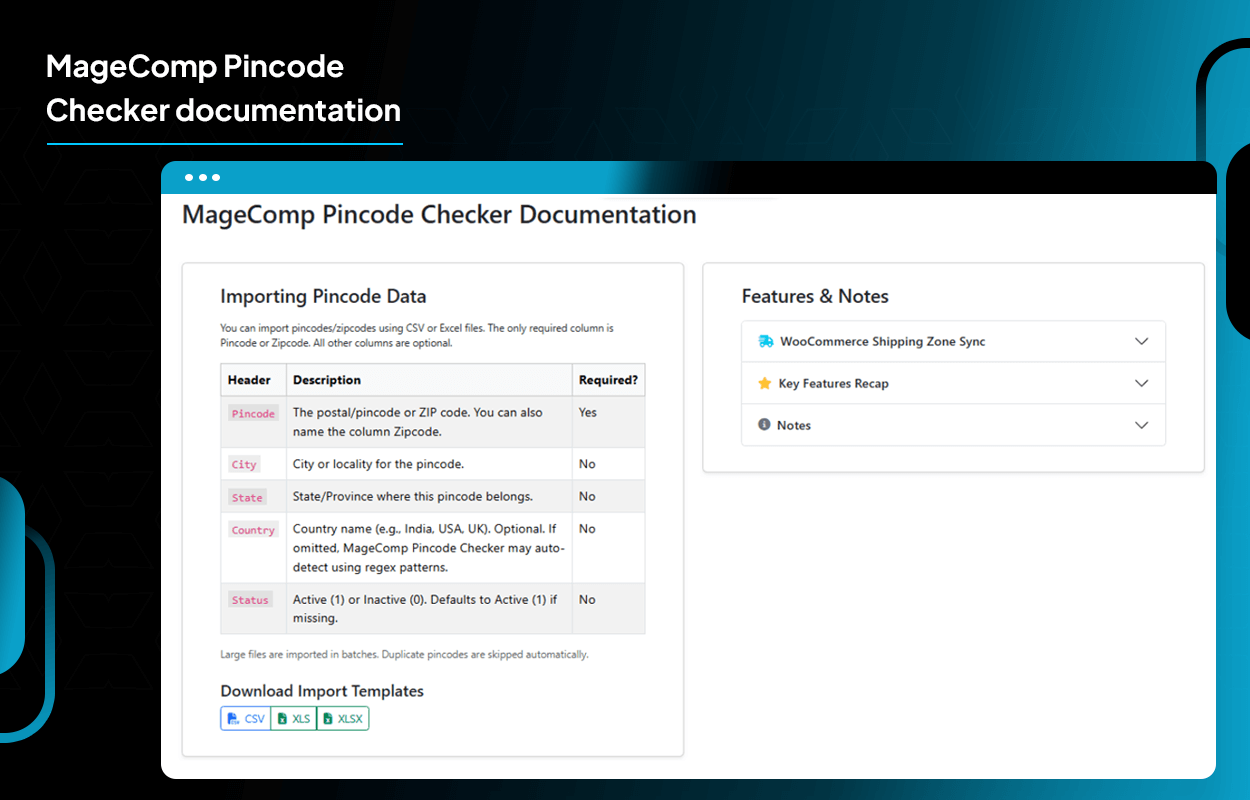
- You can bulk import pincodes by uploading a CSV/XLS file or manually adding them.
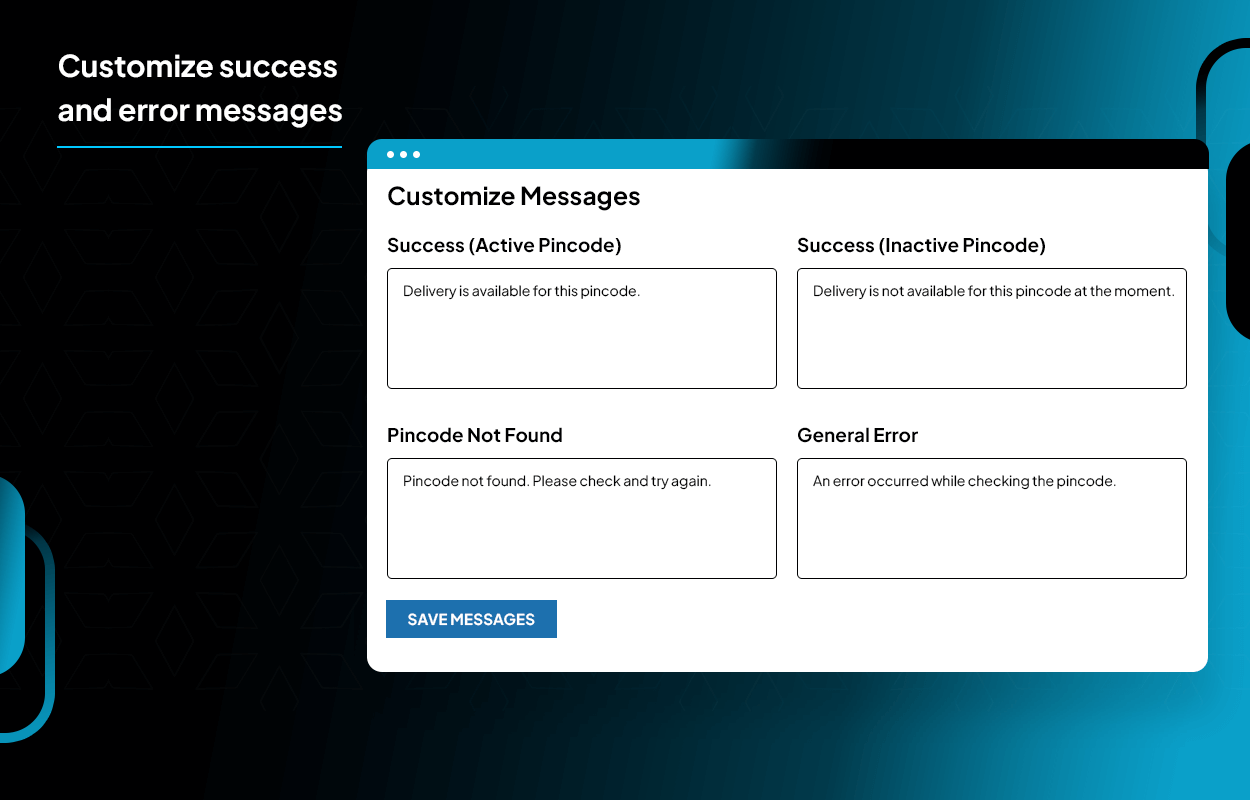
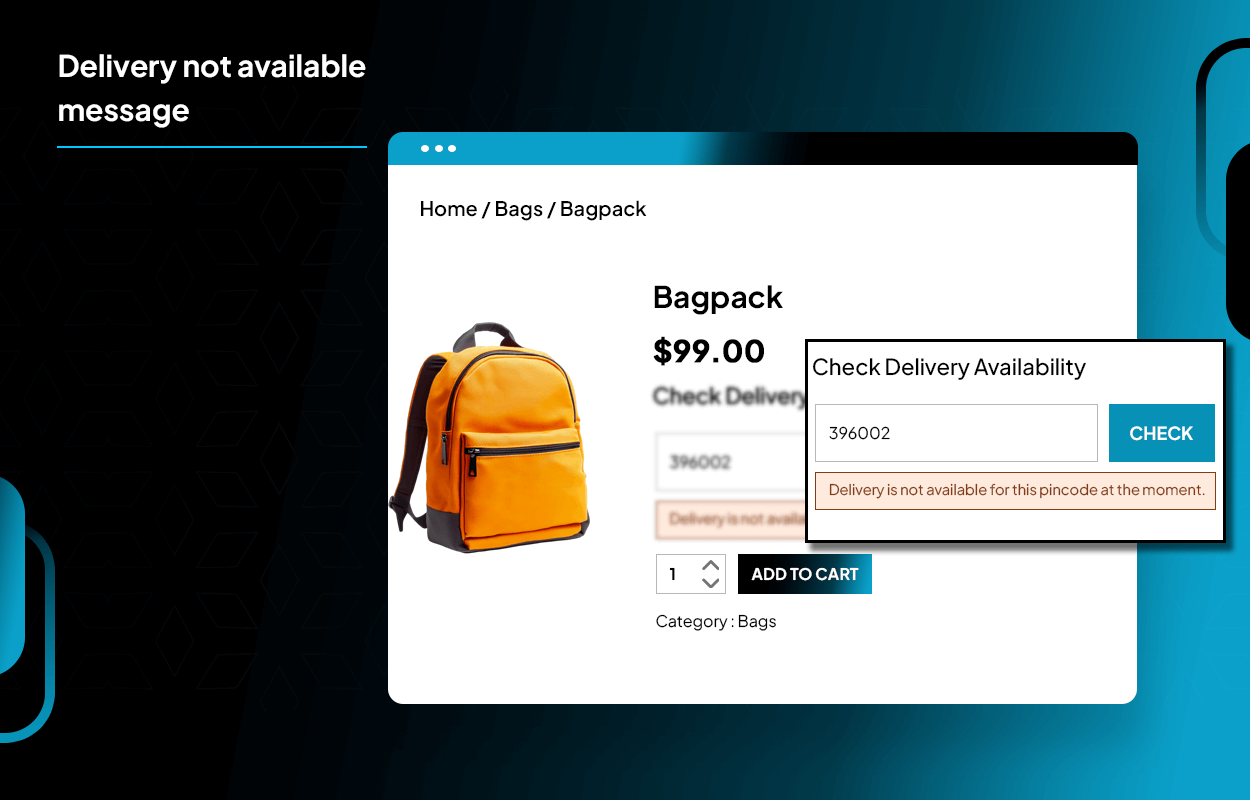
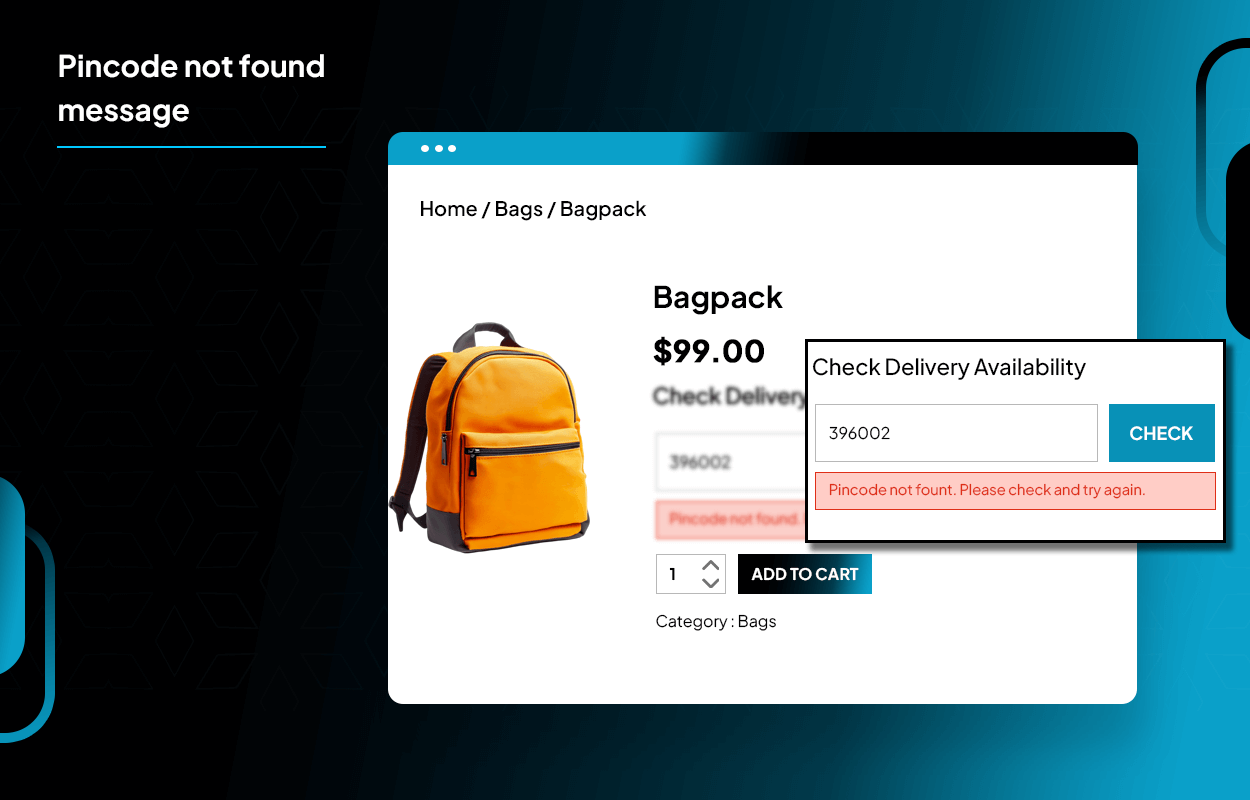
- Set custom messages for pincode available, not available, not found, and general error.
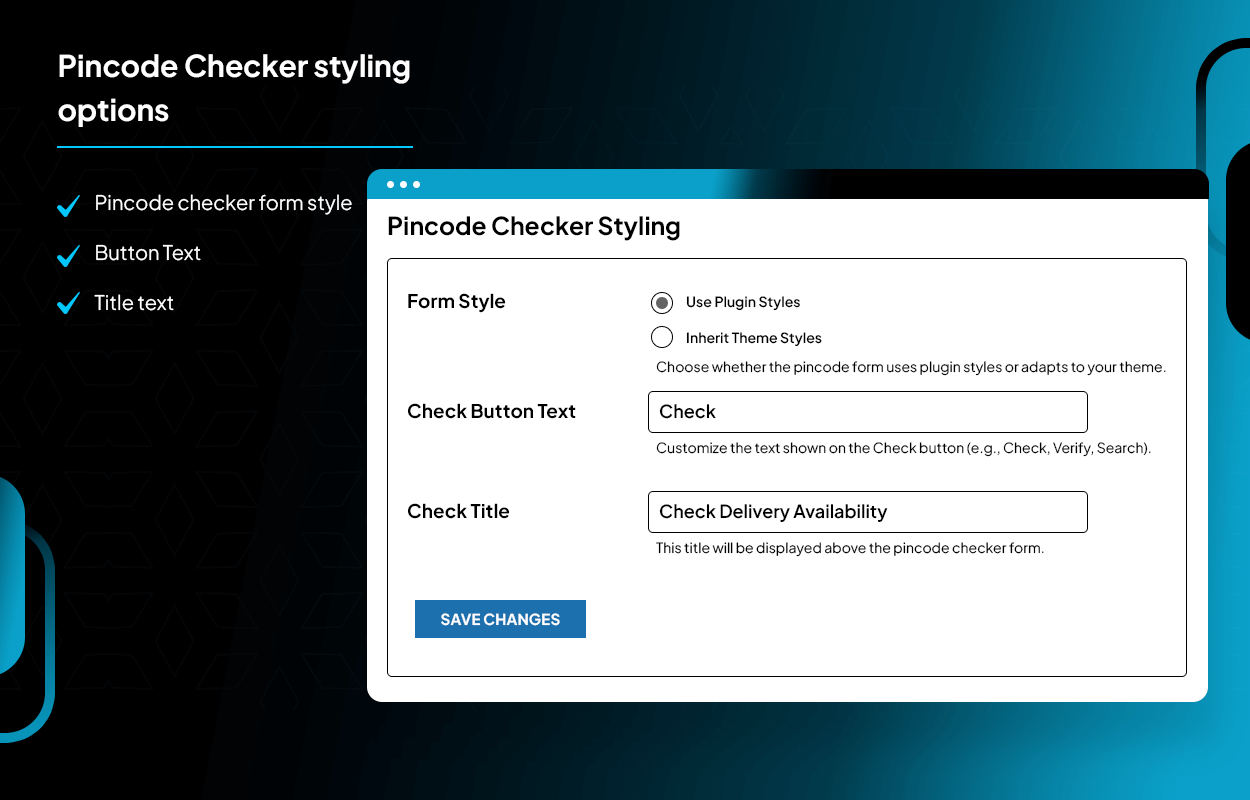
- Set it to the default form style for the pincode checker or use your current theme.
- Set the button text for the pincode checker.
- Set a title for the pincode checker on the product page.
- Then save all changes, and the pincode checker will show on the product pages.
- Customers add their pin code, and the plugin displays an appropriate message for delivery availability without a page reload due to an AJAX-based checker.
- Admin can manage pincodes - activate, deactivate, add, and delete from the admin panel.
- The CSV/XLS file can be exported as and when required. NOTE - To use MageComp Pincode Checker, you must activate the WooCommerce plugin first.
屏幕截图:
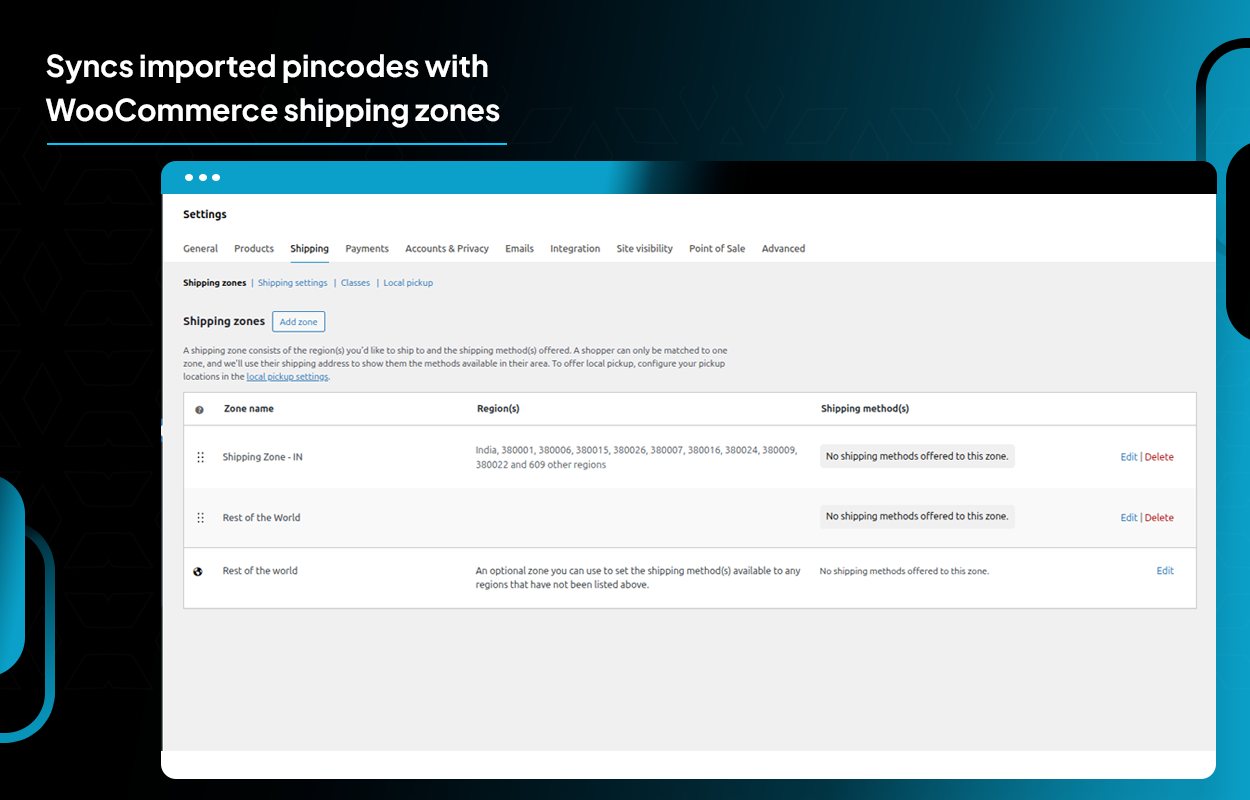
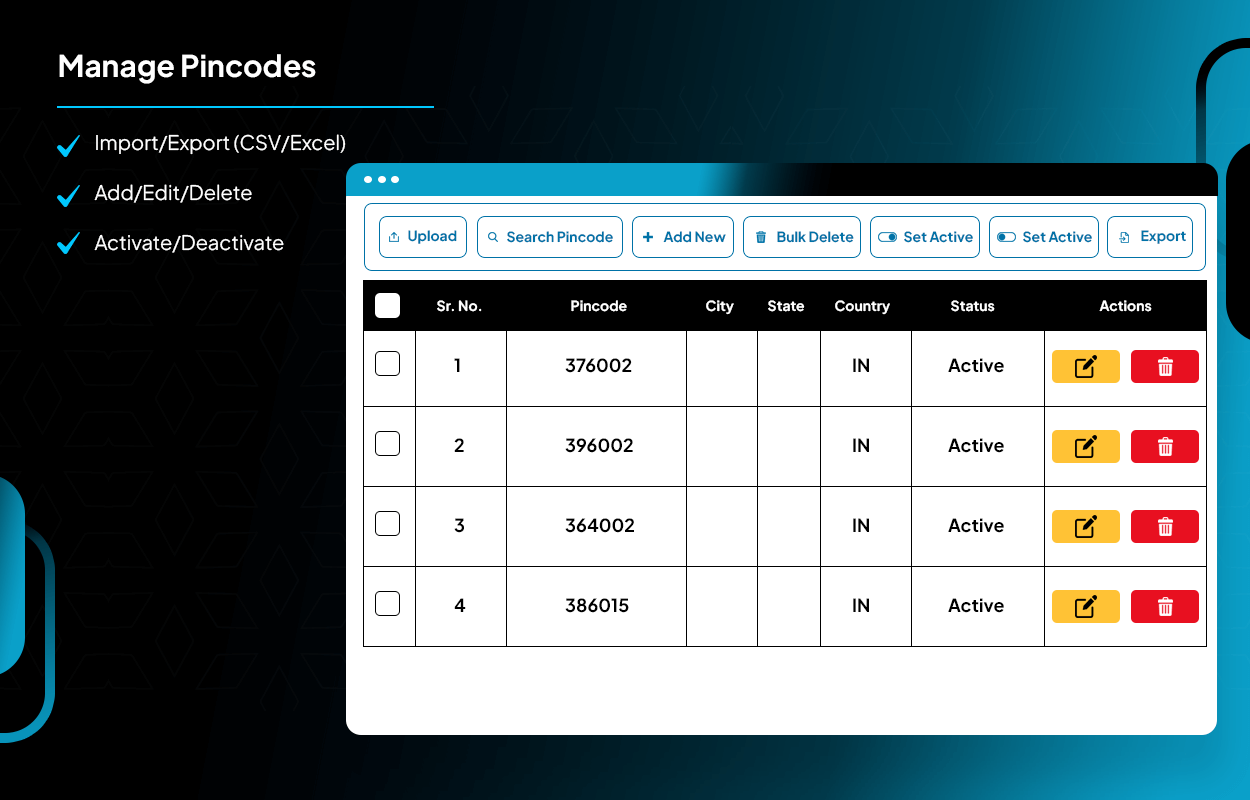
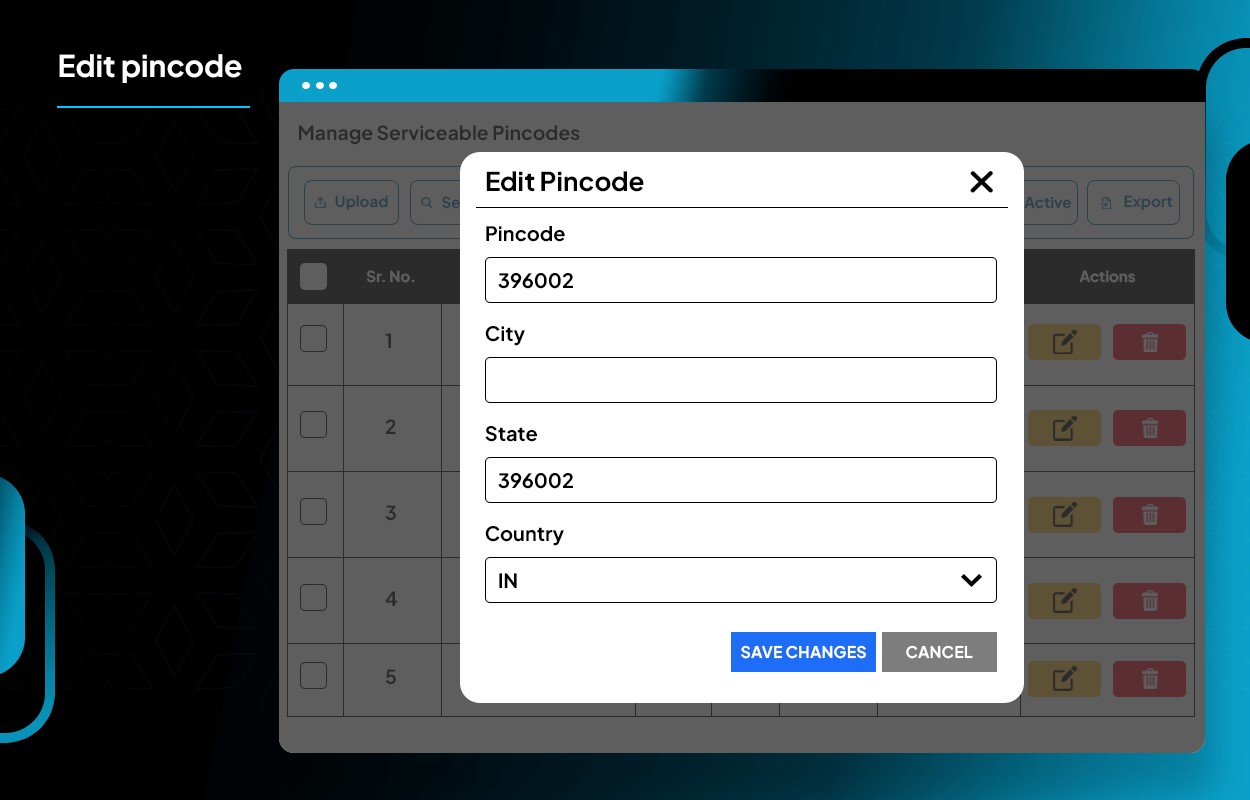
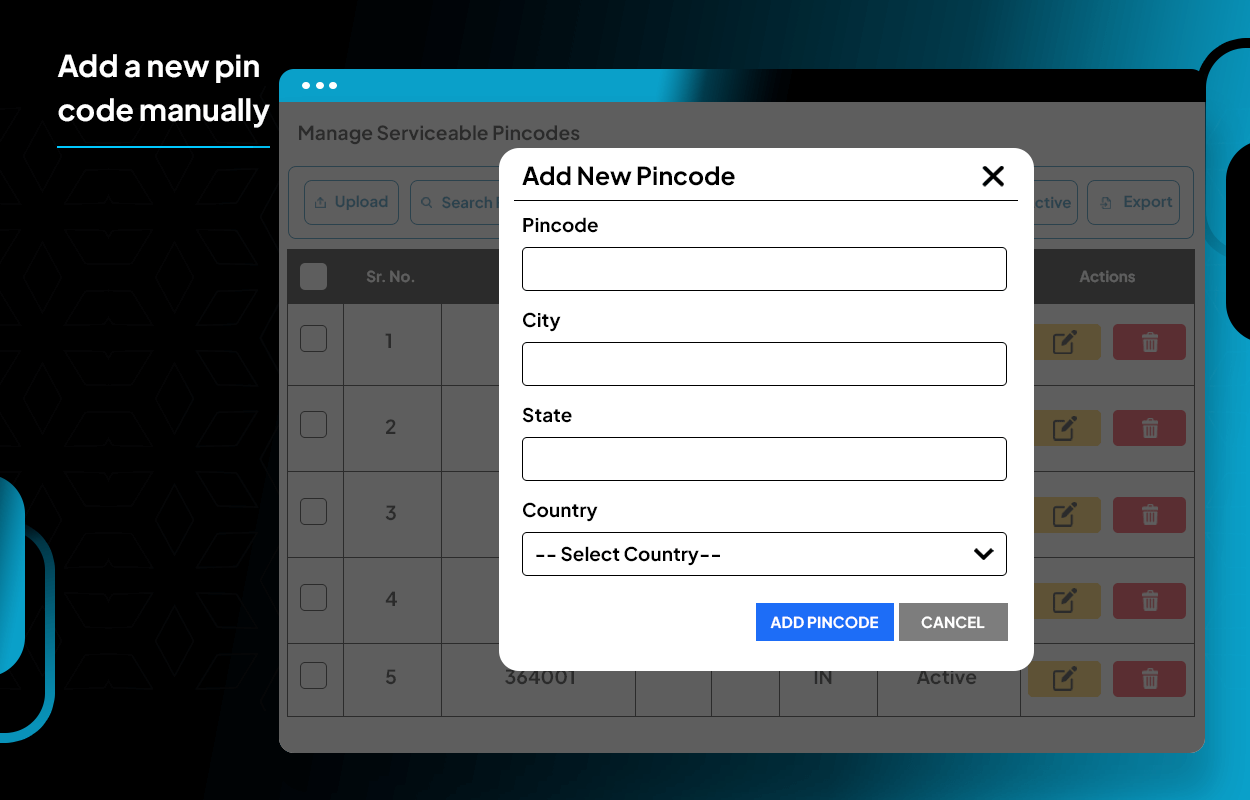
更新日志:
1.0.0
- Initial release: Frontend pincode delivery checker, secure WooCommerce integration.
- Admin panel CSV, Excel import, search, edit and delete serviceable pincodes.
- Delivery status API: AJAX, caching, instant feedback.
- Conflict detection for plugins in similar niches.
- Fully secure input/output handling, validated and sanitized.