
Manager for IcoMoon
| 开发者 | albedo0 |
|---|---|
| 更新时间 | 2026年9月29日 23:45 |
| 捐献地址: | 去捐款 |
| PHP版本: | 4.7.4 及以上 |
| WordPress版本: | 7.1 |
| 版权: | GNU General Public License v2 or later |
| 版权网址: | 版权信息 |
详情介绍:
- Import both IcoMoon font ZIP layouts: classic (
selection.json,style.css,fonts/) and current (*.icomoon.json,font/style.css,font/fonts/). - Analyze a custom font package before installing it.
- Preview new and removed icons before replacing the current font.
- Detect removed icons that may already be used in post content.
- Warn when IcoMoon settings such as class prefix or postfix change and may affect direct HTML icons.
- Optionally update existing direct HTML icon classes when compatible icons still exist.
- Insert icons from the Gutenberg editor as shortcode or HTML.
- Organize icons into categories by using a separator in IcoMoon icon names.
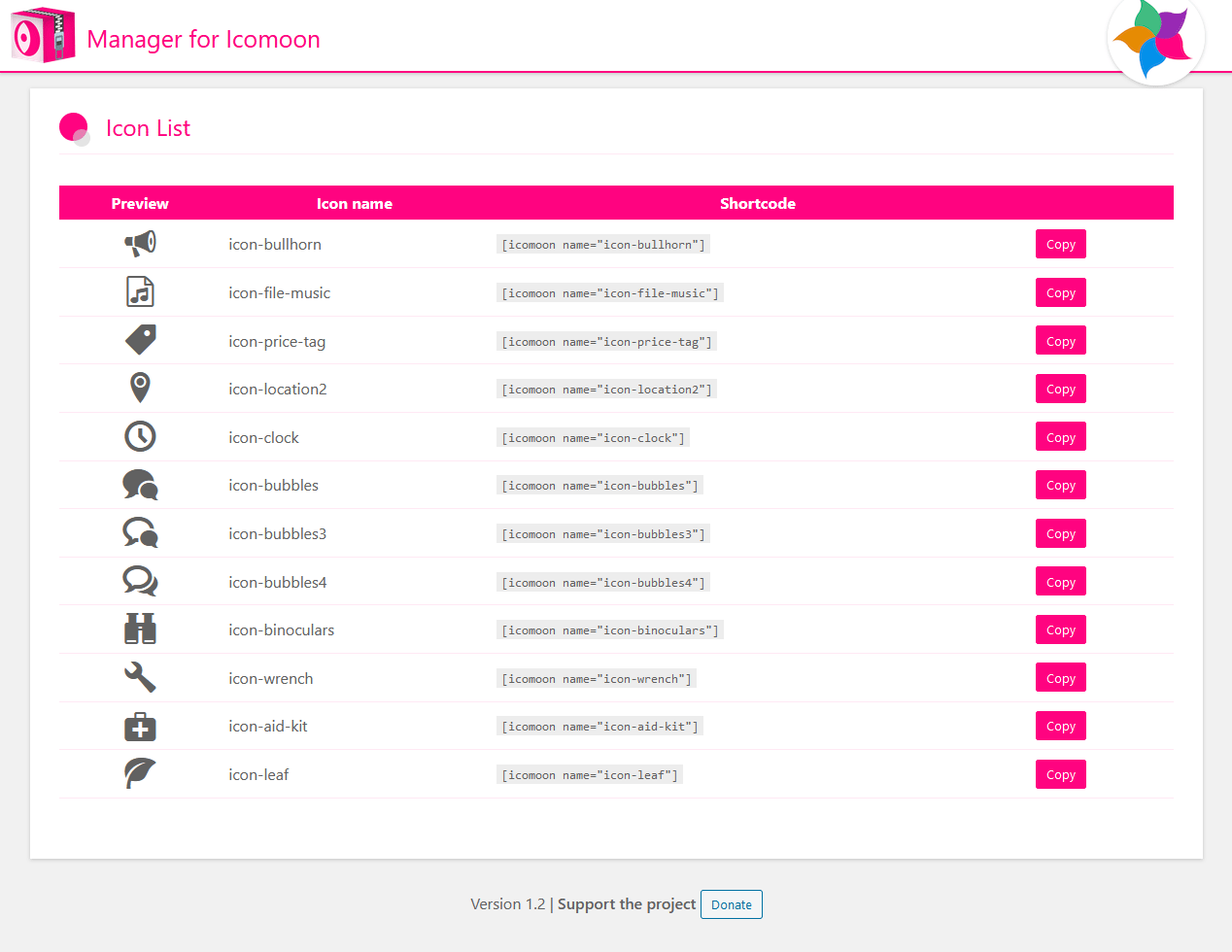
- List available icons with their shortcode, HTML markup, and code.
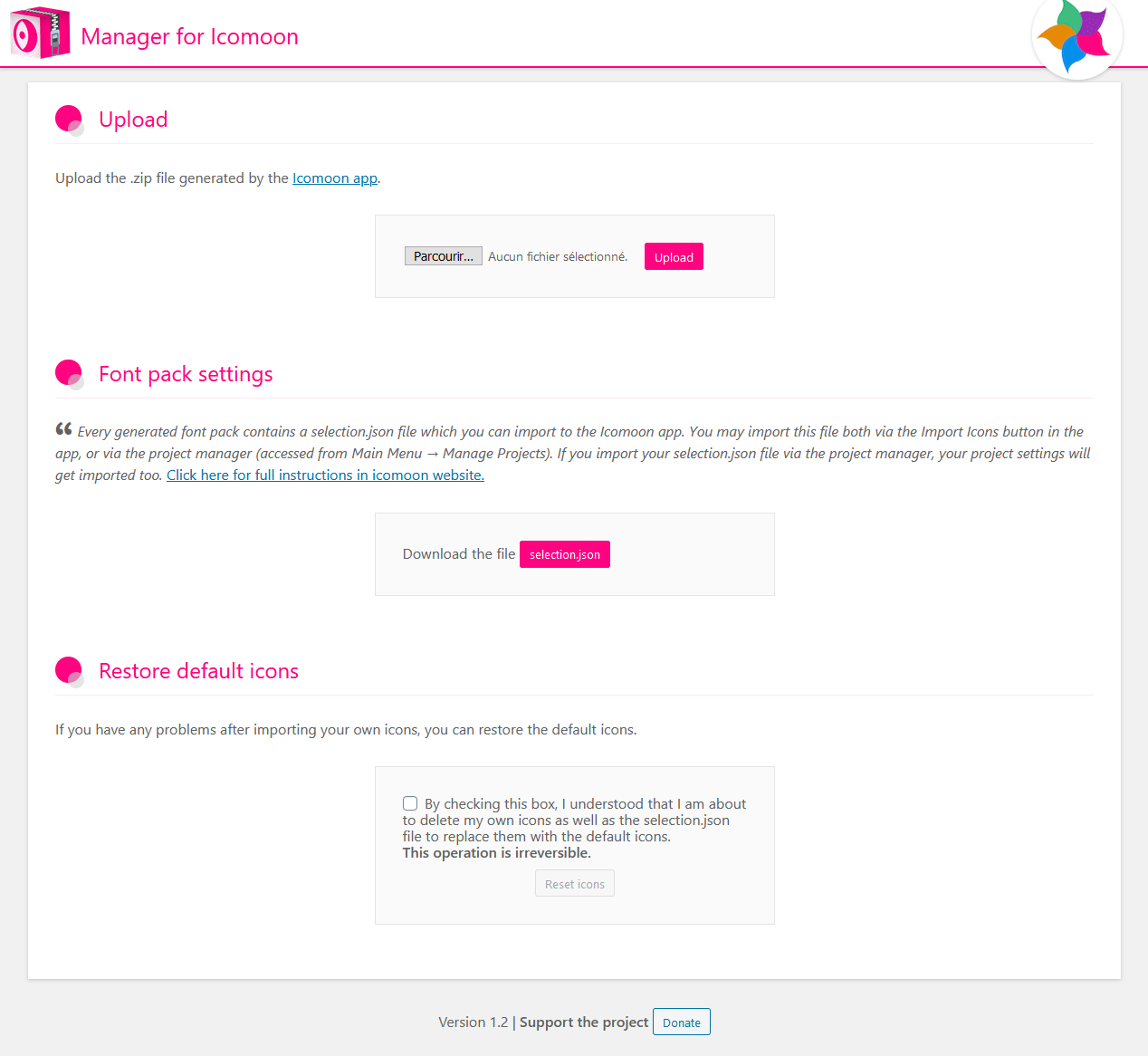
- Restore the default icon pack if needed.
安装:
- Upload the plugin files to the /wp-content/plugins/managerforicomoon/ directory, or install the plugin through the WordPress plugins screen - directly.
- Activate the plugin through the Plugins screen in WordPress
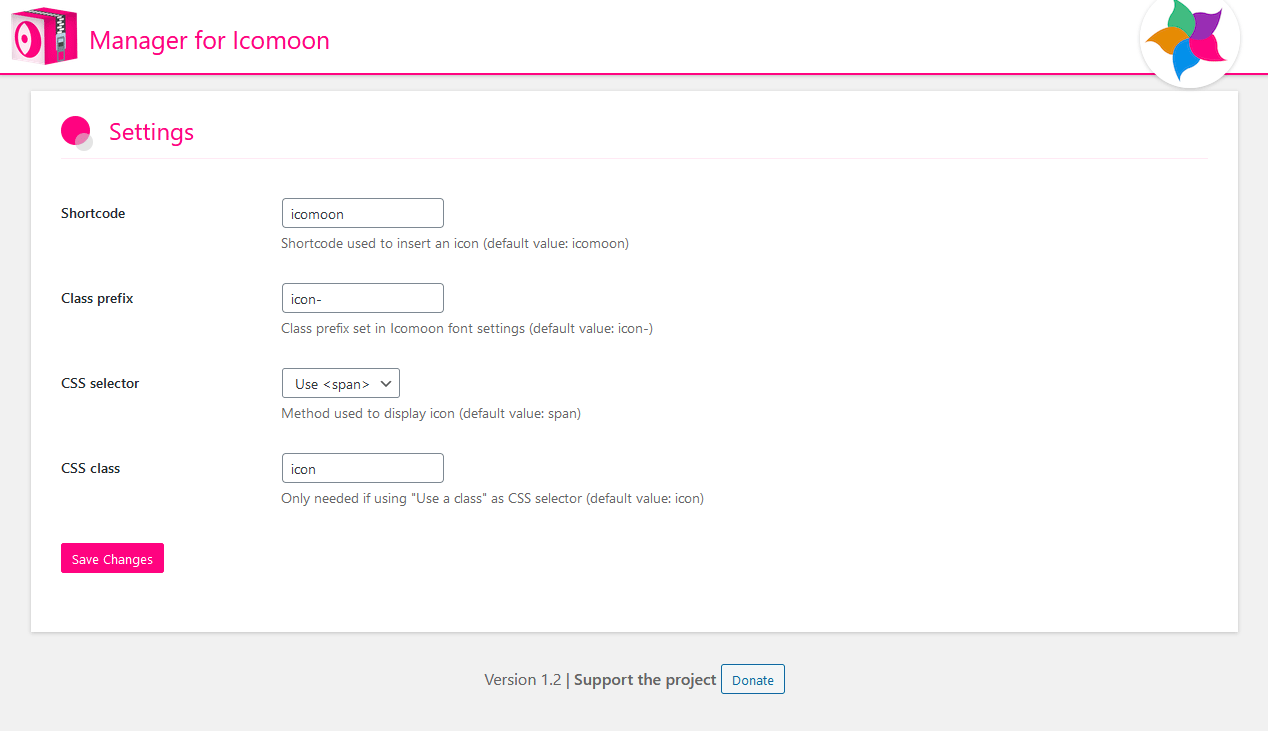
- Use the plugin settings to configure shortcode behavior, Gutenberg insertion, custom CSS class presets, and the category separator.
- Upload your IcoMoon ZIP package from the plugin upload screen.
屏幕截图:


常见问题:
How do icon categories work?
Categories are based on icon names from IcoMoon. Set a category separator in the plugin settings, then use the same separator in IcoMoon icon names.
For example, with separator --, an icon named social--facebook is displayed in category social with icon name facebook.
Should I insert icons with shortcode or HTML?
Use shortcodes when possible. They are more resilient when generated CSS classes change after importing a new IcoMoon package. Use direct HTML when you need full markup control. Before replacing a font pack, check the import summary carefully because prefix, postfix, or CSS class changes may affect existing direct HTML icons.
What happens when I upload a new ZIP package?
The plugin analyzes the ZIP before installing it. The import summary lists new icons, removed icons, detected usage of removed icons, and settings changes that may impact existing content.
The current icon pack is left untouched if the ZIP is invalid, incomplete, or cannot be prepared for use. Classic packages may use a custom font filename; they are not limited to icomoon.*.
Can the plugin update existing HTML icon classes?
When compatible icons still exist in the new font pack, the import screen can offer an option to update direct HTML classes in the database for prefix or postfix changes. Always review the import summary before using it.
更新日志:
- Fixed direct HTML icon insertion in the Gutenberg editor
- Prevented an invalid or incomplete ZIP archive from replacing the active icon pack.
- Added rollback protection if the final installation step fails.
- Restored support for classic IcoMoon archives whose font files use a custom name instead of
icomoon.*. - Added validation and normalization checks for font packages generated by the current IcoMoon app.
- Added ZIP upload safety checks for invalid uploads, unsafe paths, and unreasonable archive sizes.
- Fixed the Gutenberg icon modal scroll position when switching from Icon Selection to Customization.
- Added support for font packages generated by the newer IcoMoon app.
- Added ZIP integrity and expected package structure checks before import.
- Added an import summary before installation with new icons, removed icons, usage detection, and settings changes.
- Added a confirmation step when removed icons may stop working.
- Added optional migration for compatible direct HTML icon class changes.
- Improved the getting started guide and category separator documentation.
- Reworked Gutenberg icon insertion into a single modal with icon selection, live preview, and HTML/shortcode insertion actions.
- Removed the setting that forced customization options to open by default.
- Added a setting to enable or disable the icon search field in the modal.
- Added support for predefined CSS class presets, configurable in the plugin settings and selectable in the modal.
- Added an option to show customization options by default when opening the modal.
- Local translation files included within the plugin take precedence over WordPress.org language packs, guaranteeing that custom translations are always applied, especially for the French language.
- The plugin’s textdomain has been updated and standardized to ensure full compatibility with the WordPress.org translation system.
- Introduces support for categorizing icons by adding a separator within icon names.
- Corrected deprecated dynamic property creation for compatibility with PHP 8.2.
- Fixed notice regarding translation being loaded too early.
- Icons in the icons list are now sorted alphabetically.
- Improved reliability of HTTPS.
- Fixed retrieval of codes for colored icons.
- Minor improvements.
- Corrected some French translations.
- Improved the ergonomics of inserting an icon via shortcode in the Gutenberg editor.
- Added the ability to insert icons directly in HTML in the Gutenberg editor.
- Added HTML code for each icon in the icons list.
- Added new copy options.
- Fixed typos and corrected French translations.
- Fixed Cross-Site Scripting vulnerability in shortcode.
- Fixed security issue when uploading ZIP archives.
- Fixed a bug with the plugin update that restored the default font pack. PLEASE DOWNLOAD YOUR SELECTION.JSON BEFORE UPLOADING.
- Added a shortcode manager in the Gutenberg editor.
- Added CSS minification feature.
- Managed parameters automatically from selection.json.
- Added postfix settings.
- Fixed bug with old version of settings.
- New application logo.
- Design improvements.
- Added a button to copy shortcode to clipboard.
- Enabled/disabled restore button when checking the box.
- Updated backoffice design.
- Fixed part of the English translation.
- Added a link to download the selection.json file.
- Added the possibility to restore the default icons set.
- Fixed preview for icons with numbers in their names.
- Fixed URL for plugin repository.
- Corrected minor translation errors.
- Fixed bug for MIME type application/x-zip-compressed.
- Initial release of the plugin.