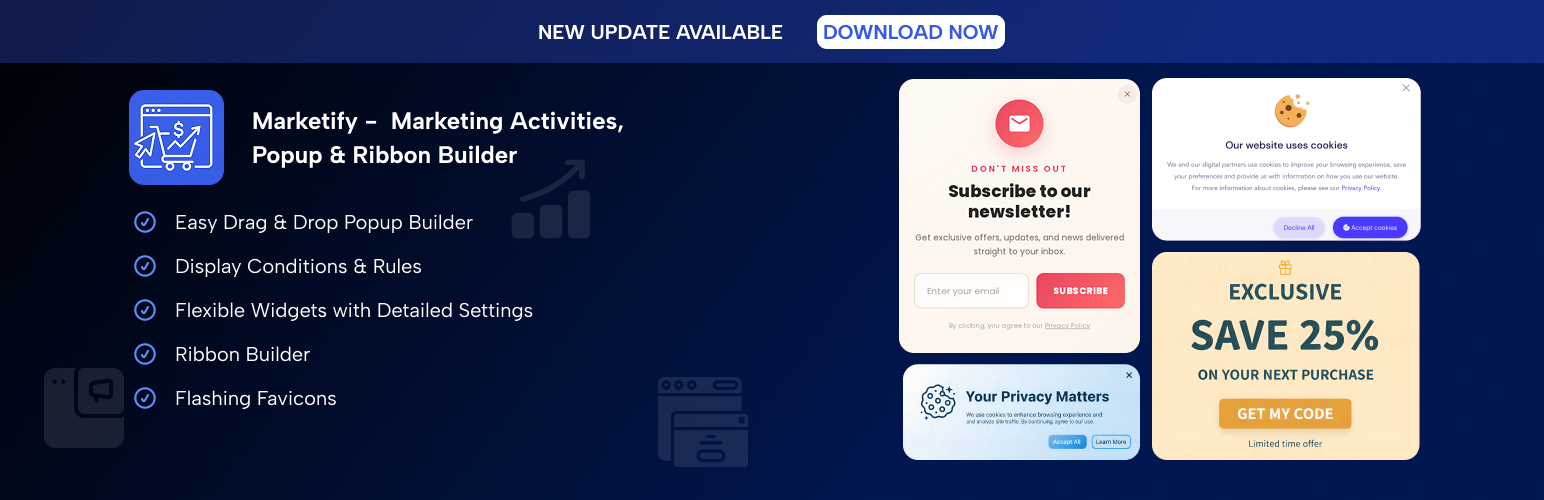
Marketify - Marketing Activities, Popup & Ribbon Builder
| 开发者 | wpgrim |
|---|---|
| 更新时间 | 2026年2月17日 01:14 |
| PHP版本: | 7.4 及以上 |
| WordPress版本: | 6.9 |
| 版权: | GPLv2 or later |
| 版权网址: | 版权信息 |
详情介绍:
Marketing Activities
Marketify Pop-up & Ribbon builder will help you promote your products or inform users about events. Inside the plugin there is an easy drag&drop Builder with the necessary widgets and settings for more detailed configuration of each element.
⭐ Documentation
Why you will love it
- Easy setup
- Intuitive interface
- No coding skills required
- Detailed visual customization
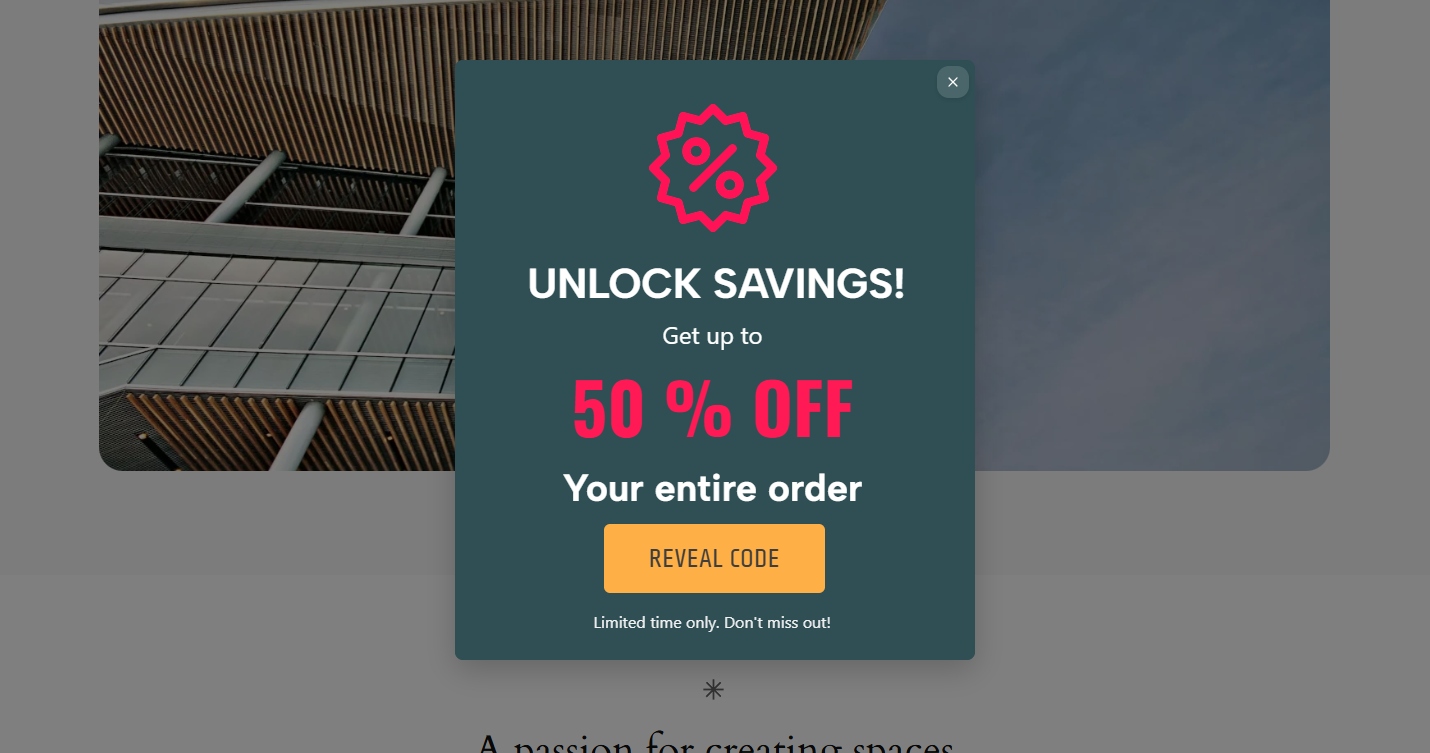
- Pop-up Builder - Create pop-ups to promote promotions, subscription forms, or notifications
- Ribbon Builder - Promote your offers in the most visible place
- Flashing Favicons - Focus the user's attention on your website by changing favicons and The plugin allows you to display pop-ups and ribbons in different scenarios, for example:
- By role
- By page
- Only to site visitors
- When scrolling the page
- After a period of time, after logging in to the site
- Depending on the type of device
- Install the Marketify plugin and activate it.
- Go to the plugin section and select what you want to create.
- Move the desired widgets to the canvas, configure them, save, and publish the created activity view.
安装:
This section describes how to install the plugin and get it working.
- Upload the plugin files to the
/wp-content/plugins/directory, or install the plugin through the WordPress plugins screen directly. - Activate the plugin through the Plugins menu in WordPress
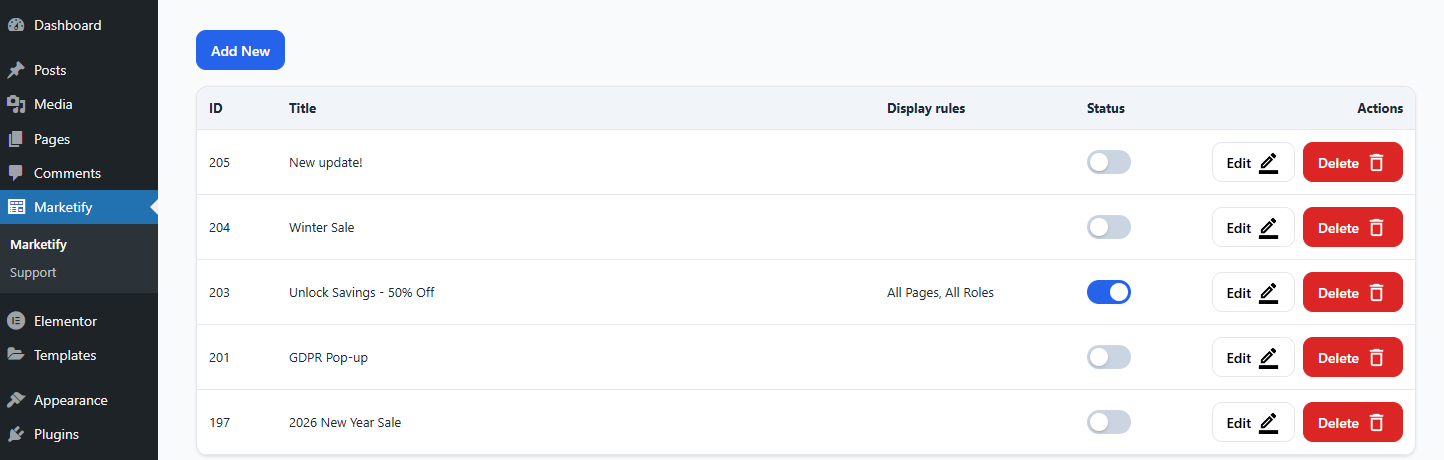
- Find the menu item in the Marketify admin panel and create unique pop-ups.
屏幕截图:
常见问题:
Does it work with my theme?
Yes, it is designed to work with most themes. If you encounter issues, contact support.
Does it require any additional plugins?
Some widgets, such as Mailchimp, require you to install a plugin to work with that widget. If you don't need this widget, you don't need to install an additional plugin.
Where can I get support?
You can contact us via the Support section on the plugin page.
更新日志:
1.0.2
- [NEW] - Import/Export for popups & ribbons
- [NEW] - Flashing favicons
- [NEW] - Ribbon Builder
- [NEW] - Mailchimp widget
- [NEW] - Shapes widget
- Initial release