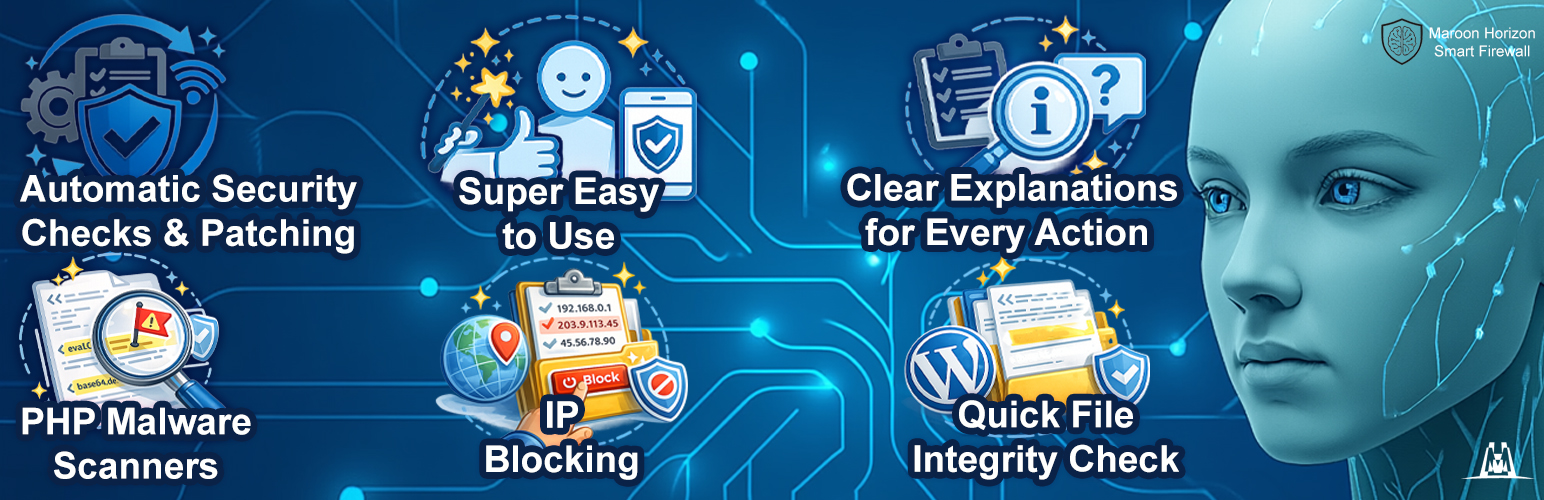
Maroon Horizon Smart Firewall - Malware Scanner & IP Blocking
| 开发者 | mhlabs |
|---|---|
| 更新时间 | 2026年4月20日 03:08 |
| PHP版本: | 7.4 及以上 |
| WordPress版本: | 6.9 |
| 版权: | GPLv2 or later |
| 版权网址: | 版权信息 |
详情介绍:
- Advanced Security Check (Quick Scan) with an Overall Security Rating and easy-to-follow explanations so you can improve your security level step by step.
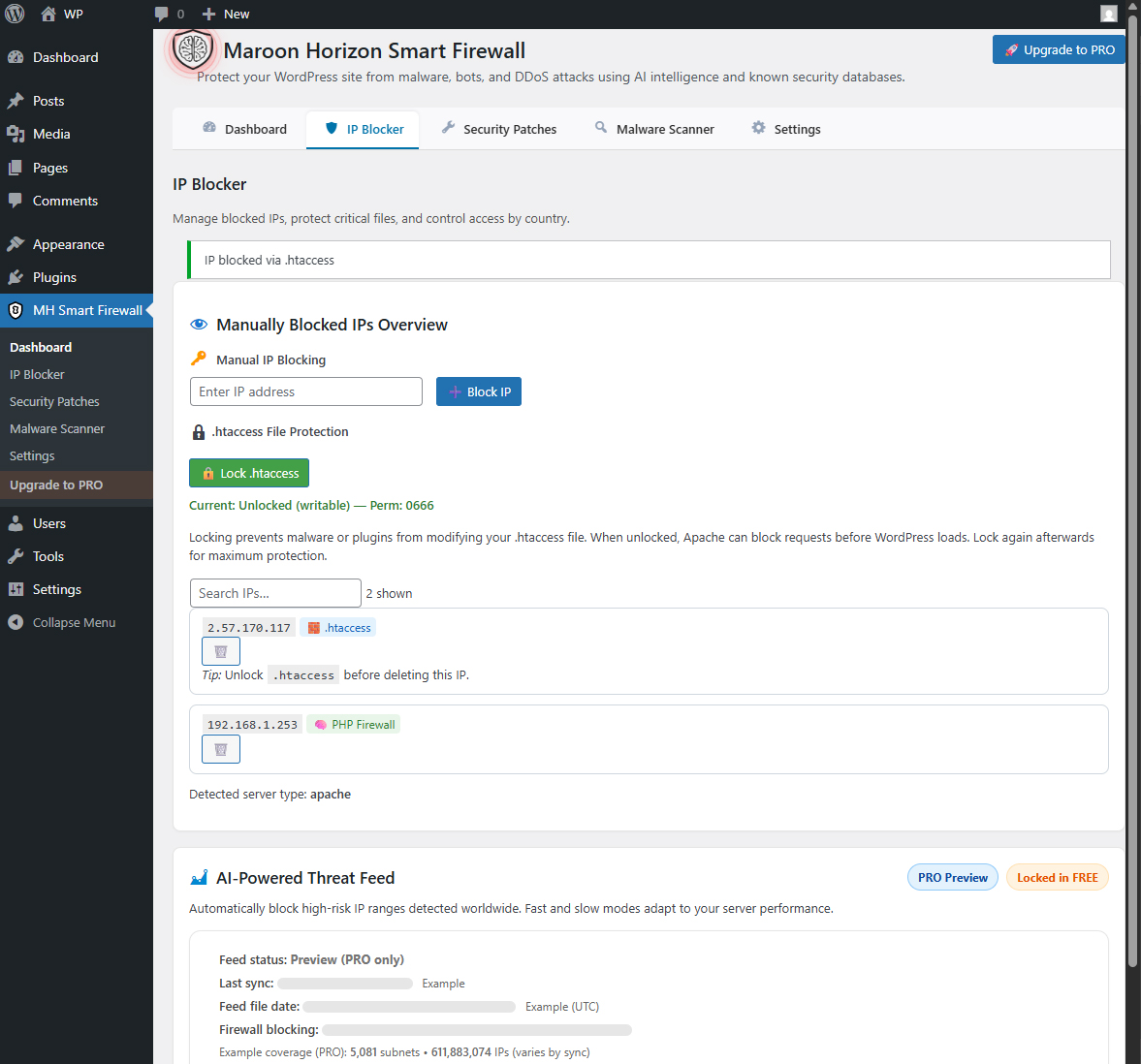
- Manual IP blocking and IP management.
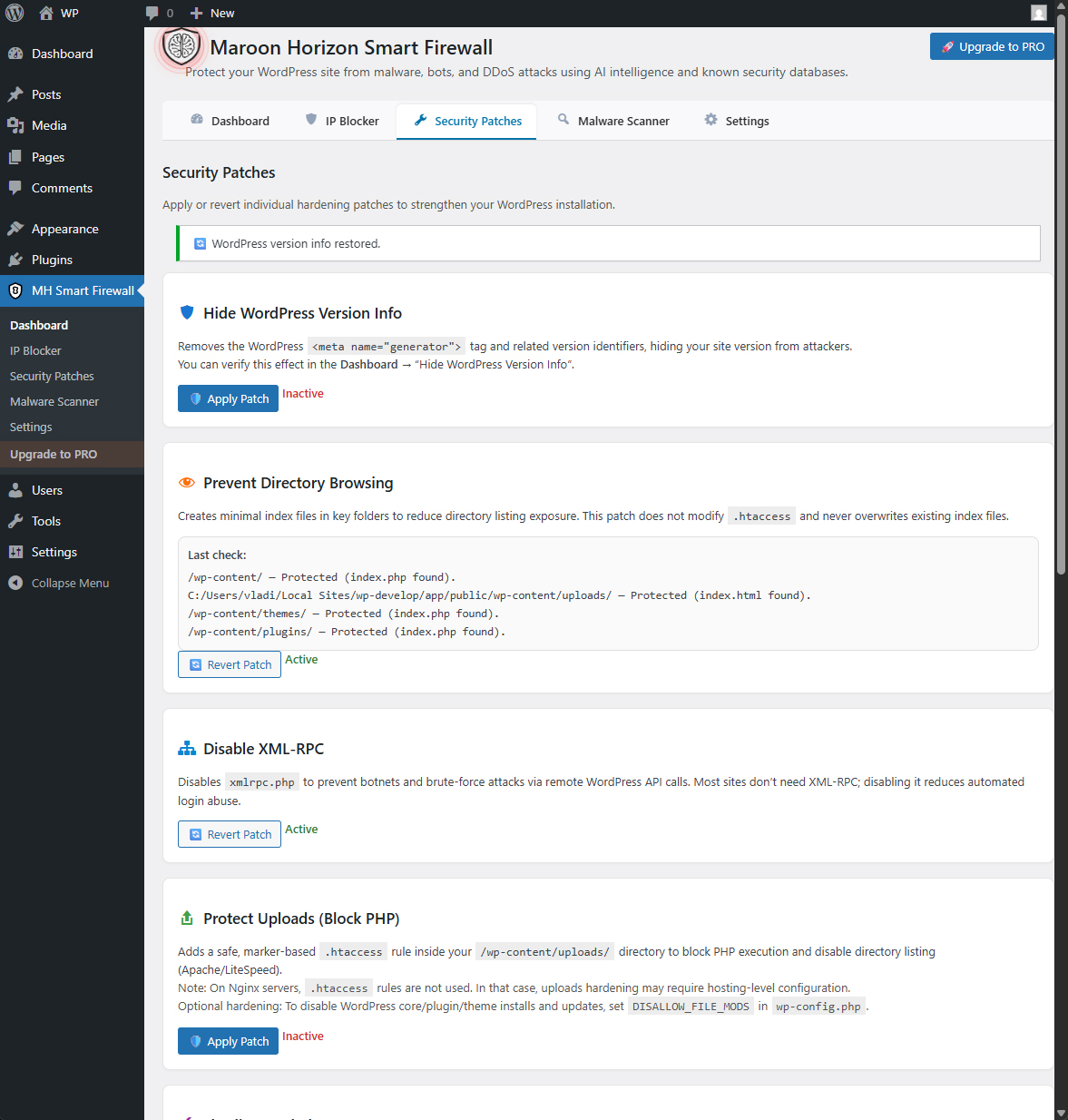
- Security patch toggles for common hardening actions.
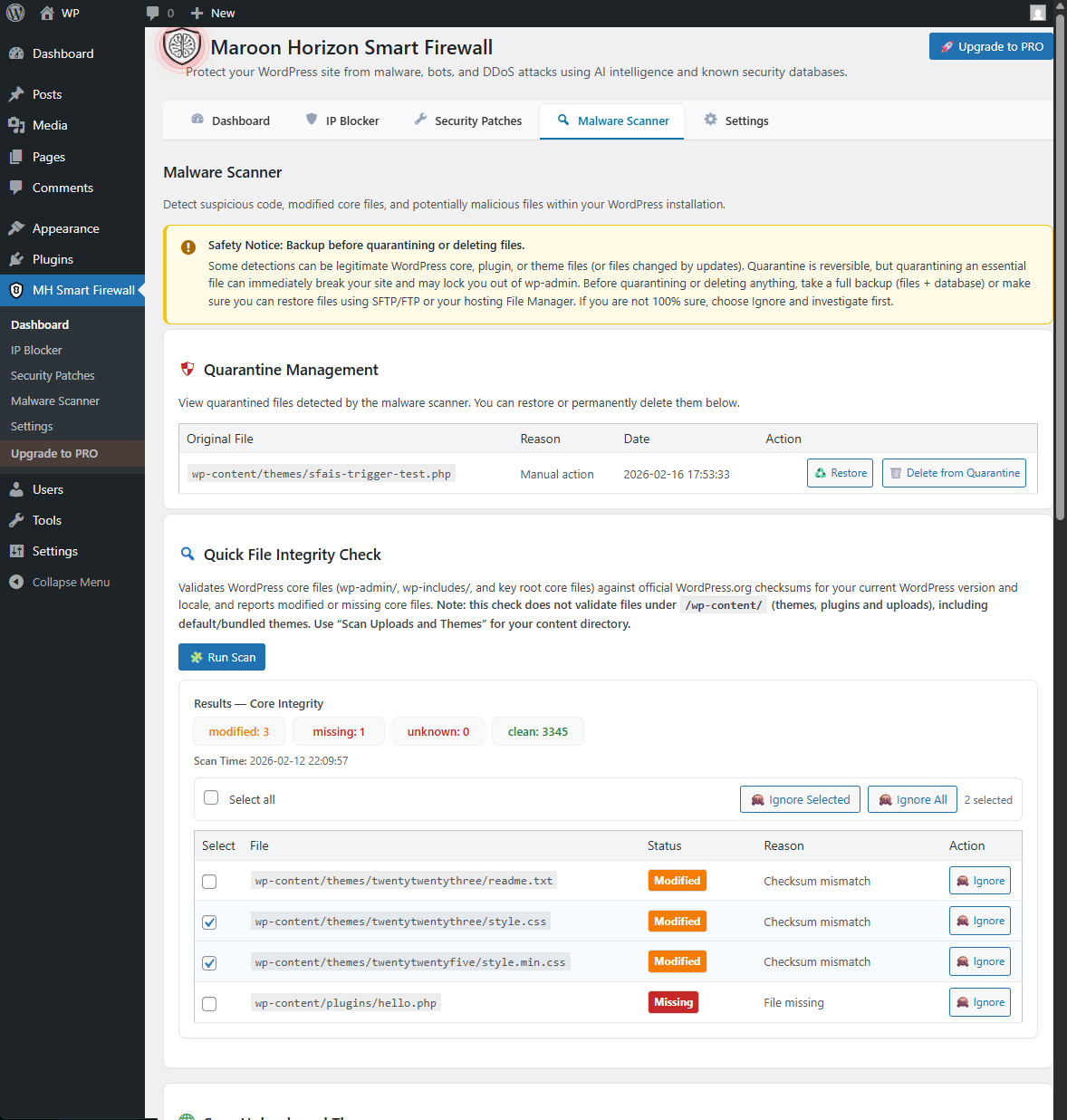
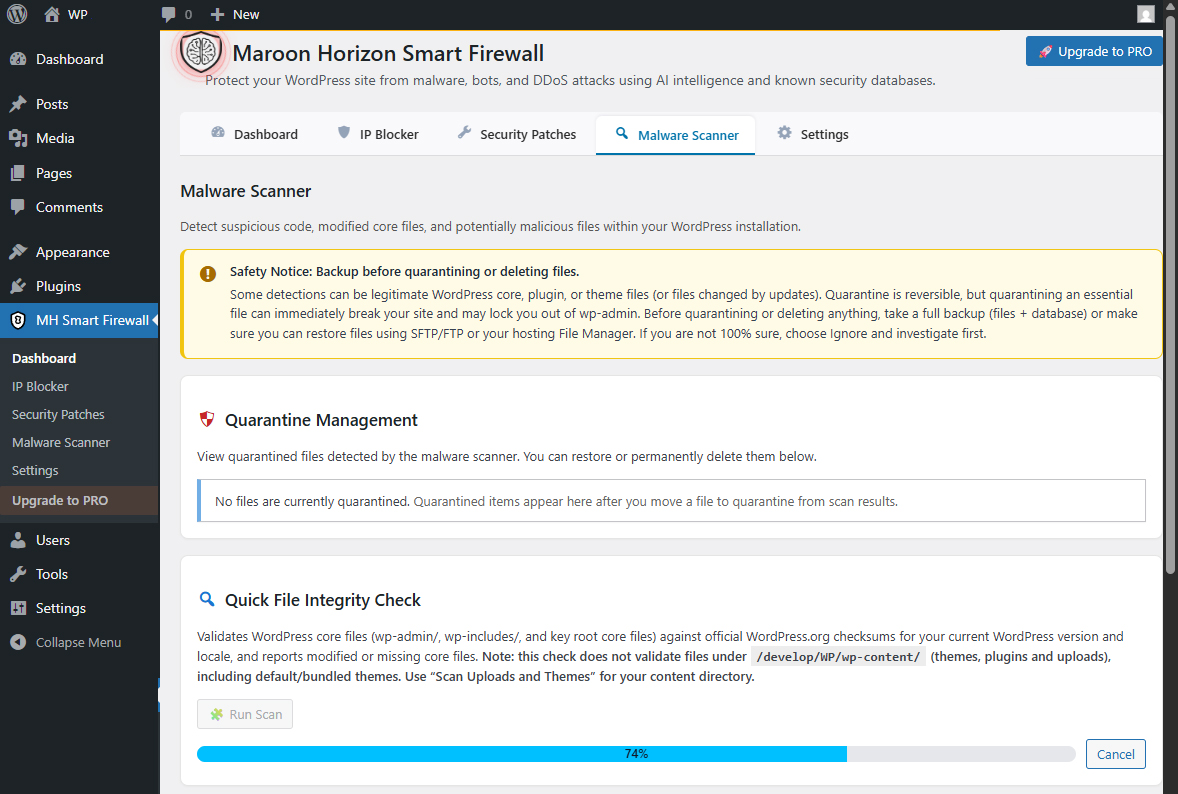
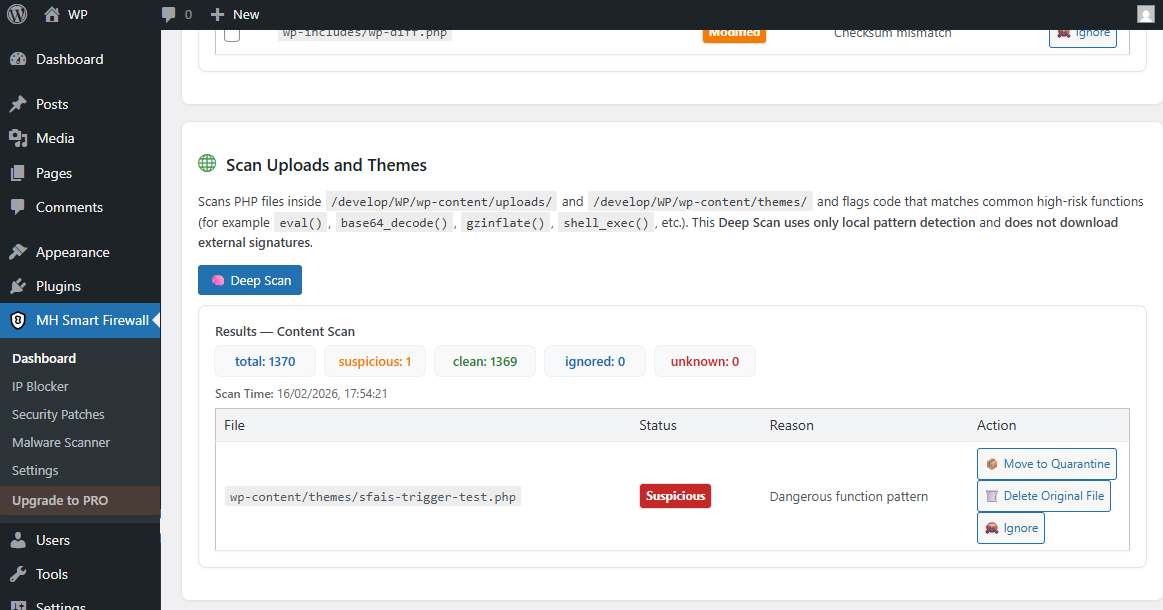
- Malware scanning of uploads and theme directories using local pattern detection (no external signatures).
- Quarantine management (restore / delete quarantined files).
- Quick file integrity checks (where supported in the FREE workflow).
- Malware scans run on your server.
- Scanned file contents are not uploaded by the plugin.
- External requests (if any) are limited and disclosed below.
- Site owners who want simple, practical protection without complex configuration.
- Agencies and developers who need a clean hardening + scanning toolkit.
- Anyone who wants a transparent FREE build, with an optional PRO upgrade path.
- AI-Powered Threat Feed (encrypted subnet feed) and automatic sync.
- Real-Time AI Threat Detection (AI model signatures).
- AI-Powered Deep Scan and scheduled email reports.
安装:
- Install the plugin from the WordPress Plugins screen, or upload the plugin folder to your WordPress plugins directory.
- Activate the plugin through the "Plugins" screen in WordPress.
- Open the plugin from the WordPress admin menu and configure firewall controls, patches, and scanning.
- Run a scan and review findings. Use quarantine actions if needed.
屏幕截图:
常见问题:
Does the FREE version contact external servers?
Most FREE features run locally and do not require third-party services. The only outbound requests made by this WordPress.org (FREE) build are disclosed in the "External Services" section above (for example, the optional Core Integrity Scan checksums request and optional Freemius opt-in).
Does the plugin upload my files to be scanned?
No. Malware scans run locally on your server. The plugin reports findings inside the WordPress admin.
Will it slow down my site?
The firewall settings and hardening toggles are lightweight. Malware scans do work on the server, so it’s best to run scans during low-traffic periods on shared hosting.
What does the malware scanner scan in the FREE plugin?
The FREE scanner targets uploads and theme directories using local pattern detection. Findings are reported in the admin UI and can be quarantined.
What about false positives?
Security scanning is conservative by design. Review findings before taking action, and use restore from quarantine if needed.
How do I upgrade to PRO?
PRO functionality is provided by a separate commercial plugin (not included in this WordPress.org build). Licensing and delivery are handled by Freemius. Learn more: https://mh.ie/maroon-horizon-smart-firewall/
更新日志:
- WordPress.org packaging/compliance refinements (FREE build contains only FREE functionality).
- Refined build separation between FREE and PRO for cleaner packaging and better maintainability.
- Fixed scan bug in Automatic AI Scan & Email Reports
- Added defensive pruning for abandoned scan-job artifacts (stale/overflow cleanup) to ensure scan-jobs cannot grow without bound due to interrupted scans.
- Added automatic scan-job cleanup, removes scan-job on scan completion or cancel
- Improved: Saving AI scan settings now reschedules the cron job without running a full scan inside the AJAX request.
- Security: Added nonce verification for admin actions and improved request validation.
- Compatibility: Minor internal refactoring and stability improvements.
- Improved PRO upgrade UX in FREE build (Checking and updating minor cosmetic details in: code quality, privacy/external calls, licensing, “freemium” behavior, readme metadata, and submission requirements).
- Improved PRO upgrade UX in PRO build (If Signatures is 0, the AI-Powered Deep Scan runs in local-only mode (patterns + heuristics) until user sync the AI model from our mh.ie servers.).
- Improved PRO upgrade UX in FREE build (Removed the broken “Switch to PRO now” button).
- Improved PRO upgrade UX in FREE build (visually more impact).
- Improved PRO upgrade UX in FREE build (switch button + clear manual steps).
- WordPress.org compliance updates (privacy disclosure + i18n folder/textdomain loading).
- Initial release.