
Melapress Role Editor
| 开发者 | Melapress |
|---|---|
| 更新时间 | 2026年6月10日 13:47 |
| WordPress版本: | 7.0 |
| 版权: | GPLv3 |
| 版权网址: | 版权信息 |
详情介绍:
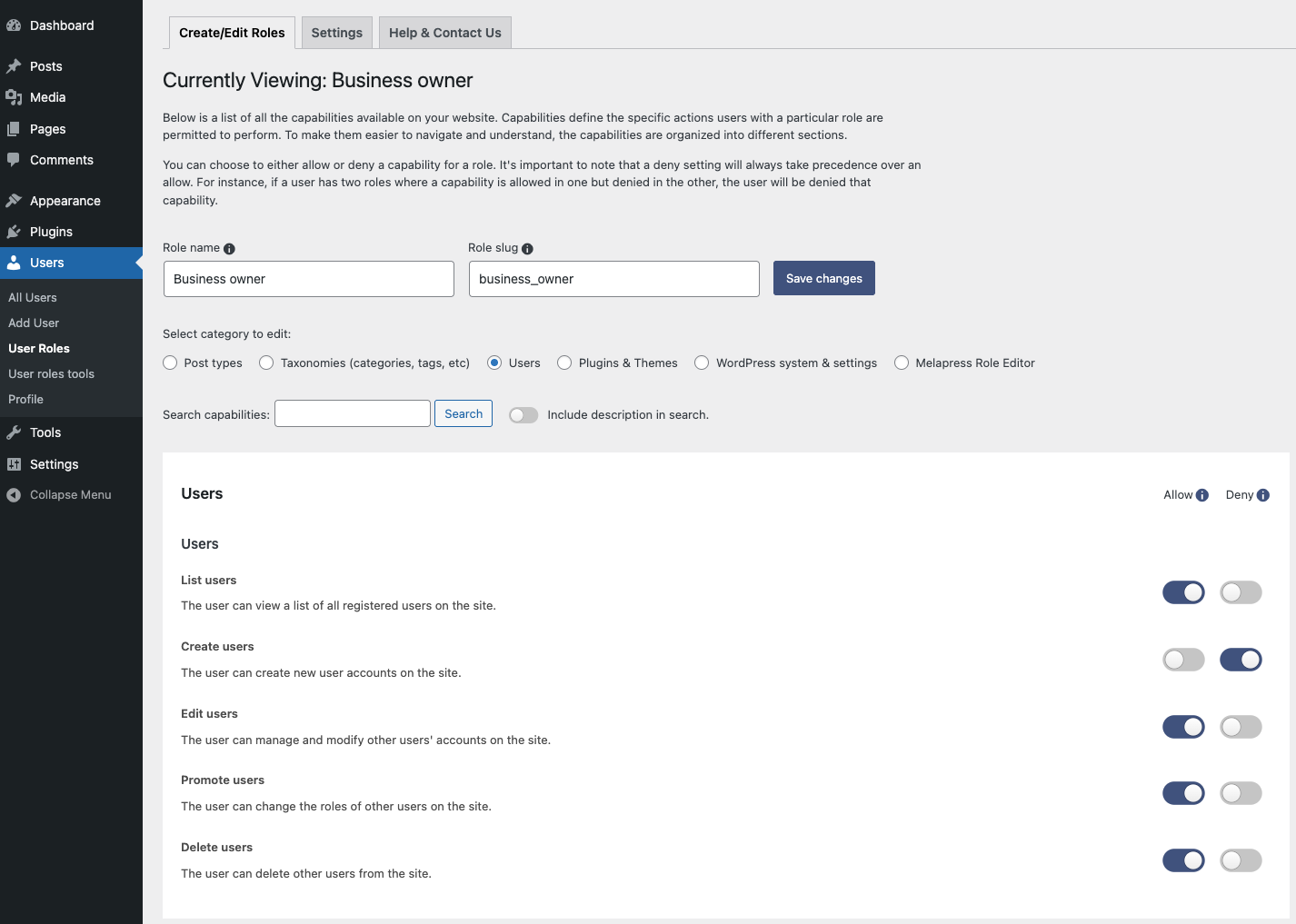
- Ability to create, edit, and delete custom user roles with ease
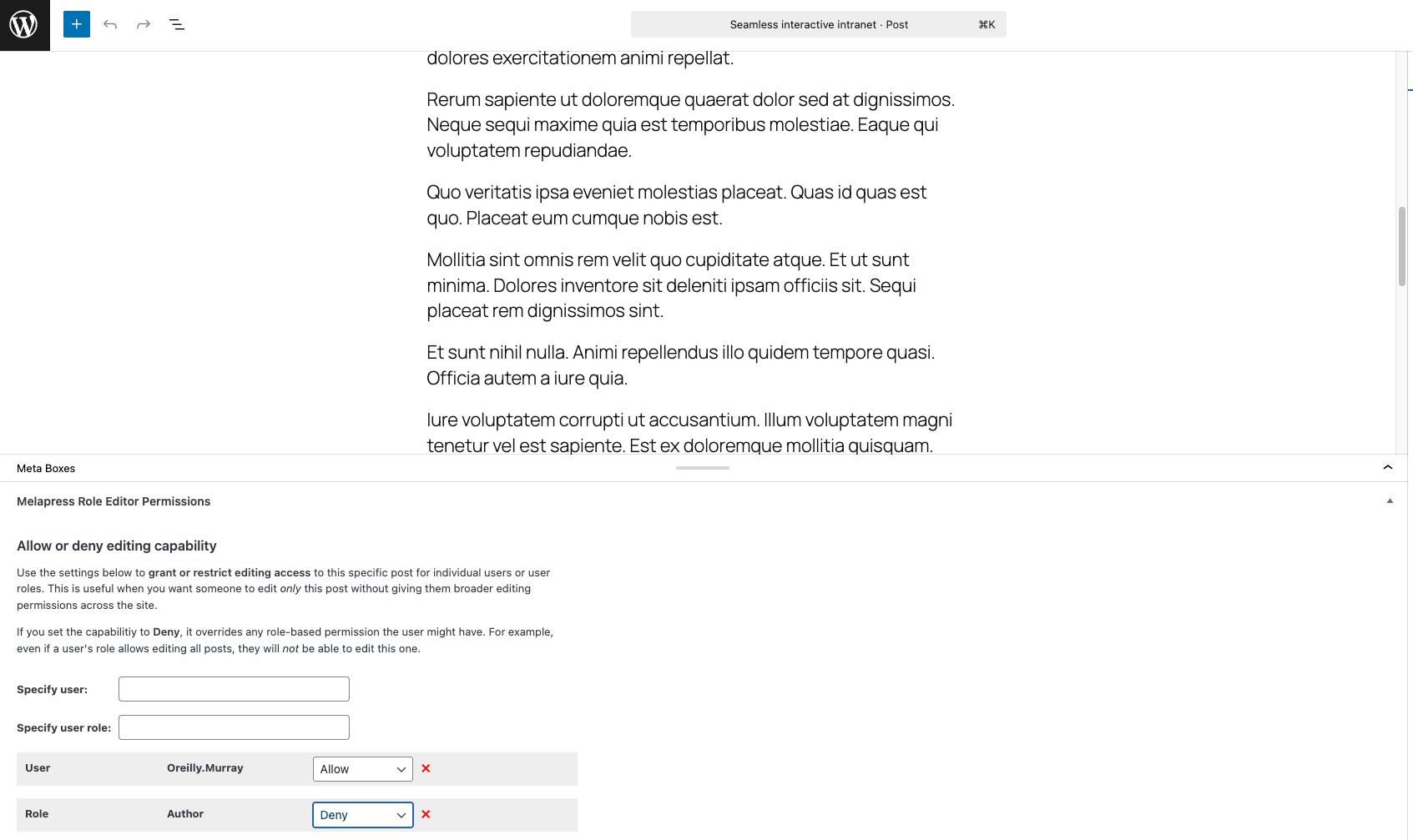
- Granular post-based permissions, enabling you to allow edit access to one post but not another
- Useful out-of-the-box custom roles
- Backup and restore user role configurations
- Auto-detect user role changes with restore prompt
- Add users to multiple roles
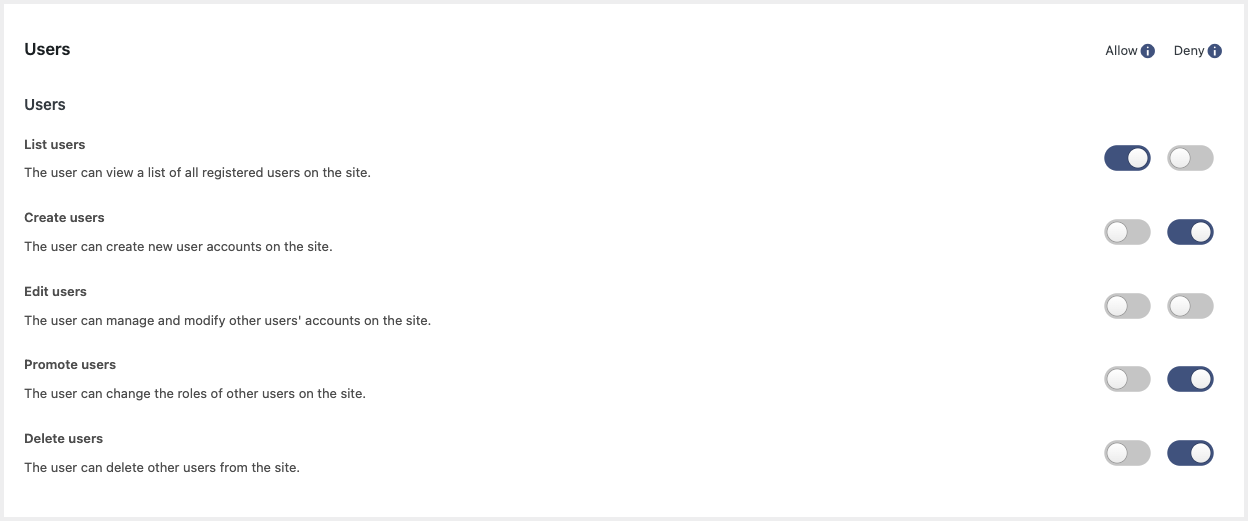
- Allow or Deny capabilities
- Out-of-the-box support for Easy Digital Downloads, WooCommerce, and Yoast SEO
- Capability of pretty names for easier referencing
屏幕截图:
常见问题:
Is Melapress Role Editor free?
Yes, Melapress Role Editor is a 100% free plugin.
Does the plugin send any data to Melapress?
No, the plugin does not send any data to us whatsoever.
Is Melapress Role Editor easy to use?
Melapress Role Editor has been designed from the ground up with ease of use in mind. You'll find wizards to walk you through configuration processes, pre-configured roles to help you get started easily and quickly, and many other features to help you make the most out of the plugin.
Does Melapress Role Editor allow you to set different permissions for each role?
Yes, each role is fully customizable so that you can set whichever capabilities you want that role to have. Furthermore, you can explicitly allow or deny capabilities to ensure a specific capability is not allowed.
How can I report security bugs?
You can report security bugs through the Patchstack Vulnerability Disclosure Program. The Patchstack team help validate, triage, and handle any security vulnerabilities. Report a security vulnerability.
更新日志:
- New features
- Added Secondary Role support for invited network users.
- Added a deactivation feedback form to assist with user feedback collection.
- Bug fixes
- Fixed alignment and styling issues in the plugin UI caused by changes introduced in WordPress Core 7.
- Fixed: PHP Notice raised by WordPress Core 7 where WP_Scripts::add was being called incorrectly.
- Fixed: Posts menu item incorrectly shown in wp-admin for users or roles with page-only permissions.
- Fixed: Role not being created when clicking "Skip the wizard" in the Add New User Role wizard before completing all steps.
- Fixed: Plugin data removal during uninstallation not working correctly - removal now completes as expected.
- Plugin & functionality improvements
- Removed deprecated WordPress core capabilities from the plugin codebase, eliminating redundant and obsolete code.
- Replaced the Search button with a placeholder in the first-time setup wizard for improved consistency.
- Role type labels on the role listing page have been simplified for clarity.
- Code and architecture improvements across multiple classes for improved consistency and maintainability.
- Security fix
- Improper Authorization to Authenticated (Subscriber+) Privilege Escalation via Secondary Role Assignment.
- Improvements
- Removed redundant Search button from Role Editor as search runs automatically while typing.
- Improved the UX: added notes and description on core roles, and also restricted deletion of core roles.
- Bug fixes
- Users with post-specific edit permissions can now publish changes directly instead of being forced to submit a post for review.
- New features
- Added support for creating roles with granular editing permissions, allowing administrators to limit users to edit only selected post types and specific posts within those types (without create or delete access).
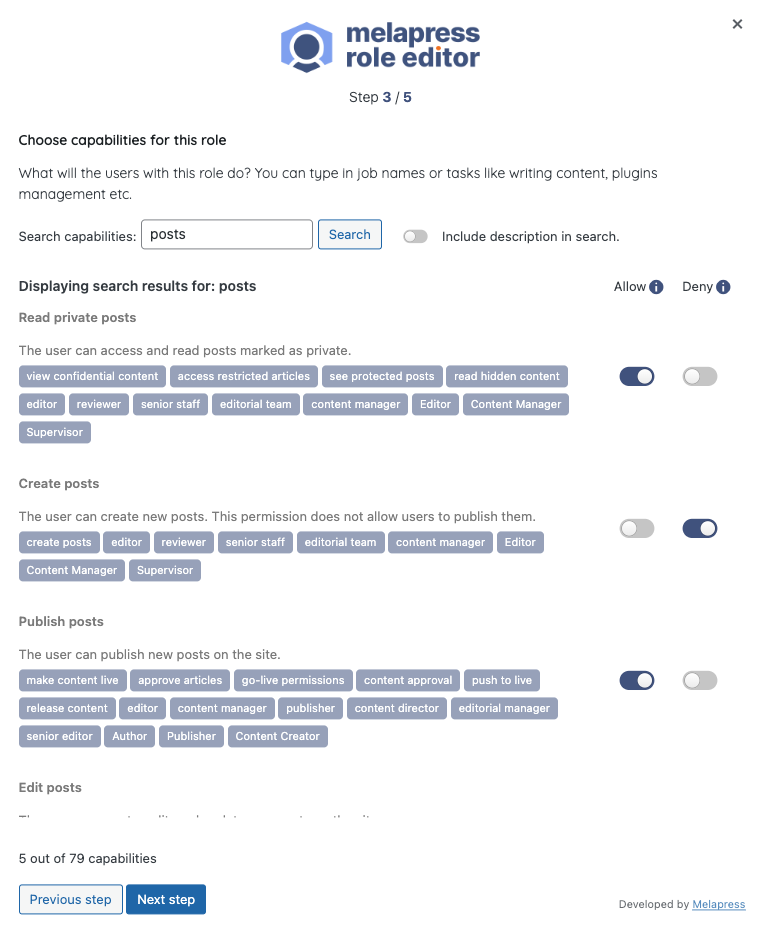
- A setup wizard on plugin activation to guide admins through creating and configuring roles more easily.
- Plugin & functionality improvements
- Improved the Search of capabilities inside plugin wizards
- Moved the plugin menu under the “Users” section and split functionality into two pages: “User Roles” and “User Role Tools” for better organization.
- Improved the Assign Role tool by merging the two separate role selectors into a single form and streamlining the UI/UX.
- Changed the layout of the About us page with improved text and imagery.
- Automated backups removed from the plugins and replaced with a manual backup approach, which is better for the user.
- Reviewed how per-post rules are stored and handled in the database, and prepared improvements for cleaner management and future enhancements.
- Updated the plugin’s internal structure to improve long-term maintainability and make future expansions easier.
- Improved the looks and feels Screen Options area of the plugin.
- Reviewed and updated the plugin codebase to follow security best practices, including proper sanitization, escaping, nonce usage, and permission checks.
- Improved readability across admin pages by shortening long text lines and adjusting copy to more user-friendly line lengths.
- Improved the role editor UX so that after saving capabilities, users remain on the same tab/subsection instead of being redirected to the default view.
- Redesigned the roles table for better clarity by removing hover descriptions, adding a dedicated Description column, and clearly distinguishing built-in roles from custom ones (including creator info).
- Bug fixes
- Fixed multiple spelling mistakes across plugin pages and interface text.
- Fixed overlapping tag display in role editor search results by adding proper padding when tags wrap onto multiple lines.
- Fixed an issue where pressing Enter in the search field on the role editor page triggered a role save instead of performing the search.
- Standardized all plugin links and now using consistent UTM parameters.
- Fixed an issue where the New Role wizard sometimes displayed an incorrect permission count after reopening the wizard.
- Fixed an issue where per-post permission labels were not updated when a role name was changed, causing old labels (e.g. “Moderator”) to continue appearing instead of the new name.
- Fixed some internally reported PHP Warnings and fatal errors that could occur in certain circumstances.
- Improvements
- On multisite networks, the plugin now correctly displays the "Super Admin" role for relevant users when they are looked up/filtered through the plugin.
- Improved various UI elements across plugin pages and adjusted help text descriptions.
- Added missing help text for the custom "Content Editor" role created by the plugin.
- Bug fixes
- Fixed restricted plugin pages for admins on multisite networks.
- Multisite: Resolved an issue preventing users from being added with both a primary and secondary role on a subsite.
- Fixed a bug where users with multiple roles and overlapping capabilities were not following the "DENY" rule correctly.
- Initial release.