
OffCanvas / Drawer – Responsive Slide-In Drawer & Popup System
| 开发者 |
abuhayat
charlescormier bplugins freemius asadsuzan |
|---|---|
| 更新时间 | 2026年7月26日 19:37 |
| 捐献地址: | 去捐款 |
| PHP版本: | 7.1 及以上 |
| WordPress版本: | 7.0 |
| 版权: | GPLv3 or later |
| 版权网址: | 版权信息 |
详情介绍:
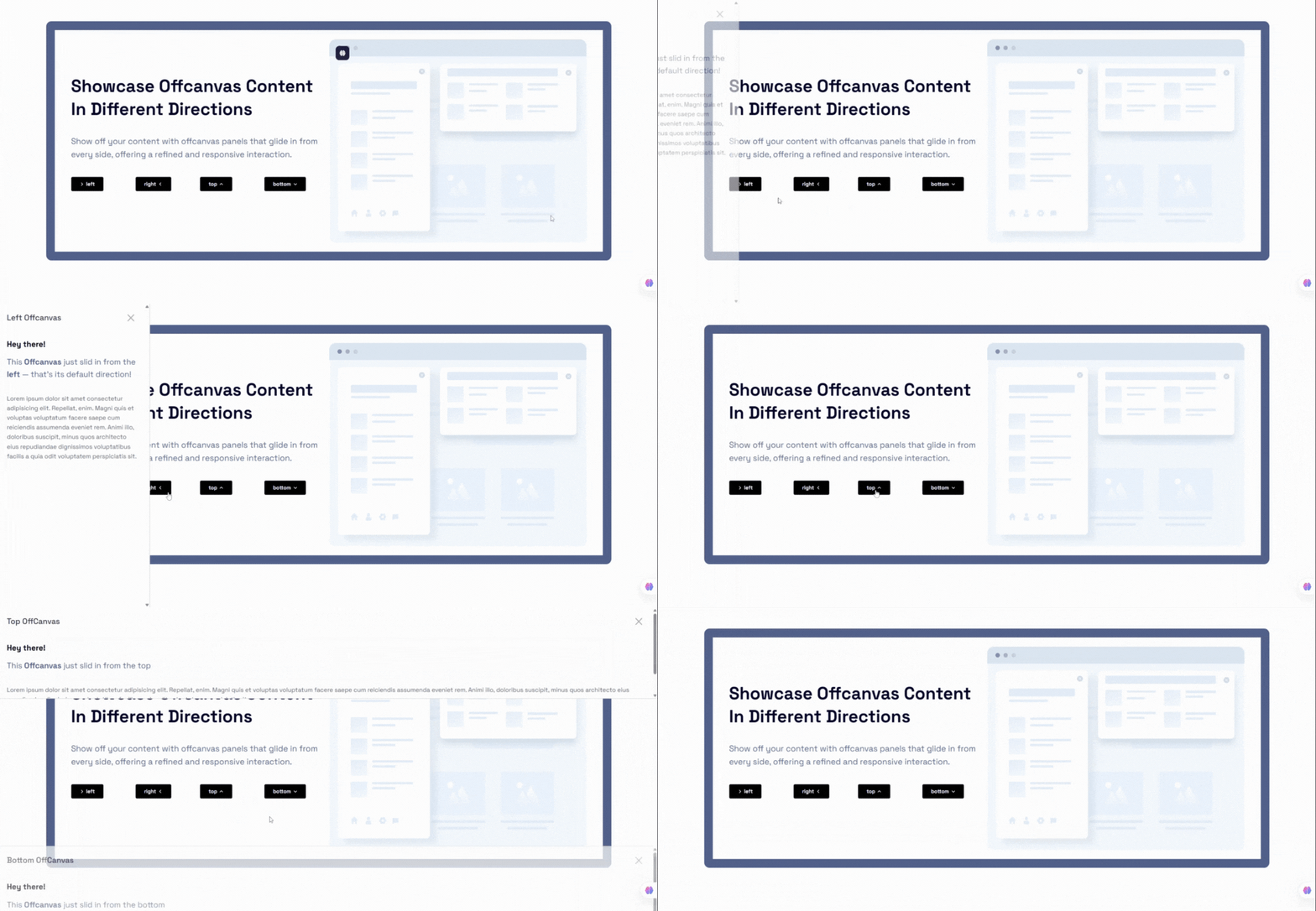
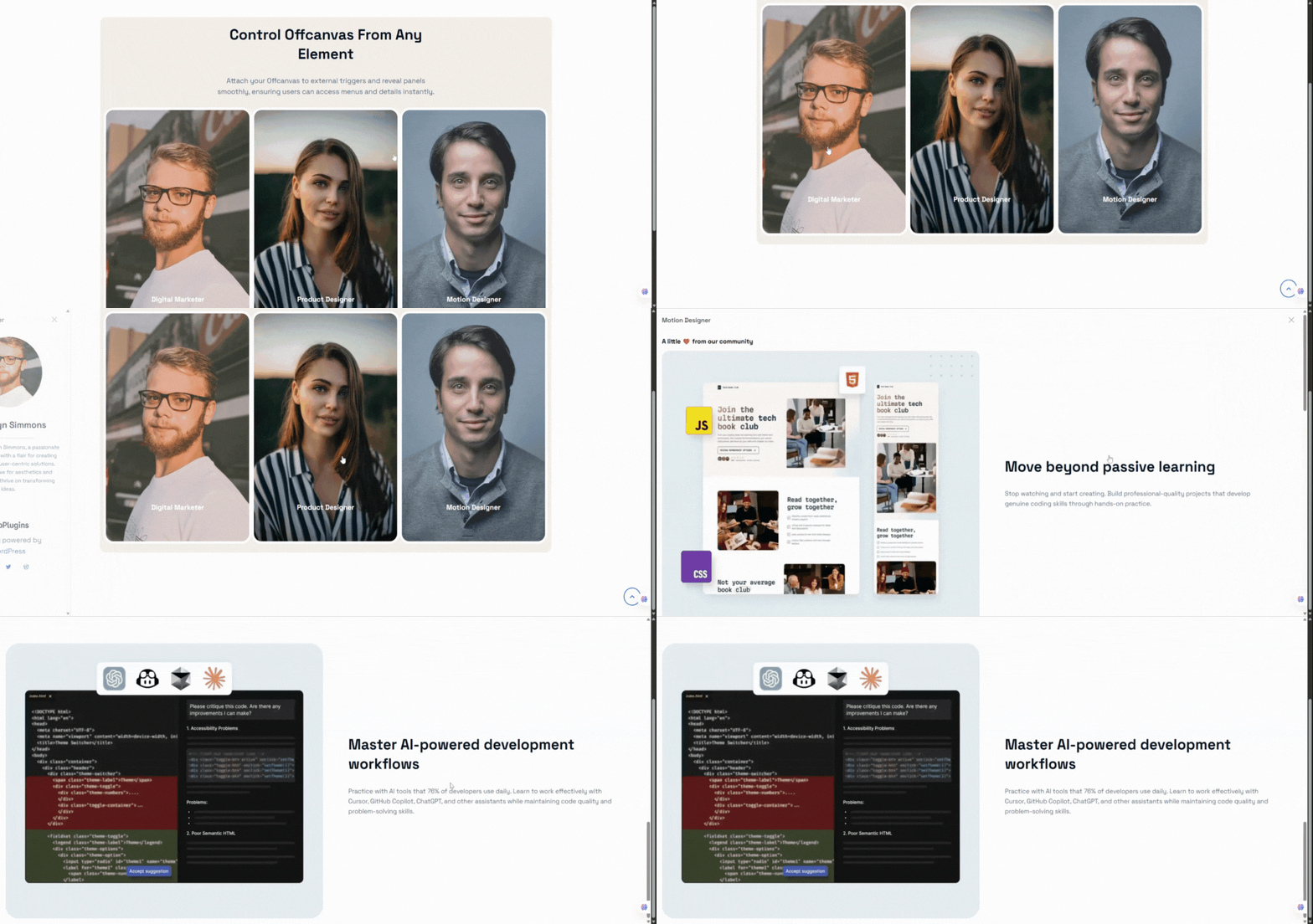
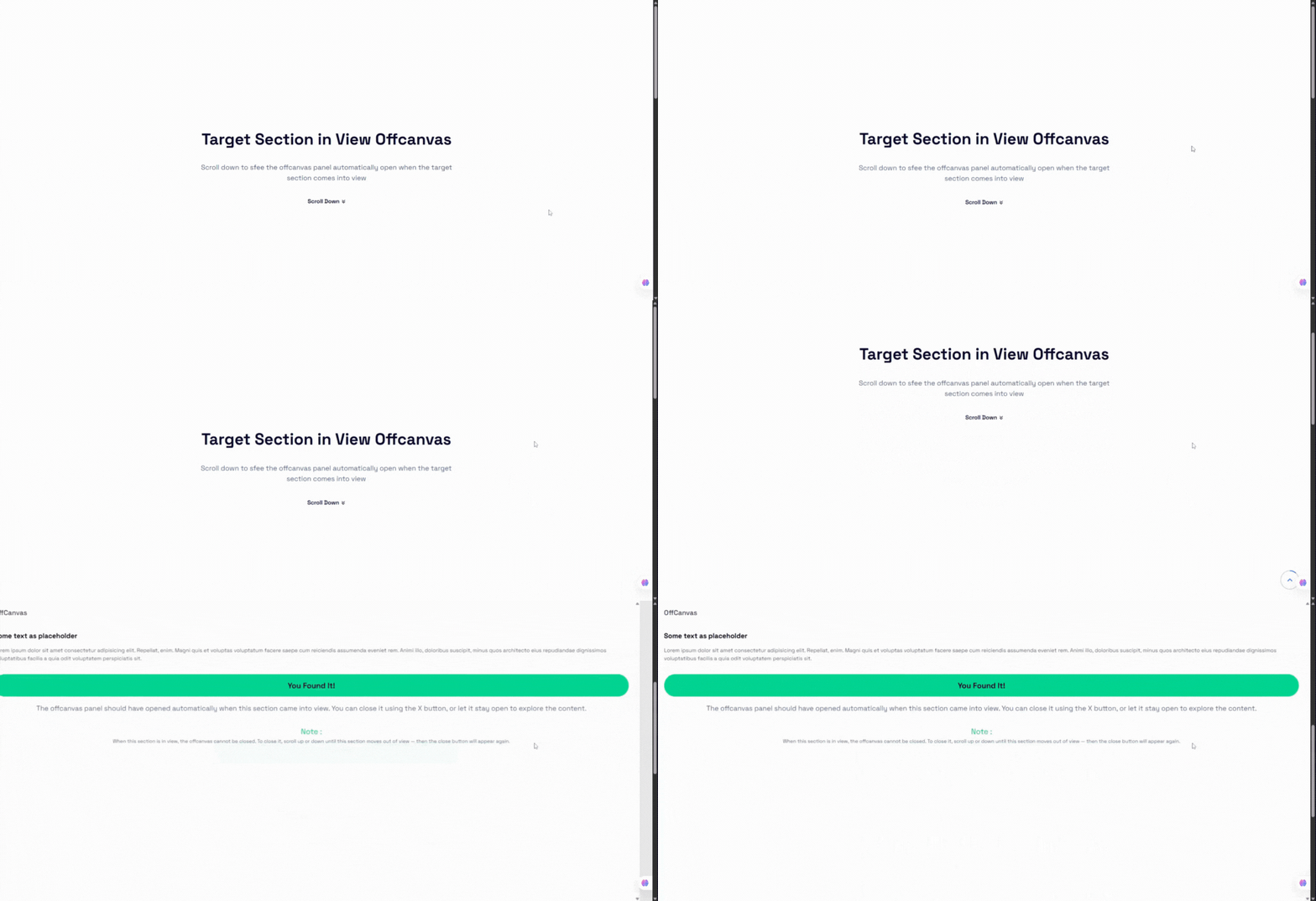
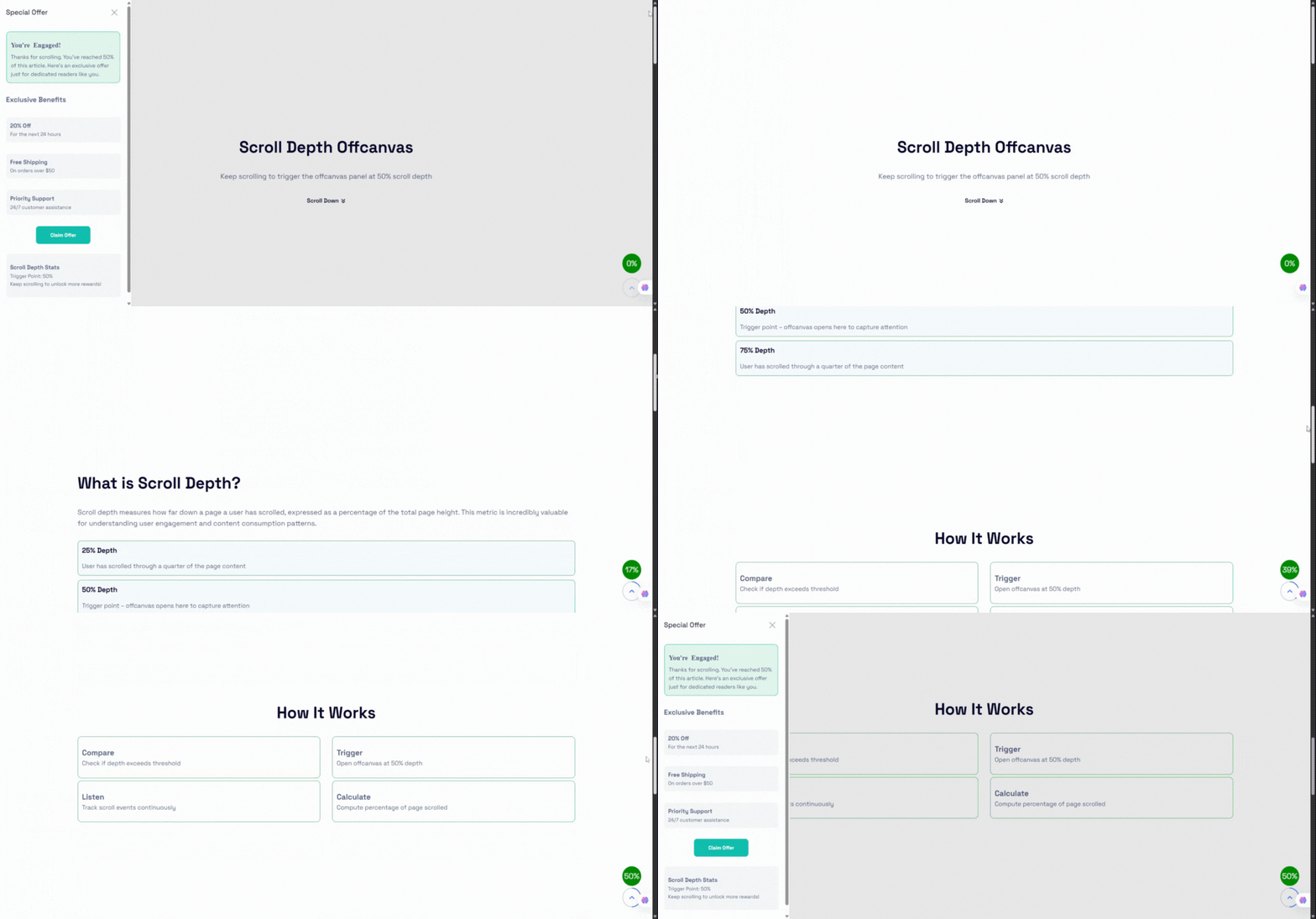
[offcanvas-block id="POST_ID"] shortcode.
The plugin is fully responsive, SEO-friendly, performance-optimized, and built to integrate seamlessly with any WordPress theme.
OffCanvas | Pricing | Support | Demo
安装:
- Navigate to Plugins → Add New.
- Search for OffCanvas Block.
- Click Install Now and then Activate.
- Download the plugin ZIP file from the WordPress Plugin Directory.
- Log in to your WordPress admin dashboard and go to Plugins → Add New → Upload Plugin.
- Choose the ZIP file, upload, and click Activate.
- Open the Gutenberg editor on any page, post, or template.
- Click the + icon (Add Block) and search for OffCanvas.
- Click to insert it, configure settings in the inspector sidebar, and populate the content area with Gutenberg blocks.
屏幕截图:
常见问题:
Does this block work with Full Site Editing (FSE)?
Yes! OffCanvas Block is fully compatible with block-based themes and FSE templates, headers, footers, and page layouts.
Can I use the OffCanvas drawer as a WooCommerce mini-cart?
Yes. You can insert the WooCommerce Cart block (or any cart block/shortcode) inside the OffCanvas content area and use the CPT shortcode to trigger it from your main menu cart button.
How do I open the OffCanvas panel from a theme navigation menu link?
In the Pro version, you can assign a custom class (e.g., open-my-drawer) to your navigation menu item in WordPress, and enter that selector (.open-my-drawer) in the Custom Trigger Selector setting.
Can I limit how often the popup triggers appear to a single user?
Yes. The Pro version includes a Smart Trigger Frequency control, allowing you to limit trigger appearances to "Once per session" or "Once per day" utilizing local storage and session storage.
What happens if I have multiple OffCanvas blocks on the same page?
The plugin handles multiple instances perfectly. Each block generates its own unique wrapper class and isolated trigger events. In version 2.0.4+, smart triggers also use block-specific storage keys to prevent collisions.
更新日志:
- Added device-specific drawer positions for mobile devices.
- Added Floating Action Button (FAB) trigger system with advanced styling and positioning controls.
- Added mobile swipe gesture support for opening and closing drawers.
- Added independent slide directions for mobile devices.
- Added device-specific smart auto trigger controls for mobile devices.
- Added customizable Z-index controls for drawer panels and backdrops.
- Added advanced backdrop styling controls including blur and opacity support.
- Improved Gutenberg editor dimension controls for mobile positions.
- Fixed smart trigger frequency handling for delay-based triggers.
- Fixed multi-instance smart trigger conflicts on the same page.
- Fixed manual panel closing restrictions when observed elements are visible.
- Fix: Resolved license activation check issue by improving class existence validation.
- Fix: Fixed broken link in the upgrade modal.
- Update: Improved Inspector Controls for a more intuitive and user-friendly experience.
- Update: Redesigned and modernized admin dashboard interface.
- New: Added contextual info notes to explain advanced settings and features.
- New: Introduced new popup animation types: Zoom, Flip, and Bounce.
- New: Added Backdrop blur control support
- New: Added Configurable animation duration(ms)
- New: Added Animation easing presets
- Update: Improved validation for custom trigger and smart trigger selectors (class/ID input).
- Update: Enhanced user guidance for Custom Trigger and Smart Auto Trigger options.
- Fix: Prevented invalid selector errors from breaking the editor.
- Refactor: Removed unnecessary and duplicate logic to improve performance and maintainability.
- New: Added ripple effect support to the trigger button.
- New: Added support for custom close button icons and position controls.
- New: Extended popup header options with background control, visibility toggle, and title position settings.
- Update: Renamed Trigger Button PanelBody Title for better clarity.
- Update: Moved trigger button alignment control to block settings.
- Fix: Close button icon visibility.
- Initial Release.