OhmTang CFT
| 开发者 | ohmtang |
|---|---|
| 更新时间 | 2026年5月5日 17:15 |
| 捐献地址: | 去捐款 |
| PHP版本: | 7.4 及以上 |
| WordPress版本: | 6.9 |
| 版权: | GPL v2 or later |
| 版权网址: | 版权信息 |
详情介绍:
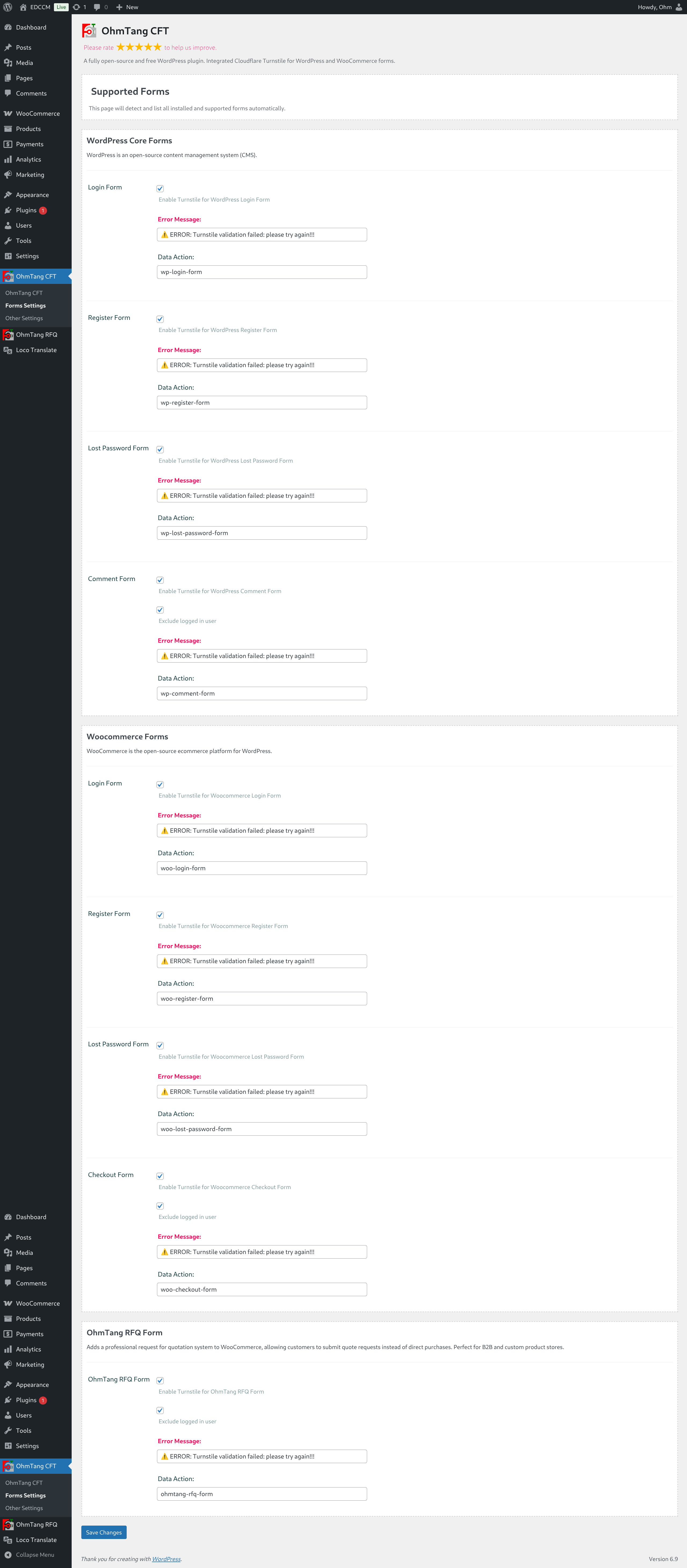
- Per-Form Enable/Disable - Every supported form can be individually activated or deactivated
- WordPress Core Forms:
- ✅ Login Form - Toggle on/off
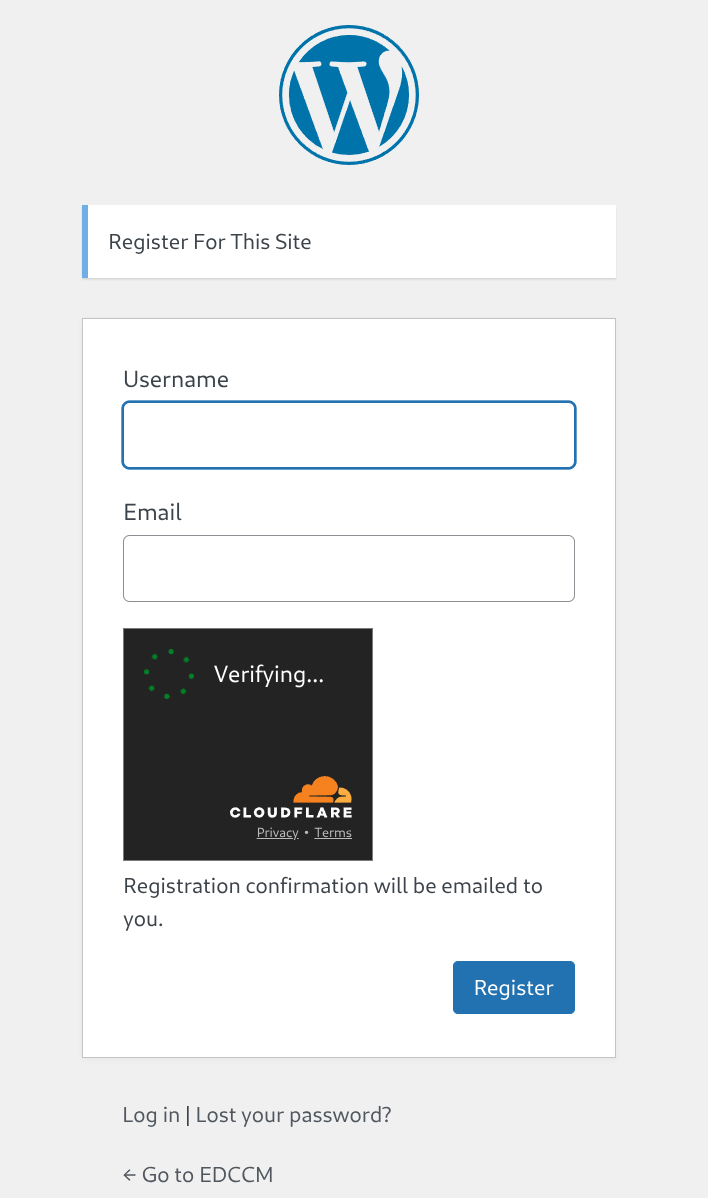
- ✅ Registration Form - Toggle on/off
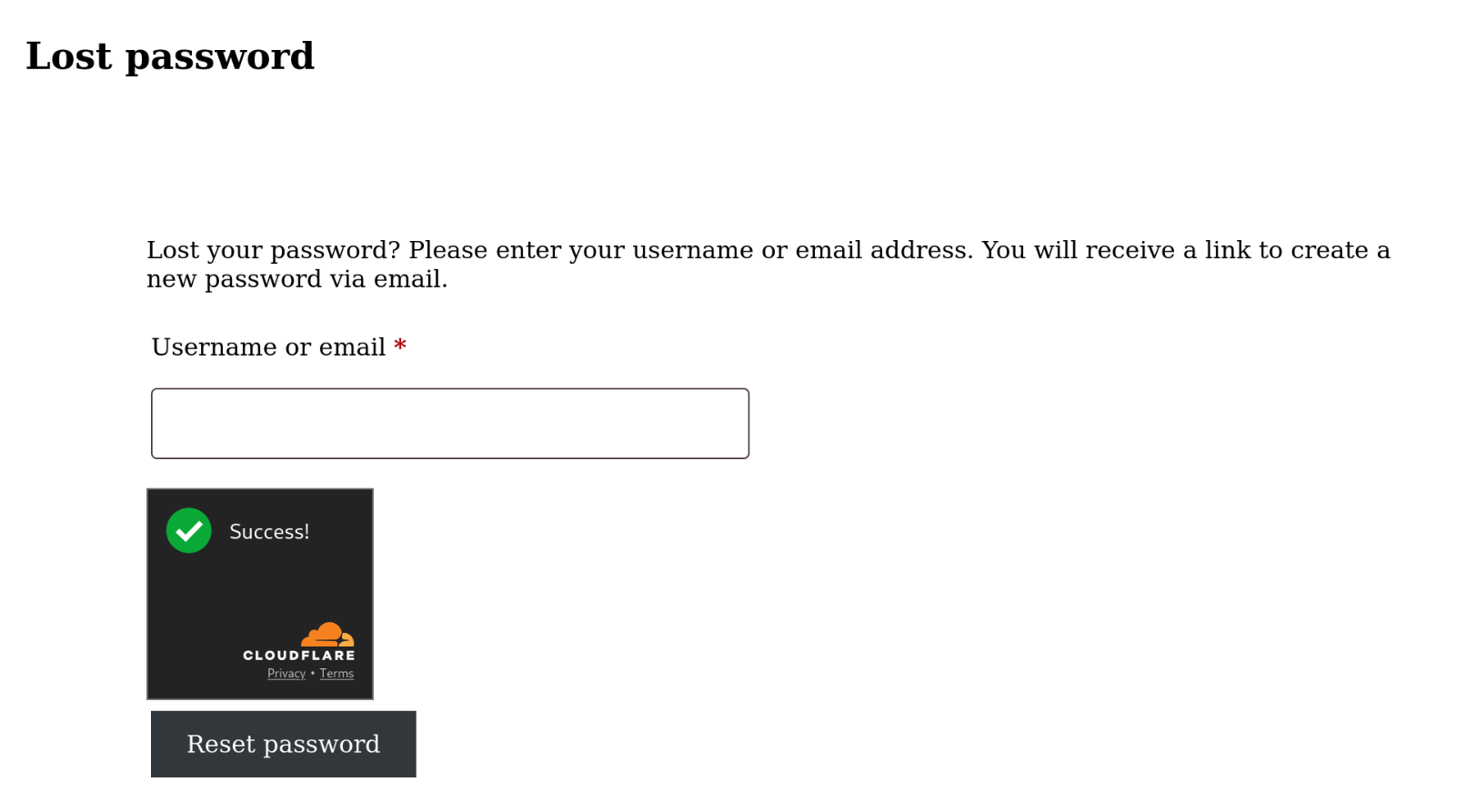
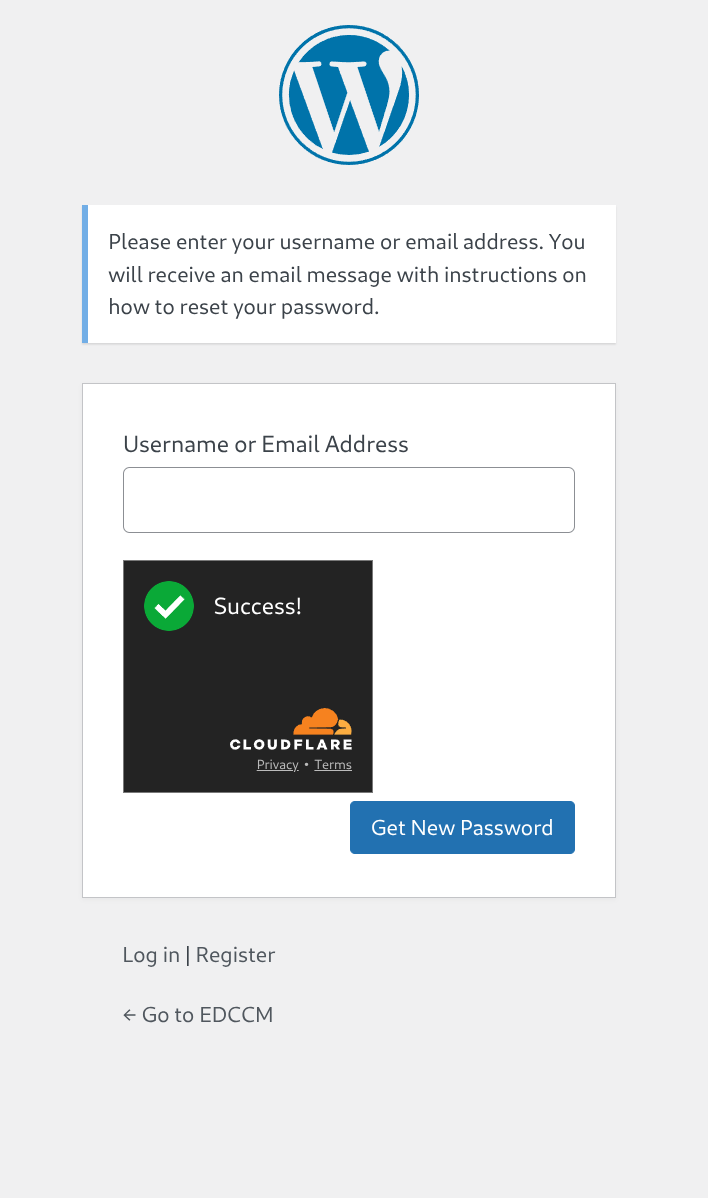
- ✅ Lost Password Form - Toggle on/off
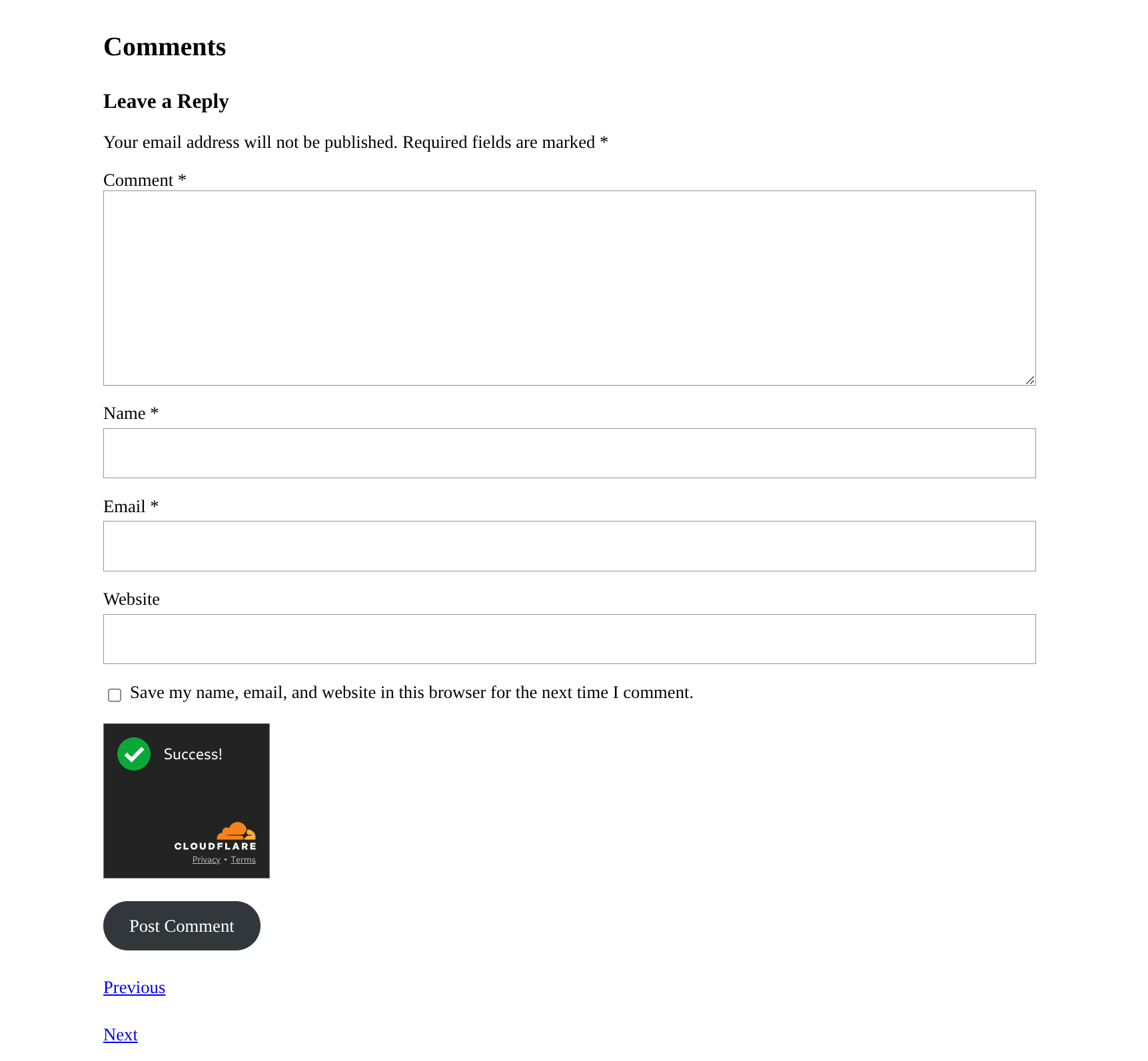
- ✅ Comment Form - Toggle on/off ( on/off login or no login user)
- WooCommerce Forms:
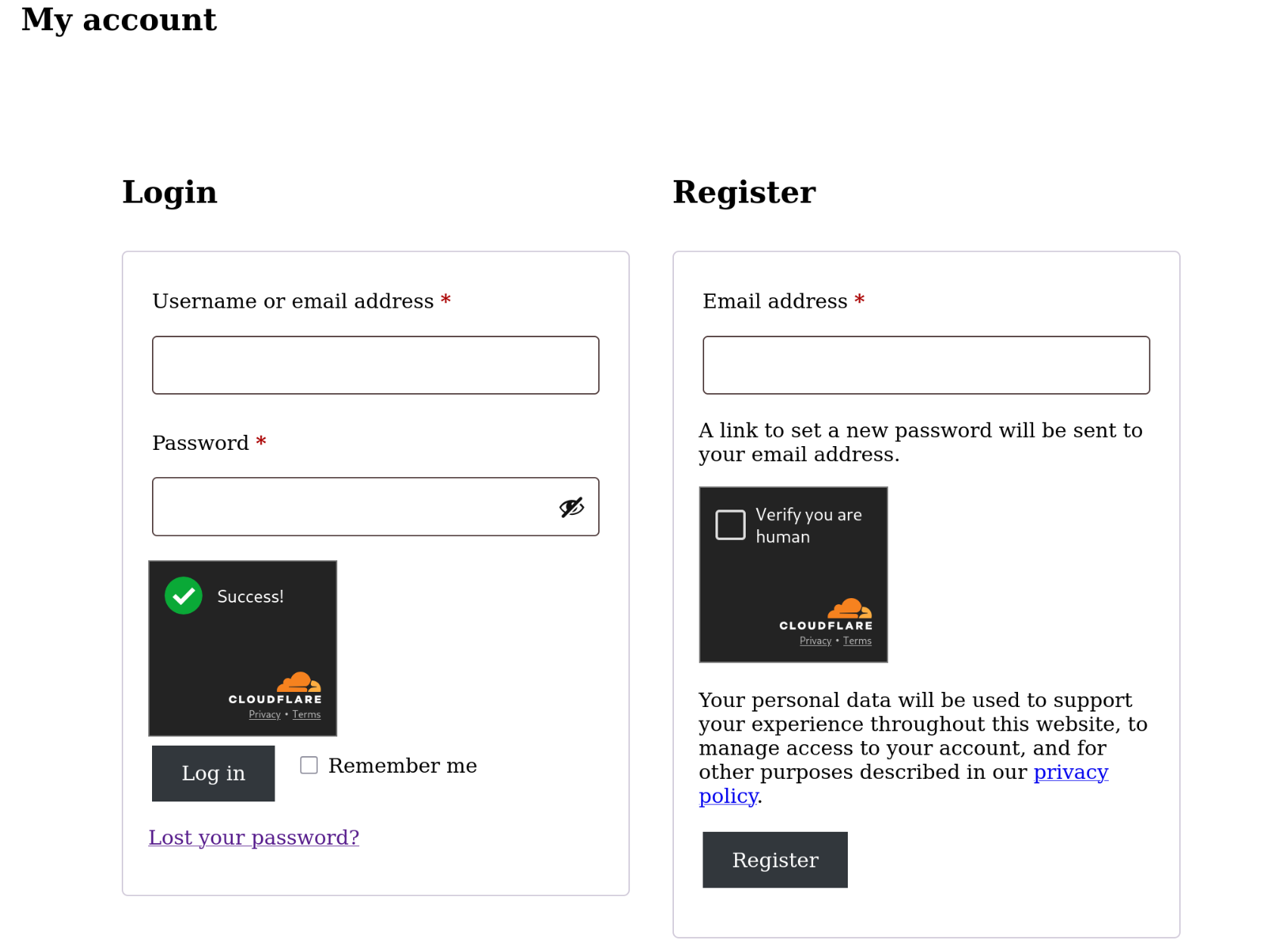
- ✅ Login Form - Toggle on/off
- ✅ Registration Form - Toggle on/off
- ✅ Lost Password Form - Toggle on/off
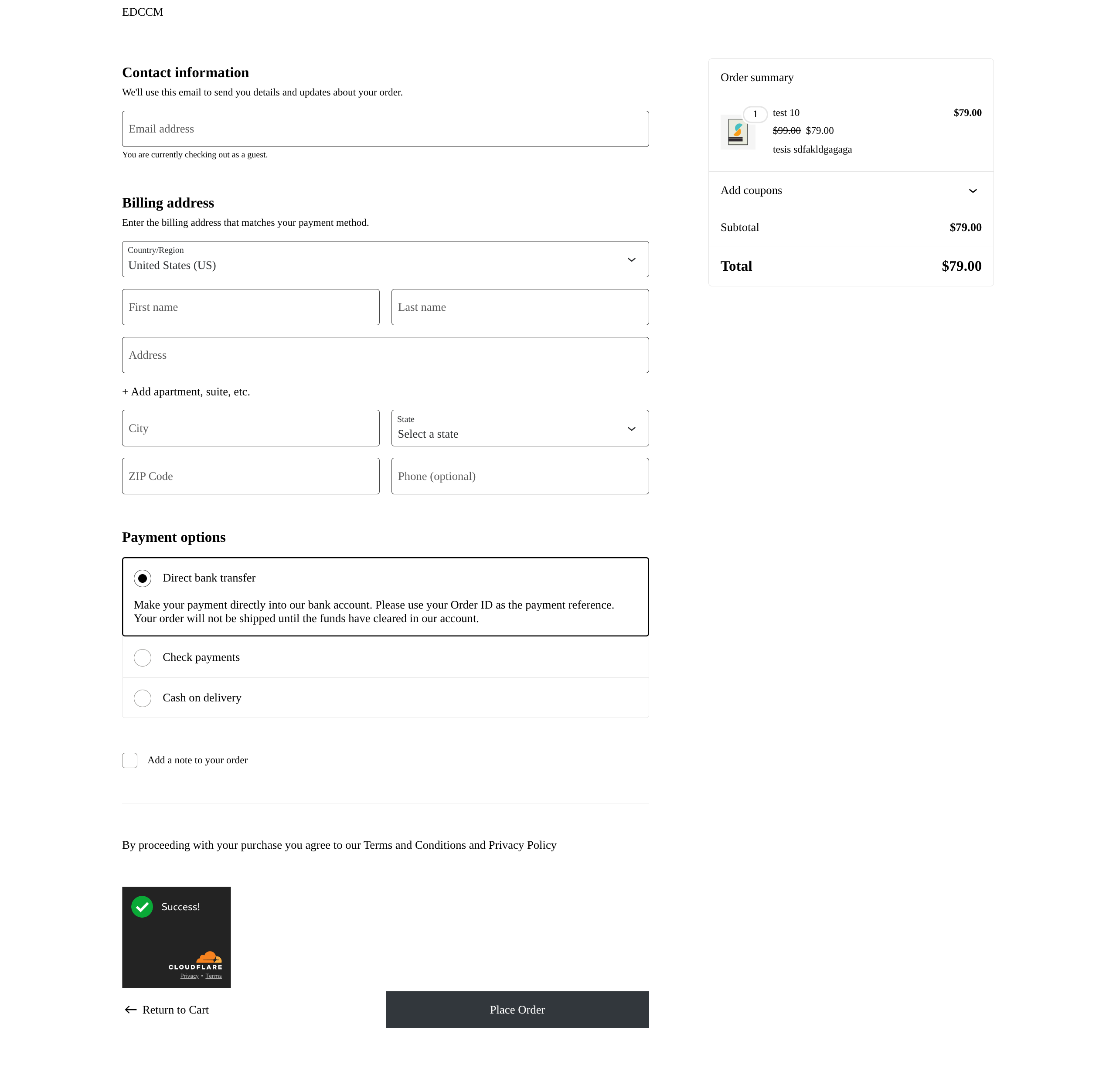
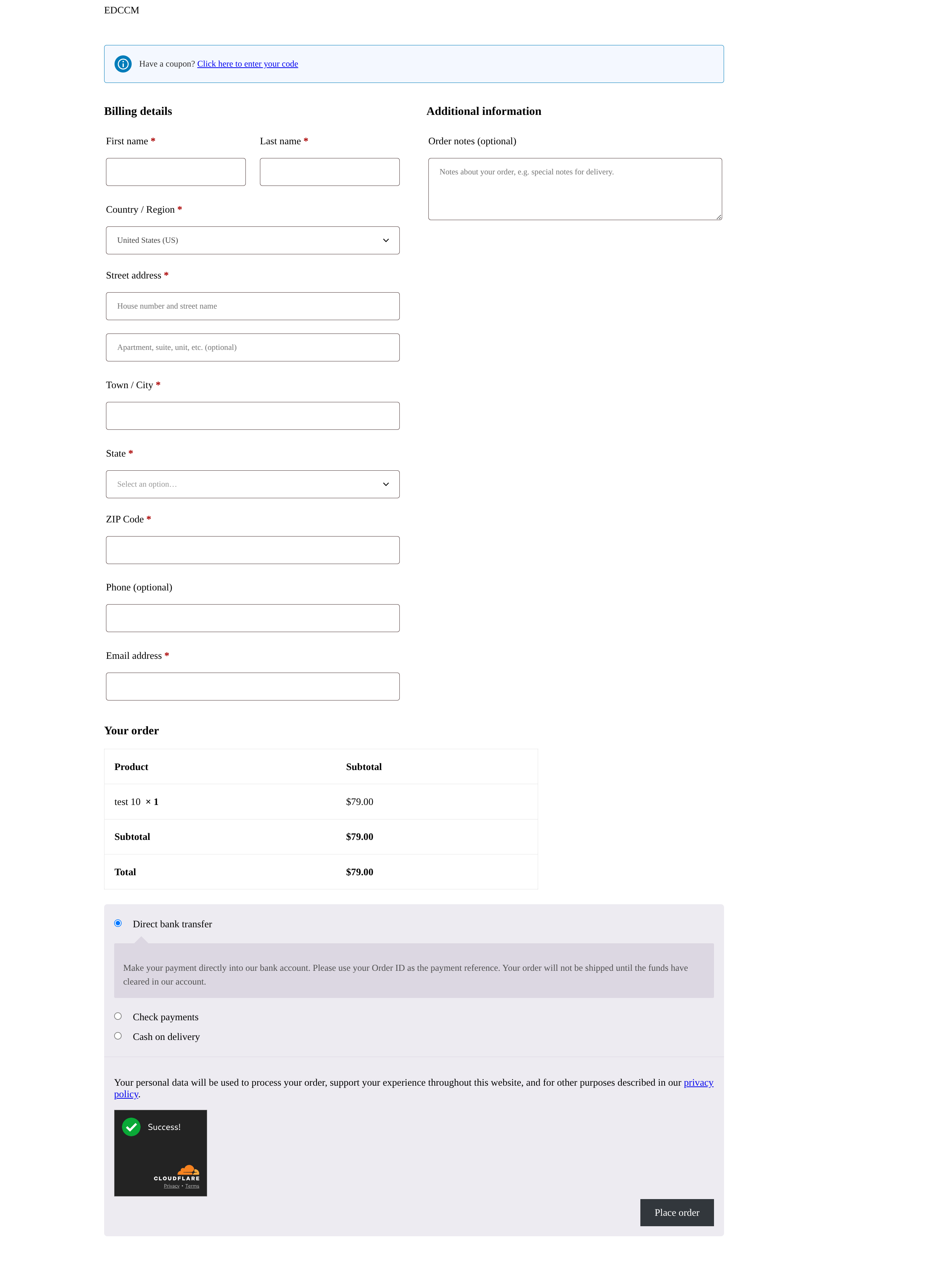
- ✅ Checkout Form (Support Full site editting Block Checkout page and Traditional Checkout page) - Toggle on/off ( on/off login or no login user)
- Checkout Page Smart Settings:
- 🔄 Option to skip verification for logged-in users - Provide seamless checkout experience for returning customers
- 🔒 Always protect guest checkouts - Secure anonymous transactions
- ⚡ Reduce friction for trusted customers while maintaining security
- Comment Form Intelligent Protection:
- 🔄 Toggle verification for logged-in users - Choose whether authenticated users need CAPTCHA
- 🛡️ Always protect guest comments - Prevent spam from anonymous visitors
- 📝 Respect trusted commenters - Regular commentators can enjoy streamlined experience
- Flexible User-Based Rules:
- 🎪 Customize protection based on user roles and status
- 🔐 Balance security and usability intelligently
- 📊 Reduce unnecessary verification for trusted users
- Login Security - Prevent brute force attacks on wp-login.php and admin areas (toggleable)
- User Registration - Stop spam registrations and fake account creation (toggleable)
- Comment Moderation - Eliminate spam comments automatically with smart user detection
- Password Recovery - Secure lost password forms against abuse (toggleable)
- Contact Forms - Compatible with popular contact form plugins
- Your favorite Contact Forms - If you need to integrate your preferred form, contact me: ohmtang@outlook.com
- Checkout Security - Prevent fraudulent orders and fake transactions with smart user detection
- Customer Registration - Ensure genuine customer accounts (toggleable)
- Guest Checkout - Protect checkout process for all users with conditional logic
- Login Forms - Secure customer login and authentication (toggleable)
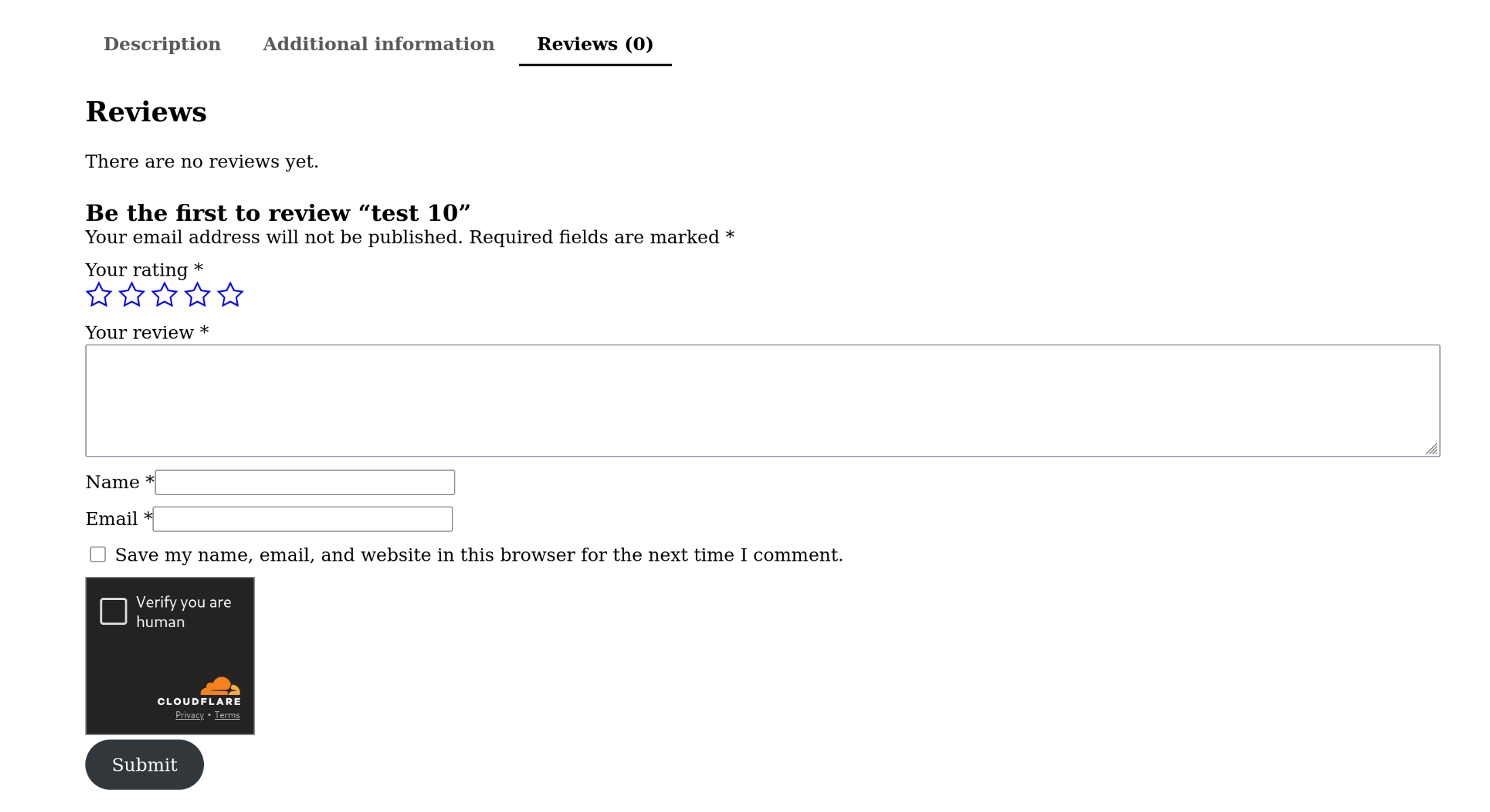
- Review Systems - Block fake product reviews and ratings
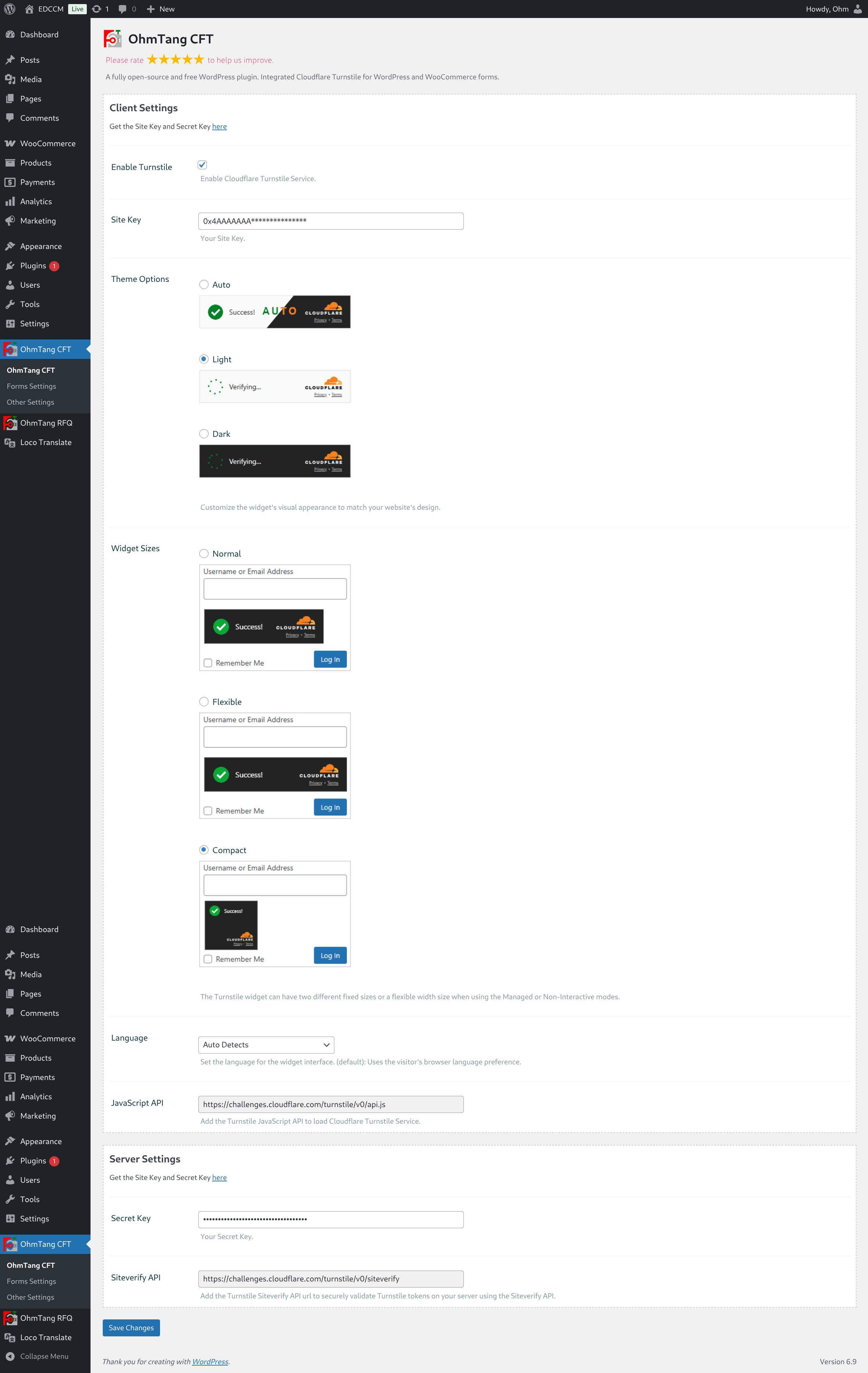
- Smart Theme Options - Light, dark, and auto themes that adapt to your site design
- Flexible Styles - Normal, Flexible and Compact 3 styles where Turnstile appears on each form
- Granular Control - Enable/disable protection for individual forms with one click
- Conditional Logic - Smart rules based on user login status
- Performance Optimized - Minimal impact on page load times
- Mobile Responsive - Perfectly adapted for all devices
- Accessibility Ready - Designed with accessibility in mind
- Extensive hooks and filters for customization
- Clean, well-documented codebase
- WordPress coding standards compliant
- Easy integration with custom themes and plugins
- Comprehensive error logging and debugging
- Full translation support with .pot file
- User-Friendly - No annoying puzzles, image recognition, or text challenges
- Privacy-First - GDPR compliant and privacy-respecting
- Free Forever - Cloudflare's free tier provides robust protection
- Advanced Detection - Machine learning and behavioral analysis
- Fast Implementation - Simple setup with Site Key and Secret Key
安装:
- Go to Plugins > Add New in your WordPress admin
- Search for "OhmTang CFT"
- Click "Install Now" and then "Activate"
- Go to OhmTang CFT settings page
- Configure your Cloudflare Turnstile keys
- Upload the
ohmtang-cftfolder to the/wp-content/plugins/directory - Activate the plugin through the 'Plugins' menu in WordPress
- Go to OhmTang CFT settings page
- Configure your Cloudflare Turnstile keys
- Get your free Site Key and Secret Key from Cloudflare Turnstile
- Go to WordPress Admin > OhmTang CFT
- Enter your Site Key and Secret Key in the API Settings section
- Navigate to Forms Settings tab to individually enable/disable each form
- Configure smart settings for checkout and comments (logged-in user options)
- Choose your preferred theme and appearance settings
- Save settings and test your protected forms
屏幕截图:
常见问题:
Can I enable Turnstile only for specific forms?
Yes! Every form has its own toggle switch. You can enable protection for login forms but disable it for comments, or any combination you prefer.
How does the logged-in user protection work for checkout?
You can choose whether logged-in users need to complete verification during checkout. This allows returning customers to enjoy faster checkout while still protecting guest transactions.
Can I disable verification for trusted commenters?
Absolutely! The comment form has an option to skip verification for logged-in users, so your regular visitors aren't bothered with CAPTCHA.
What if I only want to protect WooCommerce but not WordPress forms?
You have complete control! Simply enable the WooCommerce forms you want to protect and disable the WordPress core forms in the settings.
Is there a way to see which forms are currently protected?
Yes, the admin dashboard provides a clear overview of all enabled forms with quick toggle switches.
Does this plugin use any external services?
Yes, this plugin integrates with Cloudflare Turnstile, a free CAPTCHA alternative service provided by Cloudflare, Inc. Turnstile helps verify human users on forms (e.g., login, comments, WooCommerce checkout) without intrusive puzzles, improving security while minimizing user friction. Turnstile is embedded via JavaScript widget and communicates with Cloudflare's servers (challenges.cloudflare.com) for bot detection.
What data is sent to Cloudflare and when?
To provide bot detection, Turnstile collects and sends limited client-side signals ("Signals") to Cloudflare only when necessary:
- Data collected: Client IP address, TLS fingerprint, User-Agent header, sitekey (your site's verification key), and origin domain. Additional non-interactive signals include proof-of-work/space, browser API probes, and behavior quirks (no cookies, login data, or personal identifiers are collected).
- When sent:
- On widget load: Initial signals to assess the browser environment.
- On form submission: Verification token and response signals for siteverify check.
Privacy and Terms
For full details:
- Turnstile Privacy Addendum: https://www.cloudflare.com/trust-hub/gdpr/turnstile-privacy-addendum/
- Cloudflare Privacy Policy: https://www.cloudflare.com/privacypolicy/
- Cloudflare Website Terms: https://www.cloudflare.com/website-terms/
- Cloudflare Data Processing Addendum (GDPR): https://www.cloudflare.com/trust-hub/gdpr/ This plugin does not store or send additional data beyond what's required for Turnstile integration. If you have privacy concerns, review Cloudflare's policies or contact us.
更新日志:
- Update date: 2026-05-05
- Fix the case sensitivity errors in the ohmtang-rfq filter names and error message names.
- Initial release with comprehensive form protection
- Individual enable/disable toggle for every supported form
- Smart conditional protection for checkout pages (logged-in user options)
- Intelligent comment form settings (logged-in user verification toggle)
- Complete WordPress core forms integration
- Full WooCommerce compatibility
- Advanced admin dashboard with granular controls
- Multi-language support
- Developer-friendly hooks and filters