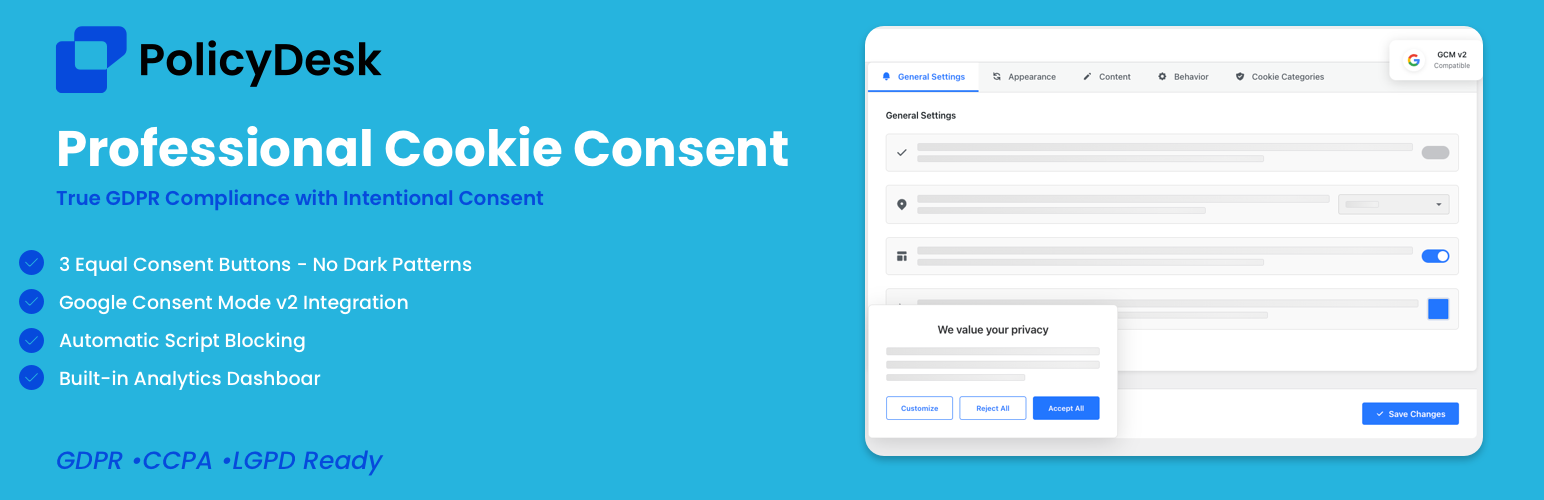
PolicyDesk - Cookie Banner for Cookie Consent (Easy to setup GDPR/CCPA Compliant Cookie Notice)
| 开发者 | kam27d |
|---|---|
| 更新时间 | 2025年12月30日 23:10 |
| PHP版本: | 7.0 及以上 |
| WordPress版本: | 6.9 |
| 版权: | GPLv2 or later |
| 版权网址: | 版权信息 |
详情介绍:
PolicyDesk is a professional-grade cookie consent plugin for WordPress that helps you implement a clear cookie notice experience for GDPR/CCPA and other privacy requirements.
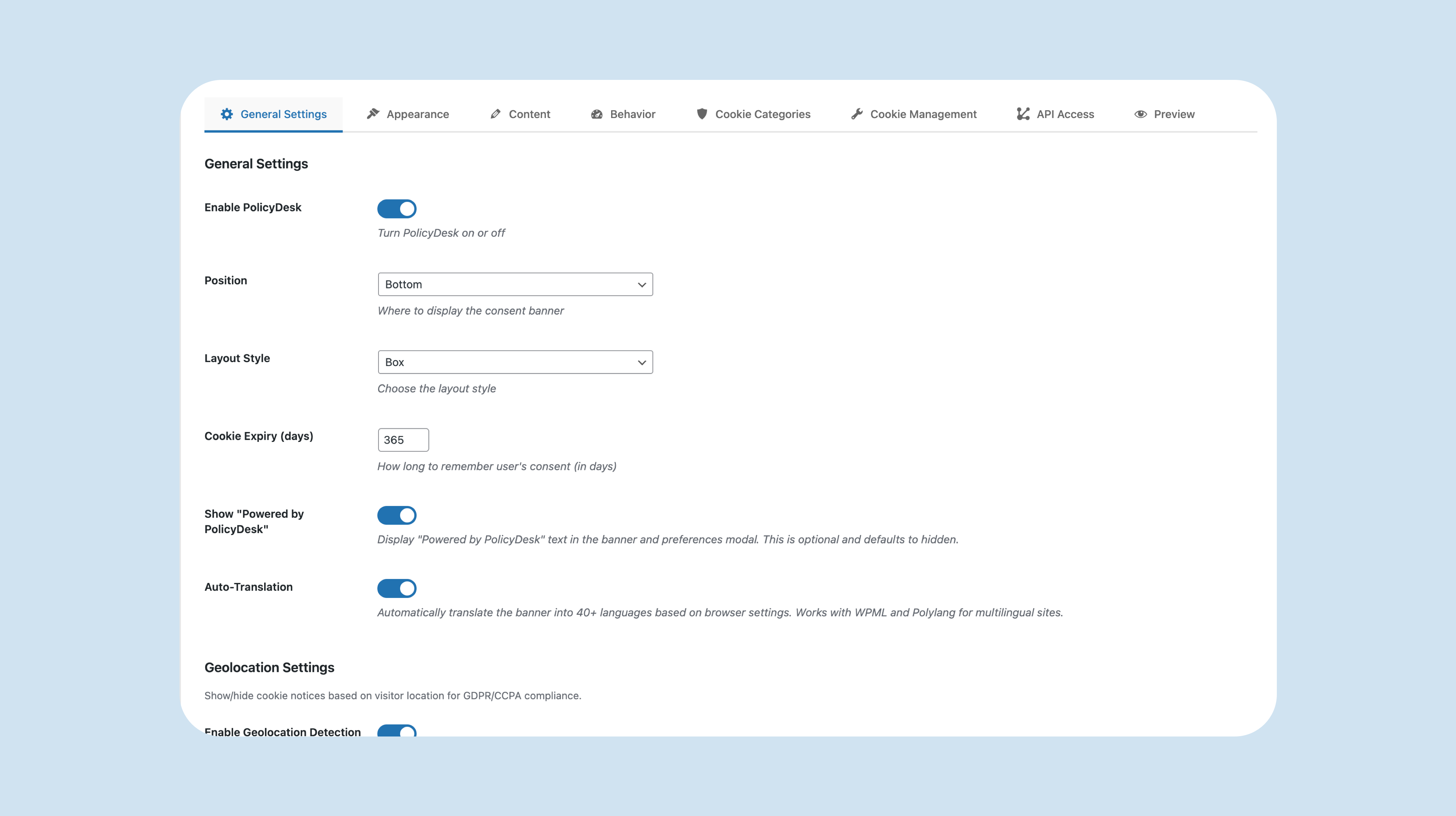
It includes multiple banner layouts (Banner, Box, Modal), a preferences modal for category-based choices (when enabled), a basic CCPA “Do not sell or share my personal information” option, and consent logging stored in cookies and your WordPress database.
Many cookie notice plugins stop at a simple banner. PolicyDesk focuses on flexible layouts, an accessible preference center, and admin tools to configure how consent is collected and stored. Additional advanced features may be available in PolicyDesk Pro (see the Premium Features section below).
Features
Consent Management
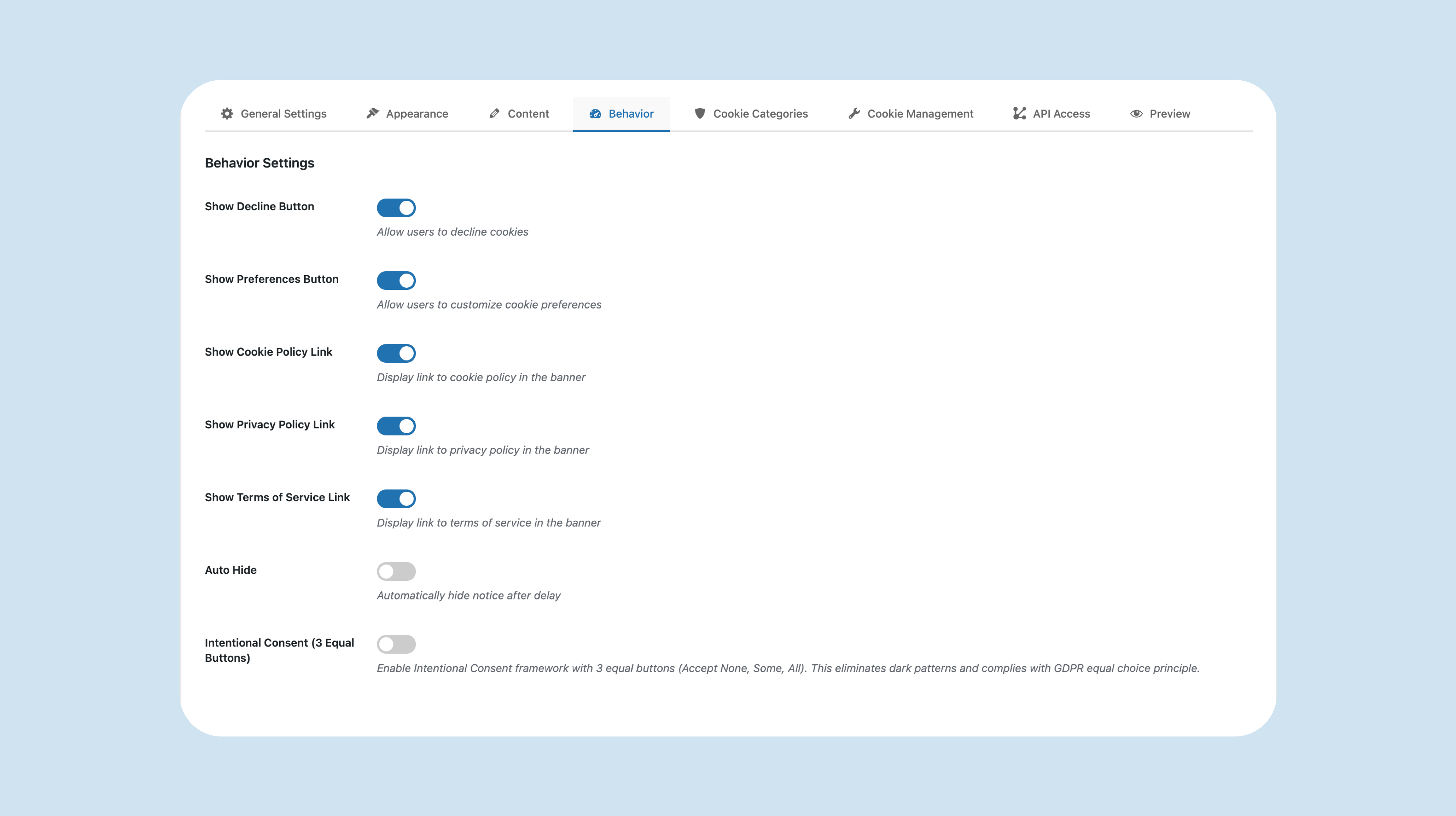
- Cookie Consent Banner: Show a banner with Accept, Decline, and Preferences options.
- Preference Center: Let visitors manage cookie preferences in a modal (by category, when enabled).
- CCPA Opt-Out (basic): Includes a “Do not sell or share my personal information” option when CCPA settings are enabled.
- Revisit Consent Button: Add a “Cookie Settings” button anywhere using the shortcode
[pdesk_cookie_settings](for example, in a footer or privacy page). - Consent Logging: Stores consent choices in cookies and records consent in your WordPress database.
- Layout Options: Choose Banner, Box, or Modal layouts.
- Position Options: Display the banner at the top/bottom or as a centered modal (depending on layout).
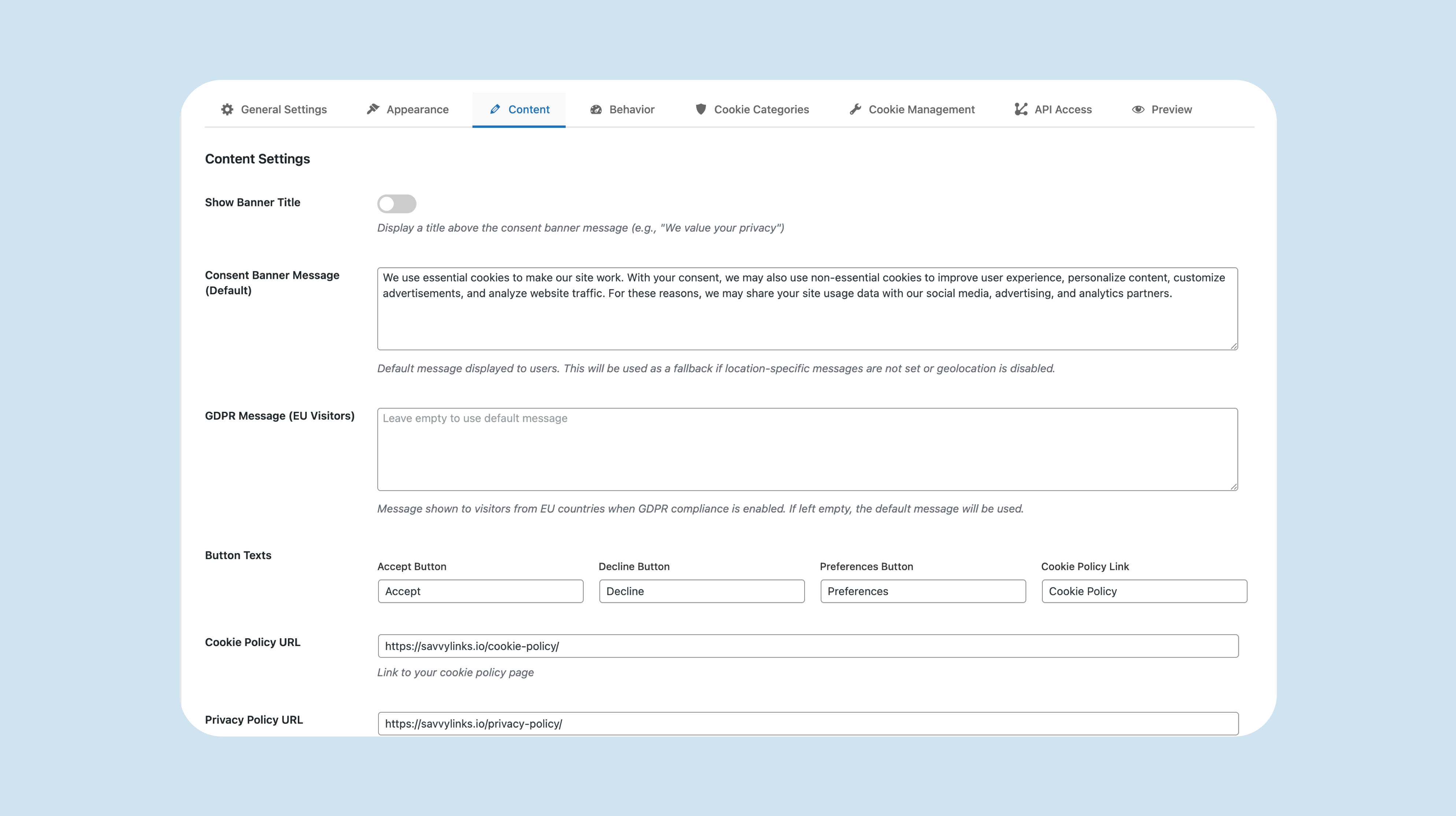
- Message & Labels: Customize banner text and labels from the settings page.
- Manual Cookie Management: Add, edit, and delete cookies in the admin Cookie Management section.
- Multilingual Compatibility: Works with WPML and Polylang (when installed).
- Auto-Translation: Optional auto-translation for common banner strings.
- Accessibility: Keyboard support and accessibility-friendly modal behavior.
- GDPR-ready tools: Equal choice options (where available), granular consent controls (where enabled), consent duration controls, privacy-related content options, and consent record storage. (PolicyDesk provides tools to help with compliance, but does not guarantee compliance.)
- CCPA-ready tools: “Do not sell or share my personal information” option and related consent controls (where enabled). (PolicyDesk provides tools to help with compliance, but does not guarantee compliance.)
- Google Consent Mode v2: Consent Mode options for Google tags (where available).
- Intentional Consent: 3 equal buttons (Accept None / Accept Some / Accept All) (where available).
- Script Blocking: Script blocking options for third-party scripts (where available).
- Cookie Scanner: Cookie detection and categorization tools (where available).
- Analytics & Export: Consent analytics/reporting and export tools (where available).
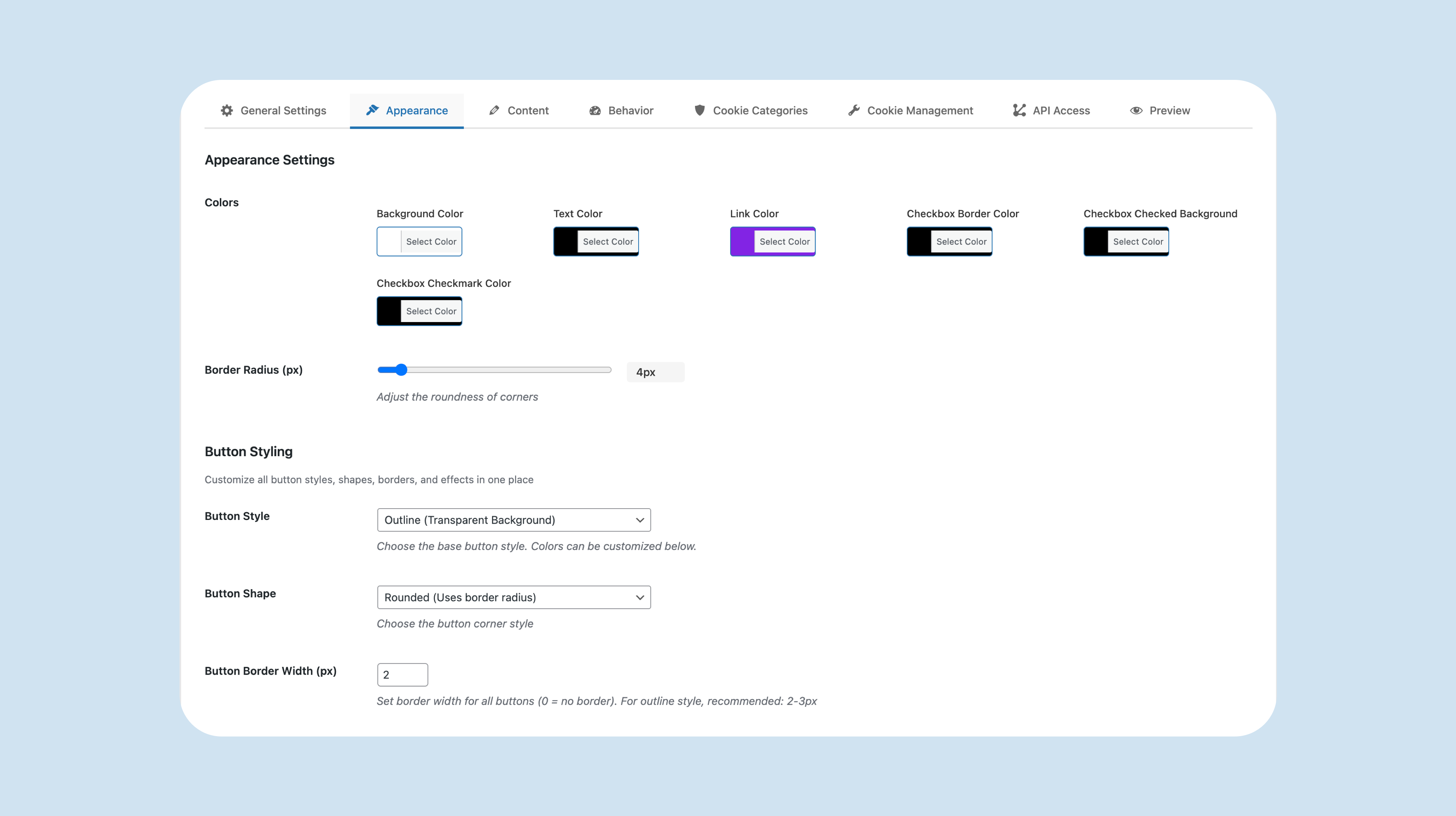
- Customization: Control colors, text, layout, position, and styling.
- Accessibility: Keyboard support and accessibility-friendly modal behavior.
安装:
Automatic Installation
- Log in to your WordPress admin panel
- Navigate to Plugins → Add New
- Search for "PolicyDesk"
- Click "Install Now"
- Click "Activate"
- Download the plugin ZIP file
- Log in to your WordPress admin panel
- Navigate to Plugins → Add New
- Click "Upload Plugin"
- Choose the ZIP file and click "Install Now"
- Click "Activate"
屏幕截图:
常见问题:
Does this plugin guarantee GDPR/CCPA compliance?
No. This plugin provides tools to help you implement a cookie notice experience, but compliance depends on your configuration and your site’s specific cookies and practices.