PostmagThemes One click Demo Import for WordPress Site
| 开发者 | postmagthemes |
|---|---|
| 更新时间 | 2026年11月8日 19:44 |
| PHP版本: | 5.6 及以上 |
| WordPress版本: | 7.1 |
| 版权: | GPLv2 or later |
| 版权网址: | 版权信息 |
详情介绍:
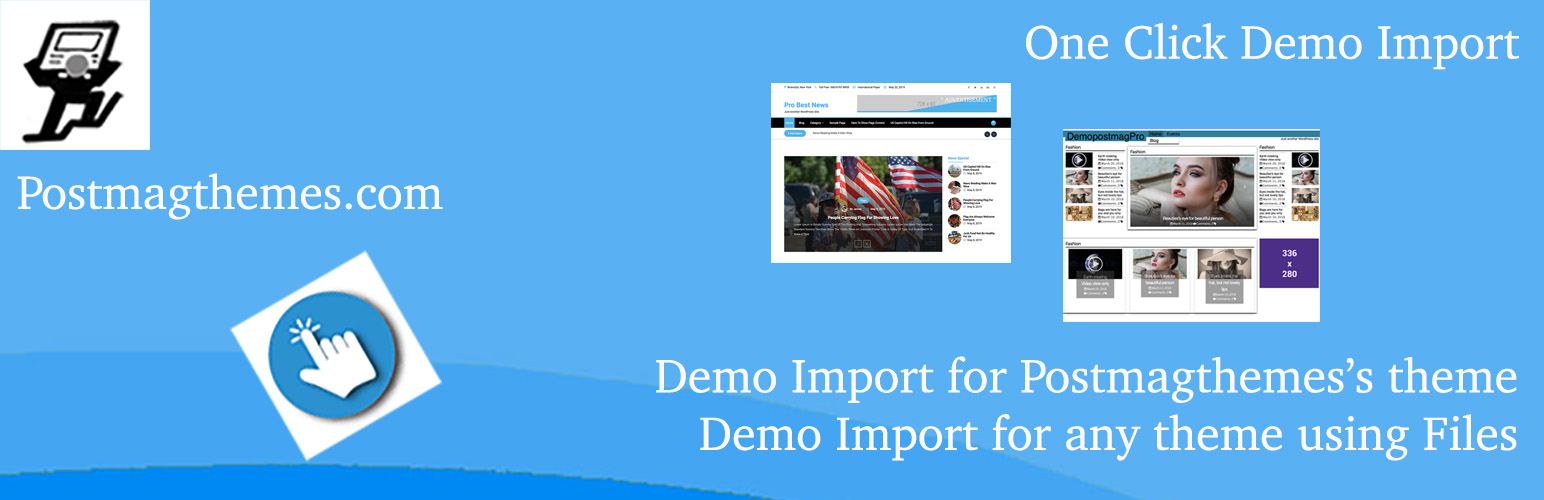
PostmagThemes Demo Import sets up your site to look like the theme demo in a single click. Instead of creating posts, pages, menus and widgets by hand, activate the plugin, go to Appearance > Import Demo Data, and import.
It is built for PostmagThemes themes, but it also works with any theme that provides standard demo files.
Watch the demo video
Features
- One-click import for supported PostmagThemes themes, with a preview of each available demo
- Works with any theme – upload the content (.xml), widgets (.wie) and customizer (.dat) files from your theme author
- Imports everything – posts, pages, media, menus, widgets and customizer settings
- Choose the post author – assign imported posts to any user on your site
- Safe uploads – files are checked for the correct type before they are saved to the server
- Translation ready
- Activate a PostmagThemes theme that supports demo import, such as Context Blog.
- Go to Appearance > Import Demo Data. You will see a preview of the theme's demo.
- Click Import and wait for it to finish.
- Download the three demo files from the theme author's website: content (.xml), widgets (.wie) and customizer settings (.dat).
- Go to Appearance > Import Demo Data. Because the active theme is not a PostmagThemes theme, you will see three upload fields instead of a demo preview.
- Upload each file to its matching field, then click Import.
安装:
From your WordPress dashboard
- Go to Plugins > Add New.
- Search for "PostmagThemes Demo Import".
- Click Install Now, then Activate.
- Download
postmagthemes-demo-import.zip. - Upload the
postmagthemes-demo-importfolder to/wp-content/plugins/. - Activate the plugin from the Plugins menu in WordPress.
屏幕截图:


常见问题:
What does this plugin do?
It imports a theme's demo content, widgets and customizer settings so your site matches the theme demo.
Does it only work with PostmagThemes themes?
No. PostmagThemes themes get one-click import with a demo preview. For other themes, upload the .xml, .wie and .dat files provided by the theme author.
Where do I find the import page?
Go to Appearance > Import Demo Data in your WordPress dashboard.
Can I assign imported posts to a specific user?
Yes. Before importing, choose which user should be set as the author of the imported posts.
Will importing delete my existing content?
No. The importer adds the demo content alongside your existing content. We recommend importing on a fresh site for the best result.
更新日志:
1.2.0 - November 6, 2026
- Fixed: Corrected the minimum PHP version requirement.
- Added: Own agent.
- Tested up to WordPress 7.1.
- Fixed: Context Blog Pro demo import.
- Fixed: Menu import bug.
- Fixed: Upload fields for 3 files shown incorrectly, caused by load_textdomain on the init hook.
- Fixed: load_textdomain error.
- Changed: show_on_front is now saved as "posts" for all Context Blog themes.
- Changed: Updated demo content for Context Blog Pro, NewsMag and Ink.
- Fixed: Manual demo import bug.
- Added: NewsMag Context Blog demo.
- Added: Second demo for Context Blog.
- Added: Ink Context Blog demo.
- Added: Context Blog Pro demo.
- Added: Context Blog demo.
- Fixed: Error 500 during import.
- Tested with PHP up to 8.1.2.
- Improved: Uploaded files are now validated on the server before saving, even if the browser check is bypassed.
- Improved: Sanitization and validation.
- Tested with the latest WordPress version.
- Added: File type check for the 3 upload fields.
- Improved: Sanitization and validation.
- Removed: Theme mode setting for Color NewsMagazine.
- Changed: Replaced demo content file.
- Fixed: Non-object error in WXRImporter.php.
- Added: Color NewsMagazine demo import.
- Added: Choose the author for imported posts.
- Added: Isha Pro demo import.
- Added: Isha demo import.
- Removed: Redux dependency.
- Initial release.