Products Showcase – Shopify Integration
| 开发者 | hosseinkarami |
|---|---|
| 更新时间 | 2026年5月21日 23:59 |
| 捐献地址: | 去捐款 |
| PHP版本: | 8.1 及以上 |
| WordPress版本: | 6.9 |
| 版权: | GPLv2 or later |
| 版权网址: | 版权信息 |
详情介绍:
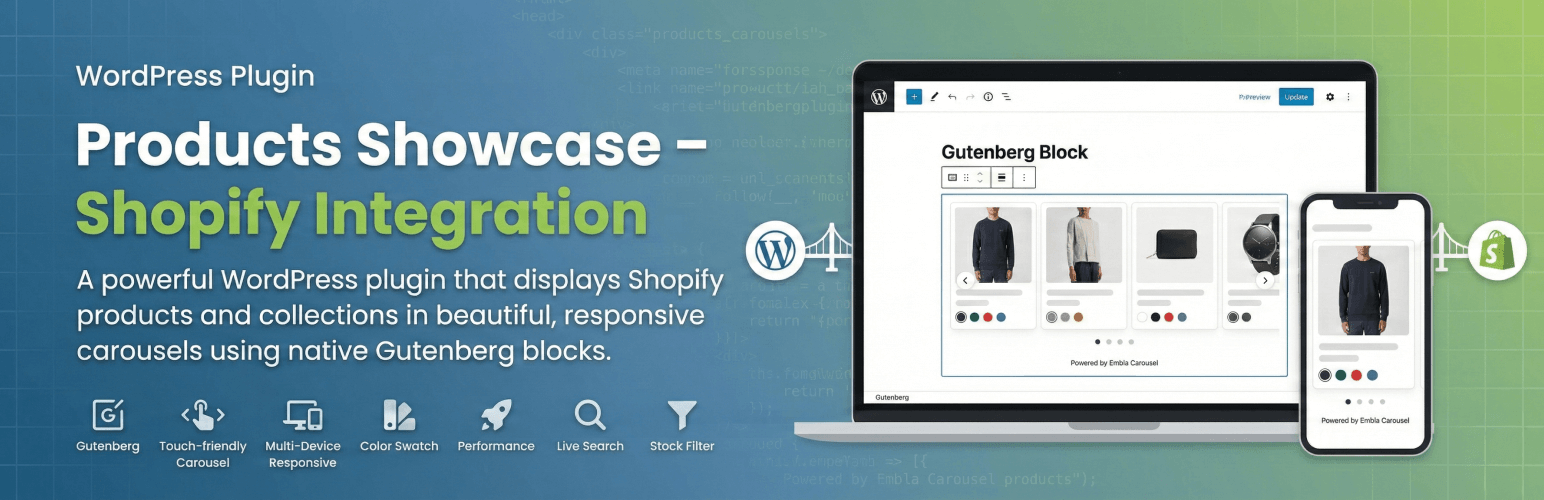
- Native Gutenberg Block - Built with React, zero external dependencies
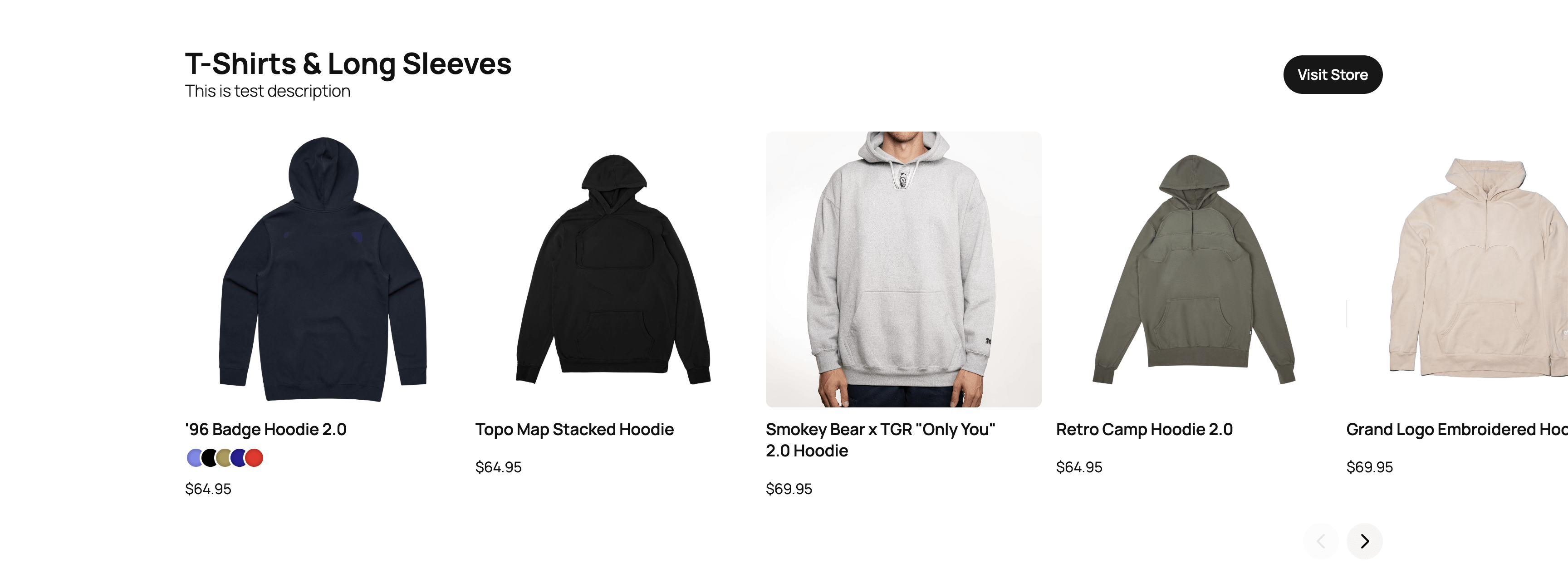
- Beautiful Carousels - Touch-friendly product carousels powered by Embla Carousel
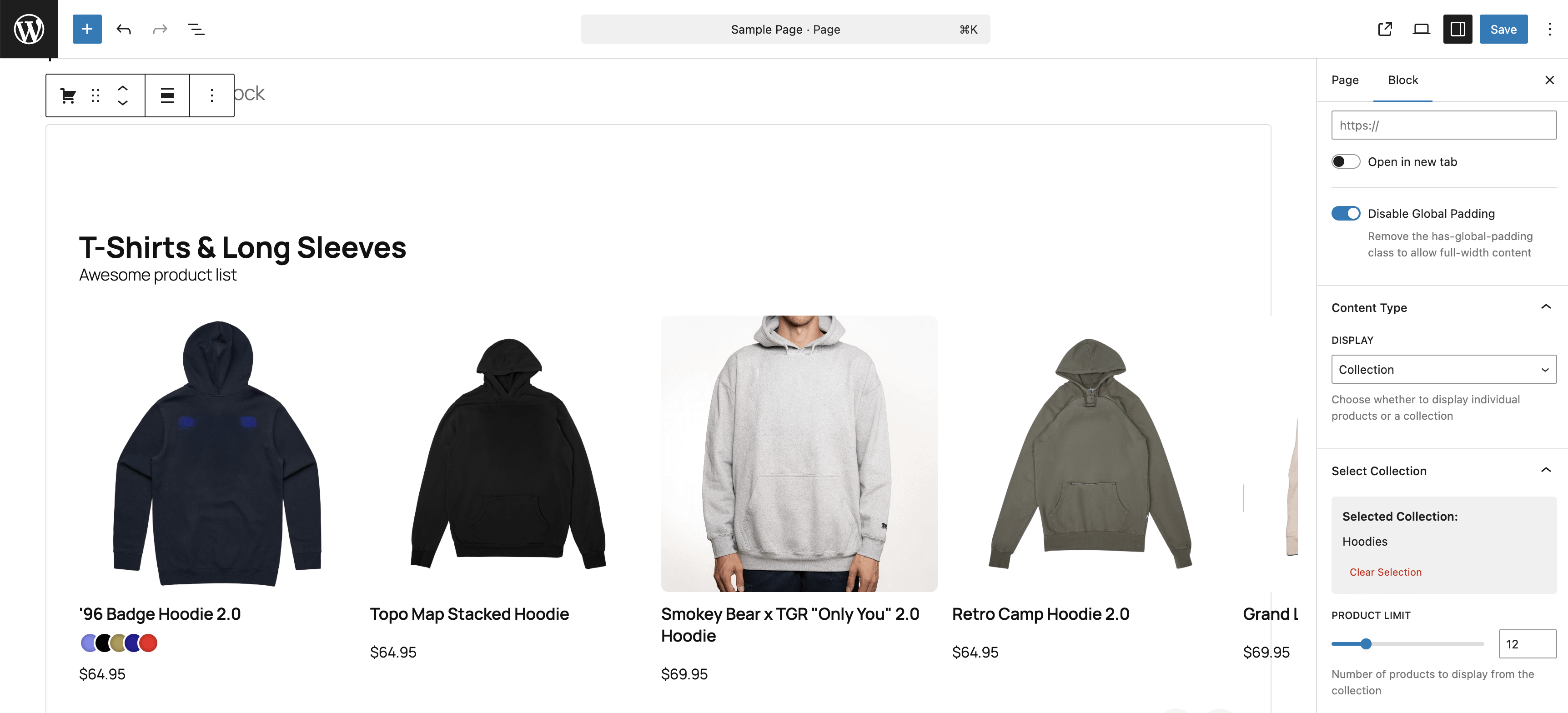
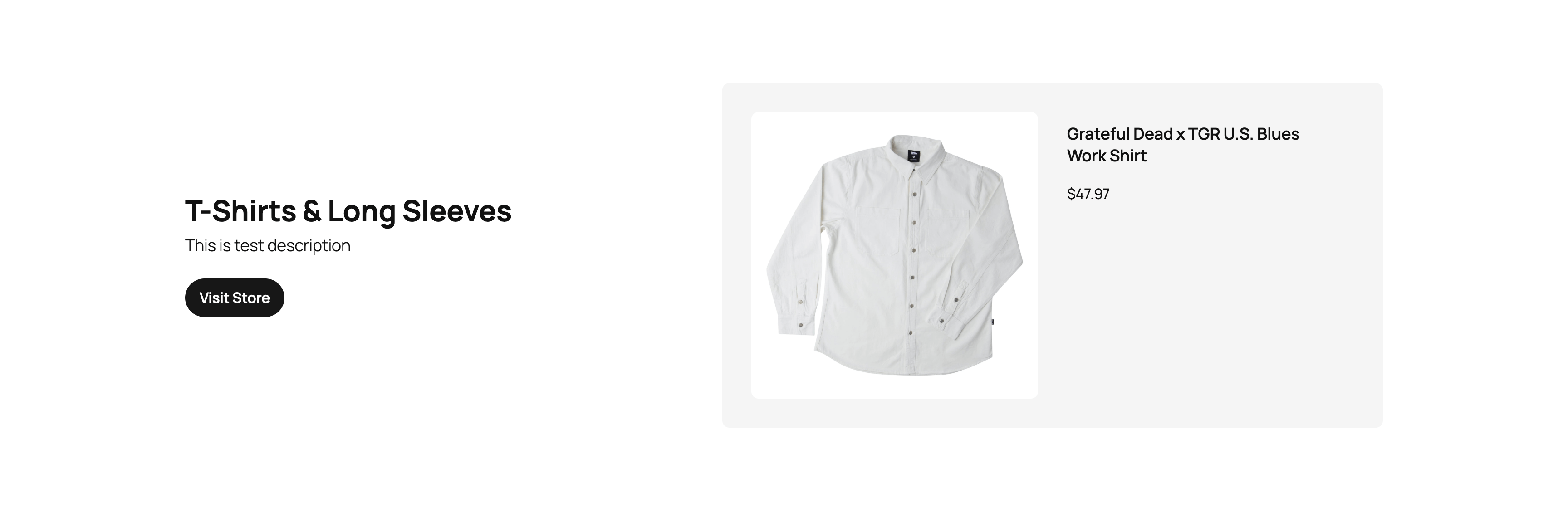
- Smart Product Display - Show individual products or entire collections
- Color Swatches - Visual product color options with hover effects
- Fully Responsive - Optimized for all screen sizes and devices
- Performance Optimized - Smart caching and lazy loading
- Live Search - Real-time product/collection search in block editor
- Stock Filtering - Automatically hides out-of-stock items
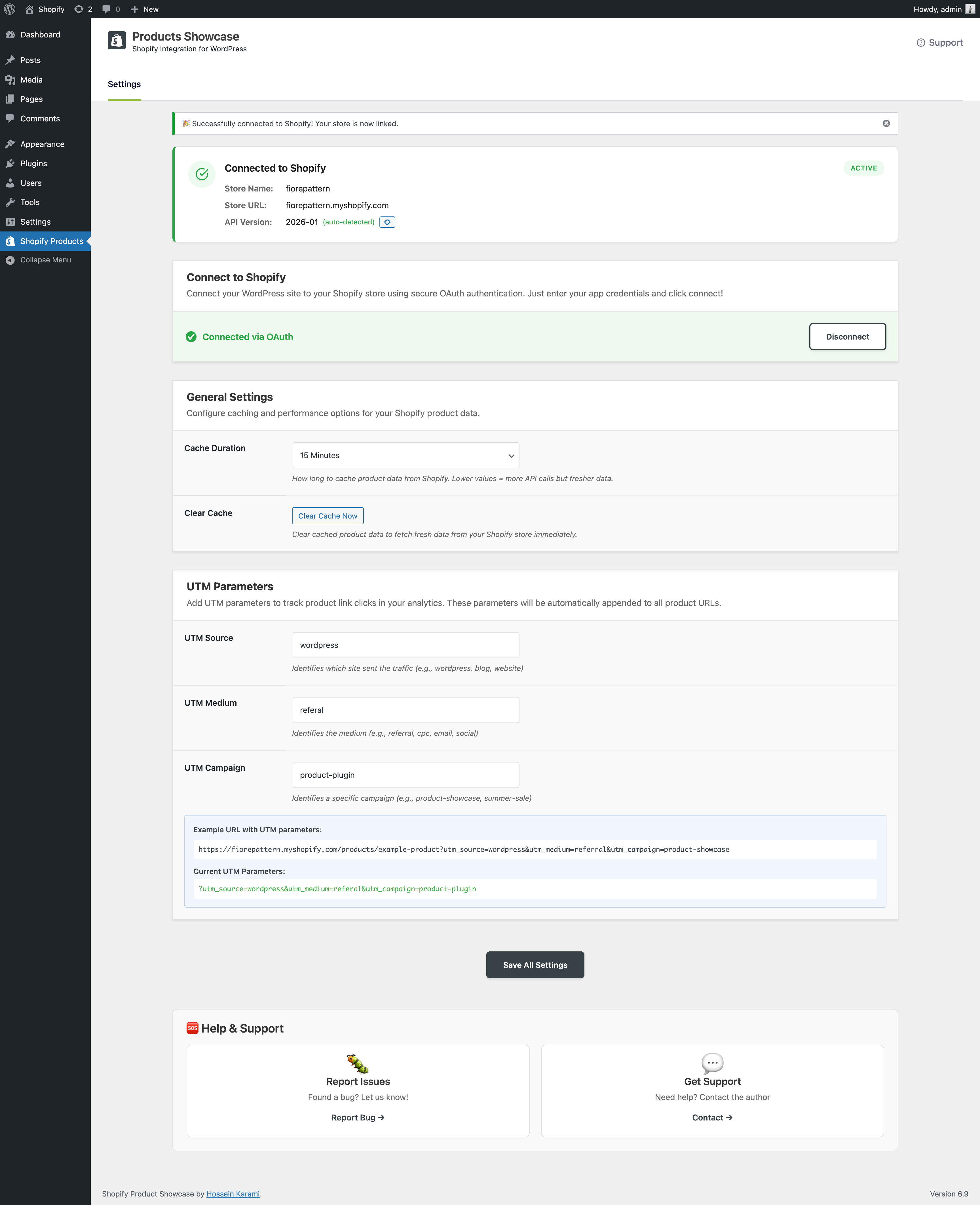
- OAuth Authentication - Secure one-click connection to Shopify
- Showcase featured products on your blog
- Display seasonal collections on landing pages
- Add product carousels to content-heavy sites
- Bridge content and commerce seamlessly
- WordPress 6.0+, PHP 8.1+
- A Shopify store with Admin API access
- GitHub Repository - Source code & developer docs
- Documentation - Full installation guide
安装:
- Upload the plugin files to
/wp-content/plugins/products-showcase/, or install through the WordPress plugins screen - Activate the plugin through the 'Plugins' screen in WordPress
- Go to Settings → Shopify Products to configure your API credentials
- Add your Shopify store URL and Admin API access token
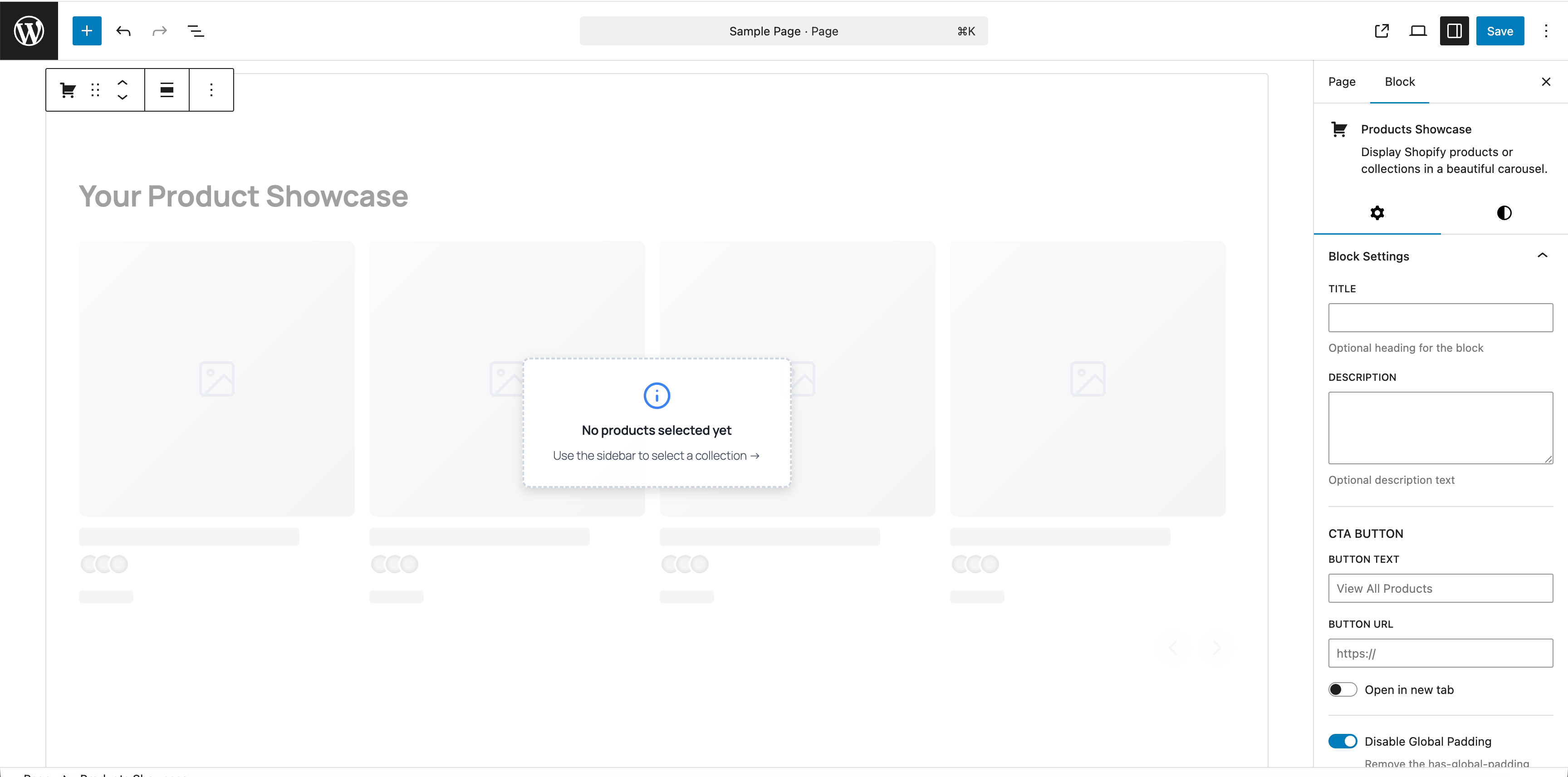
- Create or edit a page/post and add the "Shopify Products" block
- Search and select products or a collection to display
- Clone the repository:
git clone https://github.com/HosseinKarami/products-showcase.git - Navigate to plugin directory:
cd products-showcase - Install dependencies:
npm install - Start development server:
npm start(watches for changes) - Activate the plugin in WordPress
- Go to Shopify Admin → Settings → Apps and sales channels → Develop apps → Build apps in Dev Dashboard
- Click the "Create app" button (top right corner)
- In the "Start from Dev Dashboard" section (right side), enter an app name and click "Create"
- In the Versions section, click "New version"
- In the Access section, add
read_productsto the Scopes field - In the Redirect URLs field, paste the Redirect URL from your WordPress plugin settings
- Click "Release", then confirm by clicking "Release" again in the popup
Note: If you created your app from a merchant store (via Shopify Admin → Settings → Apps → Develop apps), your app automatically uses "Custom distribution" and you won't see other distribution options. This is expected — custom distribution is the correct method for connecting your own store to WordPress. Only apps created from a Shopify Partner account would have multiple distribution options.
- Click "Distribution" in the Right sidebar
- If prompted, select "Custom distribution" and click "Select"
- Enter your store domain (e.g., your-store.myshopify.com)
- Click "Generate link" and confirm
- Copy the generated install link and open it
- On the Shopify Admin install page, click "Install"
- Click "Settings" in the left sidebar
- Copy the Client ID and Secret from the Credentials section
屏幕截图:
常见问题:
Do I need a Shopify account?
Yes, you need an active Shopify store to use this plugin. The plugin fetches product data from your Shopify store via the Admin API.
Does this plugin process payments?
No, this plugin only displays products. When users click on products, they're redirected to your Shopify store to complete the purchase.
How often does product data update?
Product data is cached for 1 hour by default (configurable in settings). You can manually clear the cache from the settings page at any time to force a refresh.
Can I customize the appearance?
Yes! The plugin includes CSS classes that you can target with custom CSS. Advanced users can also override the template files by copying them to their theme.
Can I use this without the block editor (Gutenberg)?
Yes. Use the [products_showcase] shortcode in the Classic editor, a text widget, or a page builder. For example: [products_showcase collection="123456789"] or [products_showcase products="111,222,333"]. See the Usage section for the supported attributes.
Does it work with headless WordPress?
Yes! If you have WPGraphQL installed, the plugin automatically registers GraphQL types for querying product data in headless/decoupled WordPress setups.
Will this slow down my site?
No. The plugin uses intelligent caching to minimize API calls and only loads assets on pages where the block is used. Images are lazy-loaded for optimal performance.
Can I display products from multiple Shopify stores?
Currently, the plugin supports one Shopify store per WordPress installation. If you need multi-store support, please open a feature request on GitHub.
What happens if my Shopify API credentials change?
Click the "Disconnect" button in Shopify Products settings, then reconnect using the OAuth flow with your new credentials. The plugin will automatically obtain a new access token.
Can I filter out certain products?
Out-of-stock products are automatically filtered by default. Developers can use the prodshow_filter_products filter hook to implement custom product filtering logic.
更新日志:
- New: [products_showcase] shortcode for displaying the carousel without the block editor (Classic editor, text widgets, page builders)
- Shortcode supports collection or specific products, plus title, description, CTA button, padding, and color options
- Fixed: block stylesheet and carousel script now load correctly when rendered via shortcode
- Added donate link to plugin action links on the Plugins page
- Clarified app distribution documentation for merchant store vs Partner account apps
- Apps created from a merchant store use "Custom distribution" by default — this is now documented
- Updated Distribution location to right sidebar in setup instructions
- Improved Quick Start guide in WordPress admin with clearer distribution notes
- Updated setup instructions for Shopify Dev Dashboard (new app creation flow)
- Improved documentation with step-by-step guidance for Versions, Distribution, and Credentials
- Updated admin Quick Start guide to reflect current Shopify interface
- NEW: OAuth 2.0 Authentication - Easy one-click connection to Shopify using secure OAuth flow
- NEW: Auto API Version Detection - Automatically detects and uses the latest Shopify API version
- NEW: Simplified Setup - No more manual access token copying - just enter Client ID & Secret and click Connect
- NEW: Disconnect/Reconnect - Easy way to change Shopify credentials
- NEW: Refresh API Version - Button to manually refresh the detected API version
- Improved admin UI with better connection status display
- Enhanced security with OAuth state validation
- Initial release
- Native Gutenberg block integration
- Product carousel display with Embla Carousel
- Collection support with product limits
- Color swatches with visual options
- Live search autocomplete in editor
- Intelligent caching system (1 hour default)
- Responsive design for all devices
- Stock filtering (hides out-of-stock items)
- REST API endpoints for product/collection search
- WPGraphQL integration for headless WordPress
- Template override support
- Hooks and filters for developers