
ProveSource Boost - Popups, Spin the Wheel & Countdown Timers
| 开发者 | provesource |
|---|---|
| 更新时间 | 2026年10月15日 19:26 |
| PHP版本: | 7.0 及以上 |
| WordPress版本: | 7.1 |
| 版权: | GPLv2 or later |
| 版权网址: | 版权信息 |
详情介绍:
- Email popups that trade a discount code, a guide or a newsletter for an email address. The code is revealed after signup, with a copy button.
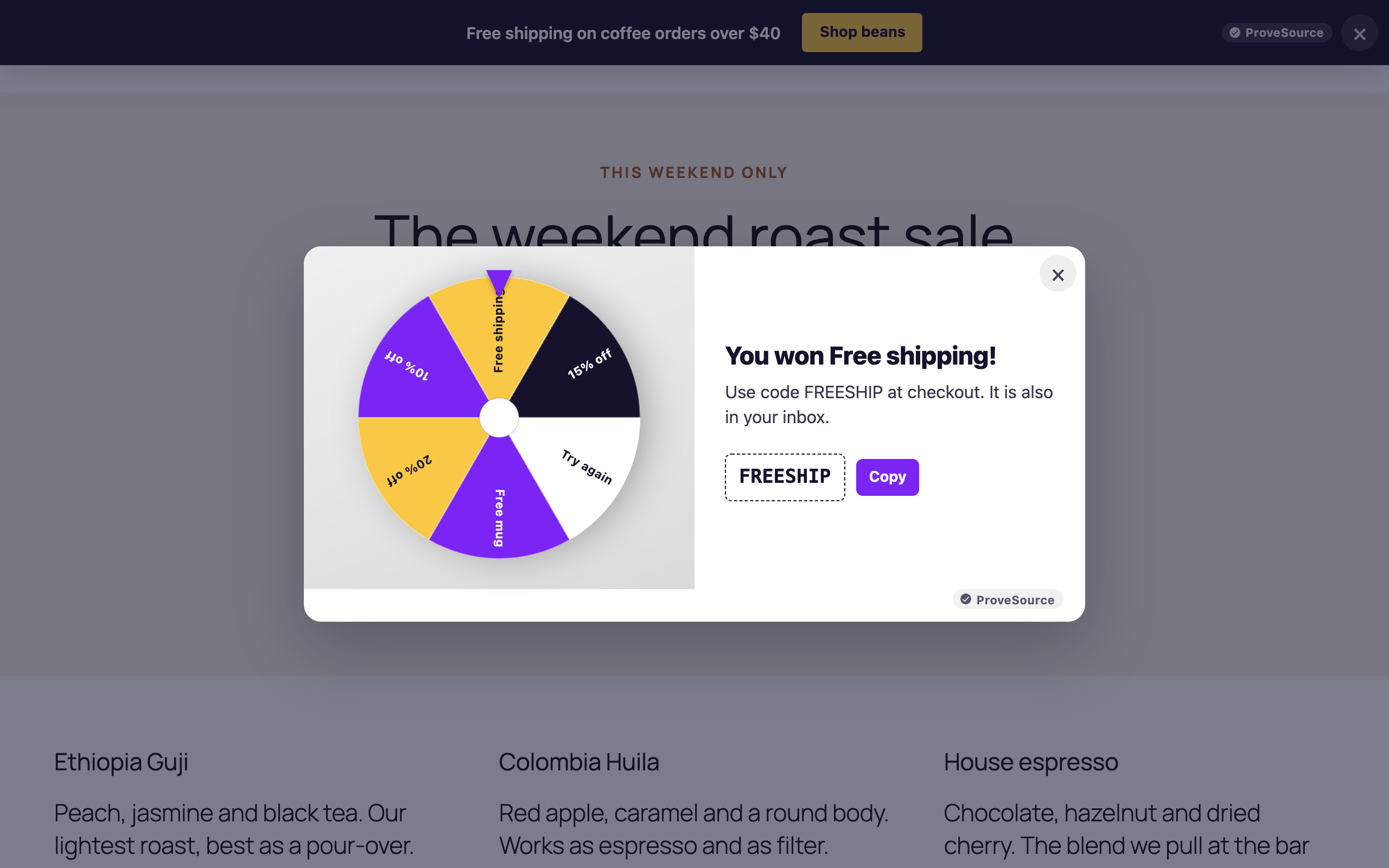
- Spin the wheel, scratch card and pick-a-gift games. The visitor plays for a prize and leaves an email to claim it. Prizes are drawn on our server, not in the browser, each with its own odds and an optional cap on how many times it can be won.
- Announcement bars for free shipping, a sale or a launch, pinned to the top or bottom of the page, with an optional countdown and button.
- Countdown timers inside the page, next to a product or a pricing table, counting down to a date or to a fixed time after each visitor arrives.
- WhatsApp and call buttons that float in a corner and open a chat or dial your number.
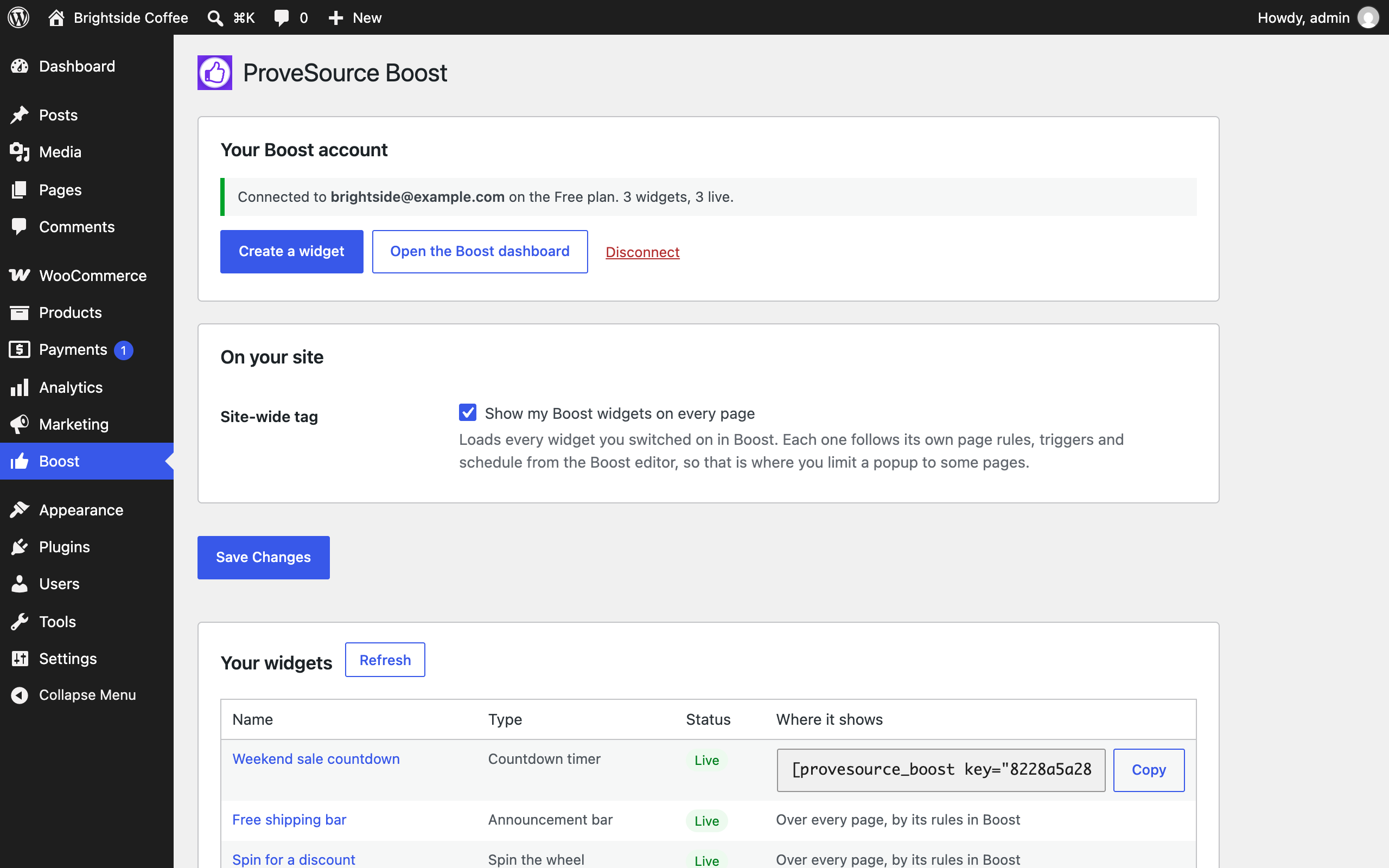
- One site-wide tag: popups, games, bars and buttons show on every page with nothing else to set up.
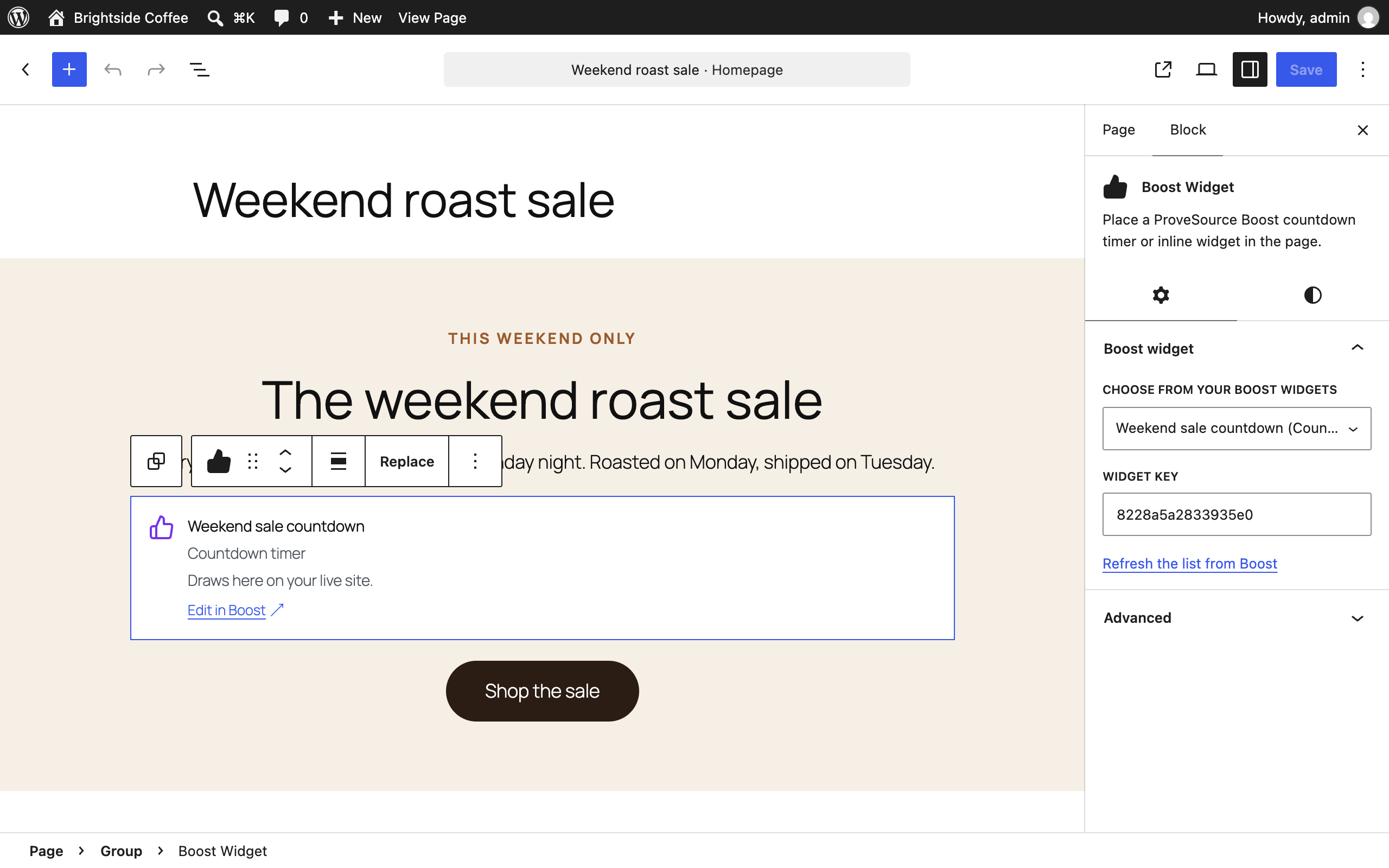
- The Boost Widget block places a countdown timer or an inline custom widget exactly where you want it, picked from a list of your widgets.
- A Boost Widget element for Elementor, and the
[provesource_boost key="WIDGET_KEY"]shortcode for Divi, Beaver Builder, Bricks, the classic editor and widget areas. - Caching and speed plugins: the plugin keeps WP Rocket, LiteSpeed Cache and Cloudflare Rocket Loader from delaying the Boost script until the first click, which would stop timed and exit-intent popups from ever opening.
安装:
- Install and activate the plugin from Plugins, Add New. Search for "ProveSource Boost".
- Open Boost in the WordPress admin menu and click Connect with Boost.
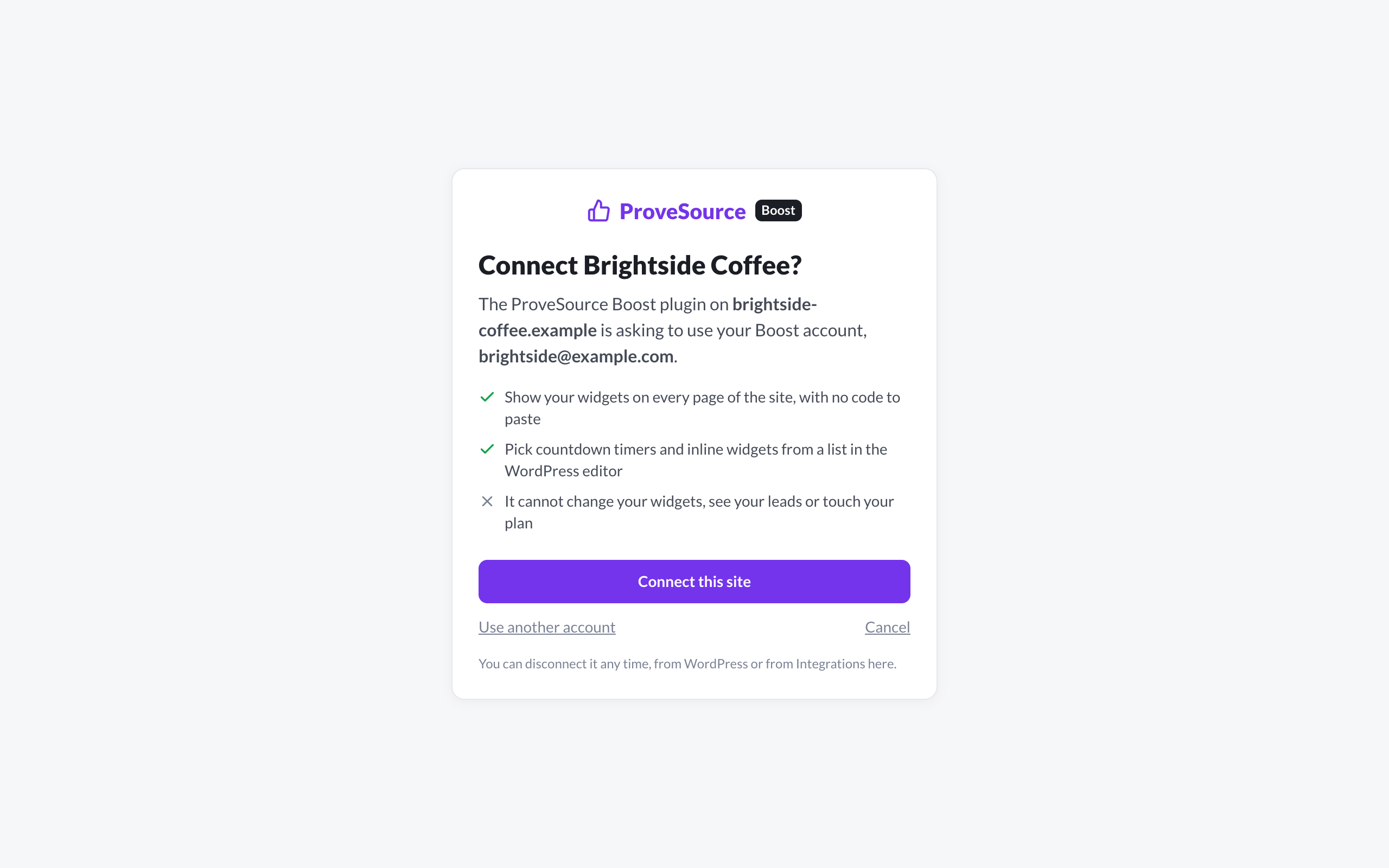
- Sign in or create a free account, then click Connect this site.
- Make a widget in the Boost dashboard and switch it on. It shows on your site straight away.
屏幕截图:
常见问题:
Do I need a ProveSource Boost account?
Yes. Widgets are designed and stored in Boost, and the free plan is enough for everything in this plugin. You can sign up while connecting.
Is this the same as the ProveSource social proof plugin?
No. The ProveSource plugin shows recent sales and signups as social proof notifications. Boost is for popups, games, bars, timers and buttons. They are separate products from the same company, and both plugins can run on one site.
How do I show a popup on some pages only?
Set it in the widget's rules in the Boost editor: show it on pages whose address contains a word, or skip those pages. The site-wide tag loads every widget you switched on, and each one checks its own rules.
Can I keep Boost off a page entirely, like the checkout?
Yes. Return false from the psboost_load_site_tag filter on that page.
Why does my countdown timer not show?
A timer draws inside the page, so it needs a place: add the Boost Widget block, the Elementor element or the shortcode where it should appear. Popups, games, bars and buttons need no place.
Does it work with my caching plugin?
Yes. Widgets are drawn in the visitor's browser, so a cached page shows your latest changes from Boost. The plugin also keeps WP Rocket, LiteSpeed Cache and Cloudflare Rocket Loader from delaying the script.
Will it slow my site down?
The plugin adds one script, loaded with async at the end of the page from our CDN, so it never blocks your page from rendering. The plugin adds nothing to your database beyond its settings.
Does it set cookies? Is it GDPR friendly?
The widgets set no cookies. They keep a few small flags in the visitor's browser storage: whether this is a returning visitor, how many pages they viewed this visit, and when they closed or filled in a widget, so it does not reappear too soon. A lead's email is sent to Boost only when the visitor types it in and submits the form, and you can add a consent line to any form. See External services below for exactly what is sent.
Will a popup hurt my SEO?
No. Search engine crawlers are never served popups or games, since a popup that covers the page is what search engines penalize. Bars, timers and buttons sit in the page like content, so crawlers see those.
What happens when I disconnect?
The plugin stops listing your widgets, and the widgets keep showing until you switch off the site-wide tag. Deleting the plugin removes its settings and the connection.
更新日志:
- On a WooCommerce store, a page's own
ProveSourceBoost.push(['show', key])call works again when it runs before boost.js loads.
- The free shipping progress bar reads the WooCommerce cart, after discounts and with tax when your cart shows prices with tax, so it tells shoppers how much is left to spend and updates as the cart changes.
- First release: Connect with Boost, the site-wide tag, the Boost Widget block, the Elementor element, the
[provesource_boost]shortcode, and won discount codes applied to the WooCommerce cart.