R2 Storage Manager for Cloudflare
| 开发者 | R2Suites |
|---|---|
| 更新时间 | 2026年3月24日 06:16 |
| PHP版本: | 7.4 及以上 |
| WordPress版本: | 6.9 |
| 版权: | GPLv2 or later |
| 版权网址: | 版权信息 |
详情介绍:
安装:
- Upload the plugin to
/wp-content/plugins/r2-storage-manager-for-cloudflareor install it via the Plugins screen. - Activate the plugin through Plugins → Installed Plugins.
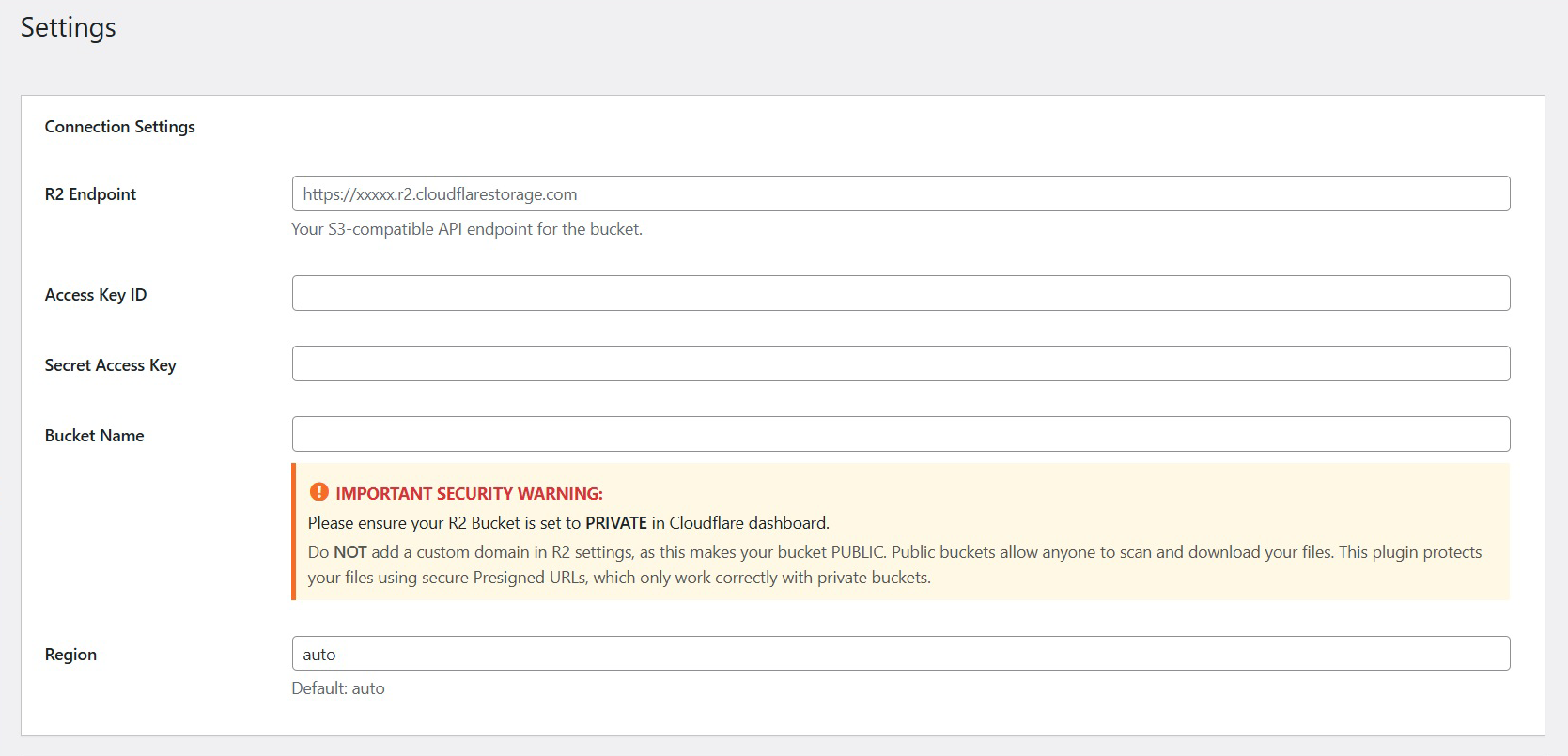
- Navigate to R2 Storage Lite → Settings and enter:
- Endpoint
- Access Key
- Secret Key
- Bucket Name
屏幕截图:
常见问题:
Do I need a Cloudflare account?
Yes. Cloudflare R2 requires an active Cloudflare account. The service includes a generous free tier suitable for most use cases.
What information do I need to connect WordPress to R2?
You will need:
- API Endpoint
- Access Key ID
- Secret Access Key
- Bucket Name\ These values can be found in the Cloudflare dashboard under R2 → Overview or Tokens.
Does this plugin offload the WordPress Media Library?
No. Media Library offload is not part of the Lite or Pro versions.\ Files uploaded with this plugin are handled separately from WordPress media.
Does the plugin integrate with WooCommerce?
No. WooCommerce integration is not provided in the current versions.
How are files uploaded in the Lite version?
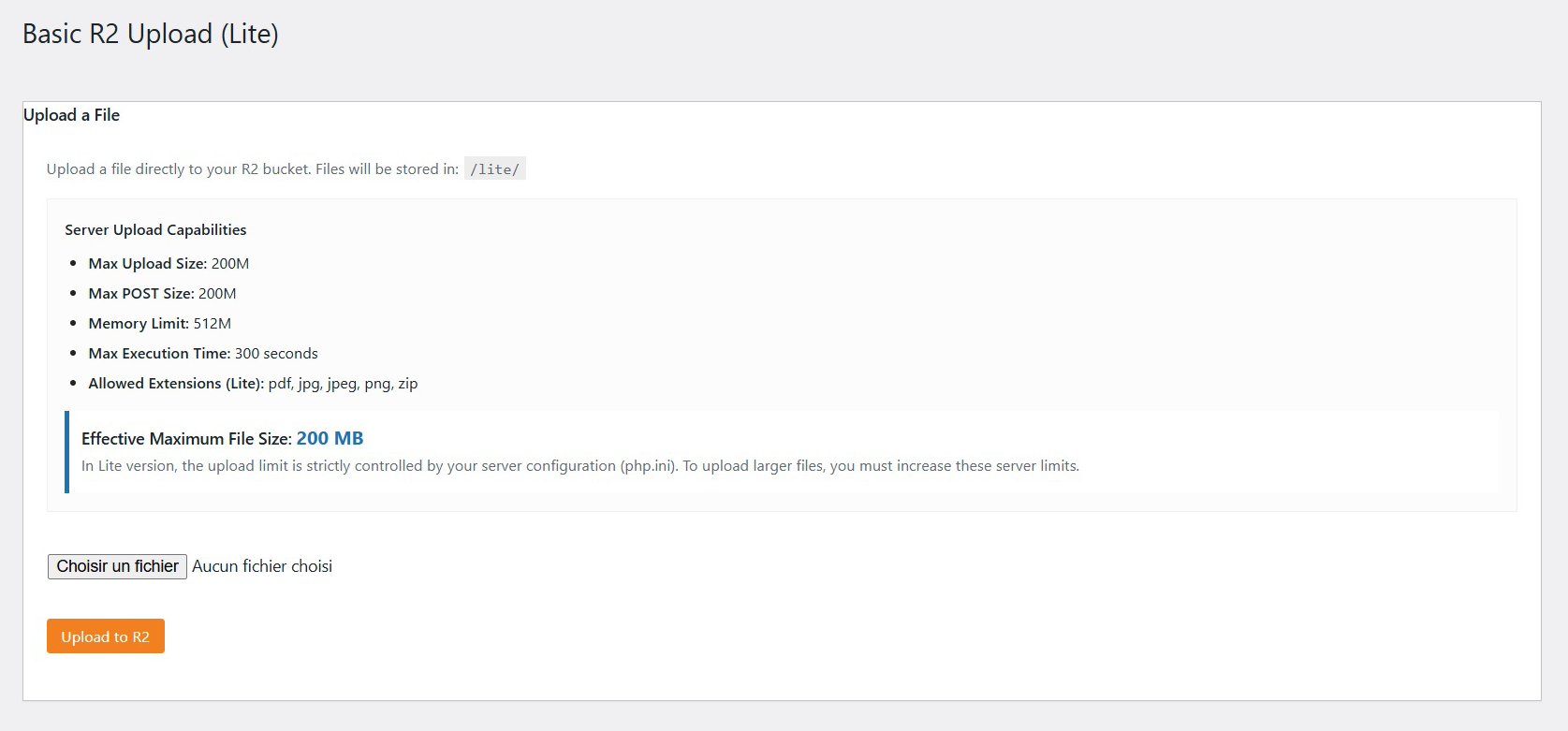
Lite provides a simple, single-file upload method that follows your server’s PHP upload limits.
What are the limitations of single-file uploads?
Single-file uploads depend on your server configuration (php.ini):\
upload_max_filesize, post_max_size, and memory_limit.\
For larger files, the Pro version supports multipart uploads.
Does the plugin support folders or subdirectories?
Lite is limited to root-level files and the /lite/ container.\
Folder management and directory navigation are available in the Pro version.
Can users download files without authentication?
Yes. Download URLs can be accessed publicly unless you enable the “Require Login” option.
Where are my credentials stored? Are they secure?
Credentials are stored using the WordPress options API and are not transmitted to any third party except Cloudflare R2. They are only used to authenticate requests to your configured bucket.
Does the plugin send data to third-party servers?
No. The plugin communicates exclusively with Cloudflare R2.\ No telemetry, analytics, or tracking is performed.
Can I browse files stored in my bucket?
Yes. The Lite version includes a basic file list.\ The Pro version includes a full file manager with folders, sorting, and advanced actions.
What happens if credentials are incorrect?
The plugin includes connection testing and clear error messages to help validate your configuration.
Does uninstalling the plugin delete my files?
No. Removing the plugin does not affect your R2 bucket.\ You may optionally choose to keep or remove your plugin settings.
Is multisite supported?
Yes. WordPress multisite installations are supported.\ Each site maintains its own configuration.
What features are only available in the Pro version?
The Pro version includes:
- Unlimited uploads
- Drag & Drop / Multipart upload
- Advanced File Manager (folders and actions)
- User download quotas
- Download statistics and logs
- Advanced security tools (expiry rules, IP restrictions, referer filters)
- Priority email support
Is the plugin compatible with caching plugins?
Yes. Signed URLs are generated dynamically and operate independently of local cache.
Is this plugin suitable for hosting large files?
Yes. Large files are supported in the Pro version through multipart uploads.\ Lite uploads depend on your server’s PHP limits.
更新日志:
- Security & Compliance hardening.
- Fixed nonce validation for file sorting in admin.
- Migrated download endpoint to secure REST API.
- Hardened $_FILES handling logic.
- Initial release with REST API download endpoint.