
Recently Viewed Products Popup for WooCommerce
| 开发者 | martonix |
|---|---|
| 更新时间 | 2026年2月2日 03:39 |
| 捐献地址: | 去捐款 |
| PHP版本: | 7.4 及以上 |
| WordPress版本: | 6.9 |
| 版权: | GPLv2 or later |
| 版权网址: | 版权信息 |
详情介绍:
Recently Viewed Products Popup is a lightweight, cache-friendly plugin that automatically tracks and displays the products your customers have recently viewed.
This plugin helps reduce bounce rates and encourages customers to complete their purchases by keeping their browsing history easily accessible.
Key Features
- Automatic Product Tracking - Tracks every product your customers view with no manual work required
- Cache-Friendly Design - Works with caching plugins and full-page cache solutions
- JavaScript Tracking - Smart client-side tracking ensures products are captured even with aggressive caching
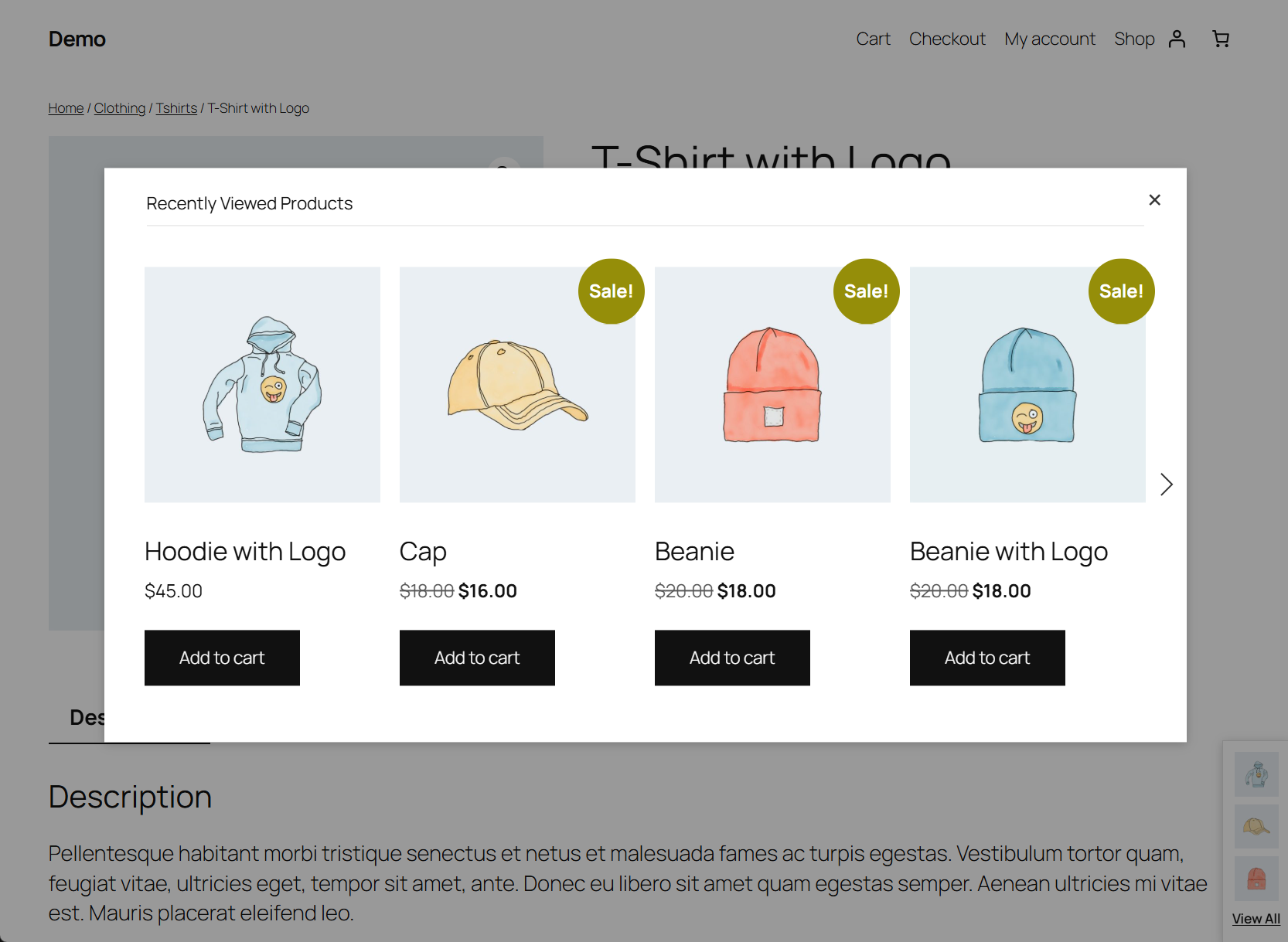
- Full History Modal - "View All" link opens a modal with all recently viewed products in a clean, scrollable slider.
- Slick Slider Integration - Smooth, responsive product carousel in the modal window
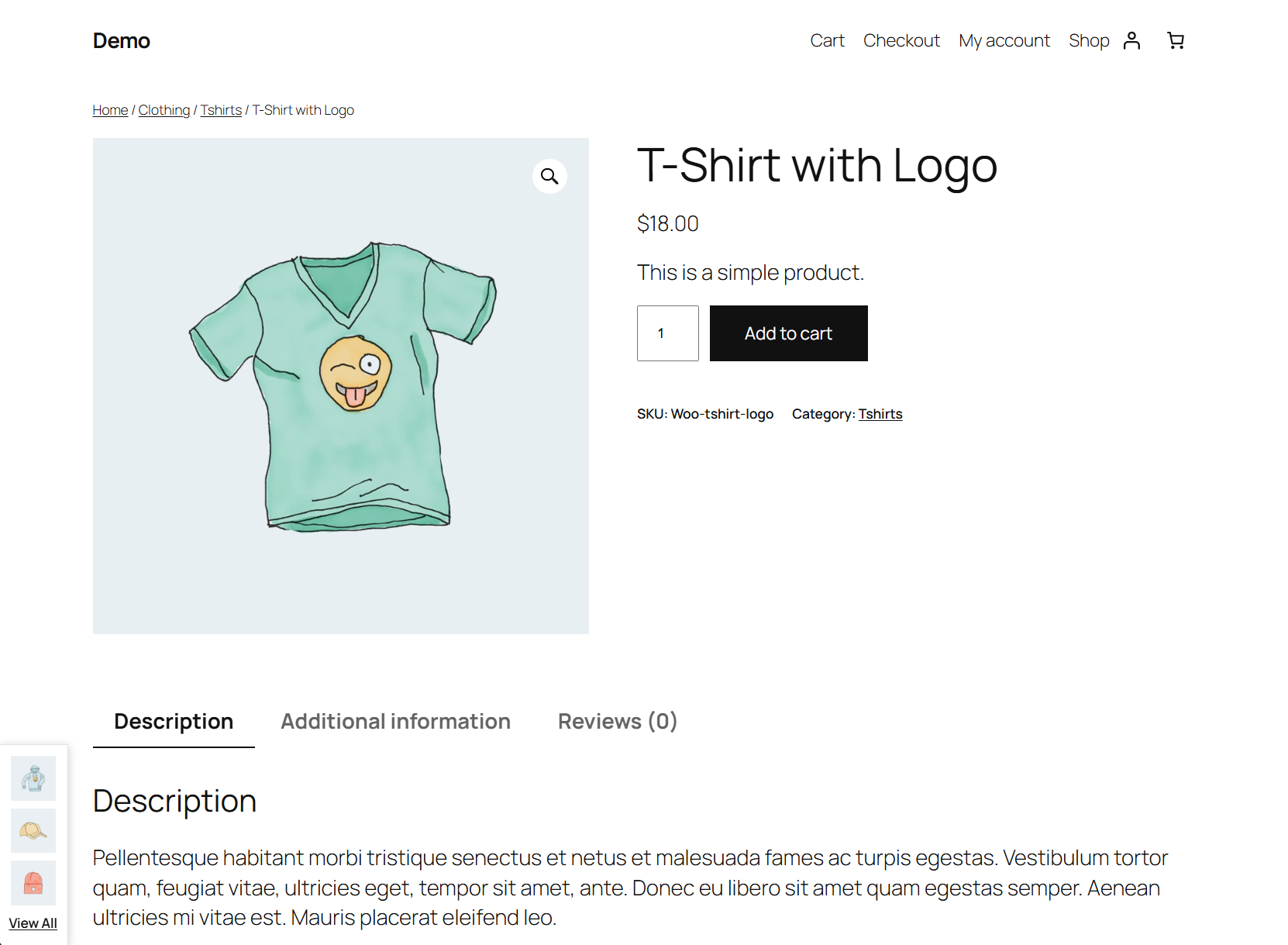
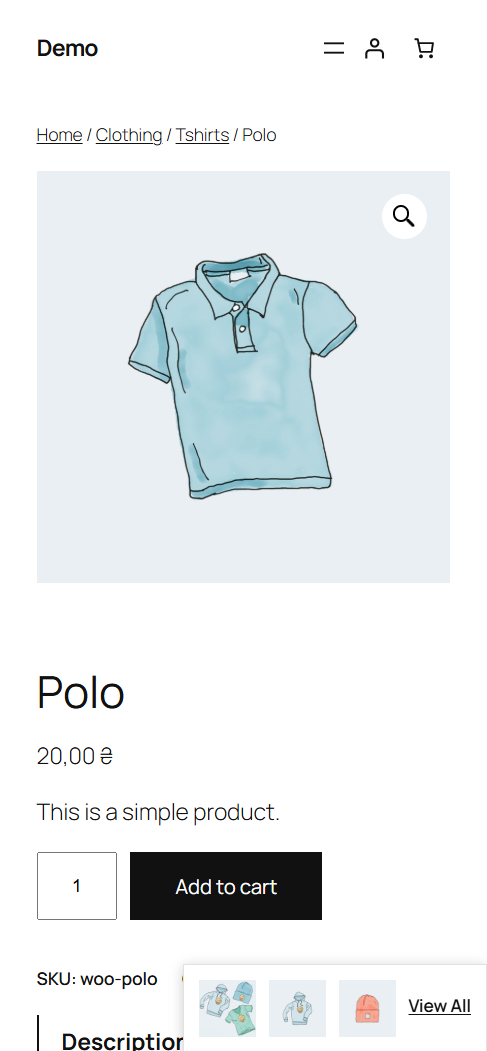
- Fixed Position Popup - Displays few most recent products in a small, elegant popup
- Cookie-Based Persistence - Remembers products for up to 30 days across browser sessions
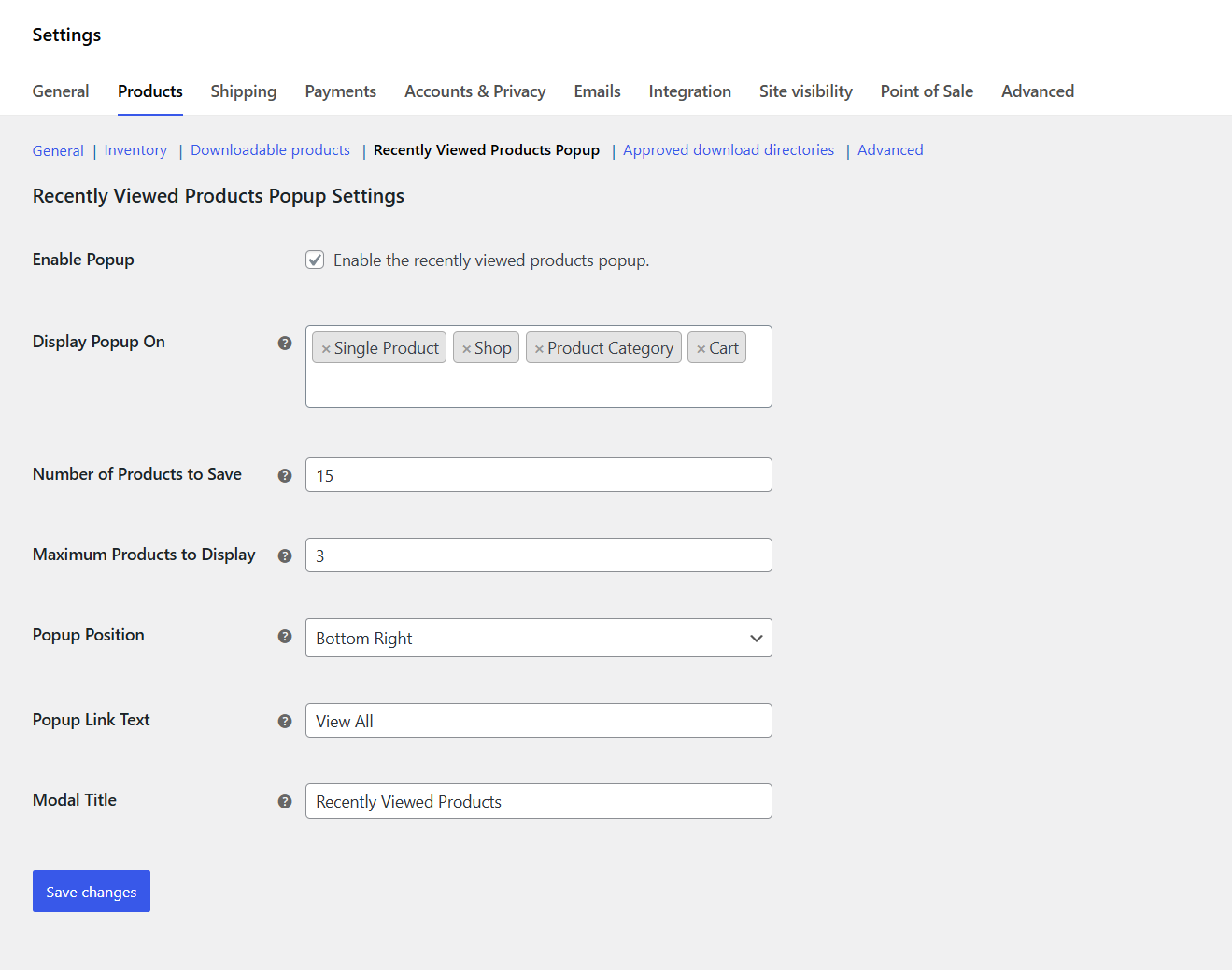
- Flexible Display Options - Choose exactly where to show the popup (product pages, shop, categories, cart)
- Theme Compatible - Uses your theme's existing WooCommerce product styling automatically
- Automatic Tracking - When a customer visits a product page, it's automatically added to their recently viewed list
- Cookie Storage - Products are stored in a cookie that lasts 30 days
- Smart Display - The popup appears only on pages you've selected in settings (product page by default)
- Non-Intrusive Design - Small popup stays out of the way but remains easily accessible
- Modal Experience - Clicking "View All" opens a full modal with slider navigation
安装:
Automatic Installation
- Log in to your WordPress admin dashboard.
- Go to Plugins → Add New.
- Search for "Recently Viewed Products Popup for WooCommerce".
- Click Install Now and then Activate.
- Download the plugin ZIP file from WordPress.org.
- Go to Plugins → Add New → Upload Plugin.
- Select the downloaded ZIP and click Install Now.
- After installation, click Activate Plugin.
Alternatively, you can extract the ZIP file and upload the folder to
/wp-content/plugins/via FTP, then activate it from your dashboard.
屏幕截图:
常见问题:
Can I choose where the popup appears?
Yes. You can enable it on the Single Product page, the Shop page, Product Category pages, and the Cart page.
How many products are shown?
By default, 3 products are displayed in the popup and up to 15 in the modal. Both numbers are configurable in the settings.
Does it work with block-based themes?
Yes, the plugin is compatible with both classic and block-based themes as it uses standard WooCommerce templates.
Does it work with my theme?
Yes! The plugin uses mostly WooCommerce and WordPress standard templates, so it inherits your theme's styling automatically.
更新日志:
1.1.0
- Added "All Pages" display option to show popup on all pages
- Initial release.