
Scroll Indicator
| 开发者 | dhansondesigns |
|---|---|
| 更新时间 | 2026年9月15日 03:08 |
| PHP版本: | 7.4 及以上 |
| WordPress版本: | 7.0 |
| 版权: | GPLv2 or later |
| 版权网址: | 版权信息 |
详情介绍:
Scroll Indicator adds a focused block for landing pages, hero sections, editorial layouts, and long-form content. It gives visitors a clear visual cue that there is more to explore below the fold.
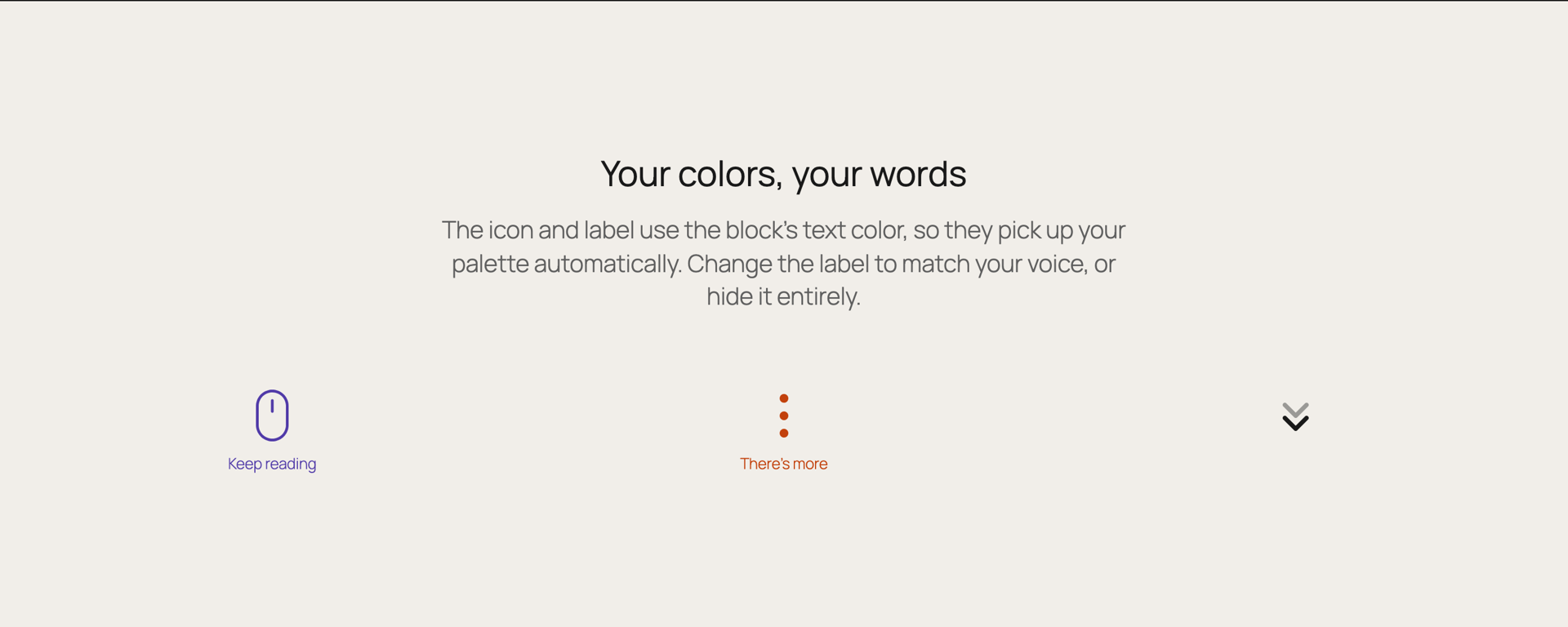
Choose from multiple icon styles, adjust the size, use native WordPress text color controls, add optional helper text, and let visitors click or keyboard-activate the indicator to move smoothly down the page.
The block is intentionally lightweight. Animations are handled with CSS, respect reduced-motion preferences, and the front-end script is limited to click-to-scroll and automatic hide-on-scroll behavior.
Key Features
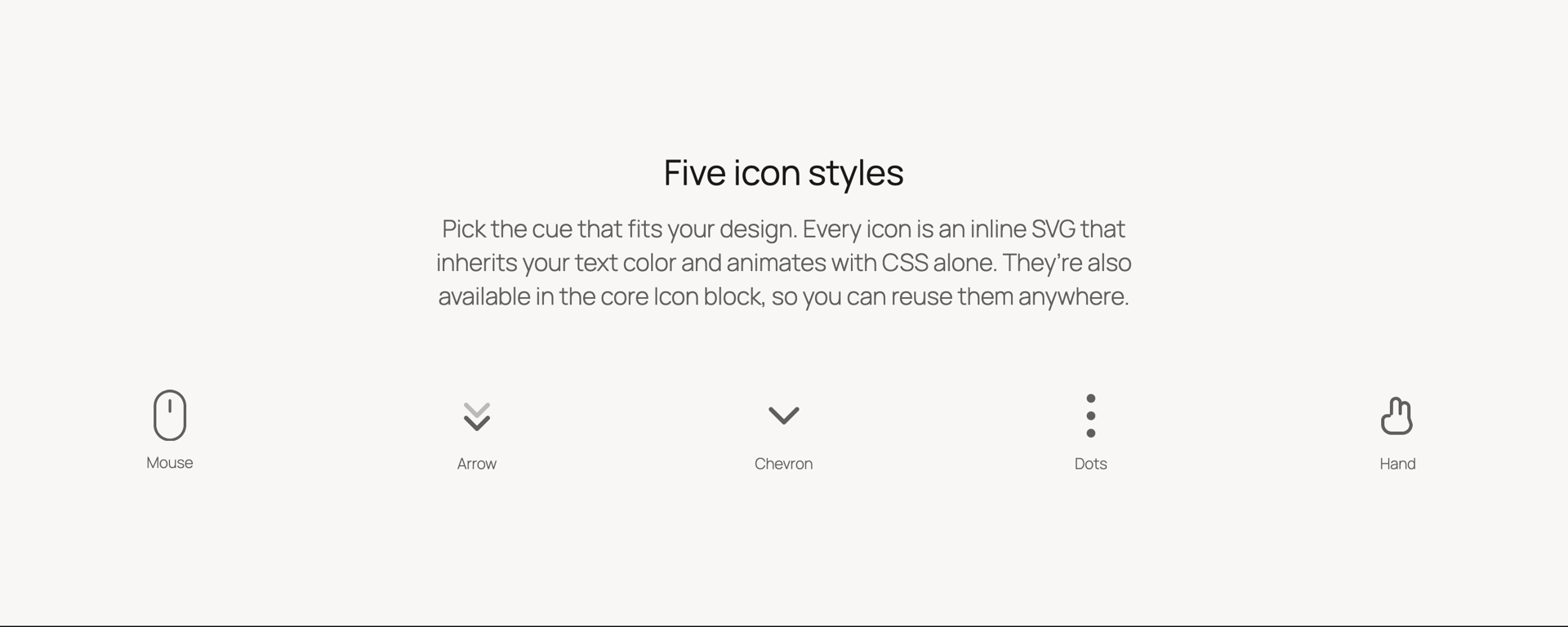
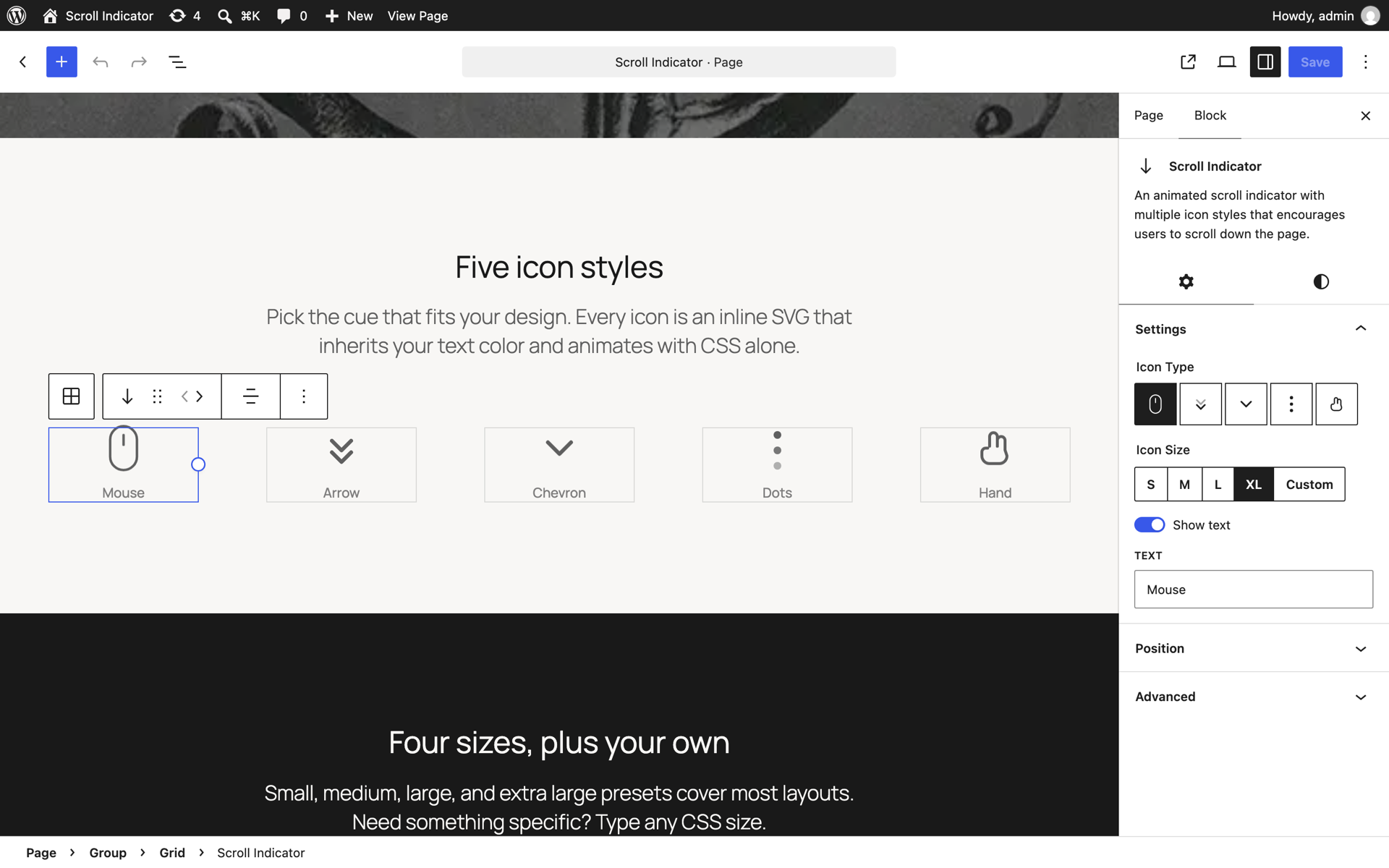
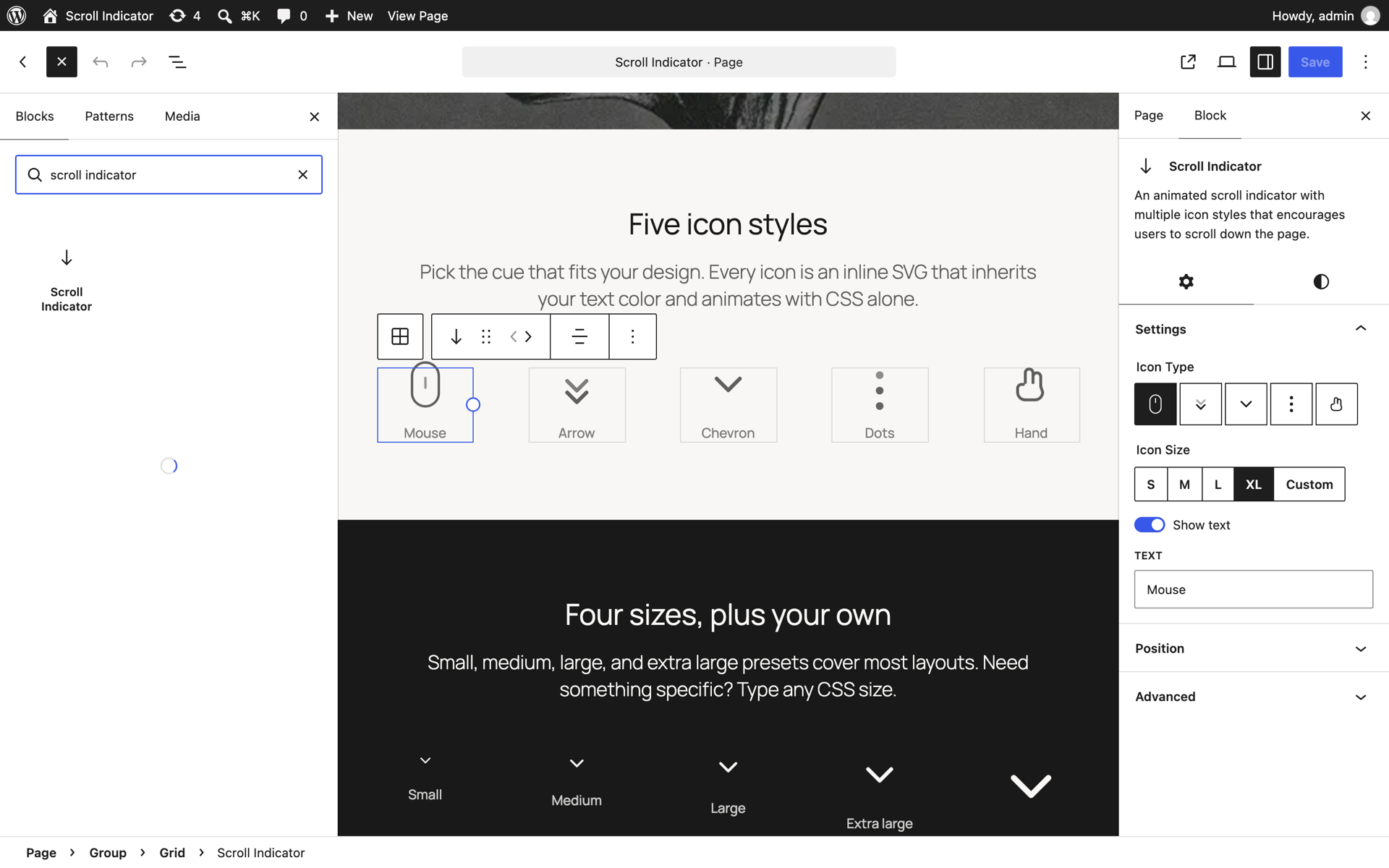
- Five icon styles: mouse, arrow, chevron, dots, and hand.
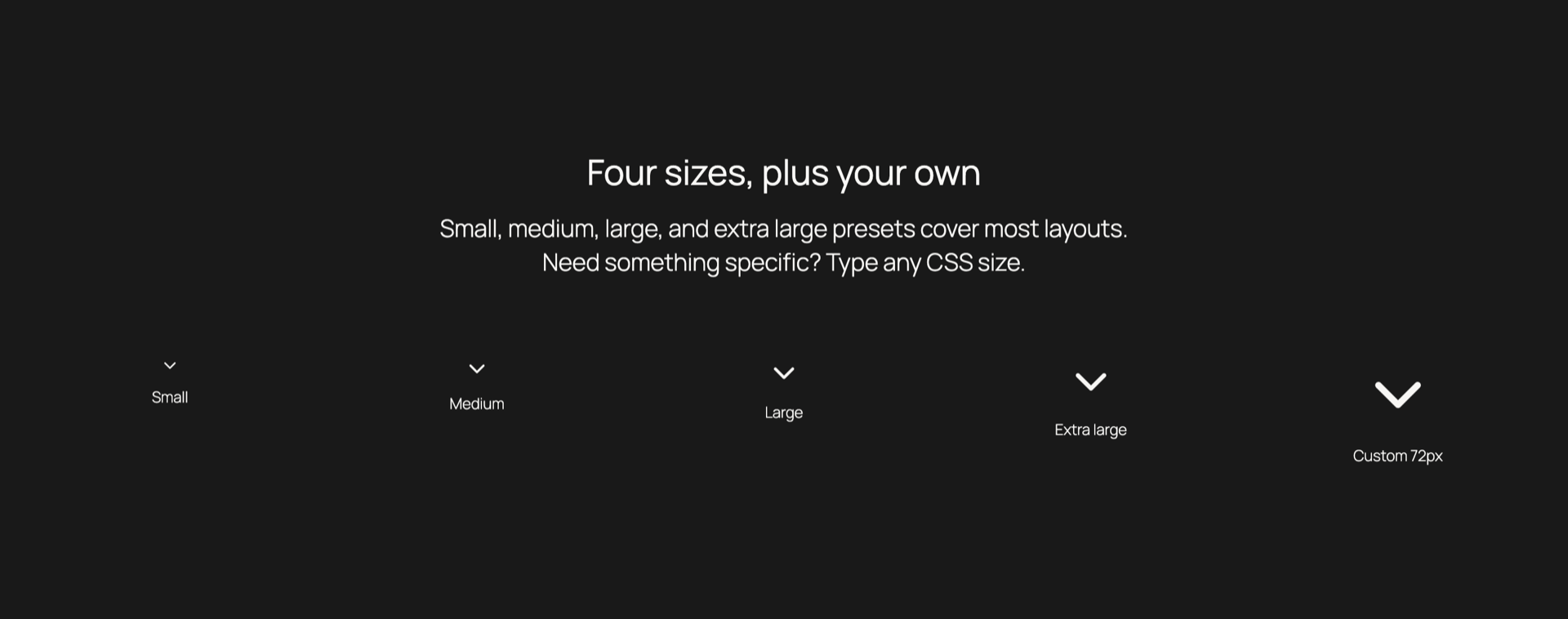
- Preset sizes plus a custom CSS size value.
- Native block editor controls for text color, spacing, typography, and alignment.
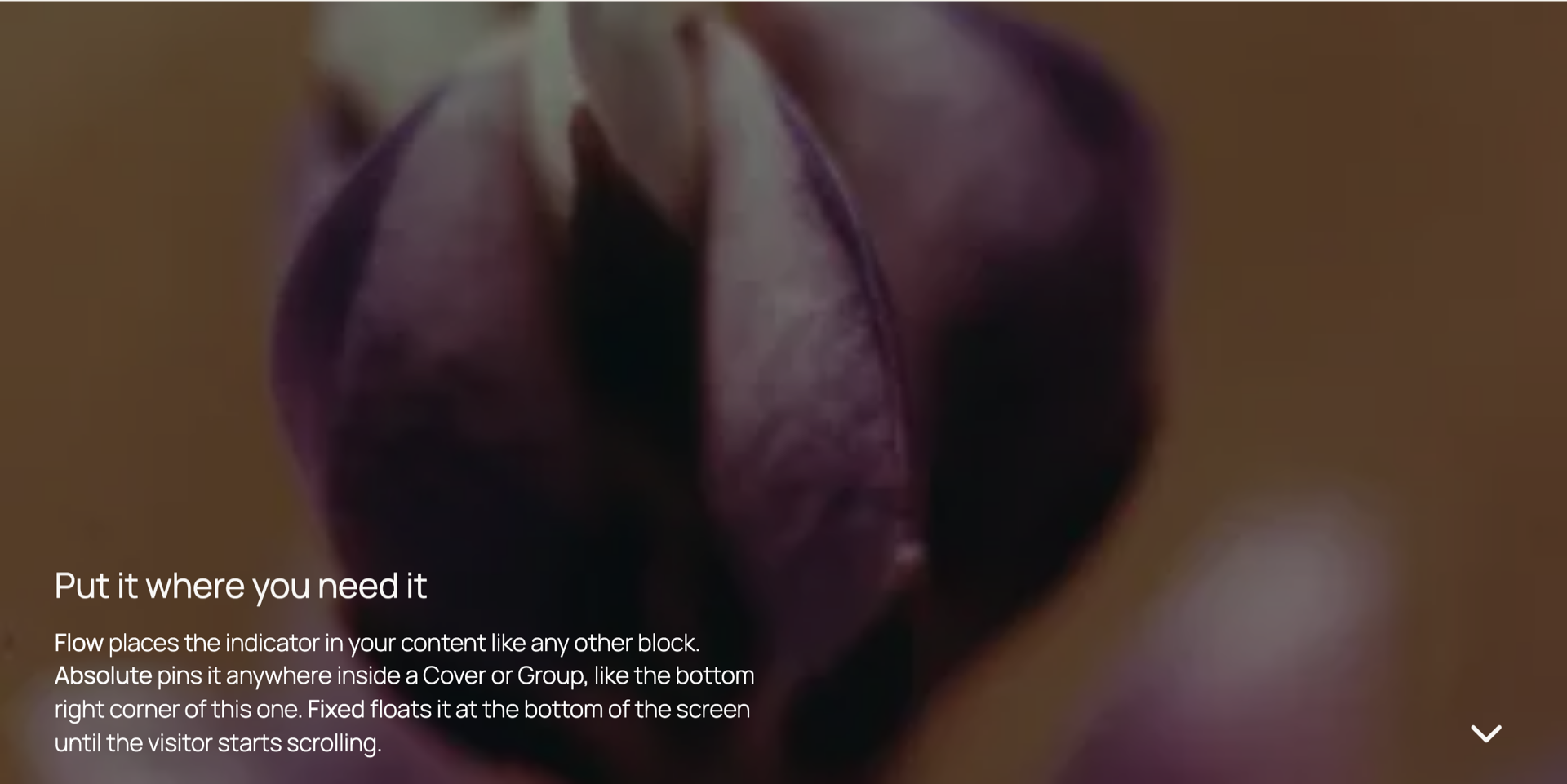
- Fixed screen positioning and draggable absolute positioning for hero-style sections.
- CSS-only animation that respects the visitor's reduced-motion preference.
- Optional text label beneath the icon.
- Automatic hide-on-scroll behavior.
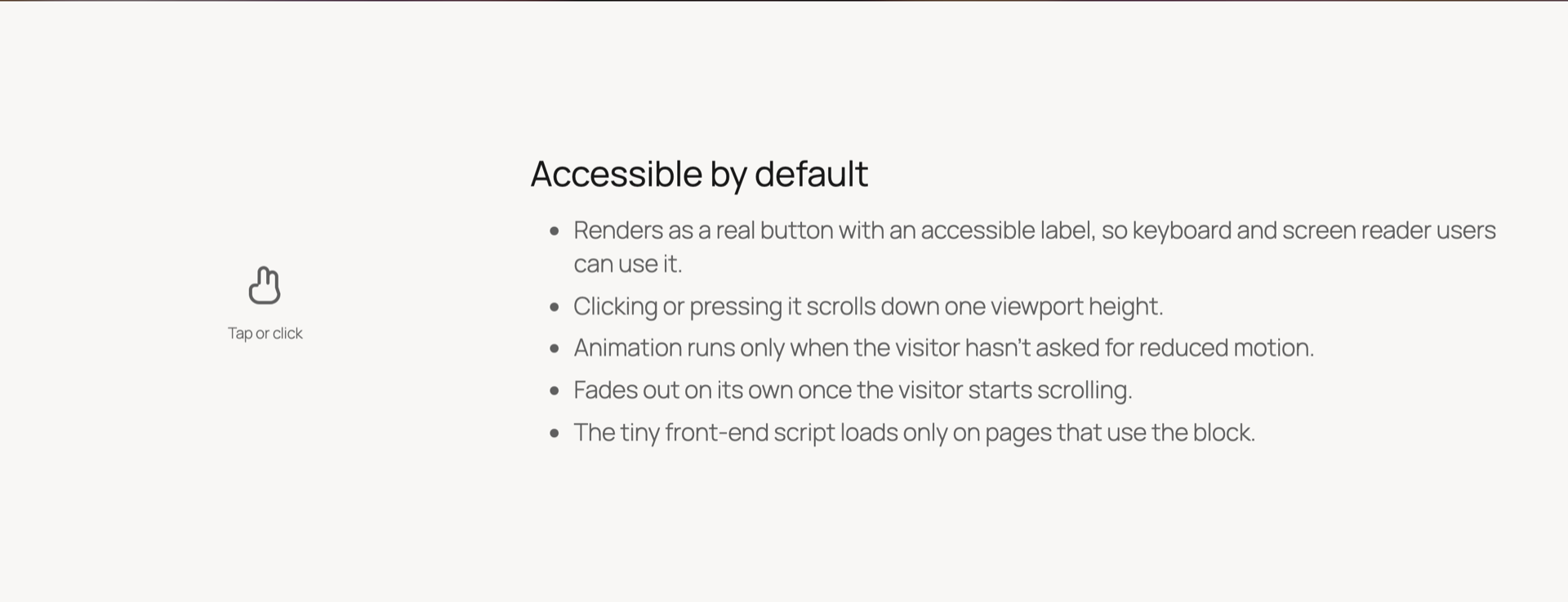
- Keyboard-accessible click-to-scroll interaction.
- No animation libraries or heavy runtime dependencies.
src/.
The generated files in compiled/ are built from src/index.js, src/view.js, and the SCSS files in src/ using @wordpress/scripts. To rebuild them, run:
npm installnpm run build
- Landing page hero sections.
- Editorial introductions.
- Long-form stories and portfolios.
- Product pages where visitors should continue below the fold.
- Any layout that needs a subtle, branded scroll cue.
安装:
- Upload the
scroll-indicatorfolder to the/wp-content/plugins/directory, or install it through the WordPress Plugins screen. - Activate the plugin through the Plugins screen in WordPress.
- Open the block editor and add the Scroll Indicator block.
- Choose an icon style, size, color, and optional label.
屏幕截图:
常见问题:
Does this plugin require a JavaScript animation library?
No. Animations are handled with CSS. The front-end script only powers click-to-scroll and automatic hide-on-scroll behavior.
Can I change the icon color?
Yes. The block uses WordPress core text color support, so colors can be managed through the block editor.
Does it support reduced motion preferences?
Yes. The animated effects only run when the visitor has not requested reduced motion.
Is the indicator keyboard accessible?
Yes. The front-end indicator is saved as a keyboard-focusable button-like control with an accessible label.
Will the block work without JavaScript?
The icon and optional text still render without JavaScript. JavaScript is only needed for click-to-scroll and automatic hide-on-scroll behavior.
更新日志:
1.0.2
- Register the five icons with the WordPress 7.1 Icons API so they can be reused in the core Icon block.
- Add screenshots and a WordPress Playground blueprint with a demo page for the plugin directory's live preview.
- Add the WordPress.org owner username to the contributors list.
- Include and document the human-readable source for compiled JavaScript and CSS.
- Prepare the plugin for WordPress.org submission with packaged compiled assets, cleaner repository hygiene, and improved editor positioning controls.
- Improve accessibility with a real button element, reduced-motion-aware scrolling, and automatic hide-on-scroll behavior.
- Add WordPress 7.0 testing metadata.
- Initial release.