Shakoor Media Cleaner
| 开发者 | shakoorwp |
|---|---|
| 更新时间 | 2026年2月18日 18:05 |
| PHP版本: | 5.0 及以上 |
| WordPress版本: | 6.9 |
| 版权: | GPLv2 or later |
| 版权网址: | 版权信息 |
详情介绍:
https://www.youtube.com/watch?v=OWFmiaxNMM0
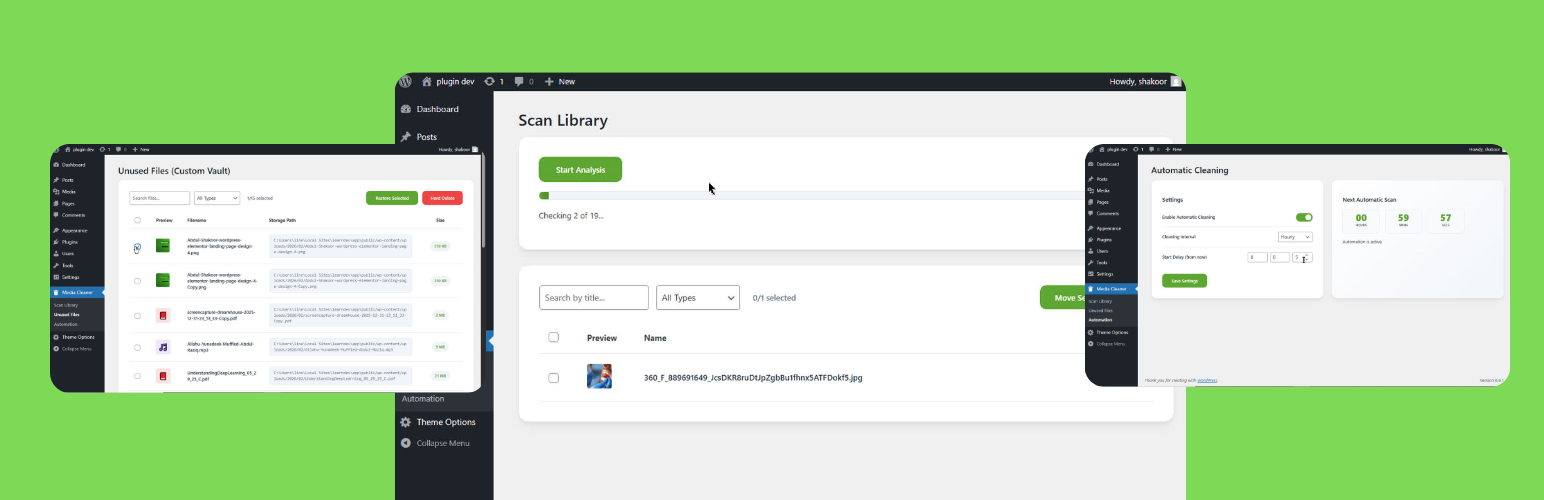
Shakoor Media Cleaner solves the biggest risk of library optimization: accidental deletion. Instead of permanently removing files, this plugin uses a unique Vault System to isolate unused attachments into a custom database table.
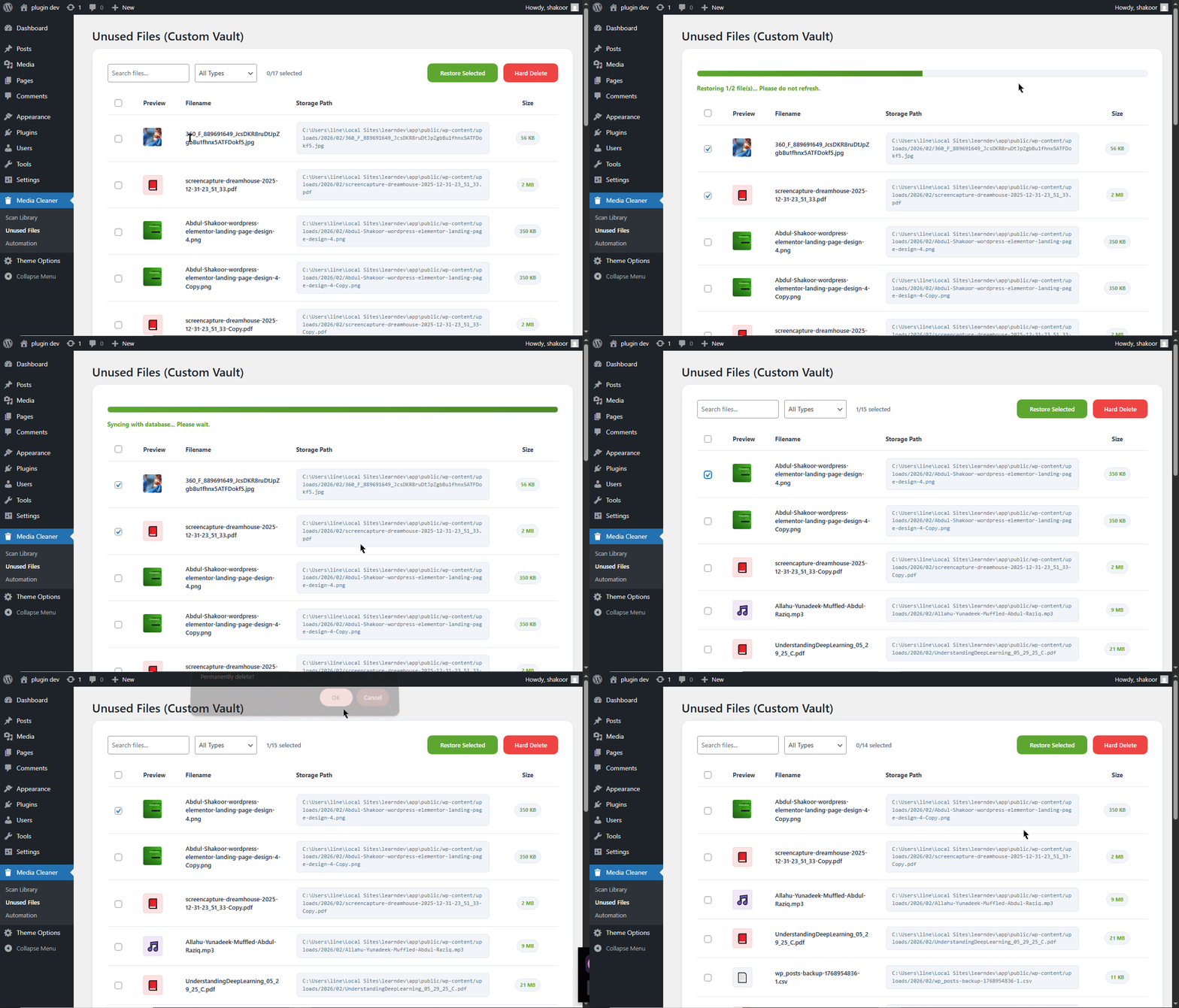
If a file is moved to the vault but you realize you still need it, you can restore it with a single click—no backups required.
Features
- Smart Isolation: Moves unused media to a secure "holding area" (Vault) rather than deleting them from the server.
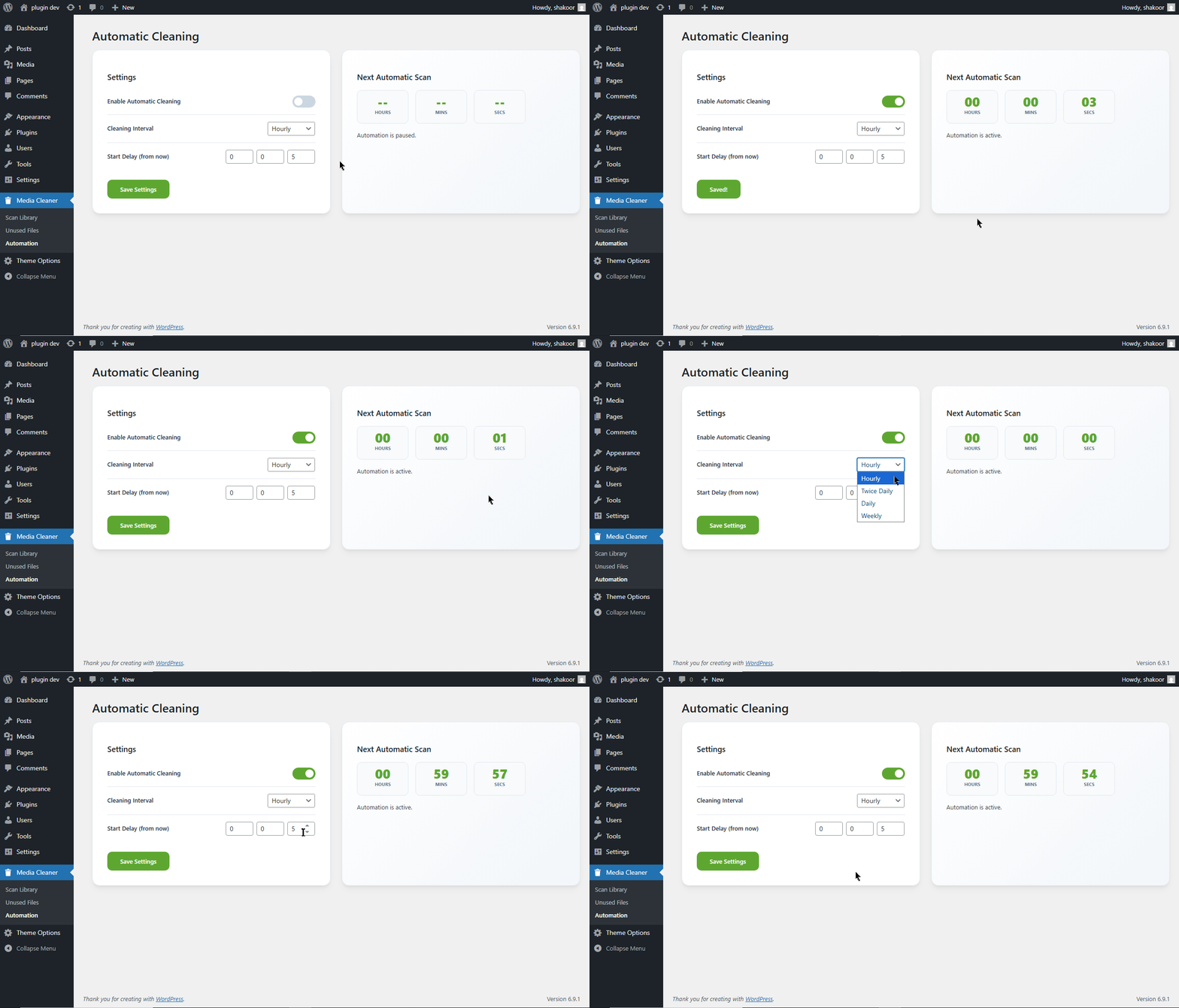
- Full Automation: Built-in engine to schedule library cleanups (Daily, Weekly, etc.).
- Live Countdown Timer: Monitor exactly when the next automated cleaning will occur.
- One-Click Restore: Safely return any isolated file back to the WordPress Media Library with metadata intact.
- Page Builder Compatible: Tested and verified with Elementor v4 and the Gutenberg (Block) editor.
- Hard Delete: Once you are 100% sure, permanently remove files from the Vault to save disk space.
安装:
- Upload the
shakoor-media-cleanerfolder to the/wp-content/plugins/directory. - Activate the plugin through the 'Plugins' menu in WordPress.
- Go to 'Media Cleaner' in your sidebar to start your first analysis.
- Set up your cleaning schedule in the 'Automation' tab.
屏幕截图:
常见问题:
Is this safe for my website?
Yes! Unlike other plugins that delete files immediately, we move them to a "Vault" table first. Your website won't break because the files stay on your server until you choose to "Hard Delete" them.
Does it work with Elementor?
Yes, it has been specifically tested on Elementor v4 to ensure it correctly identifies used images within widgets.
Can I run a cleanup manually?
Absolutely. You can use the "Scan Library" tab at any time to perform a manual check and move files to the Vault.
更新日志:
1.0.0
- Initial release.
- Added Vault isolation logic.
- Added Automation Engine with Live Timer.
- Elementor v4 and Gutenberg compatibility.