Share Login
| 开发者 | ashishkakadiya0002 |
|---|---|
| 更新时间 | 2025年2月10日 22:32 |
| PHP版本: | 7.4 及以上 |
| WordPress版本: | 6.7 |
| 版权: | GPLv2 or later |
| 版权网址: | 版权信息 |
详情介绍:
Share Login enables automatic login synchronization between two WordPress websites. When configured, this plugin allows users who log into your main website to be automatically logged into the secondary (sync) website without requiring a separate login.
Key Features:
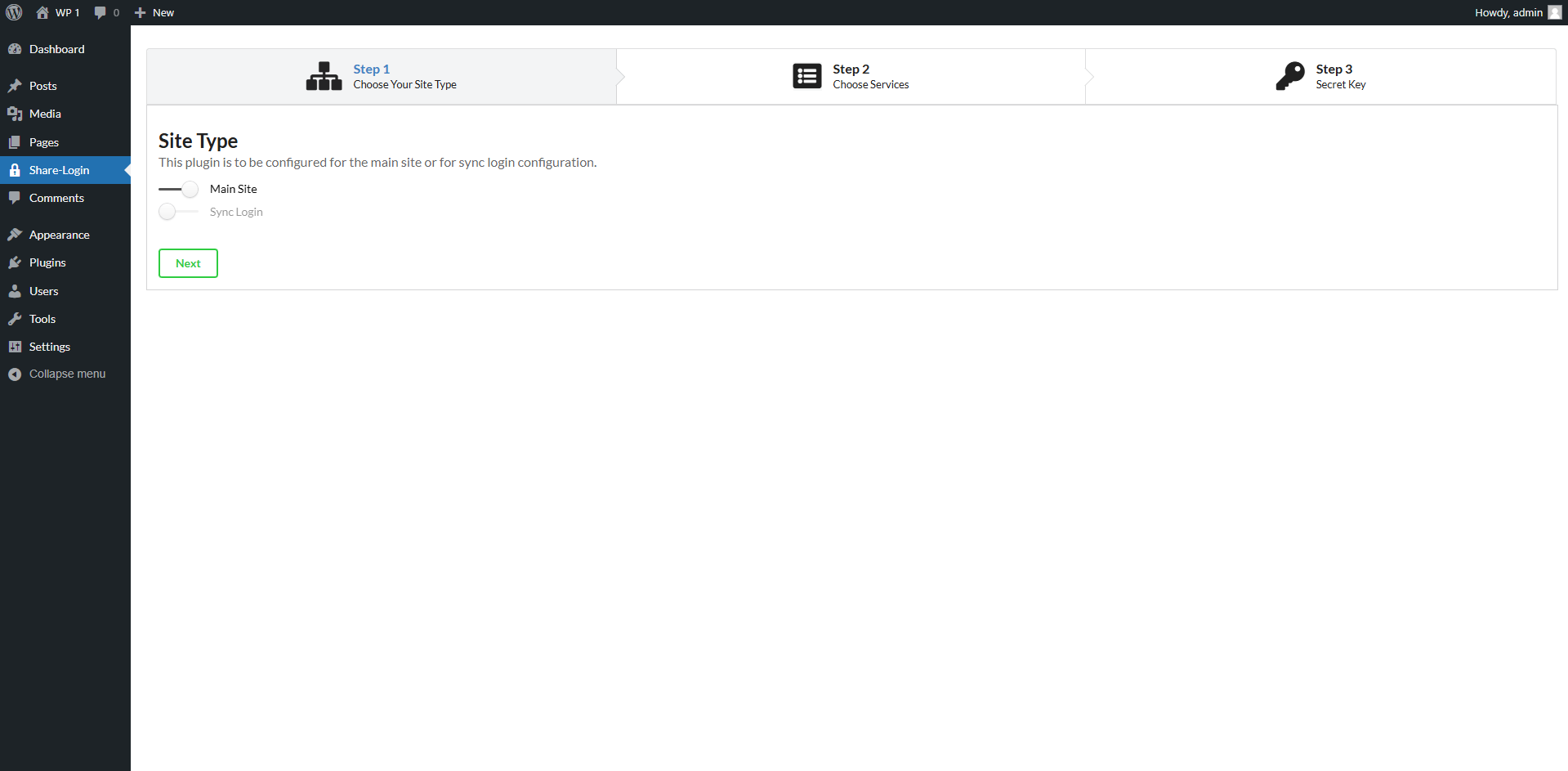
- Configure one WordPress site as the main site and another as the sync site
- Automatic login on the sync site when users log into the main site
- Secure authentication token handling
- Easy to set up and configure
- Works across different domains
- Compatible with WooCommerce and other popular plugins
- Multiple WordPress websites that share the same user base
- Member sites that require access to multiple platforms
- Educational institutions with multiple web properties
- Business websites with separate customer portals
安装:
- Upload the
share-loginfolder to the/wp-content/plugins/directory - Activate the plugin through the 'Plugins' menu in WordPress
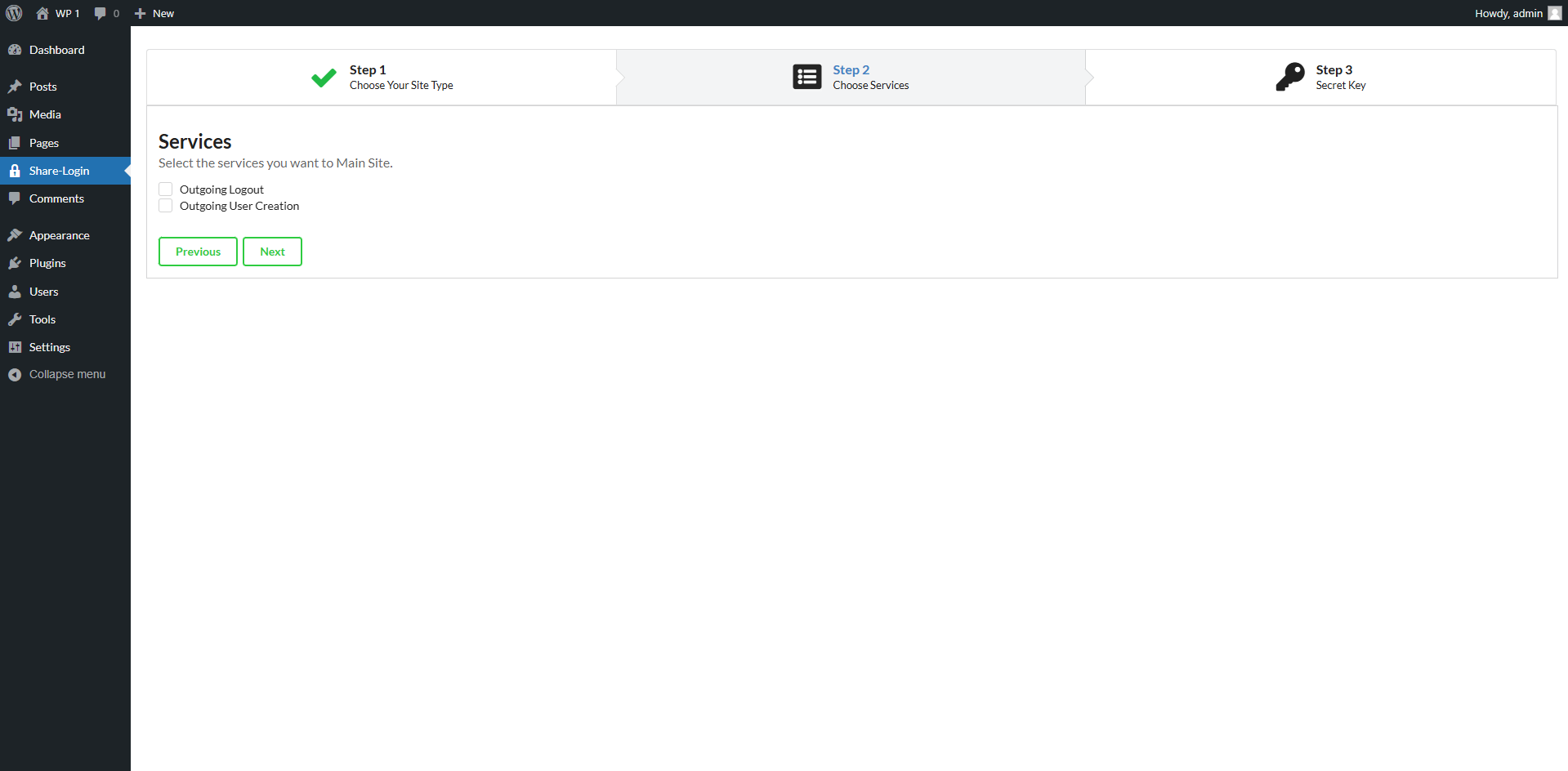
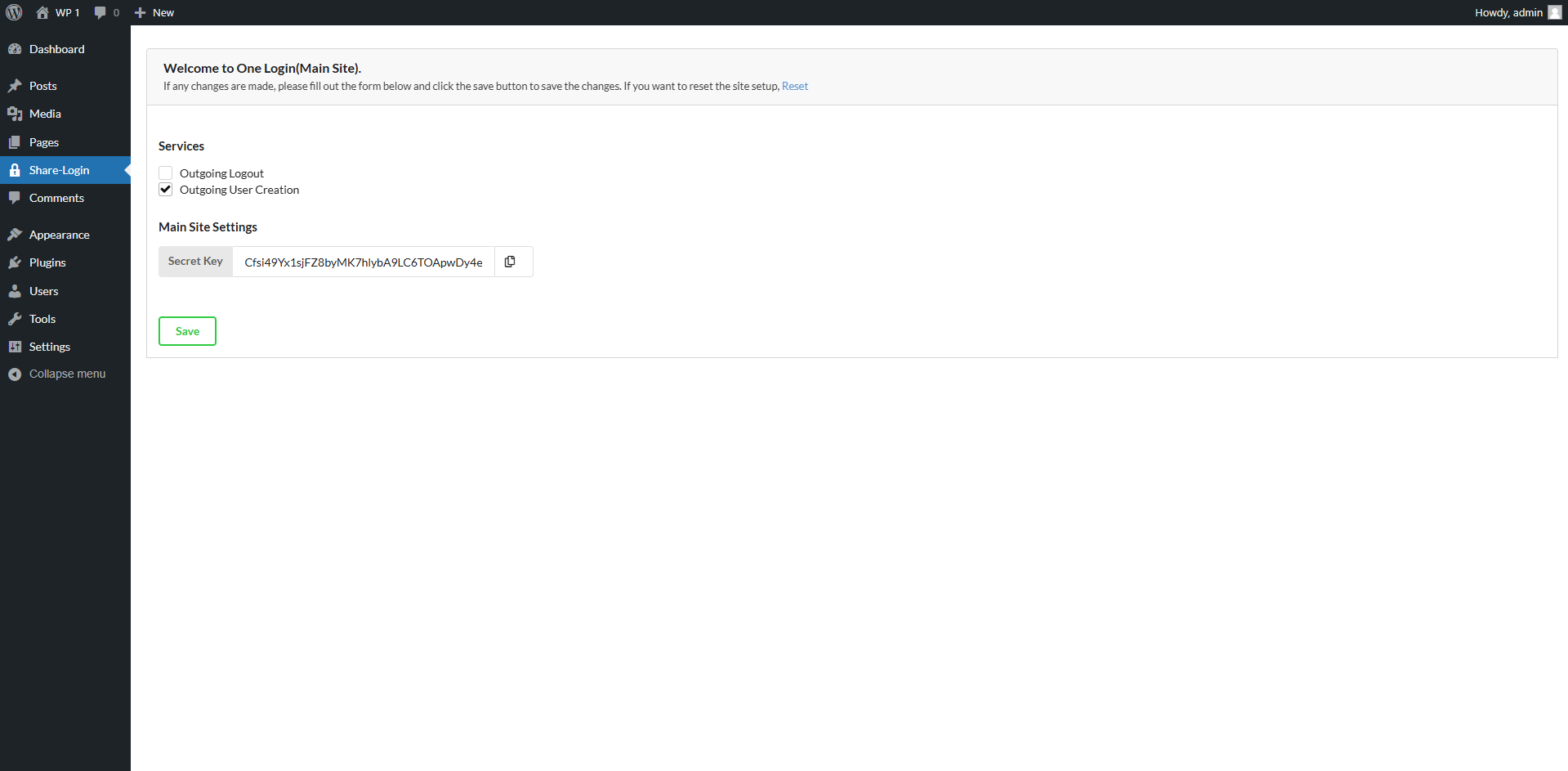
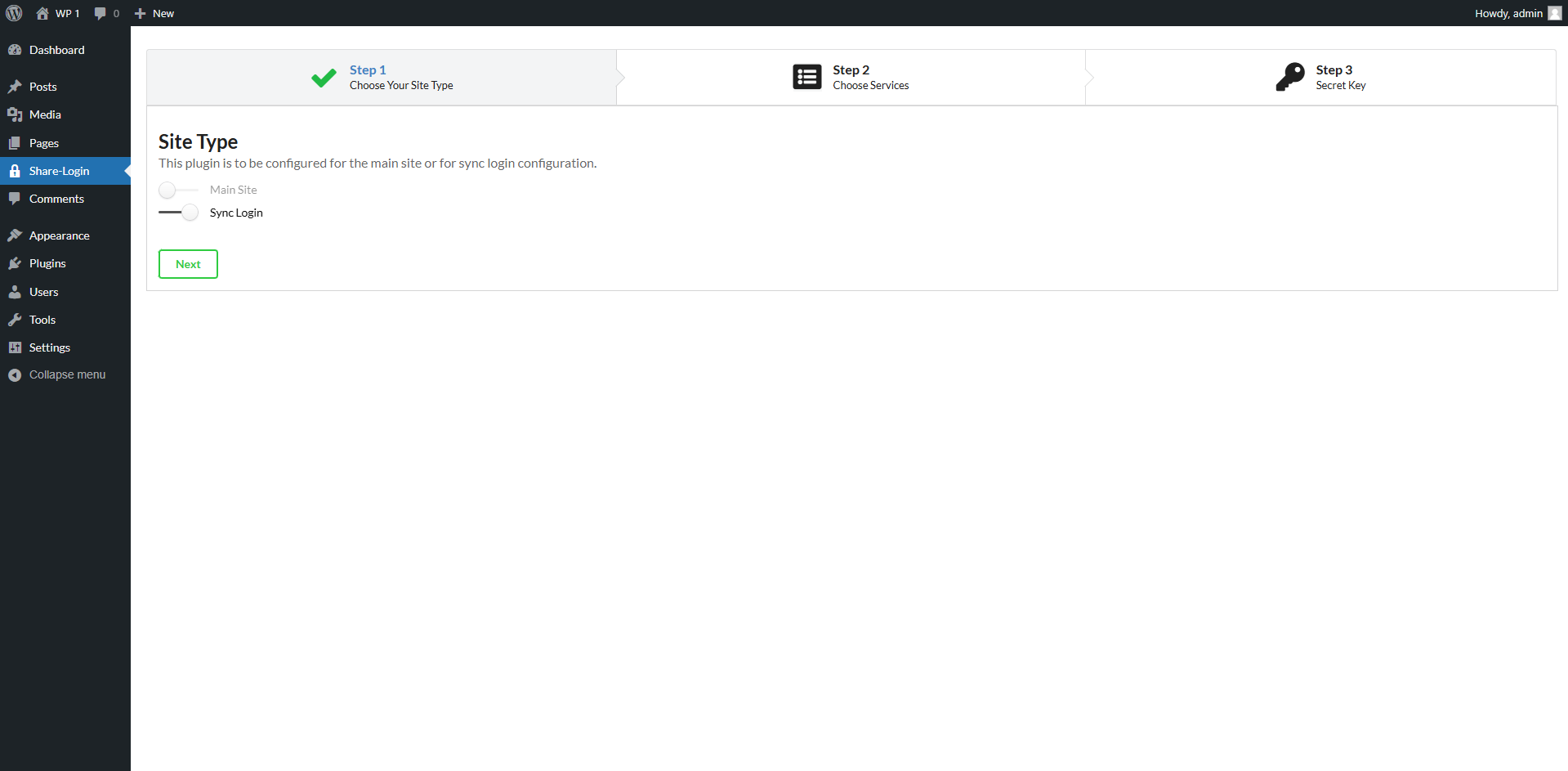
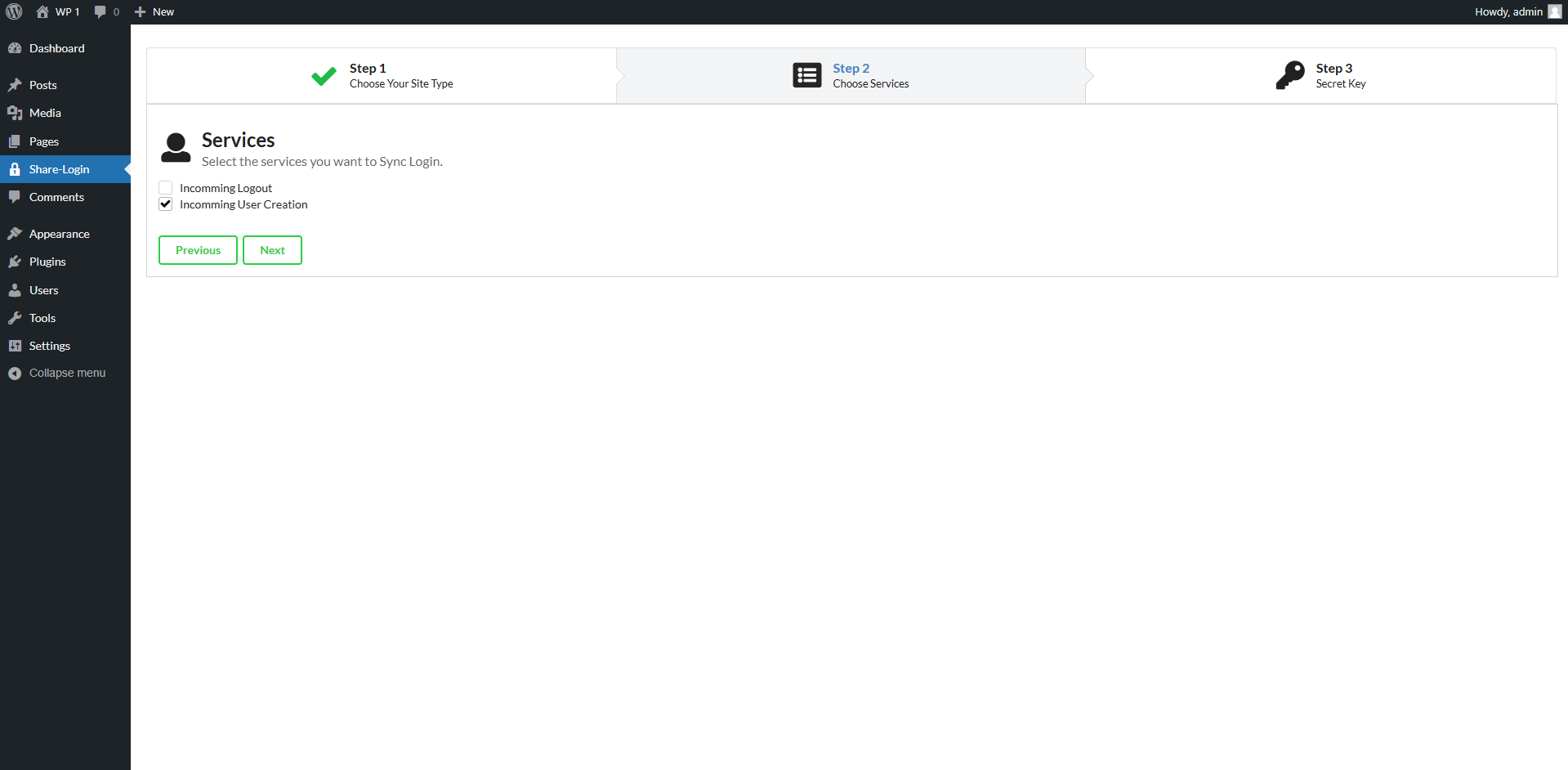
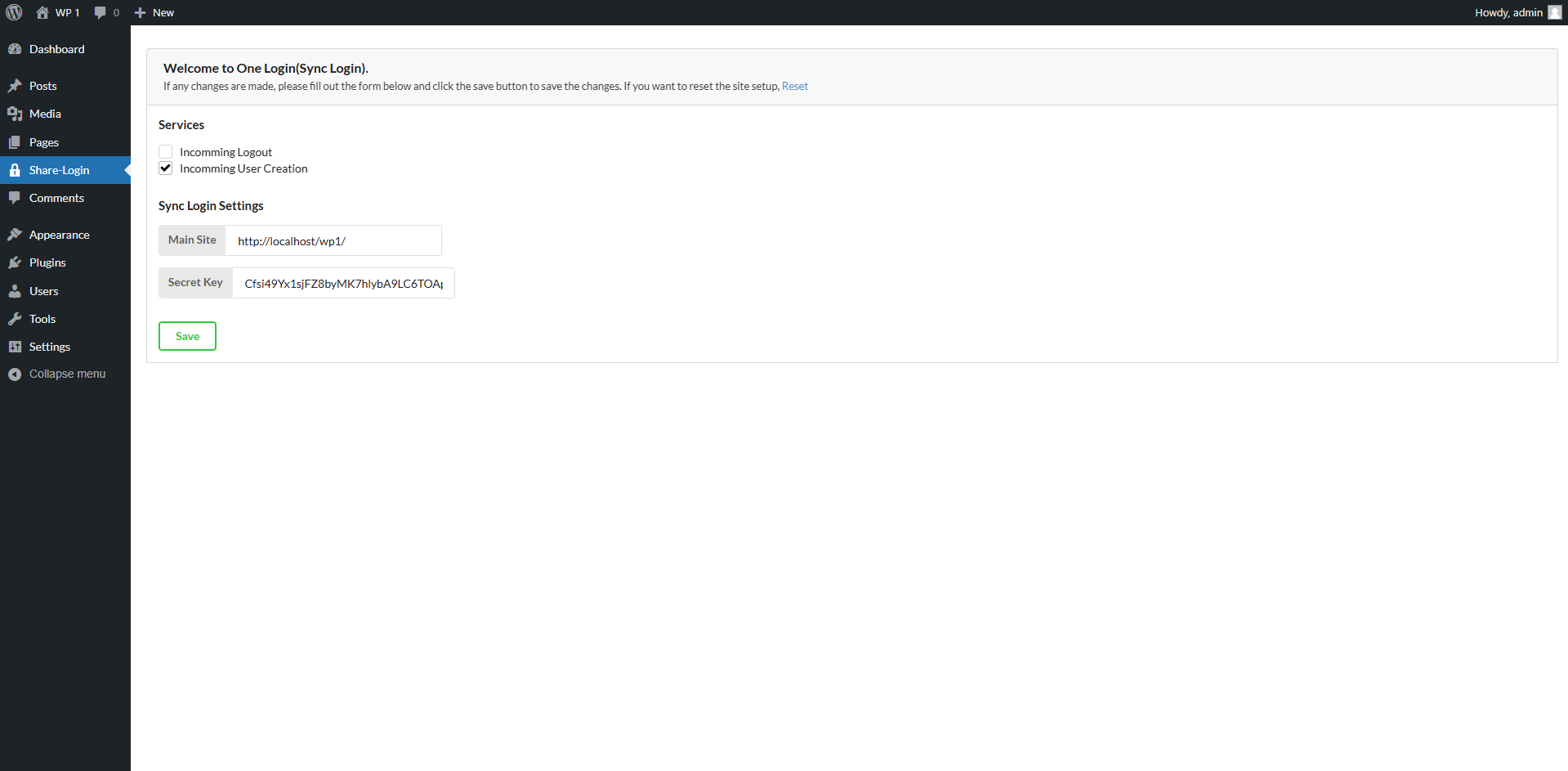
- Go to Settings > Share Login to configure your main and sync sites
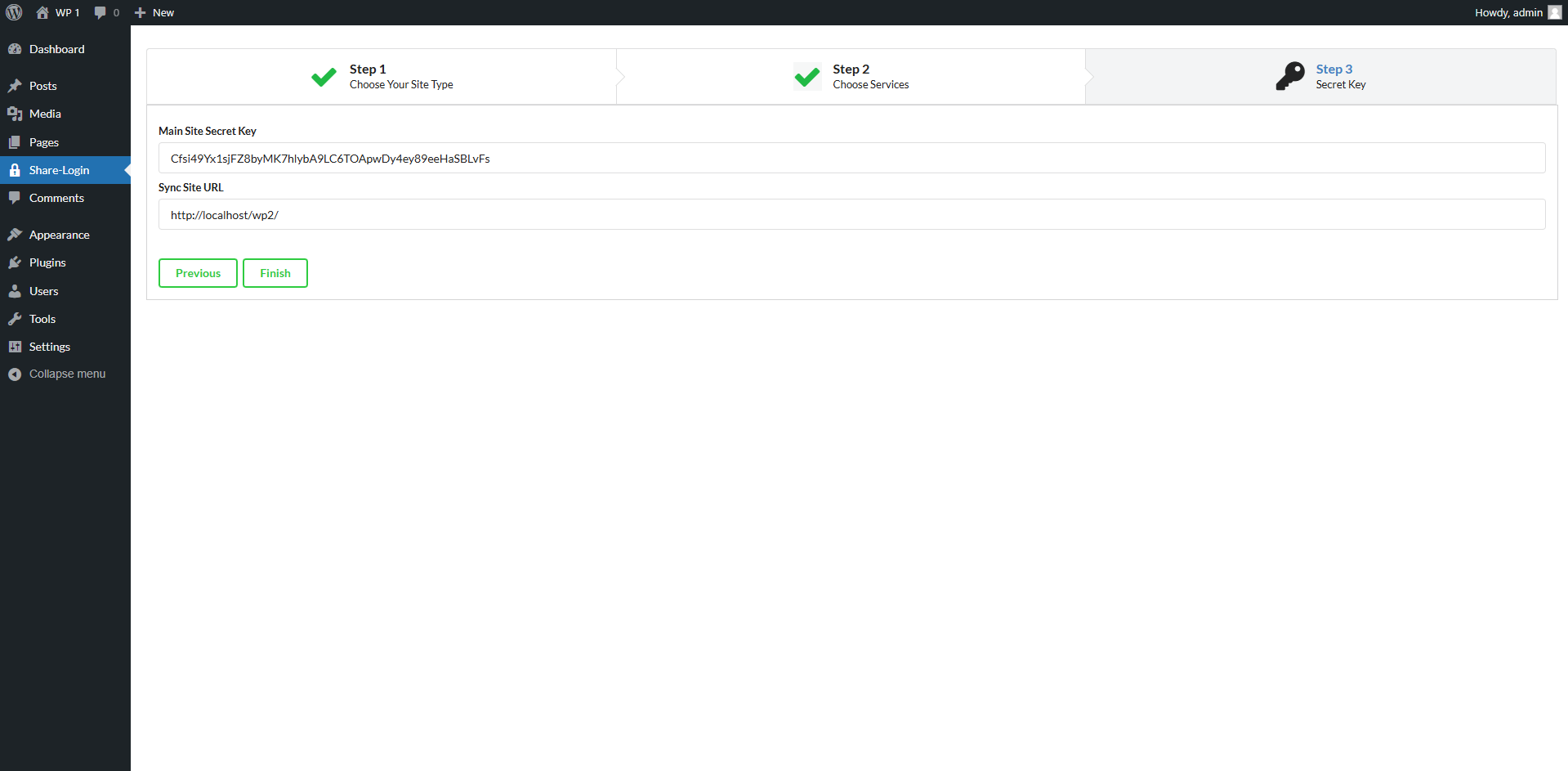
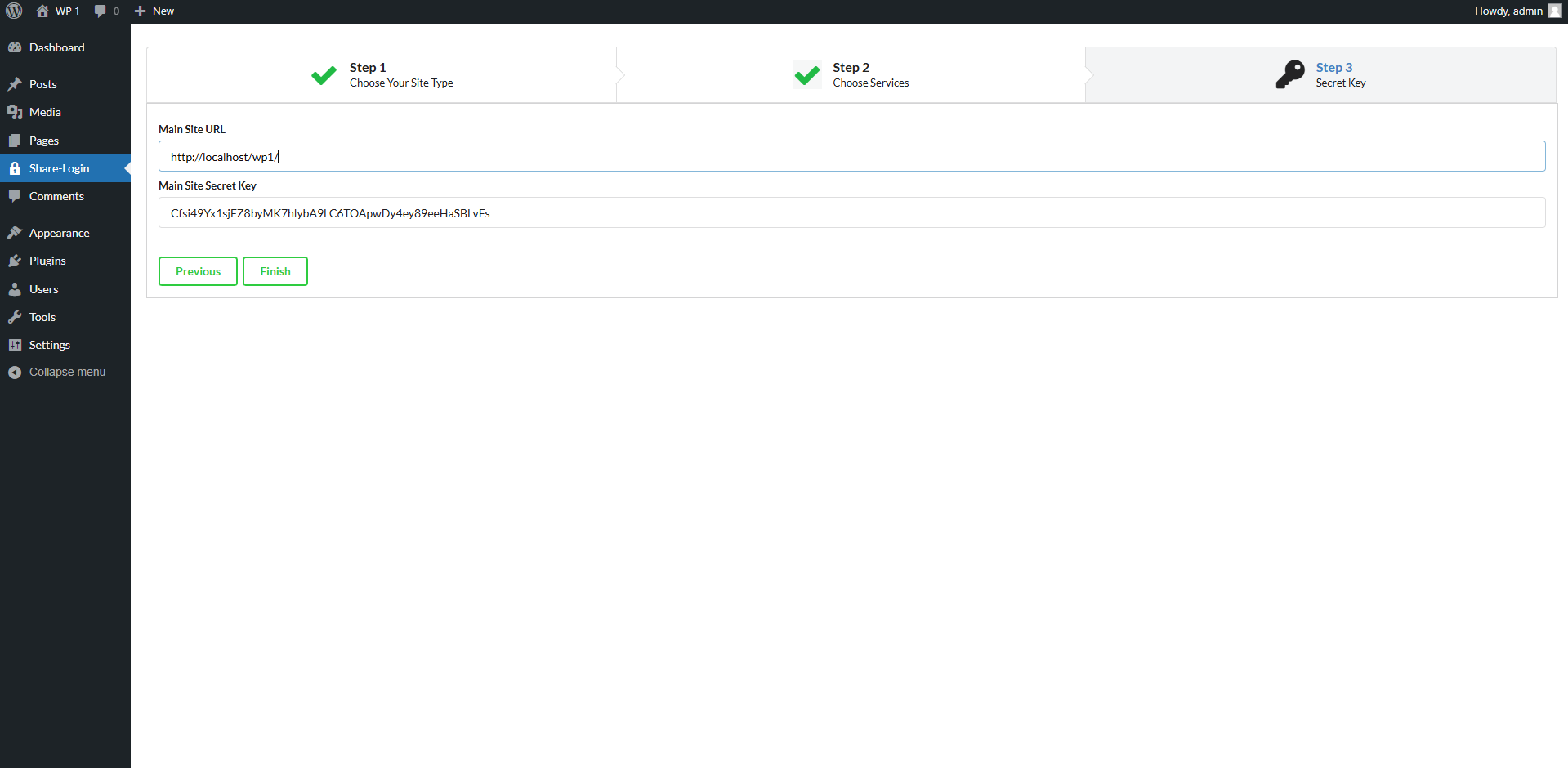
- On the main site, enter the sync site's URL and authentication key
- On the sync site, enter the main site's URL and the same authentication key
- Test the configuration by logging into the main site
屏幕截图:
常见问题:
How does the automatic login work?
When a user logs into the main site, the plugin generates a secure token that is passed to the sync site. The sync site validates this token and automatically logs in the corresponding user.
Is this secure?
Yes, the plugin uses secure authentication tokens and WordPress nonces to ensure the login synchronization process is safe and secure.
Can I use this with more than two sites?
Currently, the plugin supports one main site and one sync site configuration. Future versions may include support for multiple sync sites.
What are the system requirements?
- WordPress 5.0 or higher
- PHP 7.4 or higher
- HTTPS enabled on both sites (recommended for security)
- Cross-origin resource sharing (CORS) enabled
更新日志:
1.0.0
- Initial release
- Main and sync site configuration
- Automatic login synchronization
- Security token handling
- Initial release